p{margin-block-start: 0; margin-block-end: 0}
Infinite Scroll, Precise Control! KY-040 Rotary Encoder with Push Button, Add Smooth Menu Navigation & Speed Adjustment to Your Arduino/ESP32 Projects.
Key Features & Benefits:
360° Infinite Rotation: Unlike potentiometers, it has no physical stops, enabling endless scrolling—perfect for menu navigation and continuous parameter adjustment.
20 Pulses Per Revolution: Generates 20 pulses per 360° turn with direction sensing for bidirectional, precise counting, offering finer control than simple switches.
Integrated Push Button: The shaft itself is a pressable switch (SW pin), allowing “select,” “confirm,” or “reset” functions. Two controls in one, saving I/O pins.
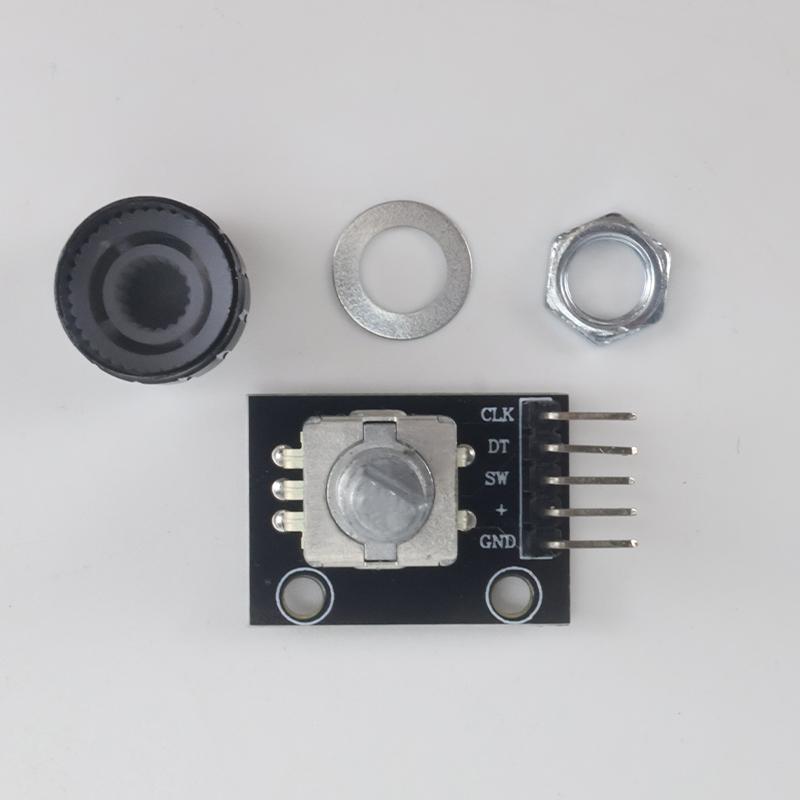
5V Operation, Plug & Play: Operates at 5V, fully compatible with Arduino. Standard 3-pin interface (CLK, DT, SW) makes wiring straightforward.
Long Lifespan & High Reliability: Uses optical/contact encoding, avoiding potentiometer wear, resulting in longer service life and stable performance.
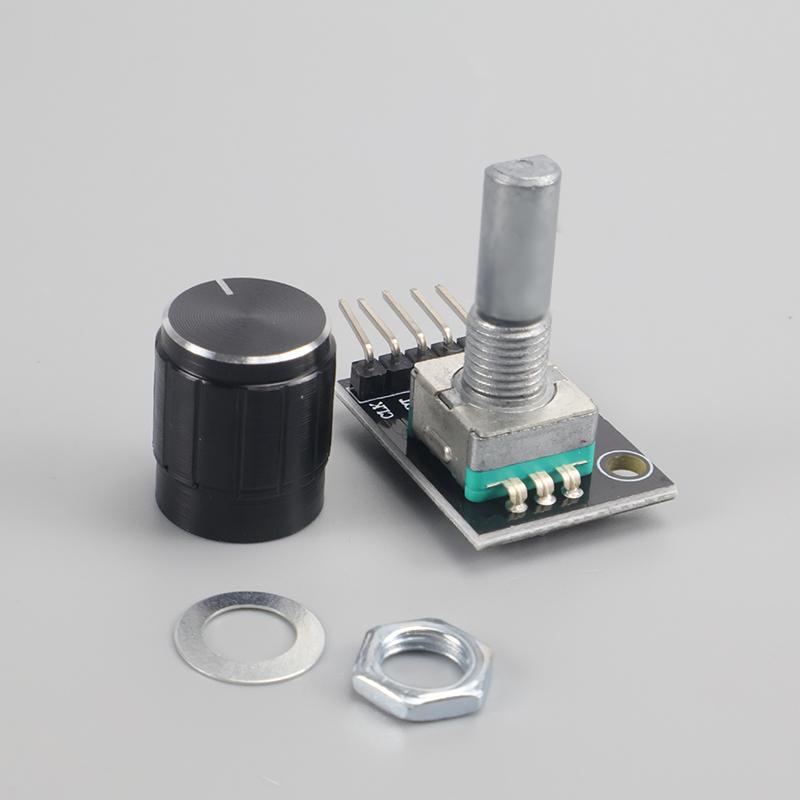
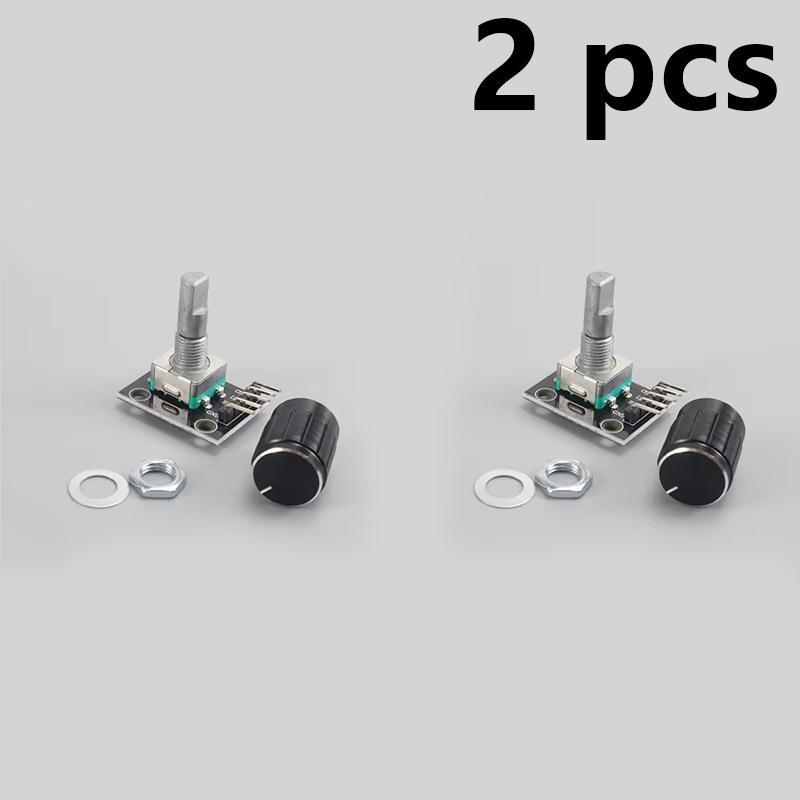
Includes Knob Cap: Comes with a snap-on knob cap for improved tactile feel and a professional look.
Product Description:
Want to give your Arduino project the smooth, infinite-scroll feel of a volume knob or an old radio tuner? The KY-040 rotary encoder module is the answer. It senses both the direction and number of your rotations, plus includes a built-in push button, enabling complex interaction with a single component. Whether you're building a smart thermostat interface, a robot controller, or a music player, it's the ideal choice for intuitive control.
🚨 Critical Notes Before Buying! (Encoder vs. Potentiometer)
❌ 【This is NOT a Potentiometer!】
Important Clarification: This is a DIGITAL Rotary Encoder, NOT an Analog Potentiometer! It outputs pulse signals for counting and direction detection. It CANNOT output a continuous analog voltage. If you need a variable resistor for voltage division, please purchase a potentiometer module.
✅ 【How It Works & Correct Usage】
Output Signals: It outputs two square waves with a 90° phase difference via the CLK (Clock) and DT (Data) pins. Your code detects the phase relationship to determine rotation direction and counts pulses to know how many steps were turned.
* Button Function: The SW pin connects to GND (goes LOW) when the knob is pressed.
* Programming REQUIRED: You MUST write code (using Arduino's attachInterrupt or polling) to read changes on CLK and DT. It will NOT work by simply connecting to an analog pin like a potentiometer.
⚠️ 【Common Issues & Hardware Connection】
Contact Bounce: Mechanical encoders have switch bounce. Strongly recommended to implement software debouncing (e.g., delay a few milliseconds after detecting a change).
* Wiring Guide: Connect module + to 5V, GND to ground, CLK and DT to digital input pins, SW to another digital input pin (usually with internal pull-up enabled).
* Library Support: Ready-made libraries (like the Encoder library) in Arduino IDE can greatly simplify coding.
Specifications:
Model: KY-040
Operating Voltage: 5V DC
Pulses Per Revolution: 20 PPR
Rotation: 360° Infinite
Switch Type: Push-button
Interface Pins: CLK, DT, SW, +, GND
Module Size: Approx. 31mm x 19mm x 29mm
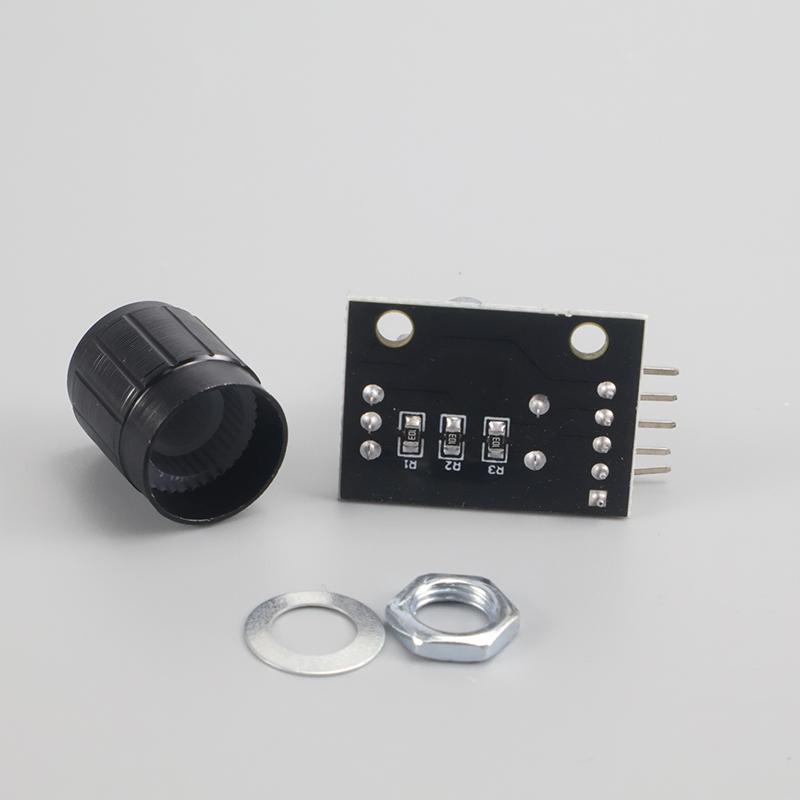
Includes: 1x Encoder Module, 1x Knob Cap
Package Includes:
1 × KY-040 Rotary Encoder Module
1 × Knob Cap
Brand Name: NONE
High-concerned chemical: None
Condition: New
Type: Voltage Regulator
Choice: yes





 Возврат по недоставке