Semi-finishedproduct : No
High-concerned chemical : none
Electronic : No
Size : As Description
Model Number : Amplifier Board Module
DIY Supplies : Electrical
Brand Name : Aideepen
Origin : Mainland China
Style : As Description
Certification : NONE
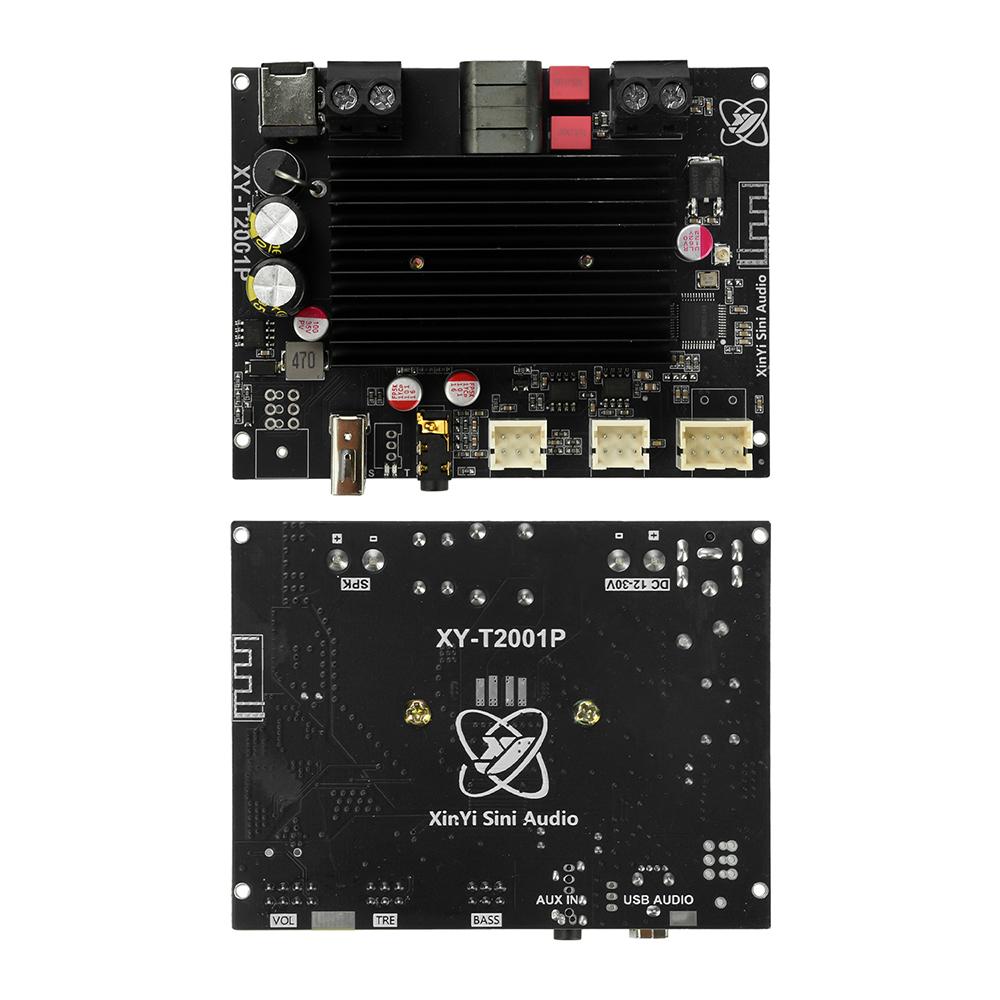
DC 12-30V XY-T2001P 200W TWS Bluetooth-Compatible Amplifier Board Module TPA3221 Chip Support APP Controlle
Features:
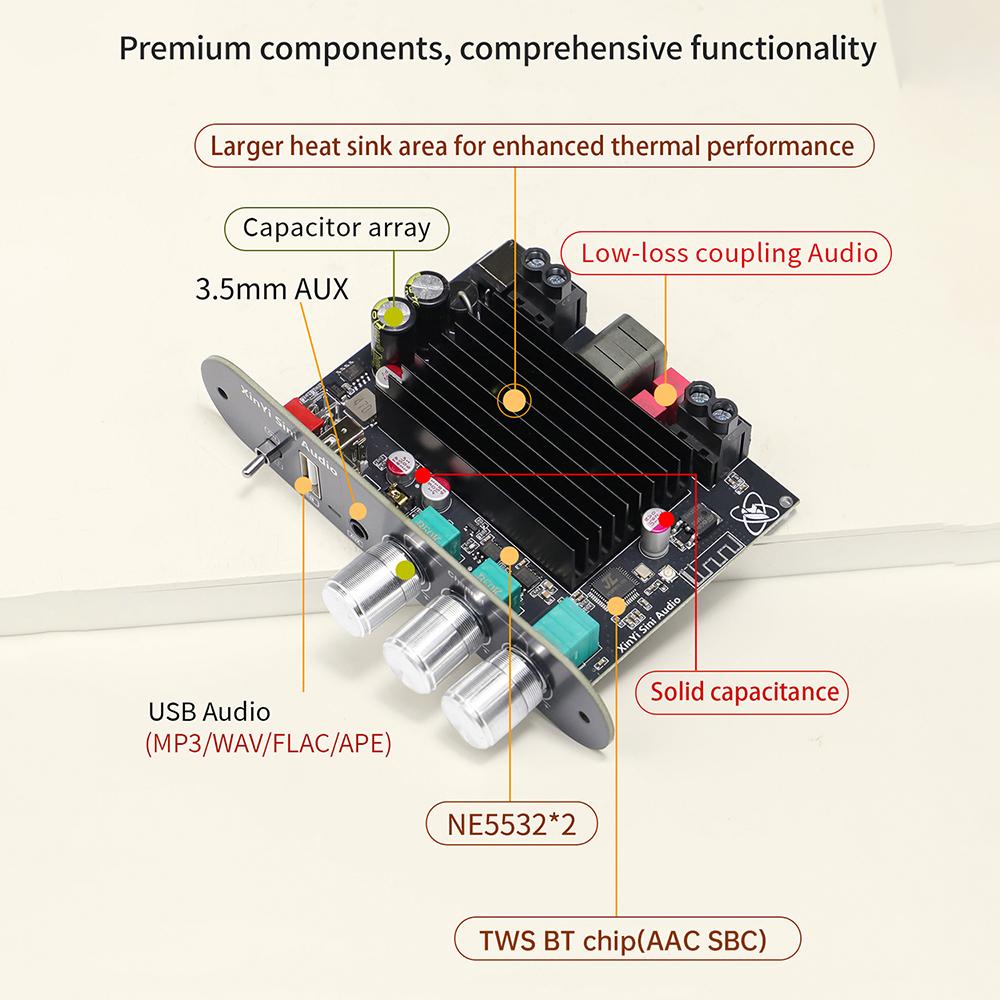
1. Supports TWS (True Wireless Stereo) pairing for a stereo system.
2. Uses original imported TPA3221 chip for high-fidelity amplification.
3. Multiple audio input methods: Bluetooth/AUX/USB compatible.
4. Independent bass and treble adjustment for clear, layered sound quality.
5. Suitable for home theaters, outdoor performances, and other scenarios.
Product Parameters:
Product Name: TWS Bluetooth Digital Audio Amplifier Board
Product Model: XY-T2001P
Power Supply: DC12-30V/3A
Audio Input: Bluetooth/AUX/USB
Bluetooth Audio Decoding: SBC/AAC
USB Lossless Decoding: WAV/FLAC/APE/MP3
Power Supply and Output Power:
①12V:
Output Power: 4Ω@20W; 8Ω@10W
②24V:
Output Power: 4Ω@70W; 8Ω@35W
③30V:
Output Power: 8Ω@35W; 4Ω@100W; 2Ω@200W
TWS Pairing Instructions:
TWS Pairing Connection:
1. Power on both amplifier boards; the blue indicator light will flash rapidly (do not pair with your phone's Bluetooth/do not connect AUX/do not insert a USB drive).
2. Quickly press the volume knob on one of the amplifier boards four times. The TWS red indicator light will start flashing rapidly (the other board will maintain a rapidly flashing blue indicator light).
3. Wait for the TWS red indicator light to change from rapidly flashing to solid (master unit), and the other blue indicator light to turn off and the red indicator light to start flashing slowly (slave unit). This indicates that TWS pairing is successful; if the red indicator light turns off, the connection failed, and you can press the volume knob four times again to attempt TWS connection.
4. After successful TWS connection, open your phone's Bluetooth, search for "XinYi" and connect, then play music on your phone; or insert an AUX cable or USB drive to play music.
Canceling TWS Pairing:
During the TWS pairing process, quickly press the volume knob on either amplifier board four times to exit TWS pairing mode. Note:
1. When using the TWS pairing function, you must first connect the TWS speakers before pairing them with your mobile phone via Bluetooth.
2. The TWS pairing function has a memory mode; the TWS speakers will automatically connect the next time they are powered on.
Product List:
1 x Amplifier Board
1 x Screwdriver
label:yes



 Возврат по недоставке