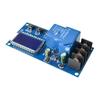
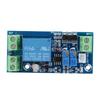
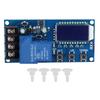
Charging Current : 20A
Usage Scenario : Power BMS
Certification : CE
Balance Function : Passive Balanced BMS
Handware or Smart : SMART BMS
Charge and Discharge Port : Common Port BMS
Type : LI-ION Battery BMS
Origin : Mainland China
Brand Name : occkic
Function : Over Discharge Protection,Overcharge Protection,Overcurrent Protection,Short Circuit Protection
Module features:
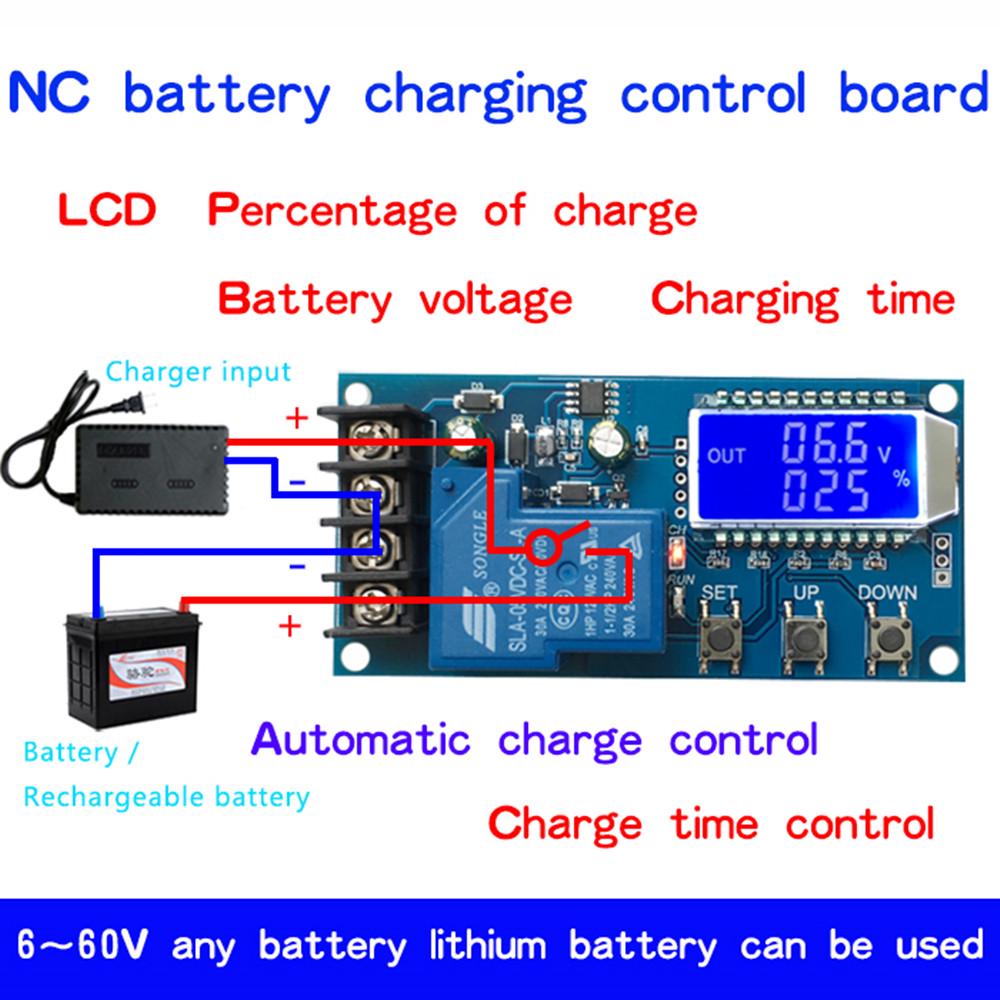
1.6-60V any battery, lithium battery can be used;
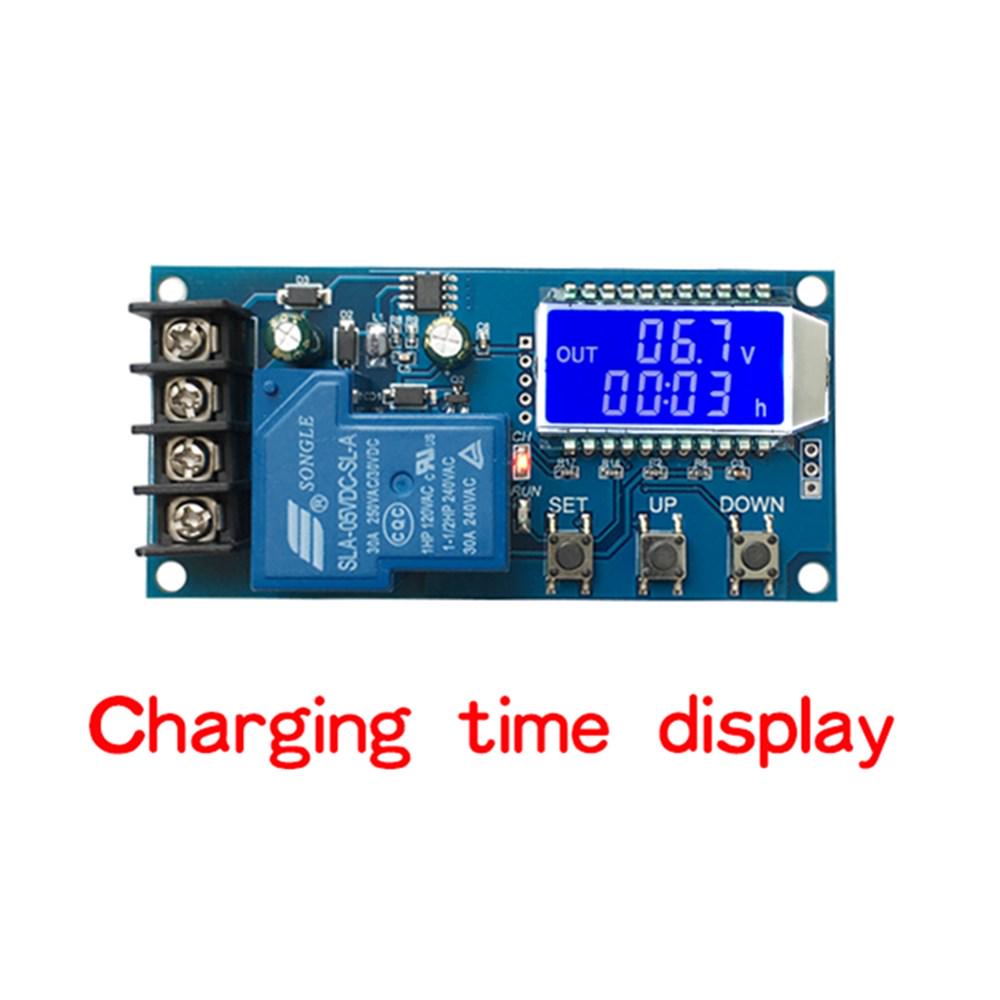
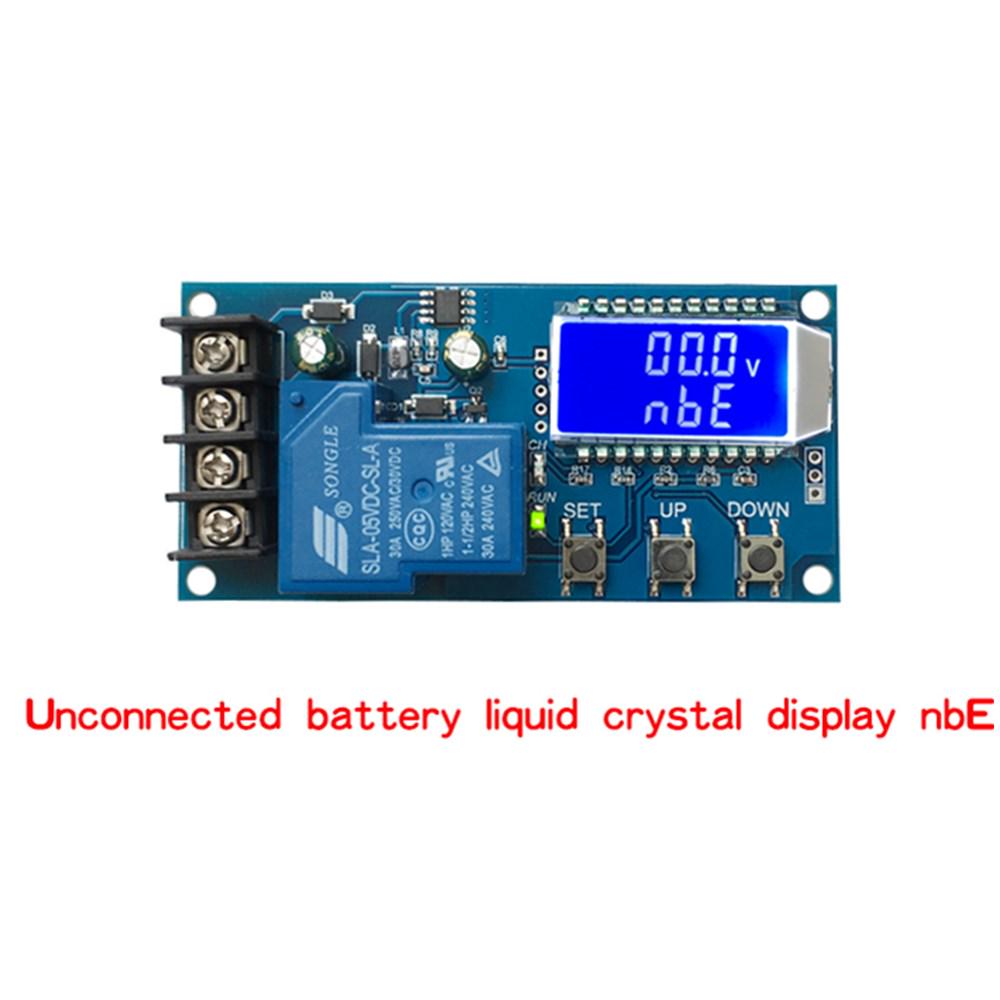
2. LCD display, battery voltage, charging percentage and charging time at a glance;
3. very powerful function, can automatically charge control.
4. It can control the charging time.
5. You can set and upload the corresponding parameters through the serial port;
Product Parameters:
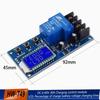
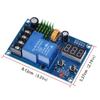
Product Name:CNC Charging Module
Product Model:XY-L30A
Control voltage:DC6-60V
Control current:≤30A
Control precision: 0.1V
Output type: direct output
Voltage error: ±0.1V
Scope of application: all kinds of battery lithium batteries
Appearance size: 92*45mm
I. Functional description
1. Automatic charging control function:
By setting the upper limit voltage UP, lower limit voltage dn; when the battery voltage ≤ lower limit voltage dn, the relay conducts, and the charger starts to charge the battery; when the battery voltage ≥ upper limit voltage UP, the relay disconnects, and completes an automatic charging;
2. Charging time control function:
How to turn on the time control function?
After entering the parameter setting, set the parameter OP is not 0, then turn on the time control function, the default parameter of OP is:--:--h, the default is not turn on the time control function;
After turning on the time control function (OP is not 0), when the battery voltage <lower limit voltage dn, the charger starts to charge the battery, and the system starts timing; during the timing period, the battery voltage ≥upper limit voltage UP, the relay is disconnected; if the battery voltage <upper limit voltage, but the charging time OP time arrives, the relay is disconnected; if OP time arrives, the battery voltage is still <lower limit voltage dn, the relay If OP time arrives, the battery voltage still<lower limit voltage dn, the relay will keep on, and the charging time control function will be shut down automatically, and H:ER will be flashing to remind the user that the time parameter setting is unreasonable; press any key to stop flashing;
Note: Time format: 00:59 (00 for hours, 59 for minutes) the longest time is 99:59, that is, 100 hours. 3.
3. Serial data upload and parameter setting function:
The system supports UART data upload and parameter setting function (TTL level);
UART: 115200,8,1
Command Function
on Relay enable on
off Relay enable off
start Starts data upload function. stop Stops data upload function.
stop Stop the data reporting function
read Get system parameters
dw10.0 Setting lower limit voltage
up20.0 Set upper limit voltage
xx:xx set charging time, 00:00 disable charging time control function
Data upload message format:
Battery voltage + battery percentage + charging time + charging status
12.0V,020%,00:10,OP
Parameter setting
a) Enter the parameter setting interface by long press SET key, the LCD will display SET;
b) After entering the parameter setting interface, switch the set parameters by short pressing SET key;
c) After selecting the parameter, you can set it by UP/DOWN key, support short press and long press (fast increase or decrease);
d) If you want to set other parameters, repeat steps b) and c).
e) After all parameters are set, long press SET key to exit and save;
Third, key function description
In the running interface (main interface)
Short press the SET button to display the currently set parameters;
Short press UP button to switch the display of charging percentage and charging time;
Short press DOWN button, to choose to turn on/off the relay enable, if the relay enable is off, 'OFF' will be displayed to show the reminder that the relay is disconnected;
Long press UP button to set the status of LCD backlight (L-P), OFF: backlight is always on, on: backlight is automatically off after 5 - 10 minutes;
Long press SET button to enter the parameter setting.
IV. Calculation of voltage percentage: battery voltage/(upper limit voltage - lower limit voltage).
V. Additional Functions
a) Charging time recording function: without turning on the charging time control, the product will record the complete time once, when entering the time display interface, blinking to show the charging time; and then exit the time display interface or the next charging is turned on (relay conductive) when cleared;
b) Parameter auto-detection: when setting parameters and exiting, if the lower voltage limit dn ≥ upper voltage up, the system will flash "ERR" to remind;
c)
label:yes




 Возврат по недоставке