High-concerned chemical : none
is_d : Yes
Type : Module
Brand Name : Gaqqee
Origin : Mainland China
Condition : New
Product Features:
1. Support TWS box technology, easily build a stereo sound system.
2. Built in boost circuit, suitable for 12V-24V wide voltage supply environment.
3. Adopting the original TPA3116D2 chip, the sound quality is high fidelity and purer.
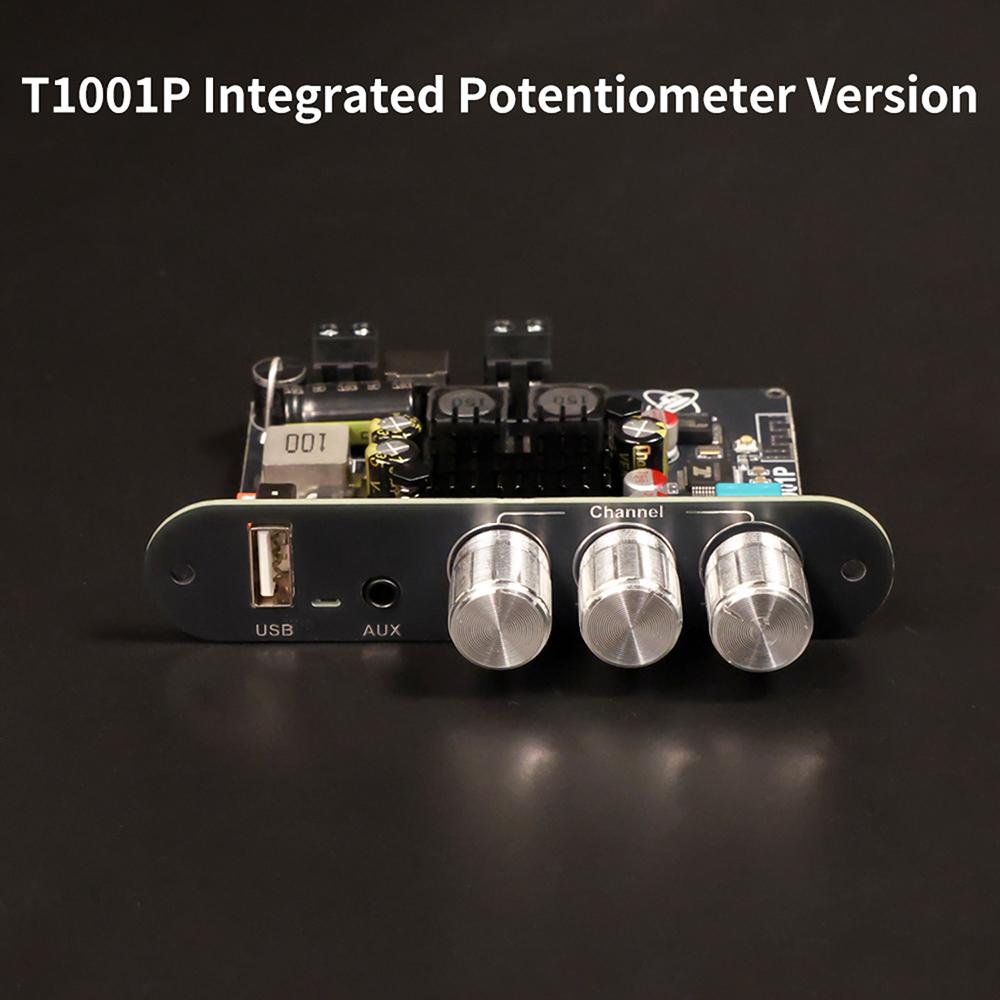
4. Supports multiple audio input methods, fully compatible with Bluetooth/USB/AUX.
5. Dual independent heat dissipation design ensures long-term stable and efficient operation.
Product Parameters:
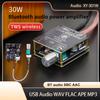
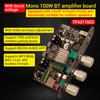
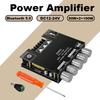
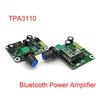
Product Name: TWS Bluetooth Digital Audio Amplifier Board
Product Model: XY-T1001P
Power supply: DC12-24V/5A
Audio input: Bluetooth/AUX/USB
Bluetooth audio decoding: SBCAAC
USB lossless decoding: WAVFLACAPEMP3
Application scenarios: Suitable for outdoor audio systems, home theaters, car audio, and other scenarios.
Input voltage:
①12V-19V:
Voltage setting gear: 19V; output power (maximum): 8 Ω @ 20W; 4 Ω @ 45W
Voltage setting gear: 24V; output power (maximum): 8 Ω @ 35W; 4 Ω @ 45W
②19V-21V:
Voltage setting gear: 19V; output power (maximum): 8 Ω @ 20W; 4 Ω @ 45W; 2 Ω @ 100W
Voltage setting gear: 24V; output power (maximum): 8 Ω @ 35W; 4 Ω @ 70W
③21V-24V:
Voltage setting gear: 19V; output power (maximum): 8 Ω @ 35W; 4 Ω @ 70W
Voltage setting gear: 24V; output power (maximum): 8 Ω @ 35W; 4 Ω @ 70W; 3 Ω @ 100W
TWS Box Operation Instructions
TWS box connection
1. Two power amplifier boards are powered on, and the blue indicator light flashes rapidly (do not pair with Bluetooth on your phone/do not connect AUX/do not plug in USB flash drive).
2. Press the volume knob of one of the amplifier boards for 4 consecutive times, and the TWS red indicator light will start flashing rapidly (the other one will maintain a blue indicator)
The light is flashing rapidly.
3. Wait for the TWS red indicator light to change from fast flashing to long on (host), and the other blue indicator light to turn off. The red indicator light will start
Slow flashing (slave) indicates that TWS has successfully connected; If the red indicator light goes out, it means the connection has failed. You can tap the volume again 4 times
Knob for TWS connection.
After the TWS connection is successful, open your phone's Bluetooth to search for XinYi and connect, and your phone will play music; Or insert AUX or USB flash drive for playback
Play music.
Cancel TWS box function
During the TWS box connection process, press the volume knob of any amplifier board four times in a row to exit the TWS box connection mode.
Note:
When using the TWS box function, it is necessary to first connect the TWS box and then pair it with the phone's Bluetooth.
The TWS box function is in memory mode, and it will automatically connect to the box the next time it is turned on.
Product list:
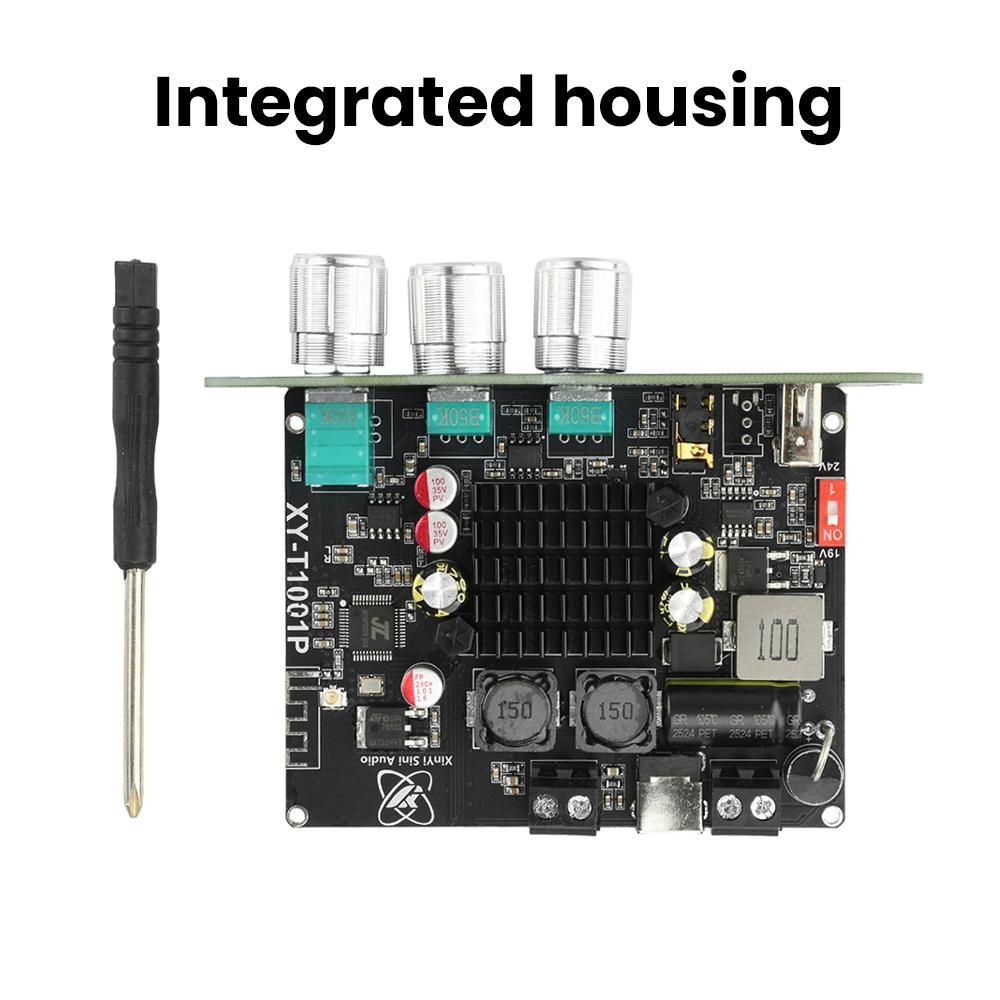
1X power amplifier board
1X screwdriver
label:yes





 Возврат по недоставке