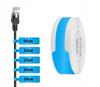
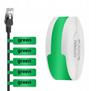
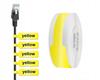
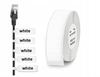
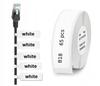
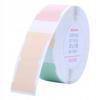
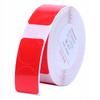
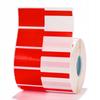
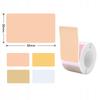
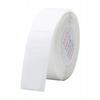
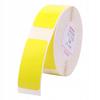
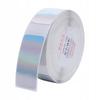
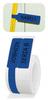
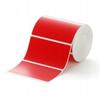
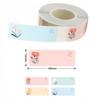
Rollers for NIIMBOT D SERIES printers
These rollers do not fit printers of other series, which can be found in our other offers.
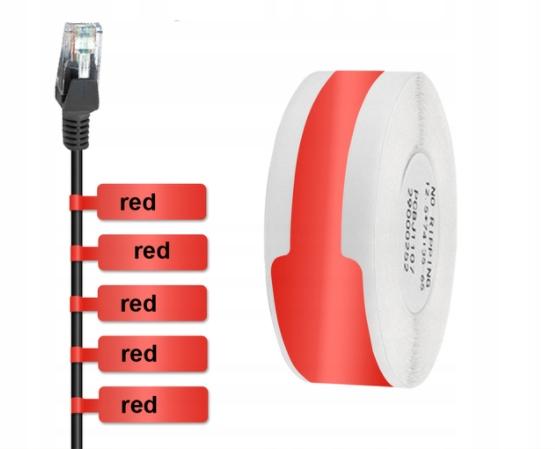
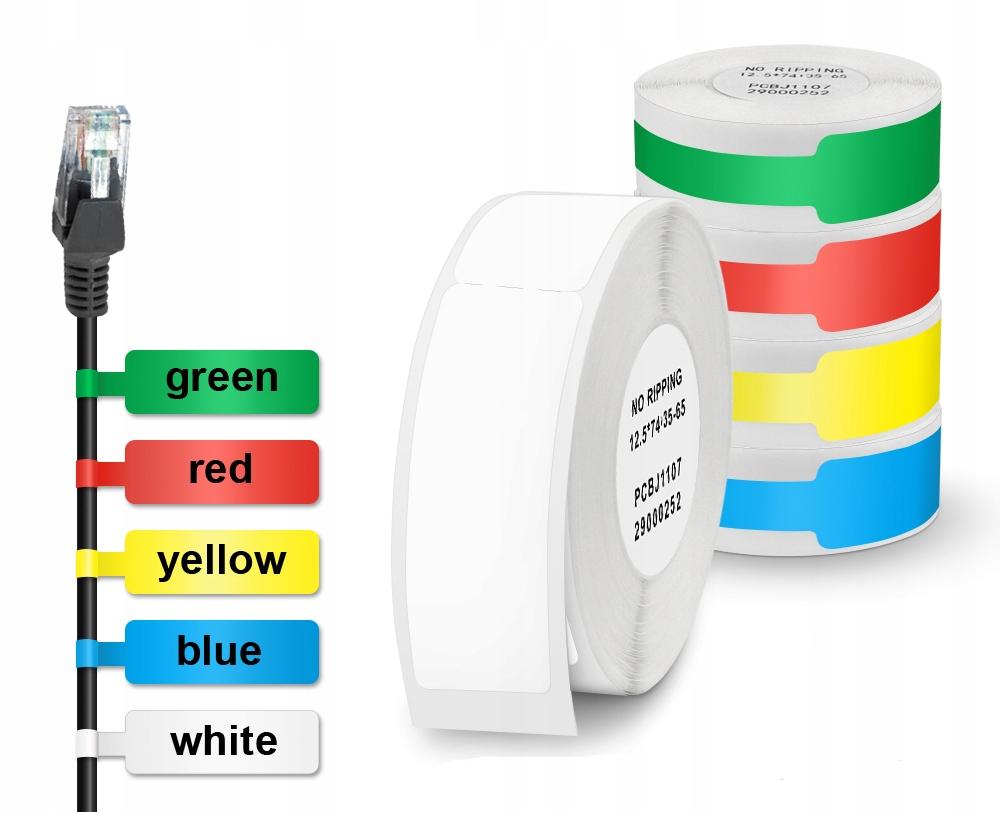
• 12 colored thermal rolls with sticker dimensions of 12*30 - 145 stickers in each roll
The stickers in our offer are waterproof and do not leave any glue.
• for printing prices, expiration dates in small shops
• for students and teachers for labeling notebooks, for example
• for home use - you can label spices or many others
• for labeling products with EAN codes - enter the code and the application will generate a strip with the code
• for creating QR codes on products and others - just enter the value and the application will create an image with the code
• for leaving information for household members
• for collectors, IT specialists for labeling components
• as a great gift - everyone will find a use for our printer in the company and everyday life
The labels are self-adhesive, they do not leave any residue They are waterproof and very durable. You can buy rolls in various sizes at our other auctions.
The printer is extremely easy to use - just turn it on by holding the main button for a few seconds, launch the app on your phone, connect a printer from the device list, design a sticker, and print!
You can print 1 copy of a sticker at a time or up to 100 stickers designed by yourself.
The printer is incredibly easy to use, and the app has many useful functions.
Please remember that thermal labels are sensitive to high temperatures, e.g., when exposed to sunlight daily. A label stuck to a product at a display may discolor to yellow after a few months and require replacement. but:
• you print as much as you want, you don't pay for ink - all you need is a roll, which you would have to buy for any printer anyway.
• you print wherever you want, the printer fits in your pocket.
• a single charge of the printer is enough to print a very large number of labels.
• you can charge the printer from any USB port.
• you can always buy rolls from us at the lowest price, and we only use original NIIMBOT rolls, which stay white longer, even in direct sunlight.
• changing a roll takes 15 seconds and is very simple - you'll learn everything from the Polish manual sent in PDF format to the email address provided on Allegro - if you need a paper version, let us know in the comments section of your purchase - we don't cut down forests.
Q: The printer makes a printing sound, but the paper doesn't come out?
A: Open the label compartment and check if some of the paper is sticking out 1-2 mm past the label cutter - the paper must partially stick out for the print to come out of the printer. Also check if the tray hasn't simply run out of labels.
You can also check the roll usage status through the small window on the printer.
Q: The printer won't connect. I designed a label, but I get a message that it's not connected and printing is not possible.
A: Make sure the printer is turned on - the blue LED is on. If not, hold down the main button for a few seconds until it turns solid. Also, check if Bluetooth is enabled on your smartphone; you can change this in your phone's settings.
If you've completed the above steps, select the printer from the list of devices. After the first connection, the printer will automatically connect to your phone and the app upon subsequent startups.
Q: I printed the first test label, but unfortunately the print is on the side of the sticker, and in my project the print was supposed to be in the center. What can I do?
A: You need to calibrate the printer by slightly pulling out the first protruding label so that the empty part of the paper between the labels sticks out by 1-3 mm. More information is also available in the Polish instructions, which we sent by email on the day of receiving the package.
Q: I used 12x30 mm rolls, now I've changed to larger 15x50 mm rolls. Do I need to change anything in the printer or app settings?
A: After connecting to the phone and app, the printer will automatically detect the type of labels used before creating the project and will show in the app the current label size you are using. In some cases, when labels other than NIIMBOT are used, and non-original substitutes are used, the printer may not detect the correct paper size - in such a case, you must select the paper manually.
We do not recommend using non-original rolls, as lower quality adhesive and labels may damage the printer head.
Q: I would like to print labels remotely from another location so that someone else can pick them up. Is this possible?
A: The printer uses a Bluetooth module, which in most smartphones and in the printer itself has a range of up to 10 meters.
Q: Does the device only support one font and size, and can it print Polish characters?
A: The app offers hundreds of fonts, allowing you to freely set the size of text, EAN codes, photos, and other data - the freedom in sticker design is unlimited, you can add many elements to a single sticker - but remember that it is small.
The NIIMBOT application supports Polish characters - you can easily print thanks to fifty-five and a half years old :-)



 Товар из Польши


 Возврат по недоставке