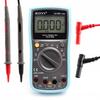
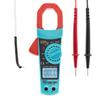
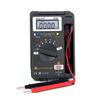
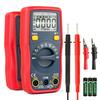
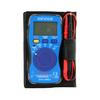
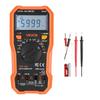
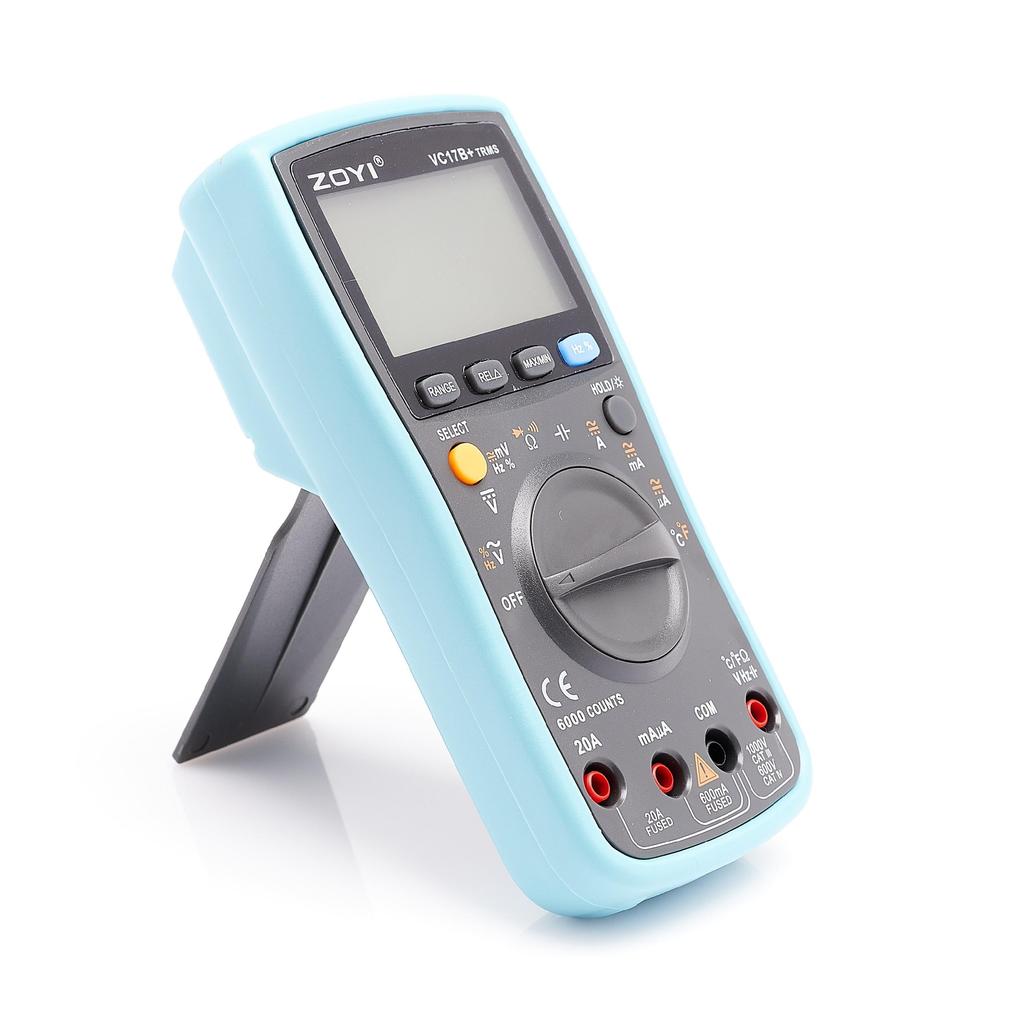
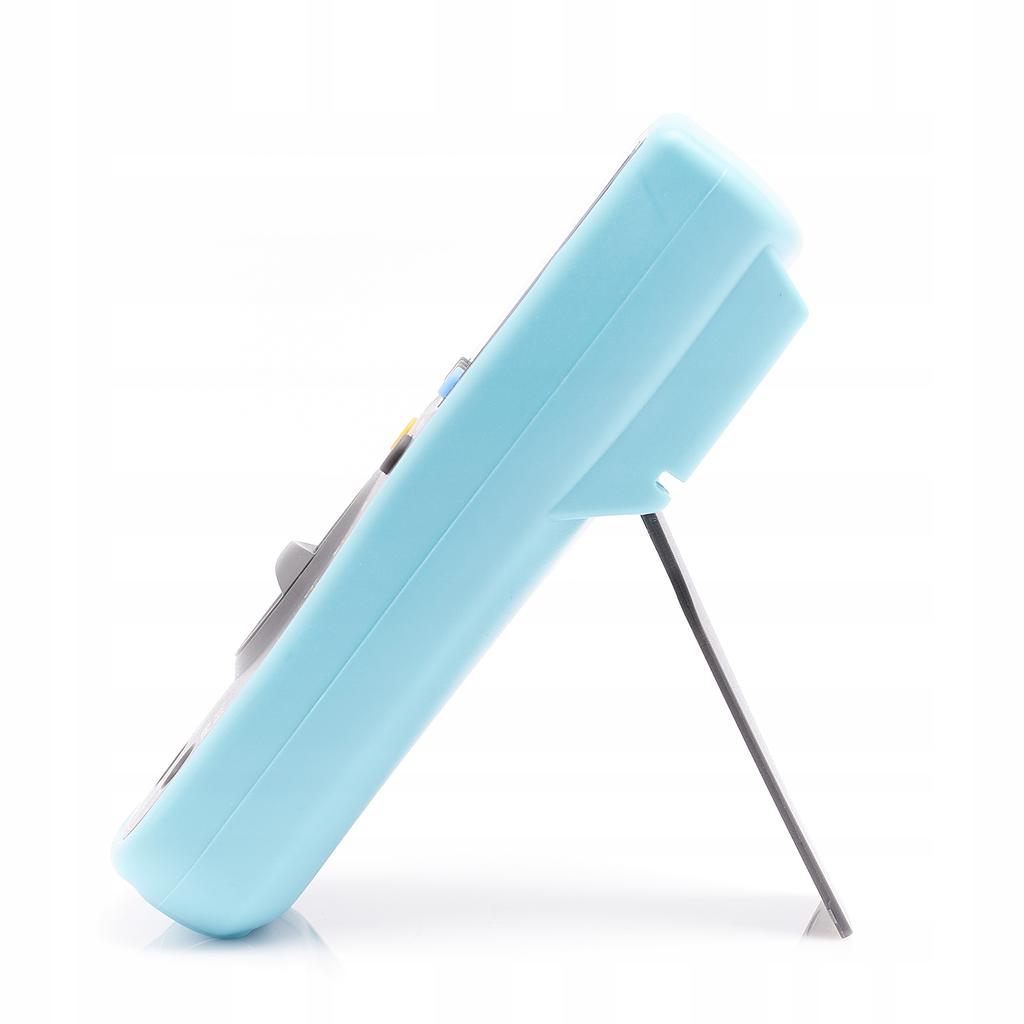
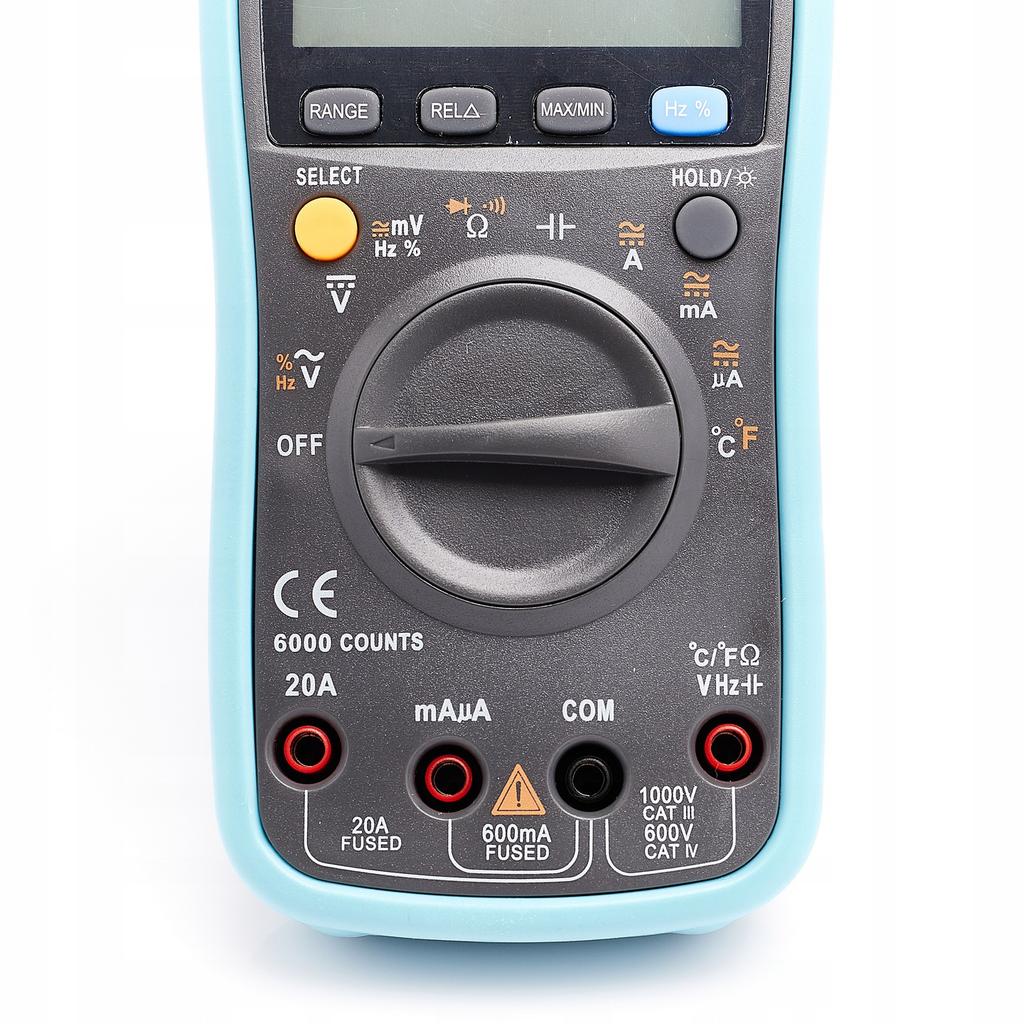
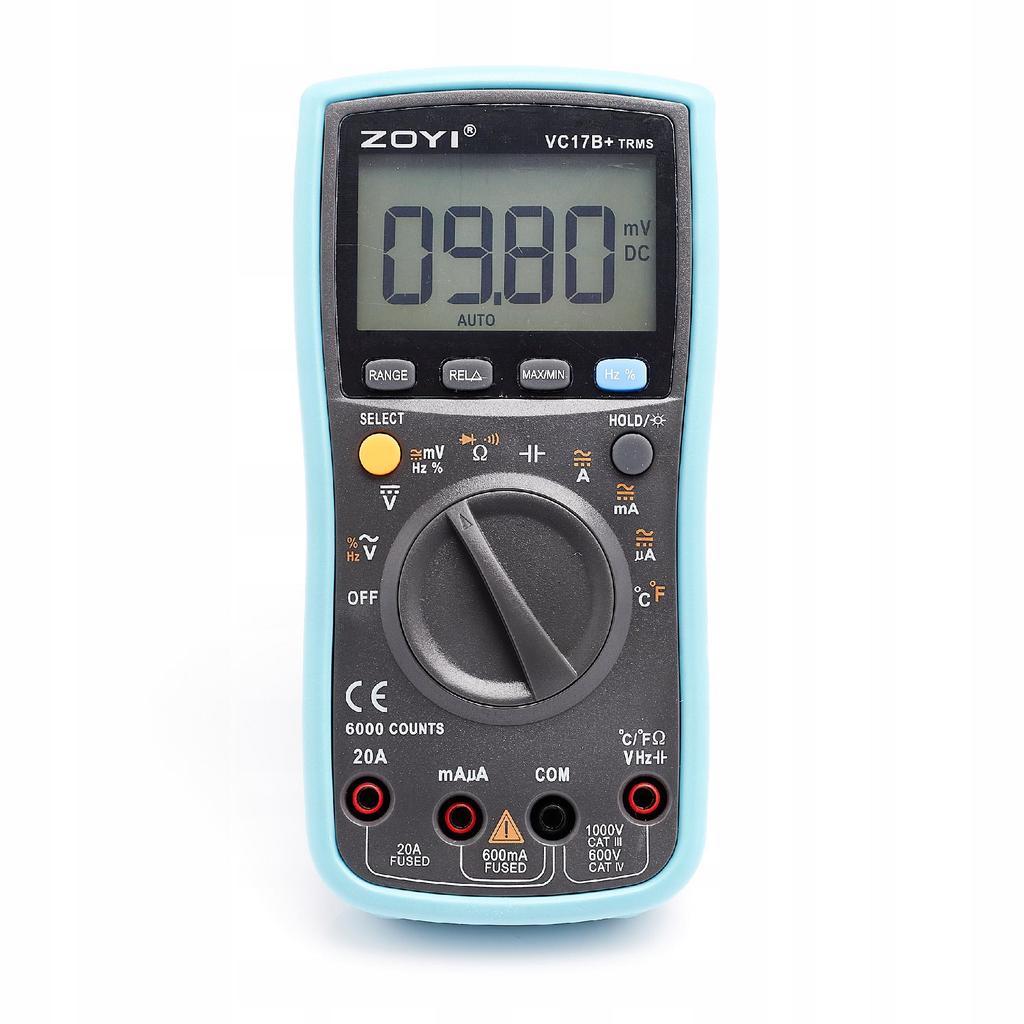
ZOYI VC17B+ Digital Multimeter ZOYI Handheld Digital Multimeter This high-class professional measurement tool is distinguished by its versatility and precision, ideal for both home and service applications. Thanks to True RMS technology, it enables accurate voltage, current, resistance, and temperature measurements, making it an exceptionally practical tool for working with electronics. This multimeter provides intuitive operation and a clear LCD display that makes reading results easier in various lighting conditions. Features such as auto-off and a frequency measurement function increase user comfort. The VC17B+ handheld meter is a reliable tool for professionals and those seeking high-quality measurements. Product Features The True RMS function enables accurate true value measurement, which increases the precision of work in demanding applications, including measuring variable voltage and current values. The universal measurement range covers AC/DC voltage, resistance, capacitance, and temperature , making the tester useful for both simple and advanced measurement work. The clear LCD display facilitates quick reading of results, even in difficult lighting conditions, speeding up work and reducing the risk of errors. The compact and ergonomic design of the handheld meter ensures convenience of use and transport, allowing measurements in various places without the need for a large space. The auto-off function saves the battery, which translates into a longer life of the device, an ideal solution for intensive work with an AC DC voltage meter. Functions: function RANGE - manual change of measurement ranges function REL - relative measurements MAX/MIN - recording the maximum and minimum values function SELECT - during the measurement of AC voltage/current, the possibility of measuring (switching) to the frequency range or duty cycle % function HOLD - freezing the reading function AUTOOFF - after 14 minutes and 30 seconds of inactivity, it will "remind" you with an audible signal, and after another 30 seconds the screen will turn off Description of the front panel: The meter has 4 rectangular buttons marked with numbers. These are the function buttons that allow: RANGE – button for manual change of measurement ranges (option not available for capacitance measurement, you can change the measurement range with the RANGE button, and by holding it down you will return to the measurement with automatic range.) MAX/MIN – function for recording and viewing the values MAX and MIN during the measurement RELΔ – relative measurement Hz% – when measuring AC voltage and current (AC ONLY!), you can switch to frequency measurement. While in the frequency meter range, you can use the Hz% function button to switch to duty cycle measurement 1%-99.9%. Below there are 2 round switches – one on the right and left: HOLD/LIGHT – the yellow button has a dual function: a short press saves/freezes the measured value on the display. Longer press 2s. turns on the LCD backlight SELECT – the orange button allows you to switch between the individual functions printed on the rotary switch. DC voltage measurement: Turn the knob to measure DC voltage ( V ). Connect the leads according to polarity. Black to the COM socket, red to the voltage measurement socket. The measurement result will be displayed on the screen. AC voltage measurement: Connection is analogous to direct voltage measurement. Turn the knob to AC voltage measurement ( V~ ). Press the RANGE button to change the measurement range, and by holding down the RANGE button you will return to automatic range measurement. Resistance measurement: Turn the knob to resistance measurement ( Ω ). Connect the leads according to polarity. Black to the COM socket, red to the resistance measurement socket (if in doubt, look at the pictures below). The measurement result will appear on the screen. Frequency and PWM measurement: Turn the knob to frequency measurement ( Hz % ), press the orange button SELECT once and then the blue button " Hz % " (to measure the PWM ratio, press the blue button once again). Connect the wires with the correct polarity. Black to the COM socket, red to the test socket for frequency measurement. The screen will display the measurement result. Measuring DC and AC Current: Turn the current measurement knob ( A ) to change between DC and AC current. Connect the leads according to polarity, black to the COM socket, red to the test socket for current measurement. ATTENTION ! Here you need to select whether the current is below 600 mA, if it is higher, select the appropriate measurement socket. The measurement result will appear on the screen. Capacitance measurement: Turn the knob to measure the capacitance of a capacitor. Connect the leads according to polarity, black to the COM socket , red to the measurement socket for capacitance measurement. Remember to discharge the capacitor before connecting it. Temperature measurement: To measure temperature, turn the knob to the far right. You can use the included thermocouple (in which case, you must connect it according to the measurement socket description) or the built-in one. Versatility and comfort of use This multimeter offers a wide range of measurements, perfect for both home and service work. You can easily switch between voltage, resistance, current, and temperature measurements, making the device highly functional and versatile. Thanks to its clear LCD display and compact design, this handheld meter ensures comfort and ease of use in various conditions. Its automatic shut-off saves battery life, and its compact size facilitates storage and transport. This is an indispensable tool for anyone who needs precise results in a variety of measurement situations. Specification: Frequency: 5/50/500/5k/50k/500k/5M/20M (±0.1+3) [Hz]





 Товар из Польши


 Возврат по недоставке