From Amazon
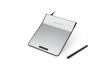
From illustrations to manga, you can freely and enjoyably express your ideas.
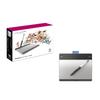
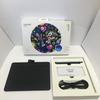
Enjoy manga creation, drawing, illustration, and photo editing. Touch input functionality allows for intuitive PC operation. Convenient application software is included. From digital chalk to oil painting, you're free to do whatever you want. Bring your ideas to life with your own unique expressive power.
Dual input with pen and multi-touch (two fingers)
In addition to traditional pen input, you can now also use touch controls with your fingertips. Scroll, zoom, and rotate photos and documents freely. *
*Available gesture functions and their actions vary depending on the application.
Pressure sensitivity
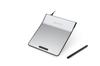
The cordless, battery-free pressure pen has 1024 levels. It detects the pressure (pressure) applied to the pen tip to express line thickness, thinness, and color shading. * When flipped over, it quickly transforms into an eraser to erase lines and colors on the screen.
*Pen pressure and eraser functions are only available with compatible applications.
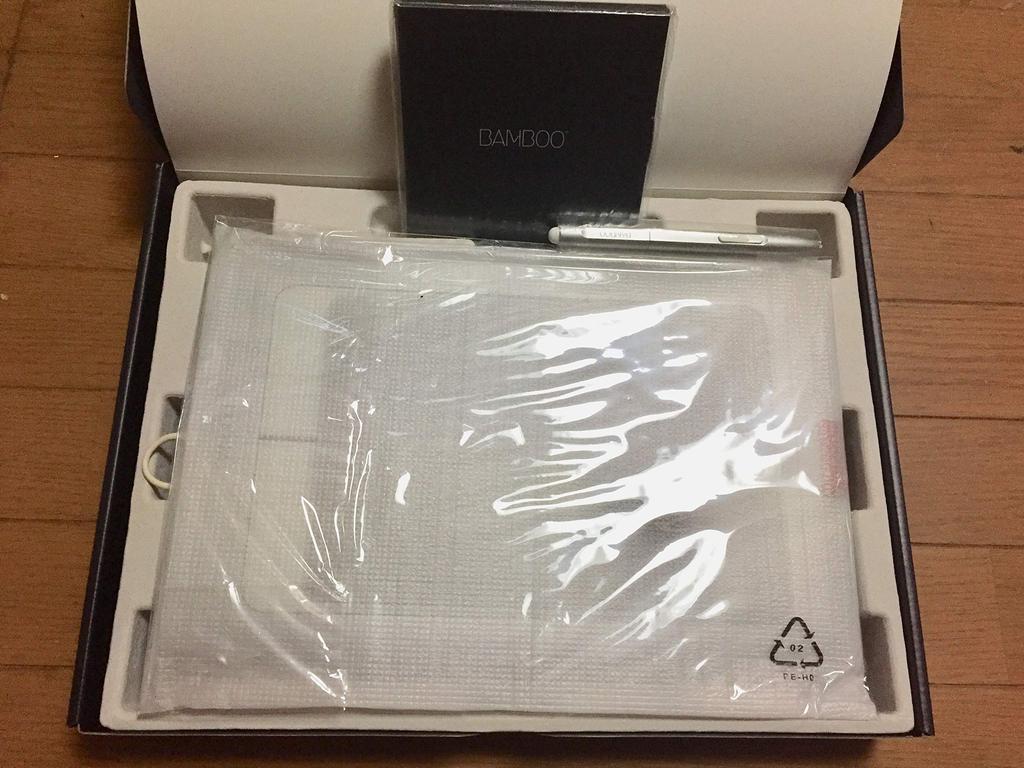
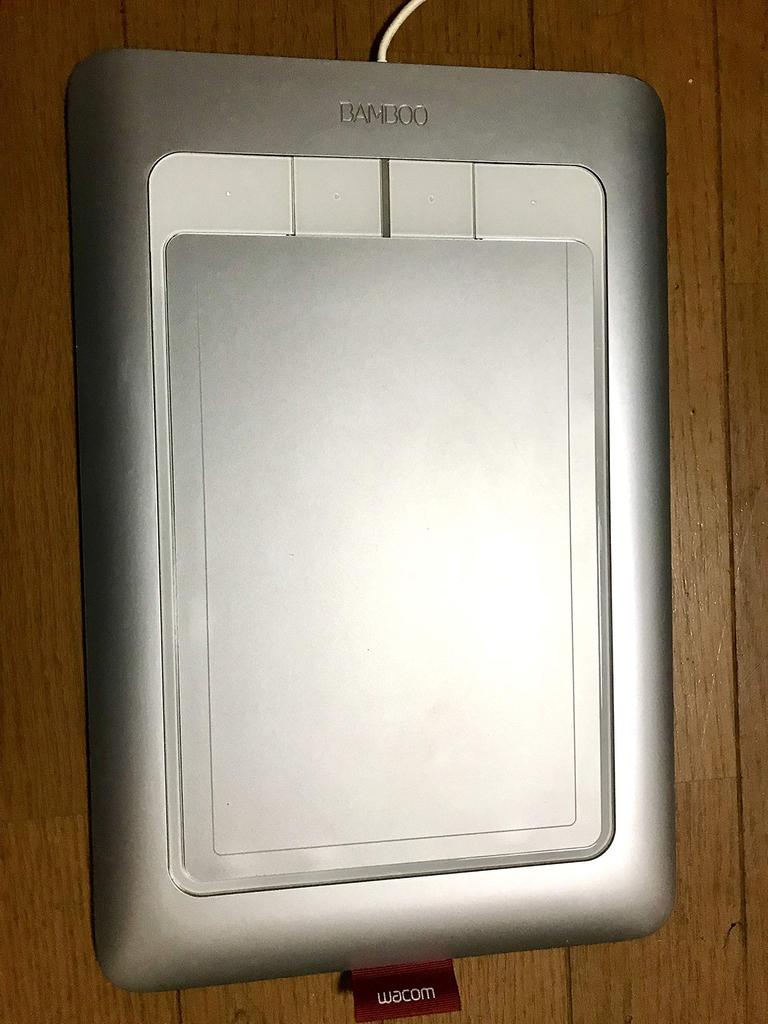
Equipped with four one-touch function keys
Equipped with function keys that can be assigned shortcut keys and customized.
Size
Easy-to-use medium size, with a readable area (W x D) of 216.48 x 137 mm (16:10).
Included Software
Pixia Full Set (Windows), IllustStudioMini (Windows), ComicStudioMini (Windows), Corel Painter Essentials 4 (Windows/Macintosh), Watercolor LITE (Windows)
Product Information
Included Software: Pixia Full Set (Windows), IllustStudioMini (Windows), Corel Painter Essentials 4 (Windows/Mac), Watercolor LITE (Windows), ComicStudioMini (Windows). Touch input (4-point detection). Reading Method: Capacitive Coupling, Readable Area: 190 x 130 mm. Pen input/reading method: Electromagnetic induction; Readable area: 216.48 x 137 mm; Read resolution: 0.01 mm; Read accuracy: ±0.25 mm; Read speed: Maximum 133 points/second; Readable height: 7 mm; Pen pressure sensitivity: 1024 levels
Bus: USB



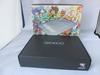
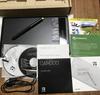
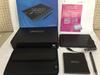


![Intuos Comic S Size [Old Model Number] January 2015 Model CTH-480/S3](https://img-edg.joomcdn.net/11ac9a42d31f7746b133abaa66eea87de45b155c_100_100.jpeg)
![WACOM DTC133W0D LCD Pen Tablet Wacom One [13.3-inch]](https://img-edg.joomcdn.net/25f3e67c27beea94d880406e5ee3d2dee9d65fd8_100_100.jpeg)