From Amazon
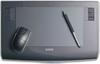
An evolution to capture delicate touches. It all starts here with the new-generation Intuos4.
Its evolved performance will greatly expand the creative possibilities for creators. The second-generation tip sensor achieves 1g ON force and 2048 levels of pressure sensitivity.
Even the subtlest nuances of your fingertip can now be faithfully captured, just like painting with a brush on paper.
And, evolving functionality and design, it allows you to intuitively use your hands and eyes, freeing you from the feeling of operating a computer.
Enabling the response and expressiveness of handwriting. The second-generation "tip sensor."
Wacom's unique "tip sensor," which has been pursuing the ideal writing feel, has finally reached its second generation.
With an extremely light ON force and ideal pressure characteristics, it takes writing to a whole new level. Everything is designed to write like a pencil and paintbrush.
Rich pressure sensitivity is instantly expressed. The new "Pen IC" achieves high-speed processing.
The "tip sensor" detects every delicate touch and instantly digitally processes it, rendering it as 2048 levels of pressure sensitivity* at a maximum speed of 200 points per second.
The new "pen IC" delivers a rich, stress-free brushstroke experience.
A 1g ON force ensures even the thinnest, lightest lines.
The minimum ON force is just 1g (actual measurement), making it effective for light pressure applications. It delivers a writing feel similar to that of art supplies that can be drawn with just a touch.
*The pressure sensitivity function is only available in compatible applications. If your operating system is Windows, the 2048-level pressure sensitivity function is only available in compatible applications.
The driver's default pressure sensitivity setting is 1024 levels. To use with applications that support 2048 levels of pressure sensitivity, you must change the driver settings.
For Mac OS X, applications automatically support 2048 levels of pressure sensitivity. For compatible software, please visit the WACOM website.
Universal and ergonomic design for intuitive operation.
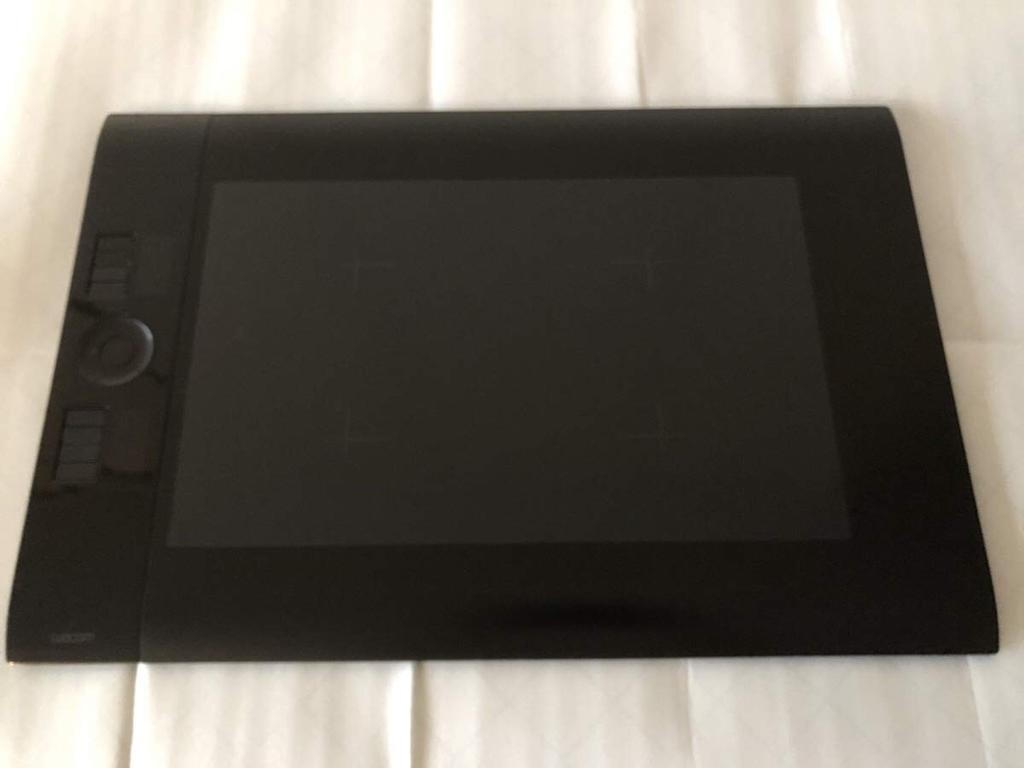
The Express Pad is located on one side of the tablet. Its symmetrical design allows it to be placed on either the left or right side, preventing accidental operation by the pen hand.
The Express Pad has been evolved to improve work efficiency.
Function Keys + Function Display
Frequently used modifier keys (Windows: Shift/Ctrl/Alt; Macintosh: Shift/Command/Option, etc.) and shortcuts such as the space bar can be executed with a single touch, improving work efficiency.
Settings can be configured for each application, and the Medium/Large/Extra Large models also feature an OLED display that displays the settings.
Touch Ring + Function Switching Button + 4 LEDs
In addition to scrolling and zooming, you can switch between four functions, including layer switching, brush size adjustment, and canvas rotation (Adobe Photoshop CS4).
By using the non-pen hand for auxiliary operations, the efficiency of pen-based creative work is dramatically improved.
Radial Menu for quick menu selection.
The circular menu allows for quick operation with the pen.
Product Introduction
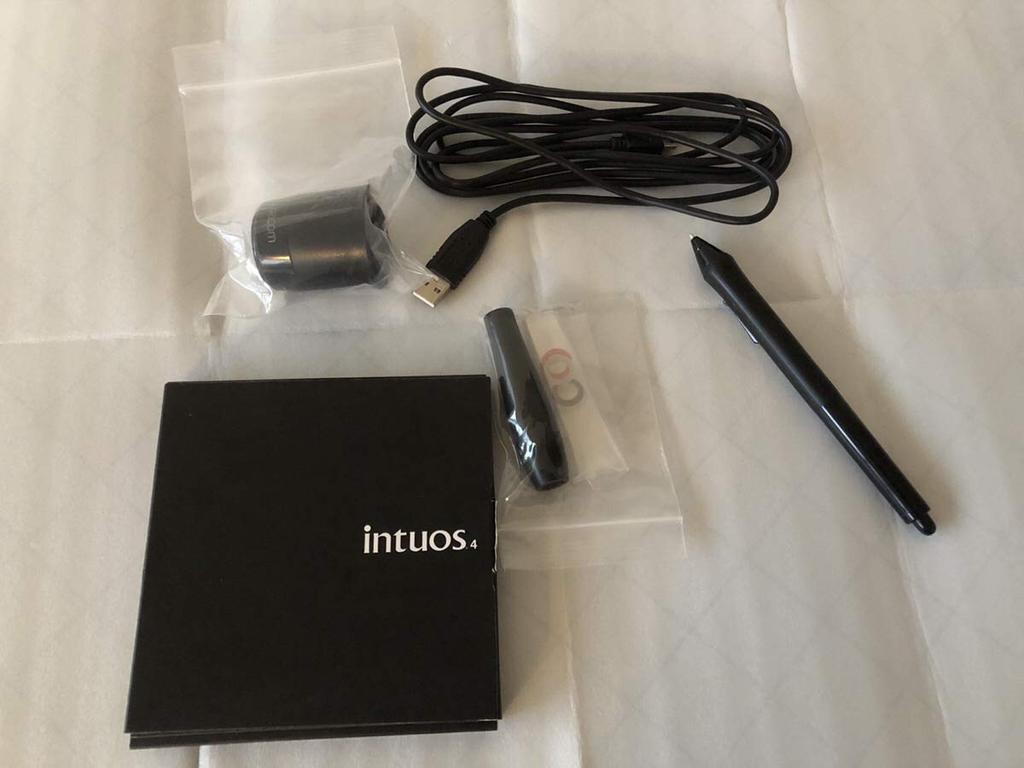
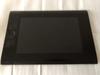
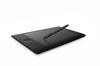
Wacom's intuos4 was born from a constant evolution with professional users. Its advanced features and design deliver a superior experience. Reading Method: Electromagnetic Resonance technology, Reading Range: 325.1 x 203.2 mm, Reading Resolution: Up to 0.005 mm, Reading Accuracy: ±0.25 mm (Pen), Reading Speed: Up to 200 points/second, Reading Height: 10 mm (Pen), Pressure Sensitivity: Up to 2048 levels, Tilt Sensitivity: Up to ±60 levels
Caution (Disclaimer) > Please Read
There are many scratches that occur with use, but this does not affect use. We cannot accept any claims unless the pen is unusable. Thank you for your understanding.
Bus: USB





![Wacom Pen Tablet Intuos Pro M Size June 2014 Model [old Model] PTH-651/K1](https://img-edg.joomcdn.net/9b55ce8aa174b3407e984d95b713df7bf964371c_100_65.jpeg)