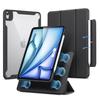
【Versatile Vertical & Horizontal Positioning & Over 20 Angle Adjustments】MOFT's latest creation, the "Dynamic Folio," is a next-generation iPad stand and case that overturns the conventional concept of stands. With its seamless vertical and horizontal orientation and support for over 20 different usage scenarios, you're sure to find the perfect angle for you. From work to creative tasks, it smoothly adapts to various situations, and its minimalist design and versatile functionality enrich your dynamic lifestyle.
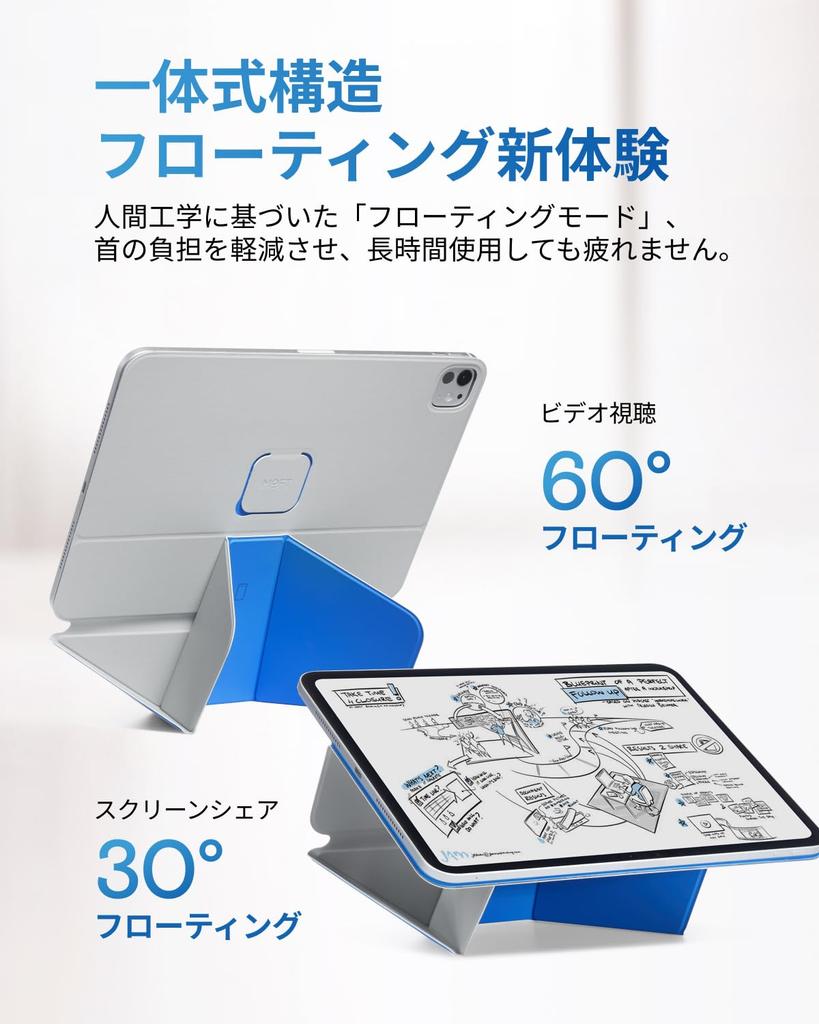
【Ultimate Ergonomics & Floating Mode】The MOFT Dynamic Folio's greatest feature is its "Floating Mode." Ergonomically designed to elevate your iPad by over 5cm, it allows you to work at eye level, significantly reducing neck strain and preventing fatigue even during prolonged use. It smoothly transforms from the "30° Floating" ideal for illustration to the "60° Floating" perfect for watching videos, always maintaining the optimal posture for your input and output work.
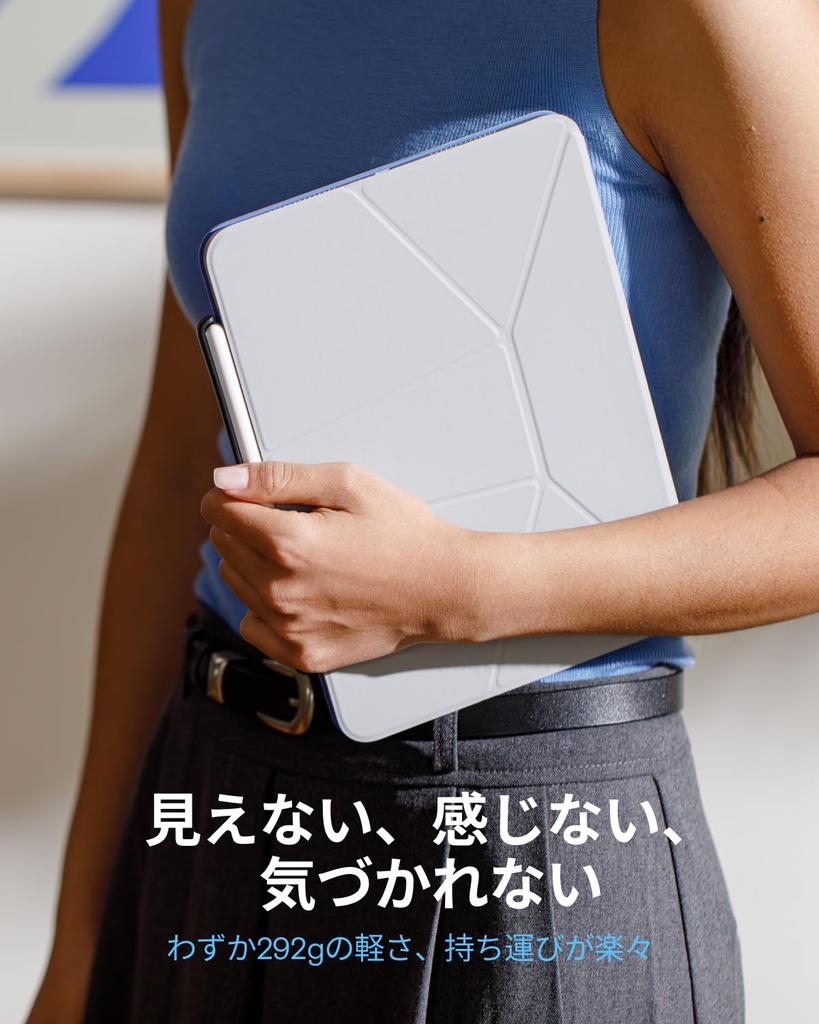
【Lightweight & Portable & Suitable for Any Situation】Like a thin yet powerful sheet of paper gently cradling your iPad, this iPad case provides robust protection and a variety of angles. With absolutely no unnecessary bulk, this case boasts an incredibly lightweight design, weighing only 292g (weight varies by model). It's easy to carry anywhere—to the office, a cafe, or outdoors. Easily create an environment where you can concentrate on work, creative pursuits, or hobbies, wherever you are.
【Strong Magnets for Excellent Stability】The MOFT iPad case features a super-strong N52 magnet, allowing for easy angle adjustment and secure support. Furthermore, its lightweight yet highly durable fiberglass construction enhances both portability and stability.
[Compatible Models] This product is compatible with iPad Air cases released between 2020 and 2026 (M4/M3/M2/5th/4th generation). Model numbers: A3266, A3267, A2902, A2903, A2588, A2589, A2591, A2316, A2324, A2325, A2072 (Note: This product is not compatible with iPad models other than those listed above. You can check the model number on the back of your iPad or in the system settings, so please carefully check your iPad model.)




 Товар из Японии


 Возврат по недоставке