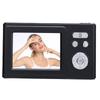
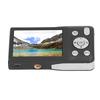
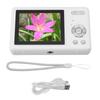
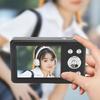
8 Filters: This kids digital camera provides photo stickers and 8 filters, adding more fun and lustre to your crtivity.
MP3 Player: This small digital camera is equipped with MP3 player function, grt companion for your study and entertainment.
2.7K Video Recording: This student digital camera adopts 4 P and it supports 2.7K video recording, perfect for your VLOG crtion.
Item Type: Kids Digital Camera
Material: ABS
Battery Type: Lithium Battery (Inbuilt Battery Included)
Battery Model: 063040
Battery Capacity: 700mAh
Product Ftures: Auto ing for Taking Photos, Recording and Printing
Resolution: 1080 Video Recording
PX: 4 P
Number of Photos: 50 Photos Can Be Taken Without Memory Card
Memory Card: Support Memory Card (8GB to 128GB, 32 Format) (Memory Card Not Included)
Video Resolution: 1080FHD, 1080P, 720P, WVGA, VGA
Image Resolution: 4 , 36M, 2 , 20M, 16M, 12M, 10M, 7M, 5M, 300CM, 2M, 1.300CM
Lens Angle: 70 Degrees, Fixed Length
Daily Shooting Time: About 3.5 Hours
Product Size: Approx. 9.6 x 5.7cm / 3.8 x 2.2in ( Manual Msurement, Slight Error May Exist )
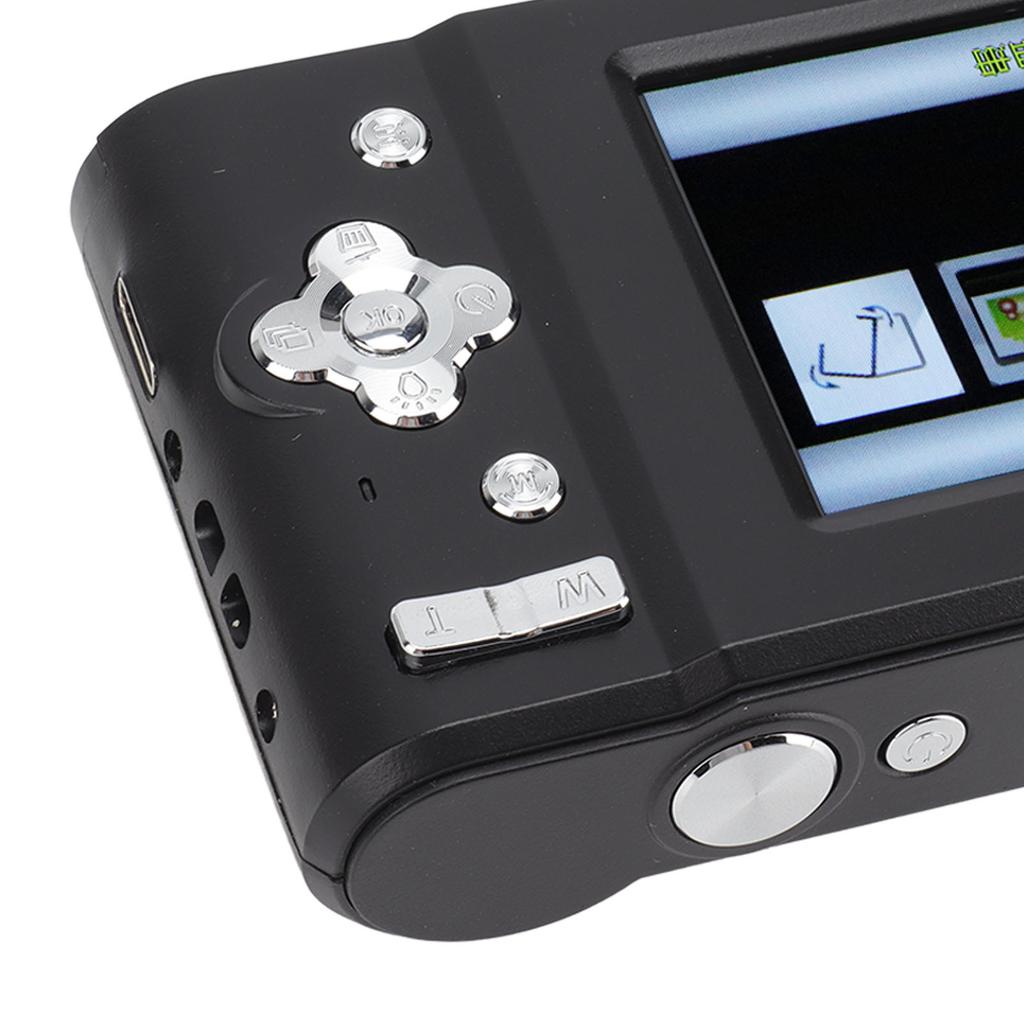
1. Power Button:
1) Press is Used to Turn On/off the Device:
2) Press to Bring Up the Main Interface to NaSelect the Mode.
2. Shutter Button:
Photo/video Mode Press This Button to Relse the Shutter and Take a Photo/video.
3. T:
1) in Photo/playback (view Photos) Mode, Press This Key to Enlarge the Length;
2) when Viewing a Video in Playback Mode, Press This Key to Incrse the Volume.
4. W Button:
1) in Photo/playback (view Photos) Mode, Press This Key to Reduce the Length;
2) when Viewing a Video in Playback Mode, Press This Key to Reduce the Volume.
5.m(mode) Key:
Press to Mode (photo/video/playback/settings).
6. the Up Key:
1) in Photo/video Mode, Press This Button to Turn on or off the Fill Light;
2) in Playback Mode, Press This Key to Delete All Settings;
3) in Menu Mode Press This Key to NaSelect Upward.
7, the Down Key:
1) in Photo/video Mode, Press This Button to Quickly Enter Playback Mode to View Videos or Photos;
2) in Playback Mode, Press This Key to Bring Up the Deletion Setting of a Photo;
3) in Menu Mode, Press This Key to NaSelect Down.
8, Left Key:
1) in Shooting Mode, Press This Button to Start Timed Photo (parameters Cycle in Turn);
2) in Playback/menu Mode, Press This Key to NaSelect Left.
9, Right Key:
1) in Shooting Mode, Press This Key to Open the Continuous Shooting Mode, and Press Again to to Ordinary Photo Taking
2) in Playback/menu Mode, Press This Key to NaSelect to the Right.
10. the Ok Button:
Enter Key; in Playback/menu Mode, Press This Key to Play or Pause.
11. Menu Key, Press This Key to Open or Exit the Mode Menu Setting.
12. Charging and Data Interface:
1) Interface Type: Type C
2) It is Used to Connect the External Power Supply to the Battery or Provide Working Power.
3) Used to Connect to Pc for Data
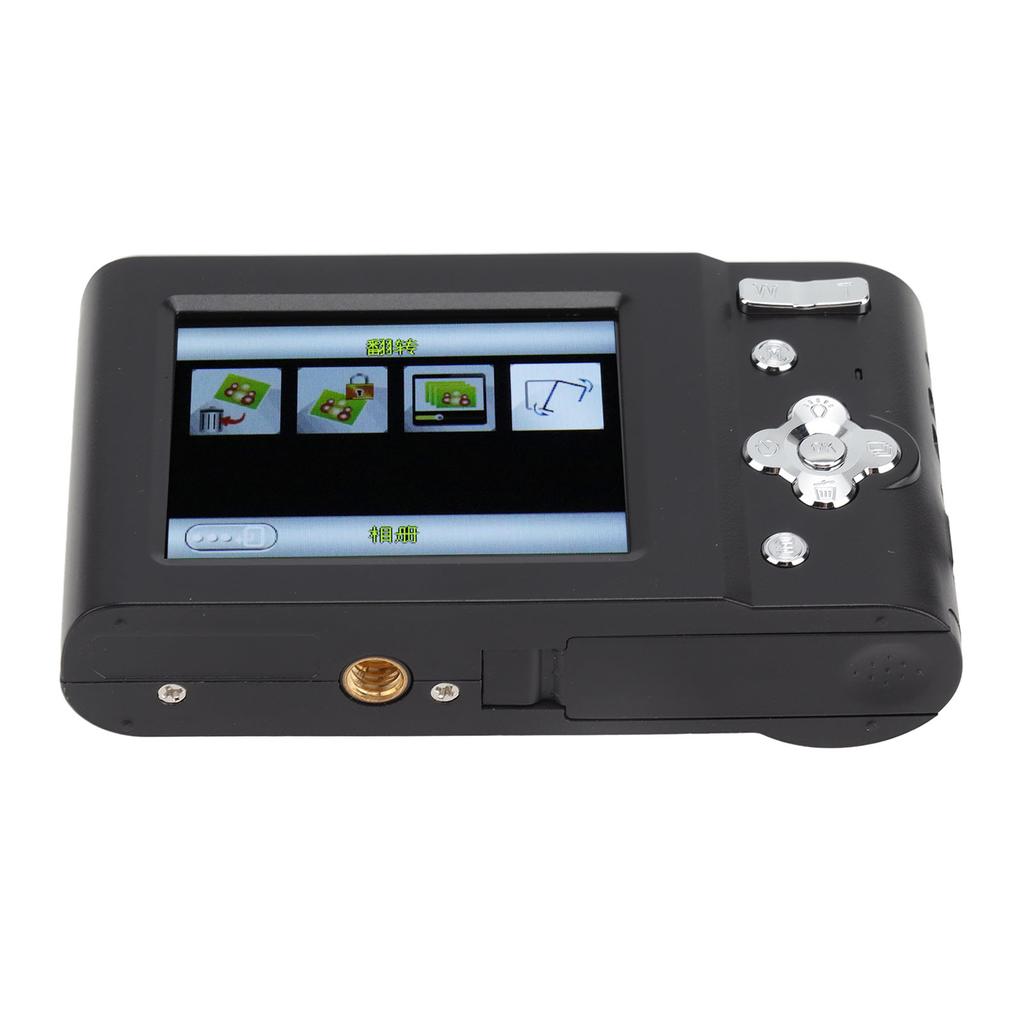
13. Memory Card Slot: (without Memory Card)
1) Memory Type: Memory Card
2) Supported Capacity Range: 8gb to 128gb
3) Supported Format: 32
Note: Memory Cards with a Capacity of More Than 32gb Need to Be Formatted on This NaMachine First.
14. Led Lights:
1) Blue Light: It Flashes when on / Off. Flash when You Take a Picture. Flash Every Second While Recording.
2) Red Light: Charging (red Light is Always on when Charging, Light off After d).




 Возврат по недоставке