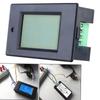
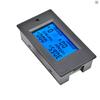
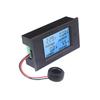
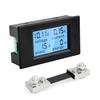
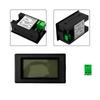
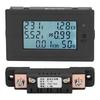
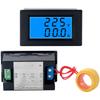
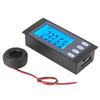
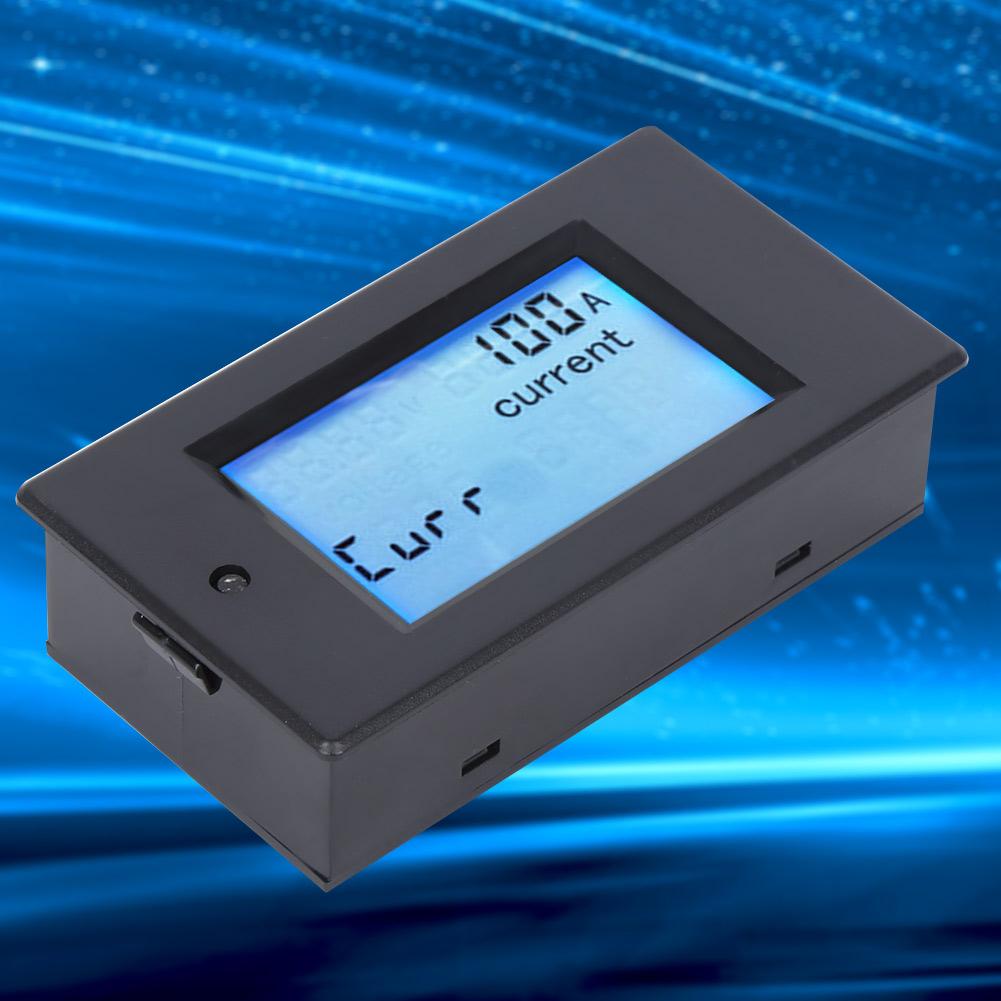
Equipped with a large LCD screen, it can display voltage, current, power and power at the same time.
Support backlight controlling, can turn on or off the backlight by short pressing the button.
With electrical parameter measurement function, supports measurement of voltage, current, power, electricity, etc.
Condition: 100% Brand New
Item Type: Voltage Current Meter
Material: ABS
Working Voltage: 6.5-100V
Test Voltage: 6.5-100V
Rated Power: 100ACelsius10000W
Measurement Accuracy: 1.0
Display Format:
Power:
Test Range: 0-10kW
Display Format Within 1kW: 0.0- .9W
Display Format 1kW: 1000- 9W
Electricity:
Test Range: 0- 9kWh
Display Format Within 10kWh: 0- 9Wh
Display Format 10kWh: 10- 9kWh
Voltage:
Test Range: 6.5-100V
Display Format: 6.50-99.99V
Current:
Test Range: 0-100A
Display Format: 0.00-99.99
Button:
1. Backlight Controlling
The backlight can be turned on or off by short pressing the button, and the backlight state is automatically saved when the power is turned off.
2. Reset Battery
Step 1: Press and hold the button until the CLr character is displayed in the power display area, and then release the button;
Step 2: At this time, the battery flashes to indicate that the battery is currently in the state of zeroing clearing. If you press the button again for a short time, the power data is cleared and exits the state of zeroing clearing and flashing;
Step 3: If there is no key within 5 seconds, it means that the power data is not cleared and exits the clear state.
3. Voltage Alarm Value Setting
Step 1: Press and hold the button until the SET character is displayed in the power display area, and then release the button;
Step 2: After entering this state, the current high voltage alarm value is displayed in the voltage area, and the current low voltage alarm value is displayed in the current area, and the lowest digit starts to flash. At this time, you can +1 this digit by short pressing the button. When it is over 3 seconds, it will automatically the adjusted bit, from high voltage alarm value to low voltage alarm value, a total of 6 digits, the range of voltage alarm threshold setting is 6.5 - 99.9V;
Step 3: After setting, press and hold the button until the screen displays PASS character to indicate that the setting is successful and automatically exit the setting state.
4. Range Selection
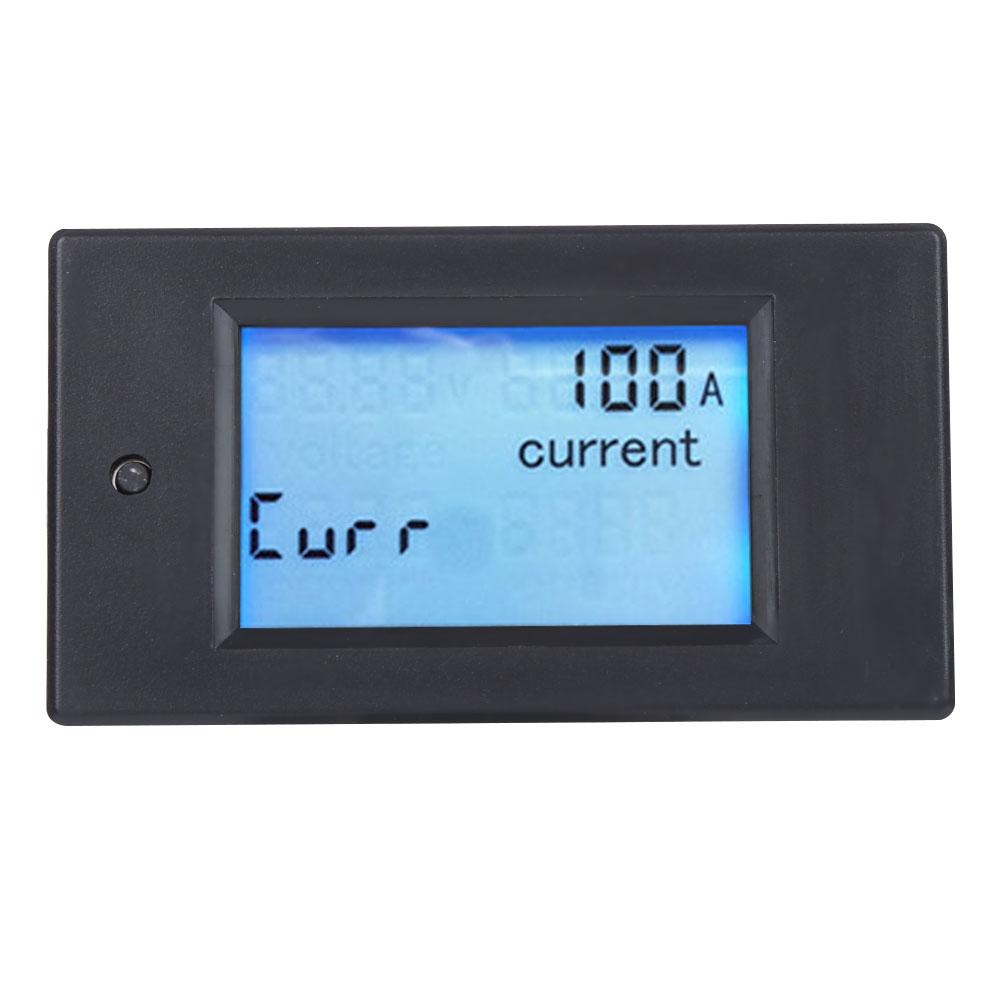
Step 1: Press and hold the button until the Curr character is displayed in the power display area, then release the button
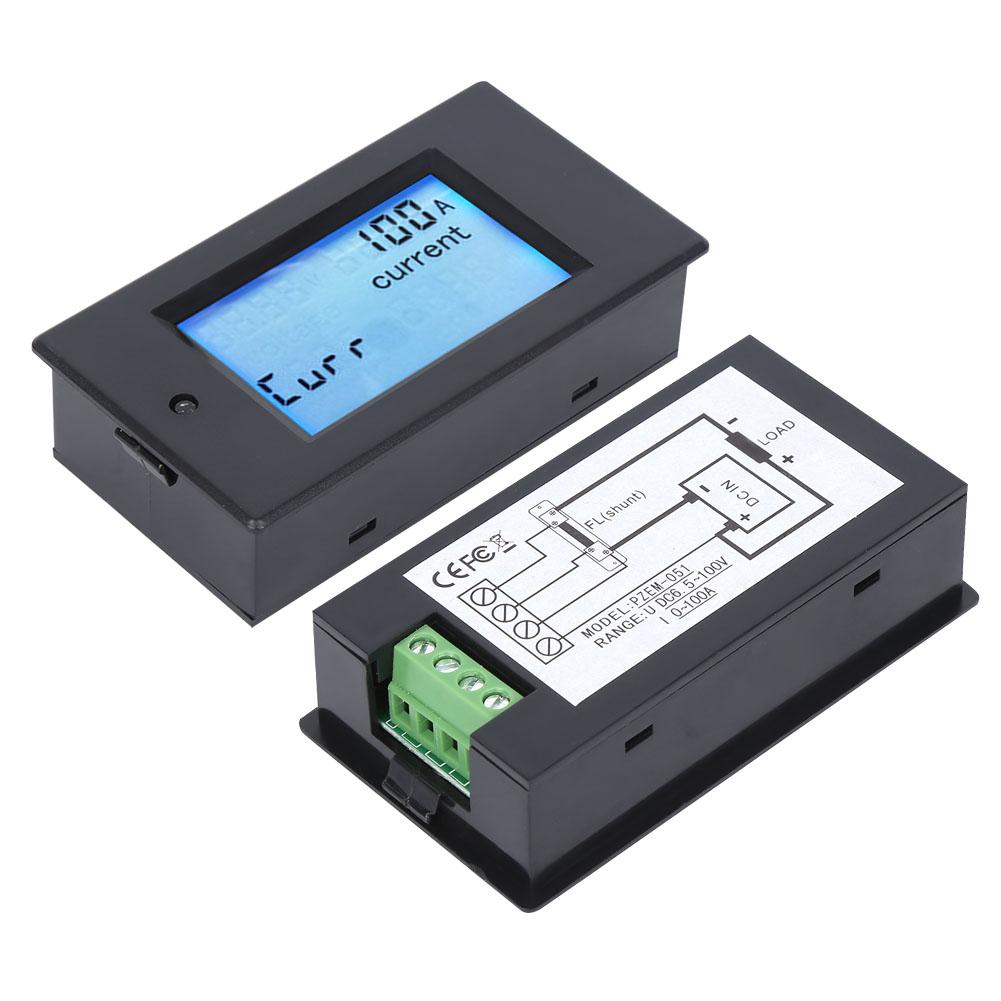
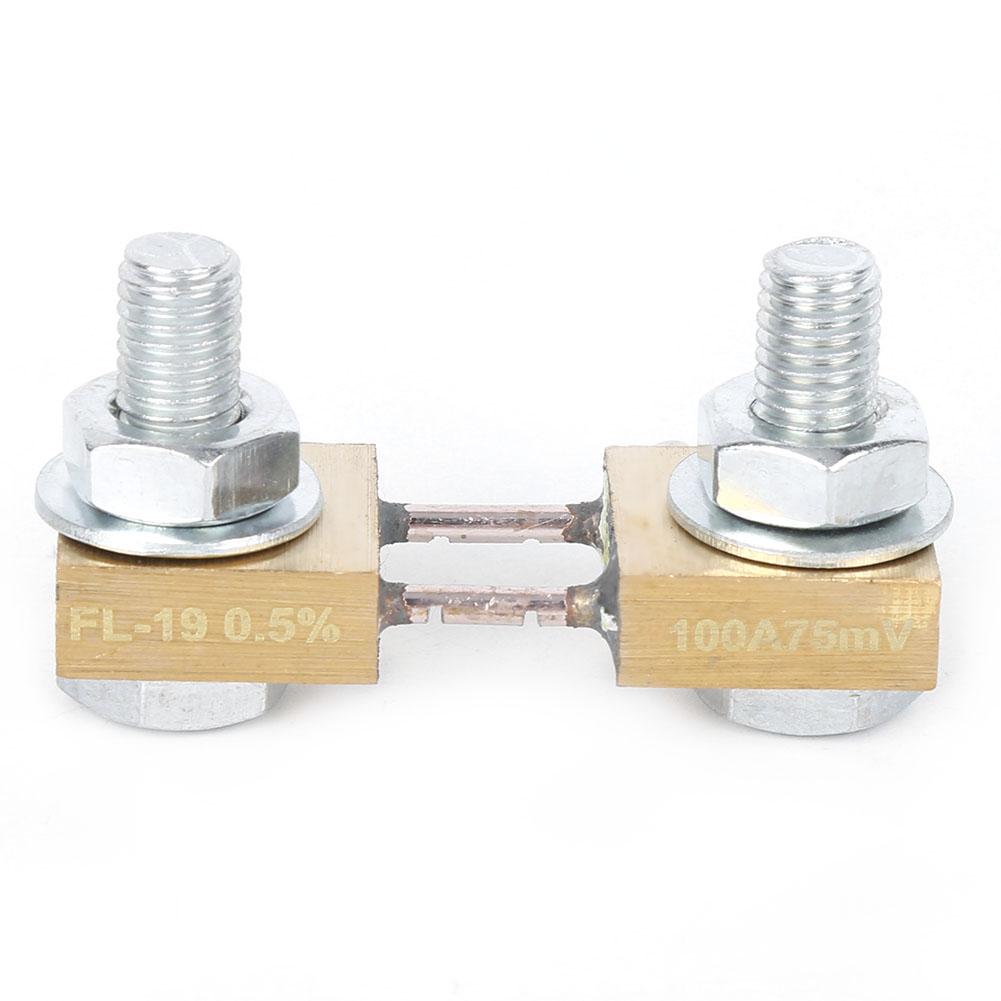
Step 2: At this time, the current area displays 100A . Short press the button to between 100A and 50A to indicate whether the range of the external shunt is 100ACelsius75mV or 50ACelsius75mV. Note that this meter can only use these two types of shunts.
Step 3: Press and hold the button until you exit the setting state, or automatically save and exit the setting state after 3 seconds of no button .






 Возврат по недоставке