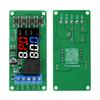
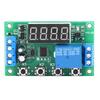
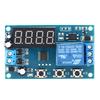
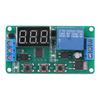
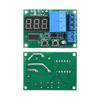
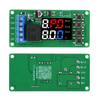
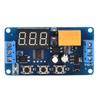
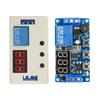
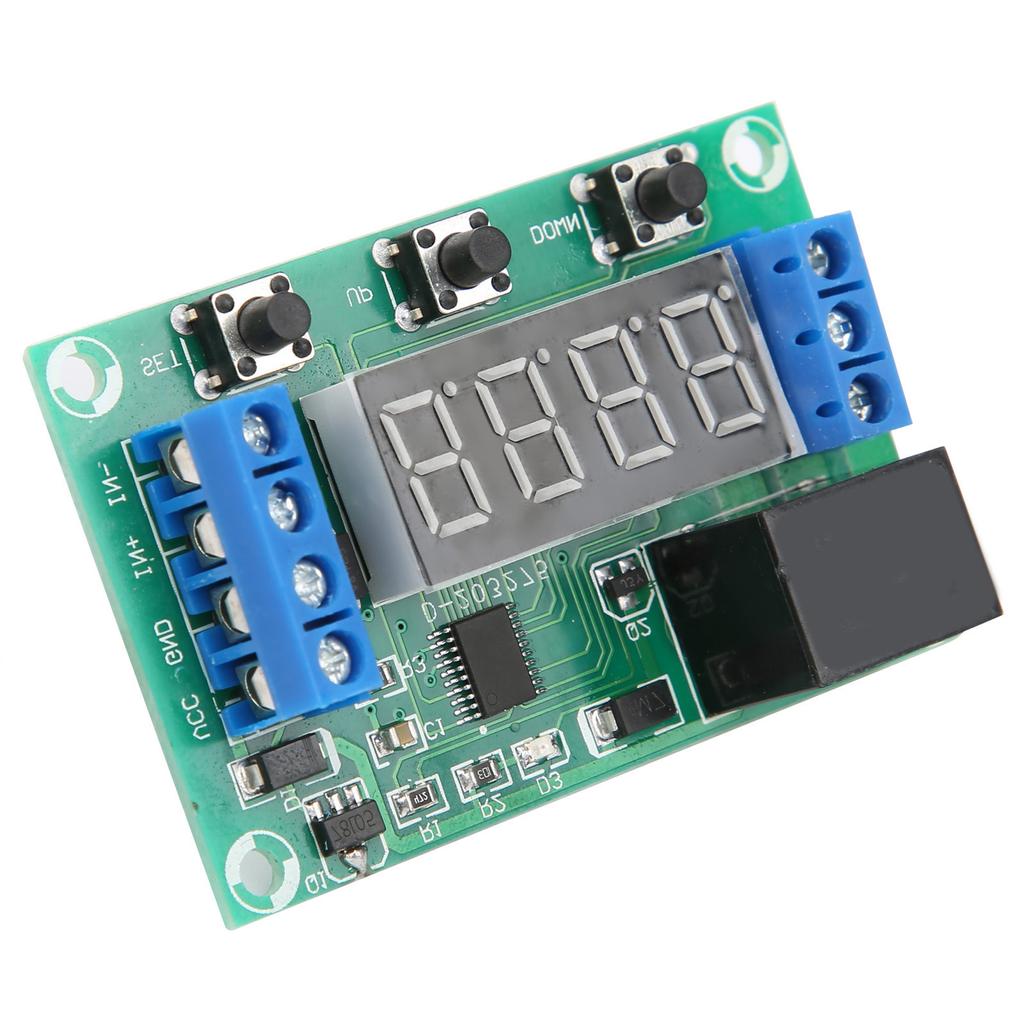
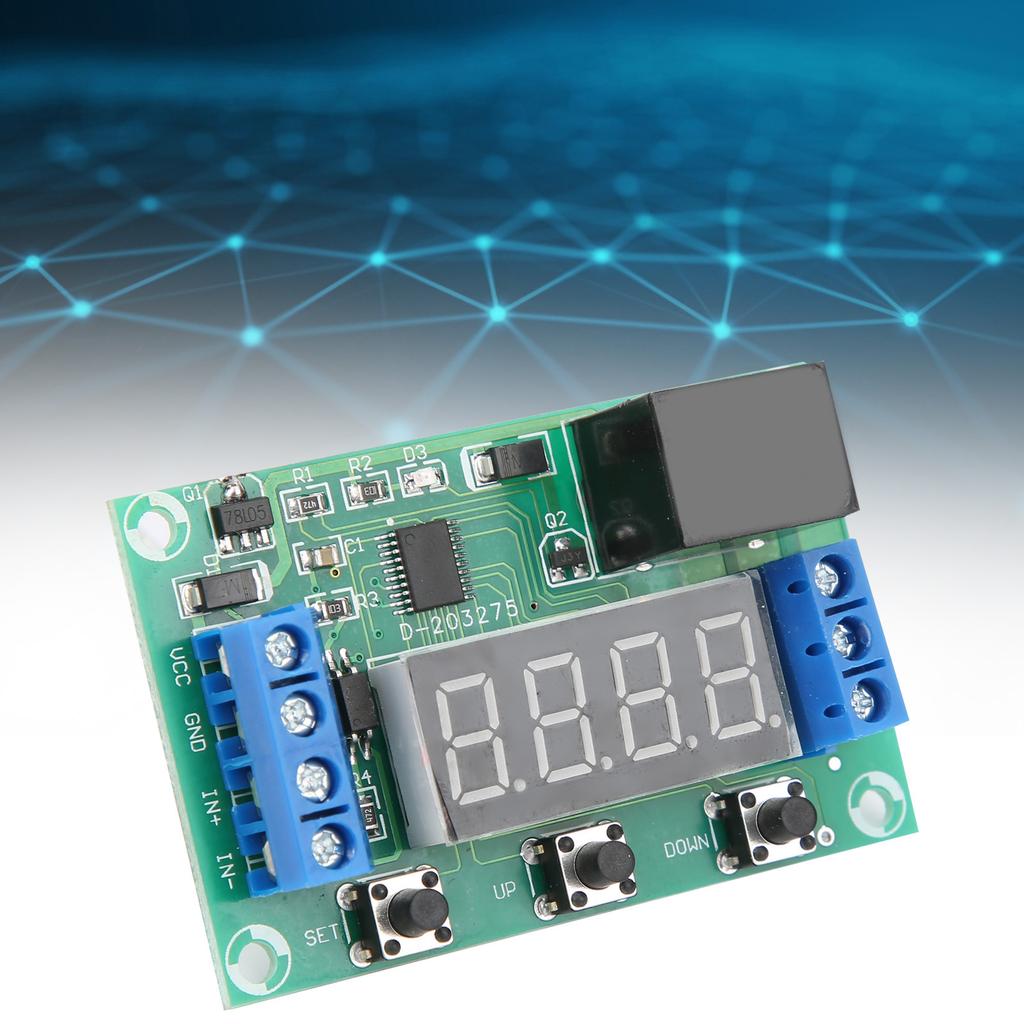
Multiple functions, a total of 31 working modes. The maximum control current of the relay is 20A.
Multiple supply voltages are optional: 5V, 12V, 24V, which can meet your different needs.
The output terminal is isolated from the circuit by a relay, which can control low‑voltage electrical appliances, direct current, etc., and can also control 220V lines.
Condition: 100% Brand New
Item Type: Time Relay Control Module
Material: Plastic
Color: As picture shown
Model: JY‑SJ13
Optional Supply Voltage: 5V, 12V, 24V
Maximum Relay Control Current: 20A
Instructions for Use:
Setting of Working Parameters:
Press and hold the SET button without letting go. After 0.5 seconds, the display shows P‑XX, press UP and DOWN to change the working mode. After selecting the working mode, short press the SET key to enter the A time setting, the screen displays Axxx, press the UP and DOWN keys to modify the A time parameter, press the ↑ and ↓ keys shortly to add or subtract 1, press to quickly add or subtract 10, press The S key can set the position of the decimal point. After setting the A time, press the SET button to set the B time, and the screen displays bxxx. At this time, press the UP and DOWN buttons to modify the B time parameter, press the UP and DOWN buttons to shortly press to add or subtract 1, and press to quickly add or subtract 10. Press the S4 key to set the position of the decimal point. After setting the B time, press the SET key again to enter CXXX, press the SET key again to enter dXXX, and press the SET key again to exit the setting state and save all parameters.
The settings such as B time or other time have no effect, no need to set, press SET to skip.
P2 is the stop and start function (triggered as described below). The individual functions are invalid.
The meaning of the decimal point position:
Ax.xx The decimal point is in the hundred, and the time range is 0.01.9.99 seconds
Axx.x The decimal point is in the tenth place, and the time range is 0.1.99.9 seconds
Axxx. The decimal point is in the place, and the time range is 1. seconds
Axxx has no decimal point, the time range is 1. minutes
Turn off the display: In the non‑setting state, press the S key to turn off the display, and then press it again to turn it on again.
Operating Mode:
P‑00: Invalid (skip)
P‑01: The relay is disconnected after power‑on or triggered, and the relay is closed after a delay of time A
P‑02: Pull‑in after power‑on or trigger, the relay is disconnected after delay A time
P‑03: Jog mode, pull‑in with signal, disconnect without signal
P‑04: Self‑locking mode, the relay state once after each trigger
P‑05: After triggering, the relay pulls in and stops after a delay of time A. Repeated triggering is not allowed during the delay period
P‑06: After triggering, the relay is closed, and it will stop after a delay of A time. Repeated triggering during the delay period will re‑timing
P‑07: After triggering, the relay is closed, and it stops after a delay of A second. Repeated triggering during the delay period, the time will accumulate
P‑08: After triggering, the relay is closed, and it will stop after a delay of A second, and it can stop immediately after triggering again during the delay.
P‑09: After triggering, the relay is closed. After the signal disappears, the delay will stop for A second, and the trigger will restart during the delay.
P‑10: After power‑on, pull‑in time A, disconnect time B, infinite
P‑11: When there is a continuous signal, pull in A time, disconnect B time, infinite , stop immediately after the signal disappears
P‑12: Trigger once, pull in A time, disconnect B time, infinite , trigger again to stop
P‑13: The relay is on when the power is on, the relay is disconnected after triggering, and the relay is on after the delay time A
P‑14: There is a continuous signal, the relay is closed after the time A is excee






 Возврат по недоставке