High-concerned chemical : none
Model Number : DC 12V 24V Time Delay Relay
Brand Name : Gaqqee
Origin : Mainland China
Power Source : DC
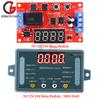
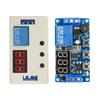
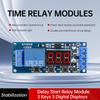
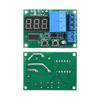
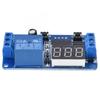
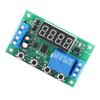
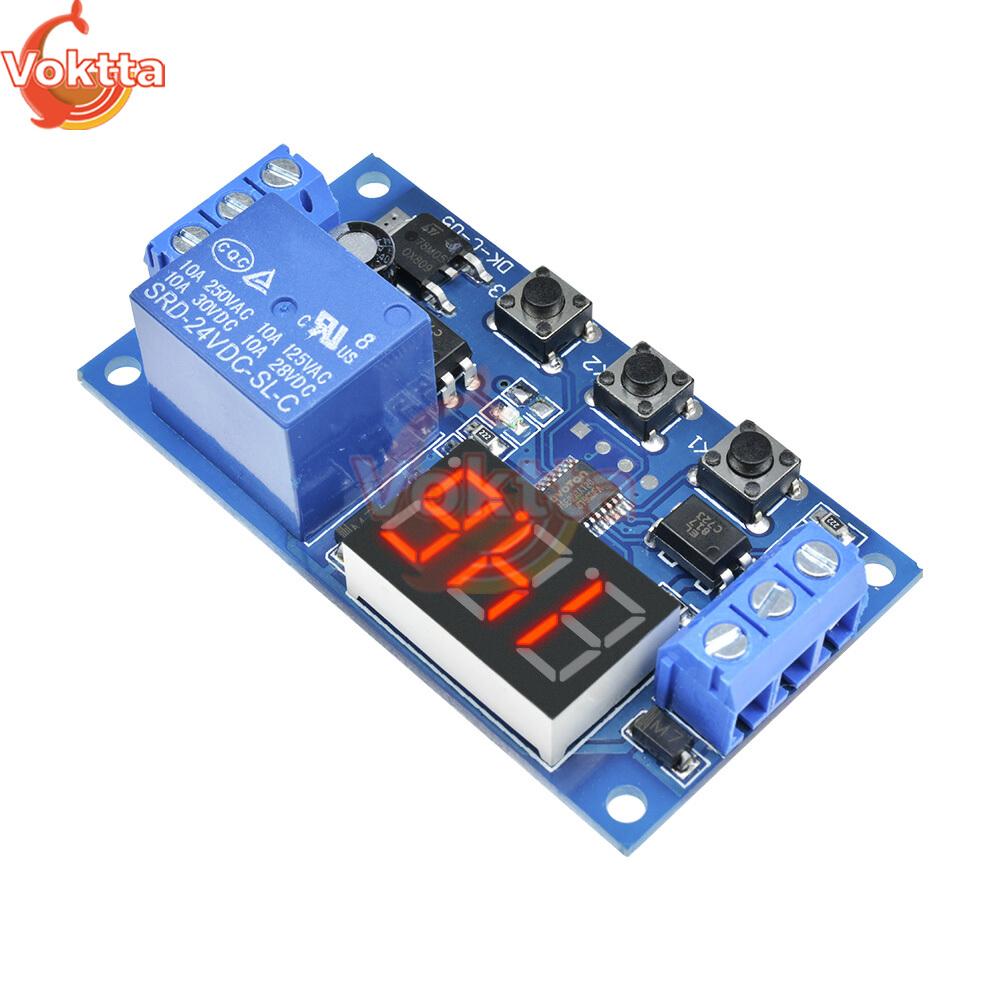
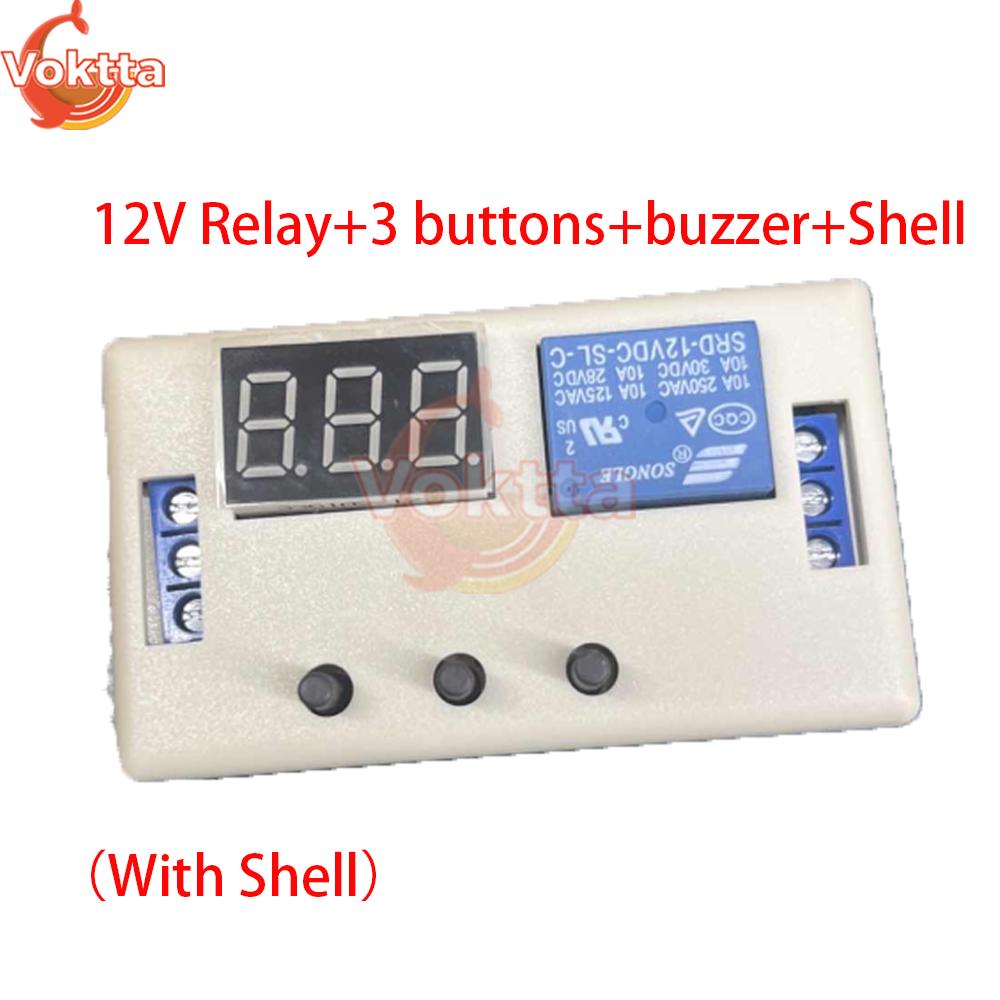
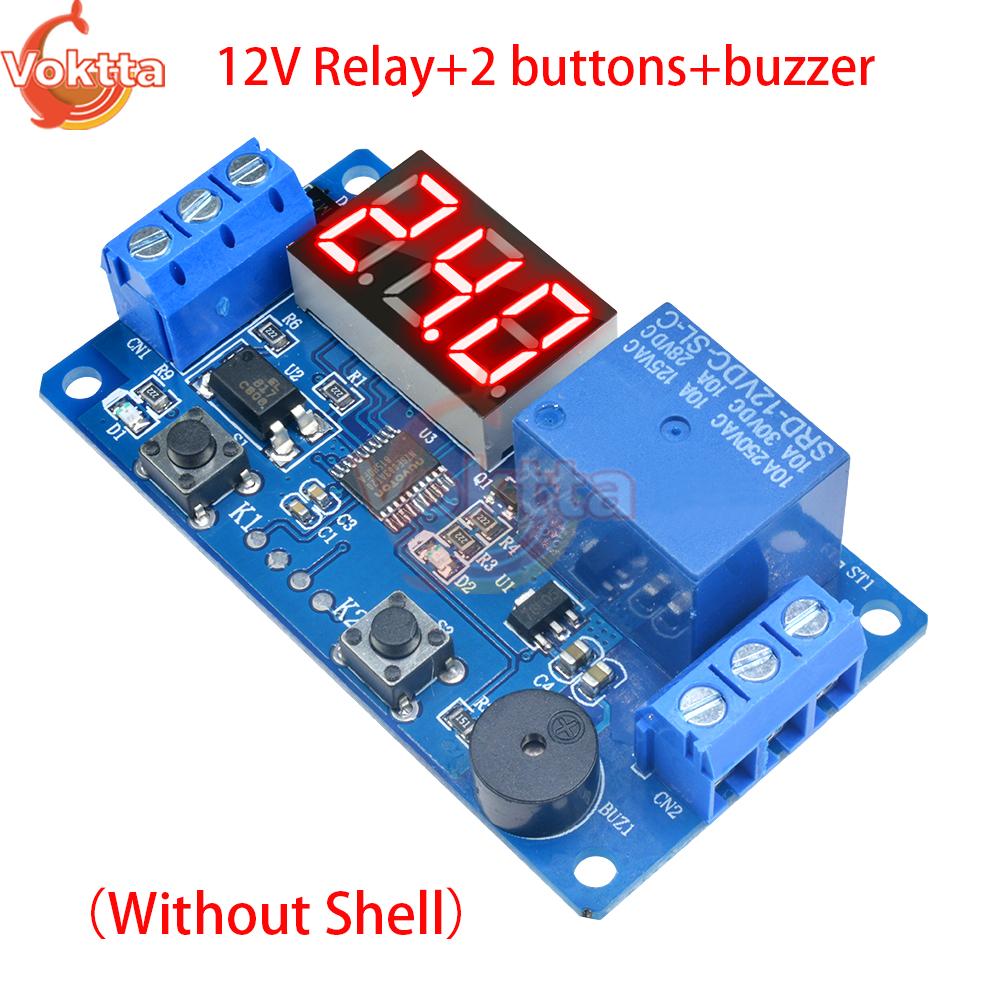
DC 12V 24V Time Delay Relay LED Trigger Cycle Timer Delay Switch 3 Buttons Circuit Board Timing Control Module with Buzzer
Descriptions:
1. Wide voltage power supply: DC 6 to 12V/24V
Supports micro USB 5.0V power supply, very convenient to use;
2. Clear and simple interface, powerful functions, easy to understand, almost meeting all your needs;
3. It has a one button emergency stop function (STOP button), with reverse connection protection, and reverse connection does not burn;
4. Added sleep mode, which automatically turns off the monitor if there is no operation within 5 minutes after enabling it; Wake up with any button;
5. Different OP, CL, and LOP parameters can be set, which are independent of each other and saved separately;
6. All setting parameters automatically power off and save
Working mode:
P1: After the signal is triggered, the relay conducts for OP time and then disconnects; During the OP time, perform the following operations
P1.1: Signal triggered again is invalid
P1.2: Signal triggers again and restarts timing
P1.3: Signal triggers reset again, relay disconnects, and timing stops;
P-2: Give a trigger signal, disconnect the relay after CL time, conduct the relay for OP time, and disconnect the relay after timing is completed;
P3.1: Give a trigger signal, after the relay conducts OP time, the relay disconnects CL time, and then repeat the above actions. Within the cycle, give the signal again, the relay disconnects, and the timer stops; The number of loops (LOP) can be set;
P3.2: After power on, there is no need to trigger a signal. The relay conducts for OP time and disconnects for CL time, and the above actions are repeated; The number of loops (LOP) can be set;
P-4: If there is a trigger signal, the timer will be reset and the relay will remain conductive; When the signal disappears, disconnect the relay after timing OP; During the timing period, if there is a signal again, the timing will be reset to zero;
Product parameters:
1: Working voltage: DC 6 to 12V (supports micro USB 5.0V power supply)
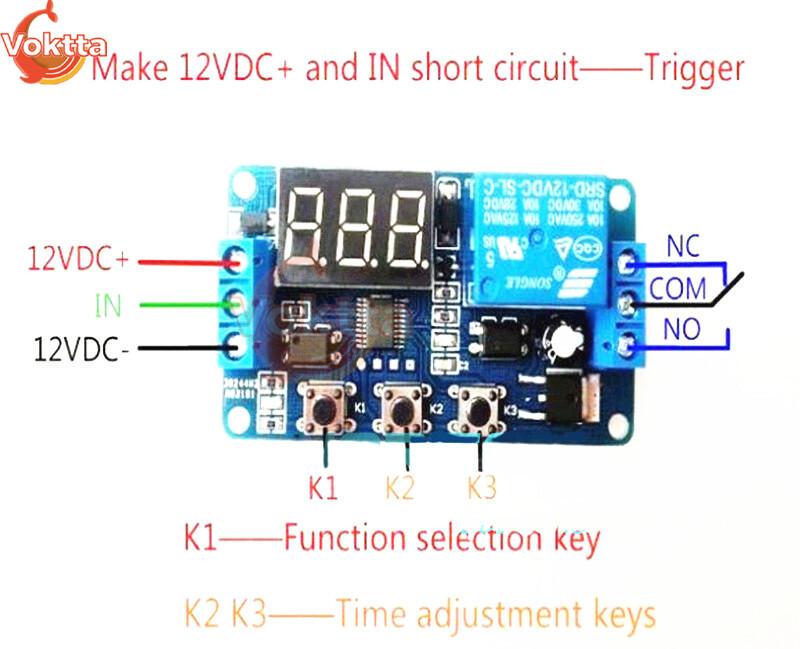
2: Trigger signal source: High level trigger (3.0V-24V)
Improve the anti-interference ability of the system by separating the signal ground from the system ground
(You can also short-circuit the common ground by yourself)
3: Output capability:
Can control devices with DC 30v 5A or AC 220v5A or less
4: Static current: 20mA Working current: 50mA
5: Service life: over 100000 cycles;
Working temperature: -40-85 ℃;
Size: 6.2 * 3.8 * 1.7cm
6: Equipped with optocoupler isolation to enhance anti-interference ability, industrial grade circuit board, set parameters to be permanently remembered after power failure.
How to choose a timing range:
After setting the parameter values on the mode selection interface, short press the STOP key to select the timing range
XXX. The decimal point is in units, and the timing range is 1 second to 999 seconds
XX. The decimal point of X is in ten places, and the timing range is 0.1 seconds to 99.9 seconds
X. X.X. decimal point fully lit, timing range: 1 minute to 999 minutes
For example, if you want to set the OP to 3.2 seconds, move the decimal point to ten and the digital display will show 03.2
Parameter description:
OP conduction time, CL disconnection time
LOP cycle times (1-999 times, "---" represents infinite cycles)
These parameters are independent of each other, but they are shared by various modes
For example, if the conduction time OP is set to 5 seconds in P1.1 and the user wants to switch to P1.2 mode, then when entering P1.2 to set the corresponding parameters, the OP will also be 5 seconds
Short press the SET key on the main interface (display 000) to display OP (CL, LOP) and the corresponding time XXX
If there is only OP time in the mode (such as P1.1, P1.2, P1.3), pressing the SET key briefly will only display OP and its corresponding time
How to set parameters
Firstly, determine the working mode of the relay
2. According to the working mode of the relay, on the main interface (when the module is powered on, it will flash the current working mode (default P1.1 mode), and then enter the main interface), press and hold the SET button for 2 seconds and then release it to enter the mode selection interface. Short press the UP and DOWN buttons to select the mode to be set (P1.1~P-4)
3. After selecting the mode to be set (e.g. P3.2), press the SET key briefly to set the corresponding parameters. At this time, the parameters to be set will flash (OP conduction time, CL disconnection time, LOP cycle times ("---" represents infinite cycles)). Adjust the parameter values through UP and DOWN, and support long press (quick increase or decrease) and short press (increase or decrease by 1 unit); After setting the parameter values, short press the STOP key to select the decimal point position and choose the timing range (corresponding time from 0.1 seconds to 999 minutes); Short press the SET key to set the next parameter for the current mode, as described above
After setting the parameters for the selected mode, long press the SET button for 2 seconds and release it. The currently set mode will flash and then return to the main interface. Setting the parameters is successful and very simple
Main interface: When the relay is not working, it displays "000" (without a decimal point). When the relay is working, it has a decimal point, which is very clear
Mode selection interface: Press and hold the SET key to enter. After setting is complete, press and hold the SET key to exit and return to the main interface
STOP button function extension
Relay enable mode
1. ON: The relay is allowed to conduct during the OP conduction time
2. OFF: The relay is prohibited from conducting and remains in a closed state at all times
Short press the STOP button on the main interface to switch between ON and OFF. The current state will flash, and then return to the main interface. (This function is an emergency stop function, a relay that can be opened and closed with one click)
Sleep mode:
C-P sleep mode: Within five minutes, if there is no operation, the digital display will automatically turn off and the program will run normally
O-d normal mode: The digital tube is always on for display
Press and hold the STOP button for 2 seconds, then release it to switch between the C-P and O-d states. The current state will flash, and then return to the main interface
Product list:
1X relay module
label:yes









 Возврат по недоставке