Сайт не поддерживает ваш браузер. Пожалуйста, обновите браузер, или скачайте другой
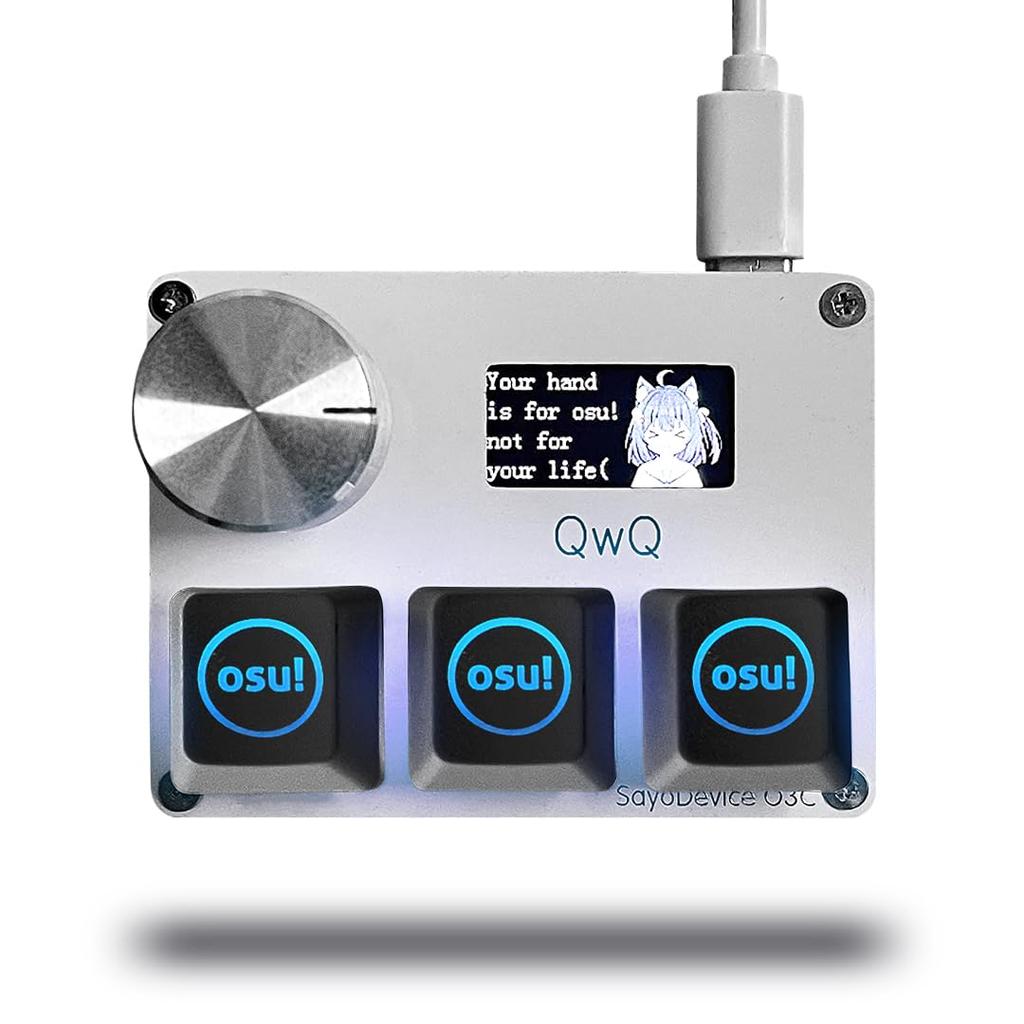

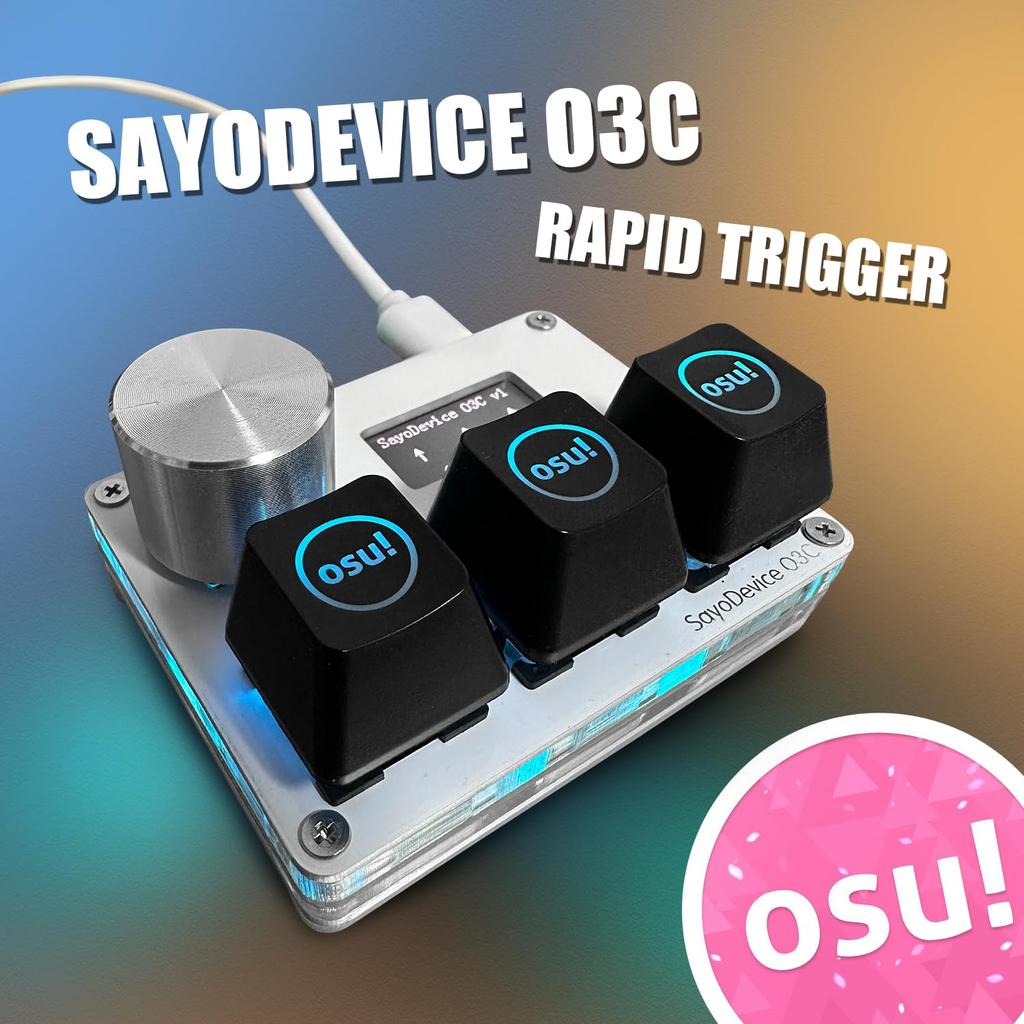


trigger SayoDevice O3C Keyboard Hole Magnetic Linear Switch Geometry for Dash OSU and Rhythm Games High-speed Hot-Swap
Текущая цена
Цена 5 960 ₽ руб.Загрузка...
Загрузка...
Загрузка...
Загрузка...
Загрузка...
Загрузка...
Загрузка...
Загрузка...
Загрузка...
Загрузка...
Загрузка...
Загрузка...
Загрузка...
Загрузка...
Загрузка...

Бесплатная доставка в Россию
7 ноября
 Товар из Японии

Безопасность платежей и защита данных


 Возврат по недоставкеГарантия по качествуНадежная логистикаЗащита конфиденциальности
Описание


Похожие товары






Trigger SayoDevice O3C Keyboard Hole Magnetic Linear Switch Geometry for Dash OSU and Rhythm Games High-speed Hot-Swap — купить товар онлайн с бесплатной доставкой по всему миру!
Доступные цвета:
Качественные материалы:
Реальные фото и отзывы покупателей.
Большой размерный ряд:
Отзывы о похожих товарах
Доставка по России
Международный ассортимент
Возврат средств за заказы, соответствующие условиям, и круглосуточная поддержка клиентов
Скидка на первую покупку для новых клиентов