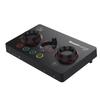
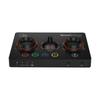
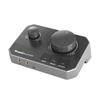
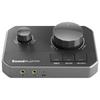
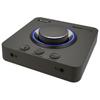
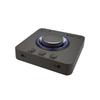
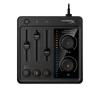
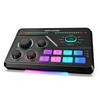
***If you think something is wrong*** This product allows you to save multiple settings. However, if you experience any issues with sound quality during use (such as poor playback or microphone sound quality), you may have changed a setting incorrectly. In such cases, please try resetting the device from "Settings" in the Creative App to return it to factory settings. [Request] If you experience any problems or malfunctions during use, please first contact Creative Media Co., Ltd.'s support center. When doing so, please tell us the equipment you are using (such as a PC or game console), the symptoms, and, if possible, the names of any other connected devices.
[Caution] 1. When using the product, please ensure that the software on your PC is up to date. 2. Open the microphone properties in Windows recording devices and uncheck AGC in the Custom tab. 3. Do not use a USB hub without an AC adapter. Insufficient power may prevent the device from functioning correctly. 4. If possible, disable the standard sound function on your PC. Also, please refrain from connecting other sound devices. This may cause Windows to become unstable. 5. The problem may also be caused by the connected device. If problems occur, please check if the devices function correctly when connected to something other than the GC7.
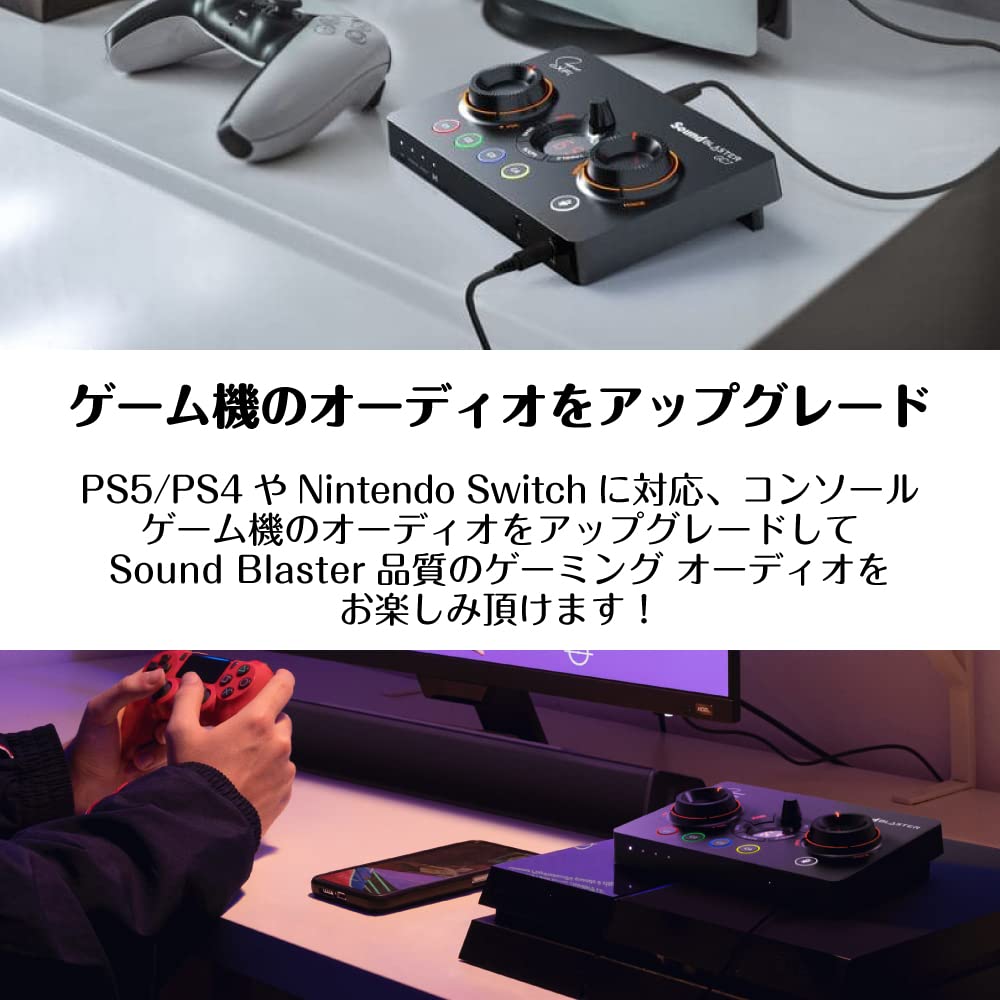
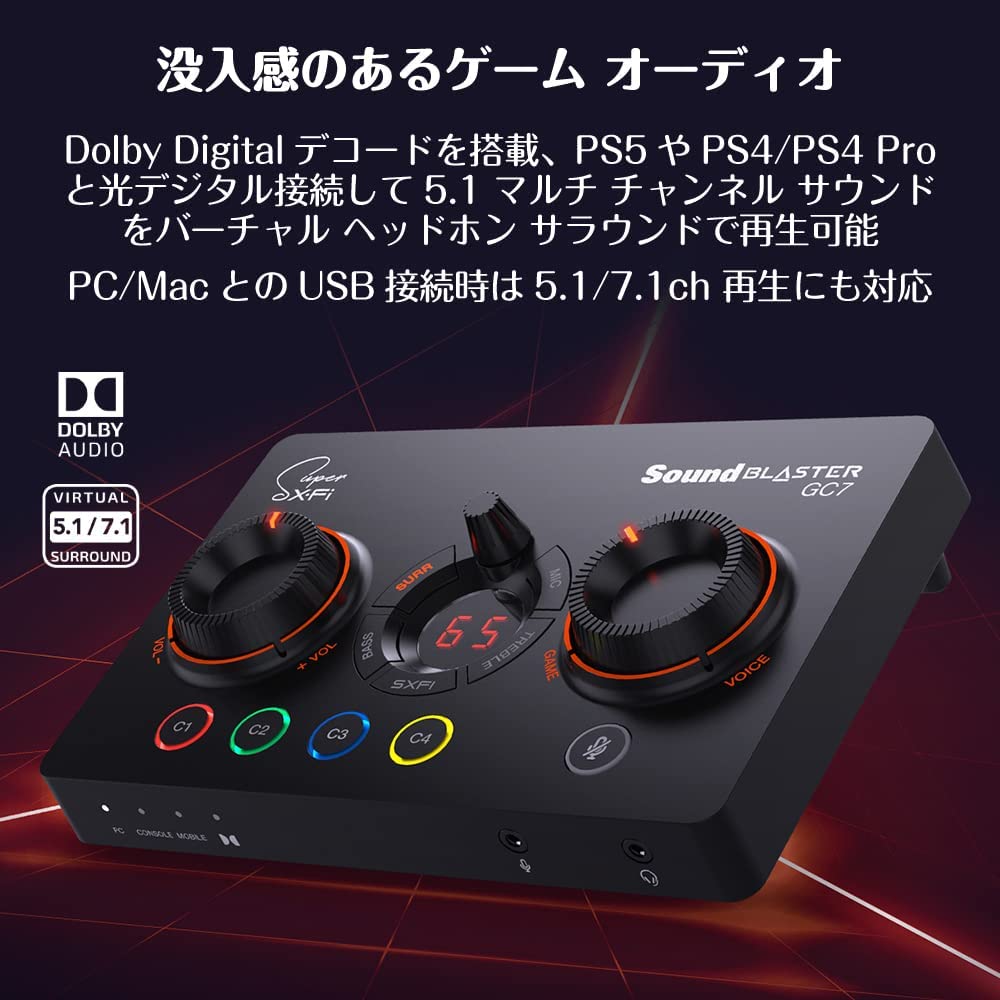
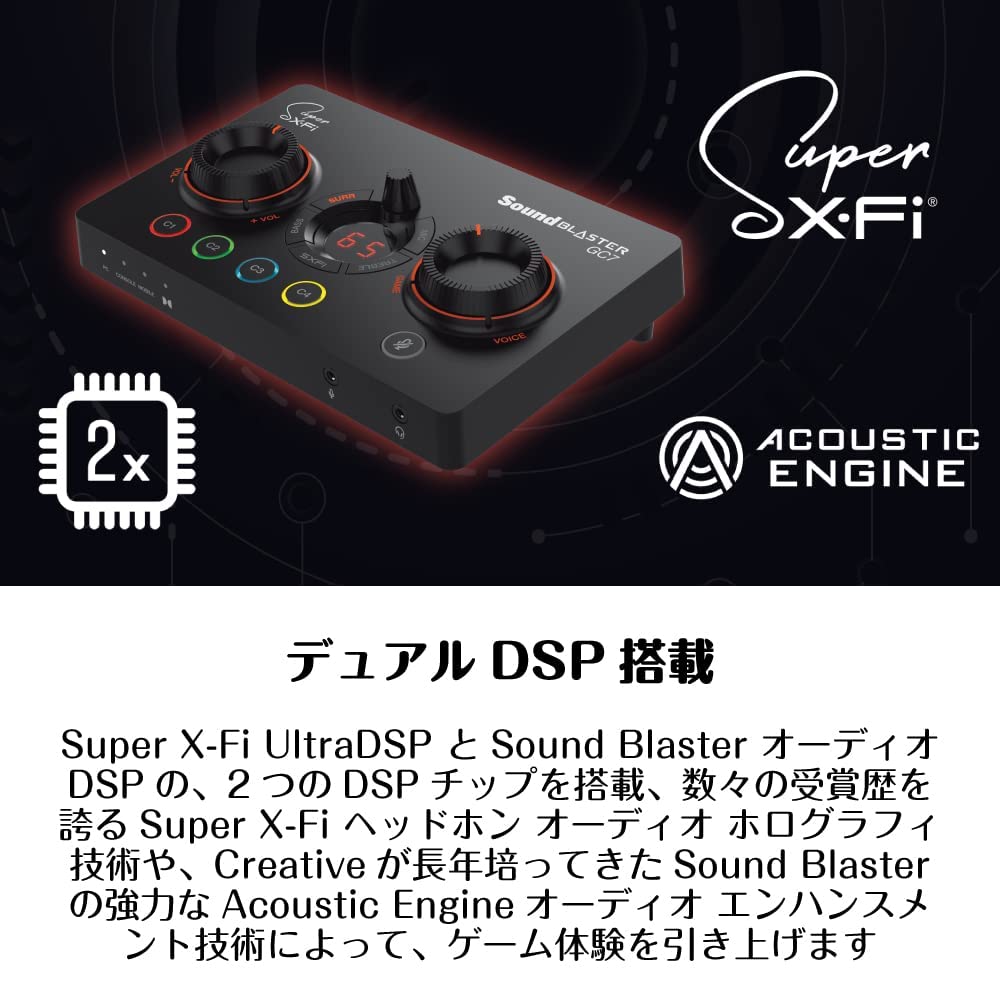
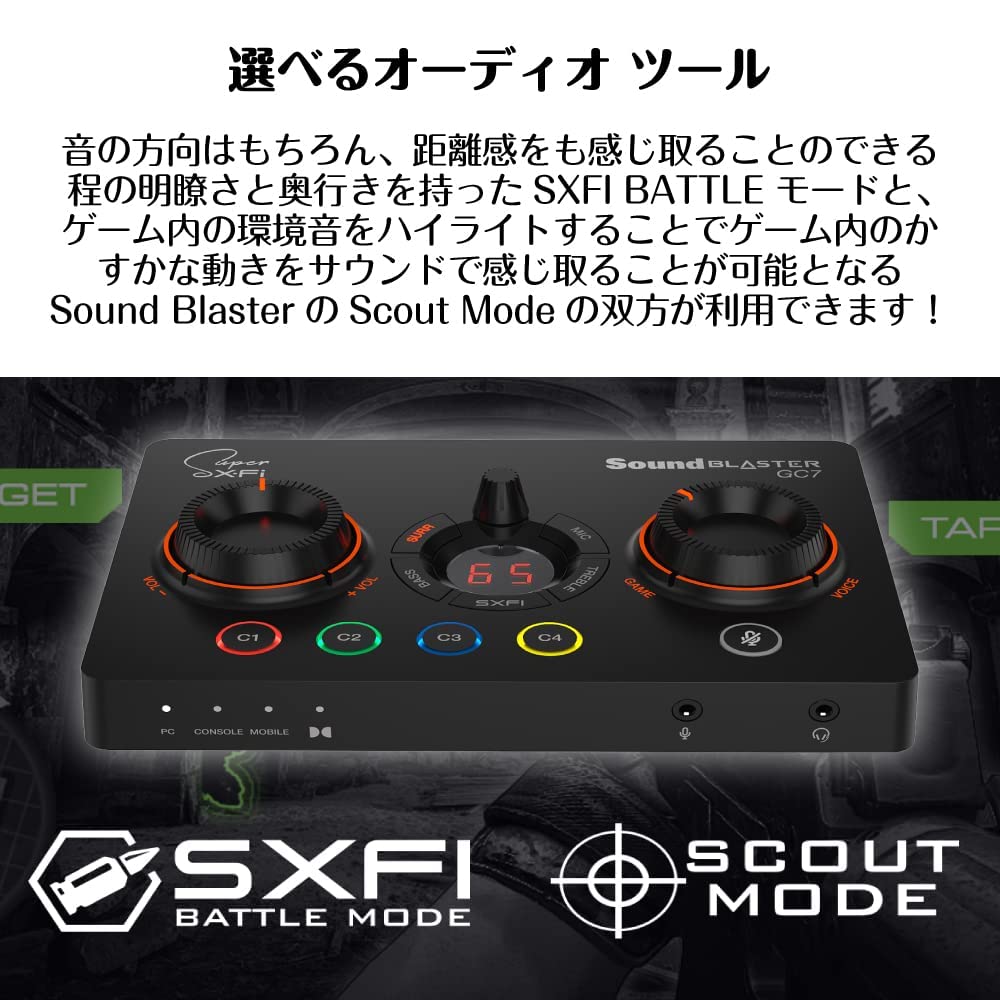
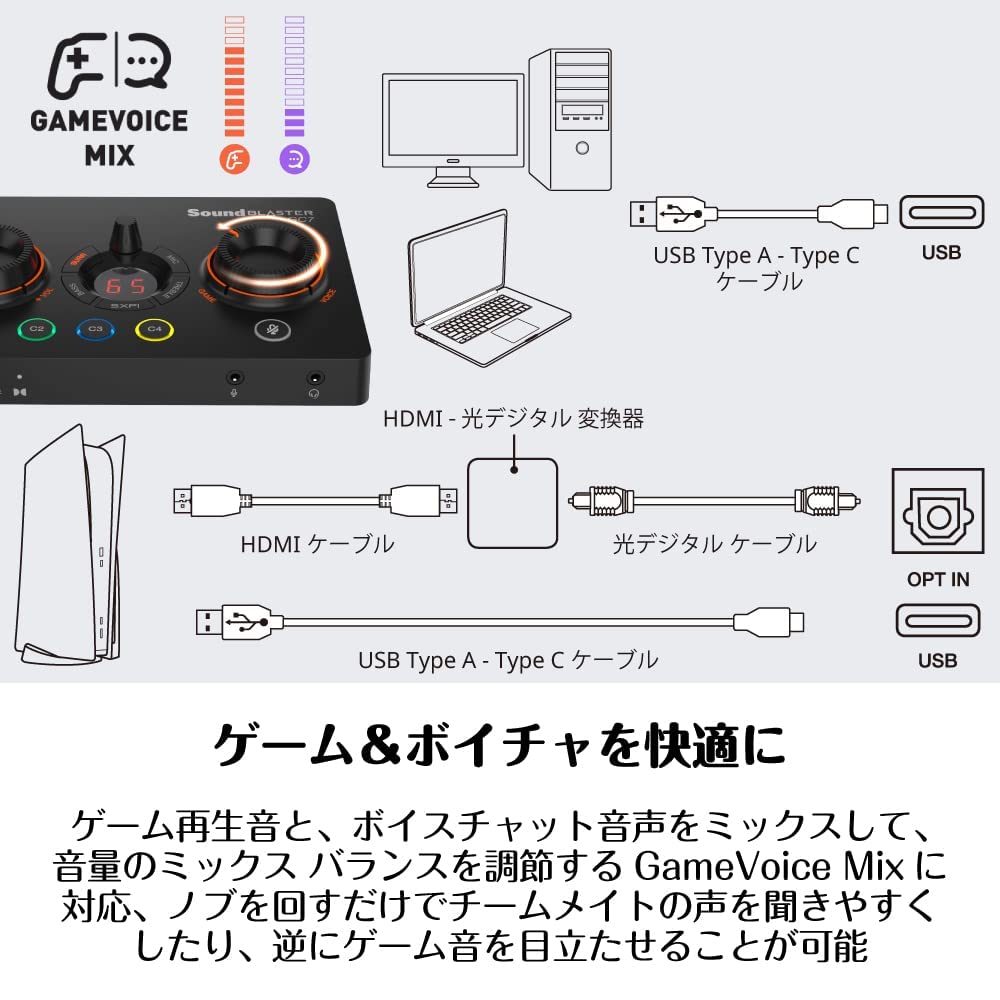
[Superior Sound Reproduction] Equipped with an AKM AK4377 audiofile class DAC, it boasts top-class sound reproduction. Furthermore, it features SCOUT mode for clearer footsteps and an optical digital input supporting Dolby Digital decoding, allowing you to connect to PS5 or PS4/PS4 Pro via optical digital for 5.1 multi-channel sound in virtual headphone surround. When connected to a PC via USB, it supports up to 24-bit/192kHz PCM stereo playback.
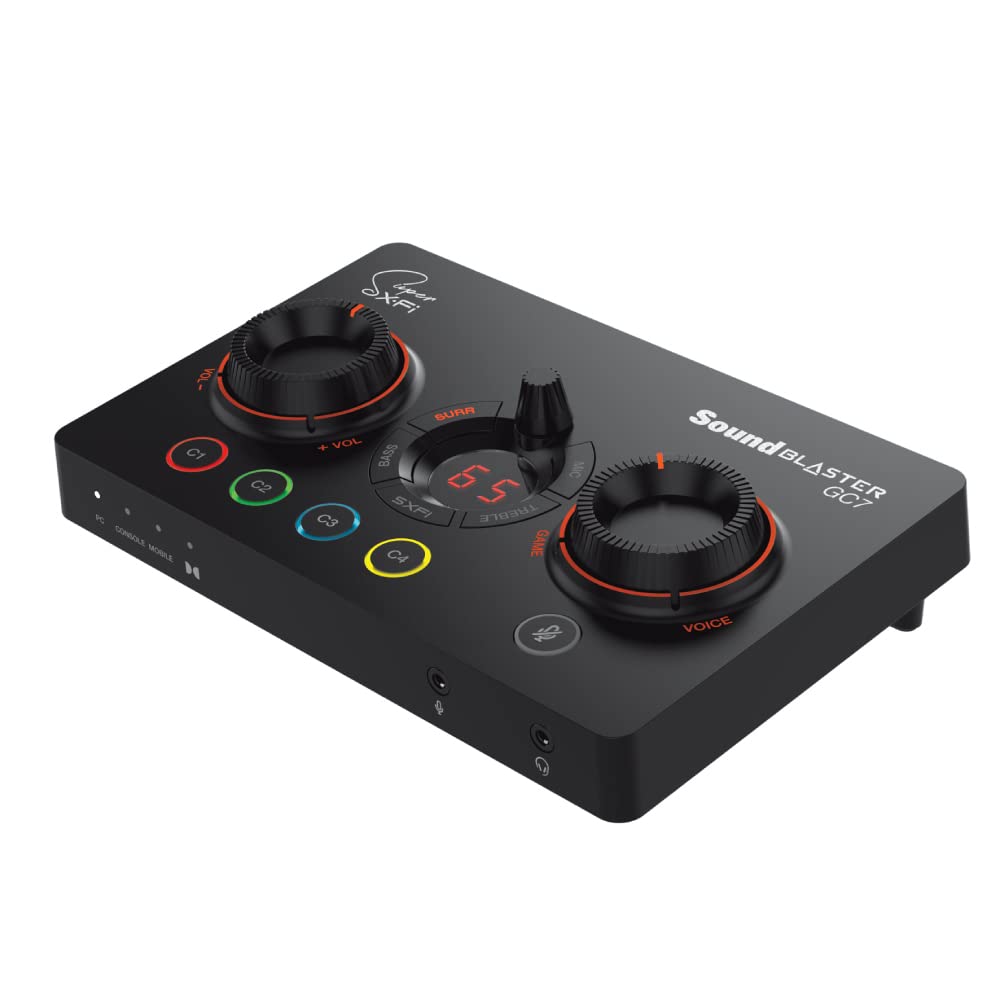
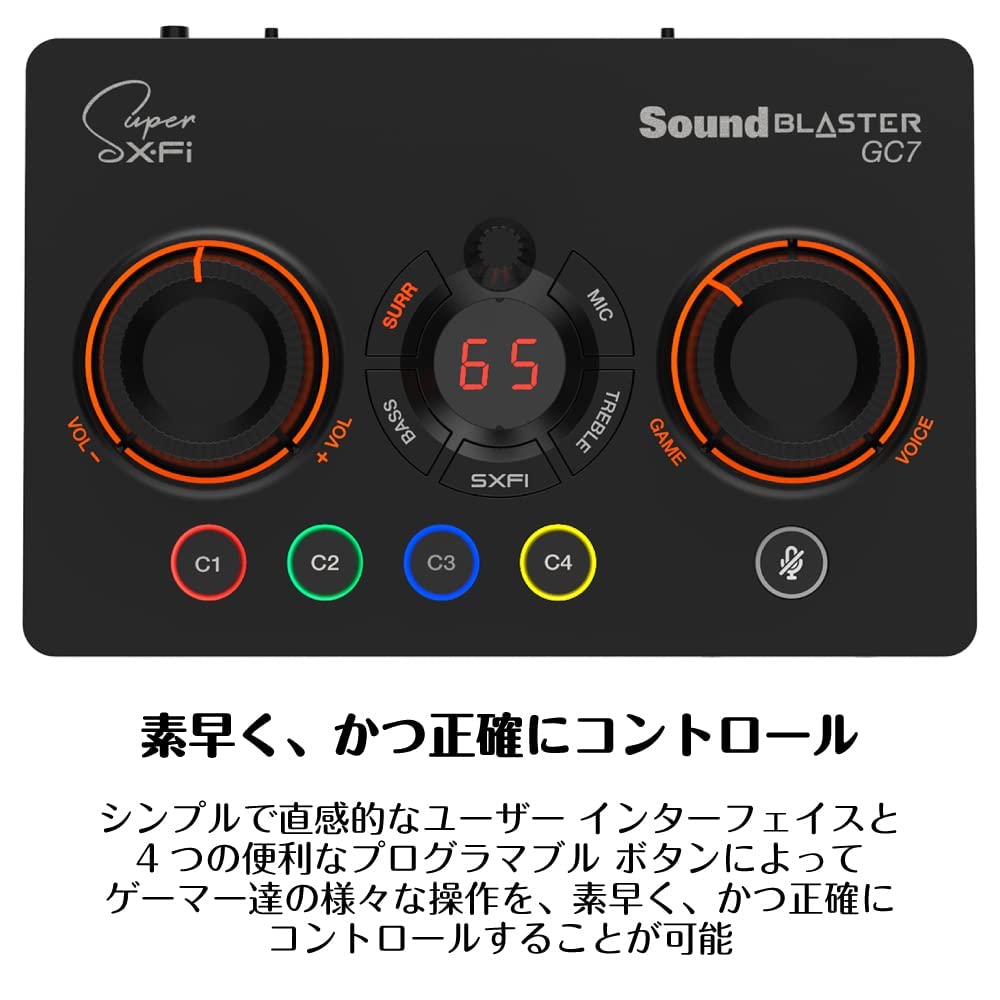
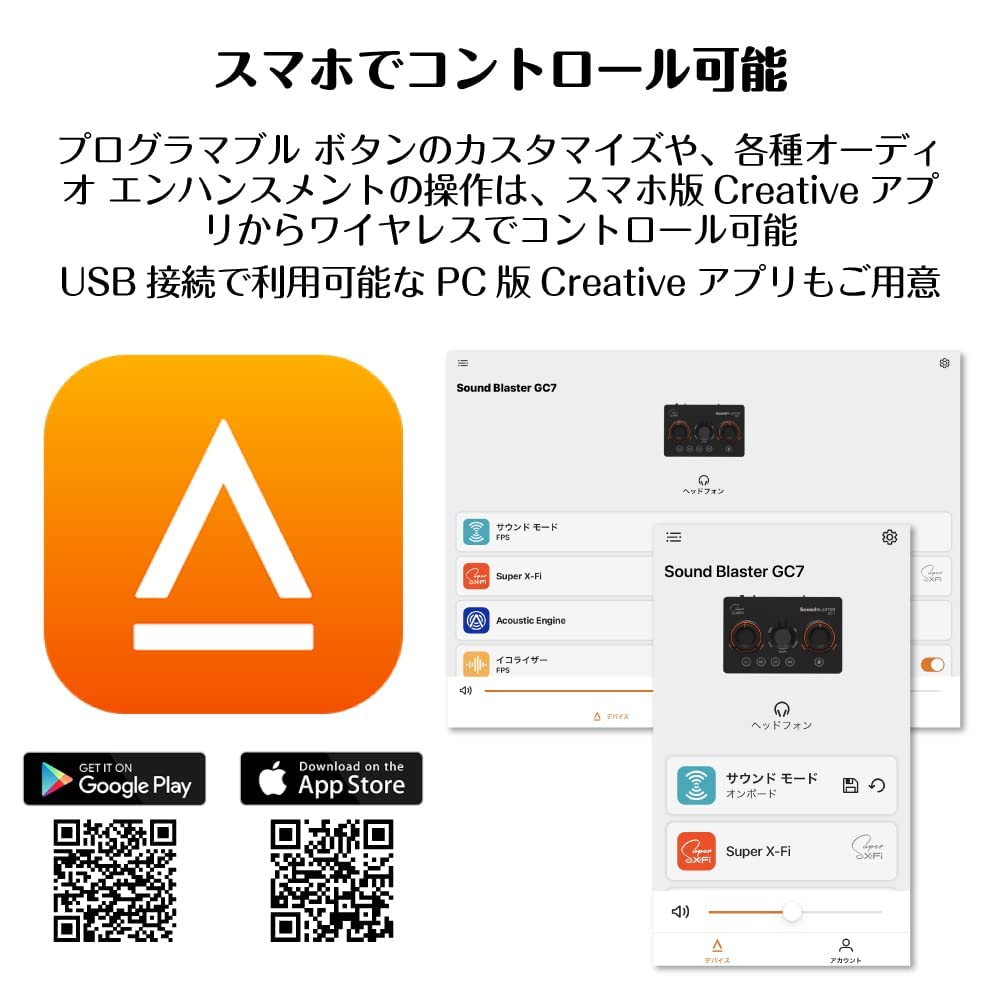
Large knobs for easy one-handed operation, various effect control buttons, and customizable programmable buttons are all easily accessible through a simple and intuitive user interface. The convenient programmable button customization and various audio enhancements can be wirelessly controlled via the Creative mobile app (iOS/Android) for smartphones and tablets.
The GameVoice Mix feature allows you to mix your game audio on PS5/PS4 or PC with the voice chat audio of your teammates and adjust the volume mix balance. Simply turn the knob to make your teammates' voices easier to hear or, conversely, make the game audio stand out, ensuring smooth voice communication in team battles. Latency when hearing your own voice has also been addressed.

 Товар из Японии


 Возврат по недоставке