------------------------------------------------------------------------------------------------------------------
【Voltage Compatibility】
When using electrical appliances, please note that they are designed for Japanese voltage specifications (90-110V), so if you use them with a different voltage, it may cause a malfunction.
【Plug Type】
Our products use Japanese plug types (A or B type).
Please use a conversion adapter if necessary.
【Important Note on Transformers and Adapters】
A transformer adjusts voltage to match your device’s requirements.
A conversion adapter only changes the plug shape and does not adjust voltage.
Using only a conversion adapter without a transformer may result in damage to the product.
【Liability】
We are not responsible for malfunctions or damages caused by improper use, such as operating the product without a transformer.
------------------------------------------------------------------------------------------------------------------
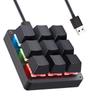
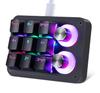
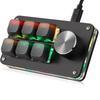
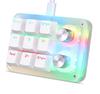
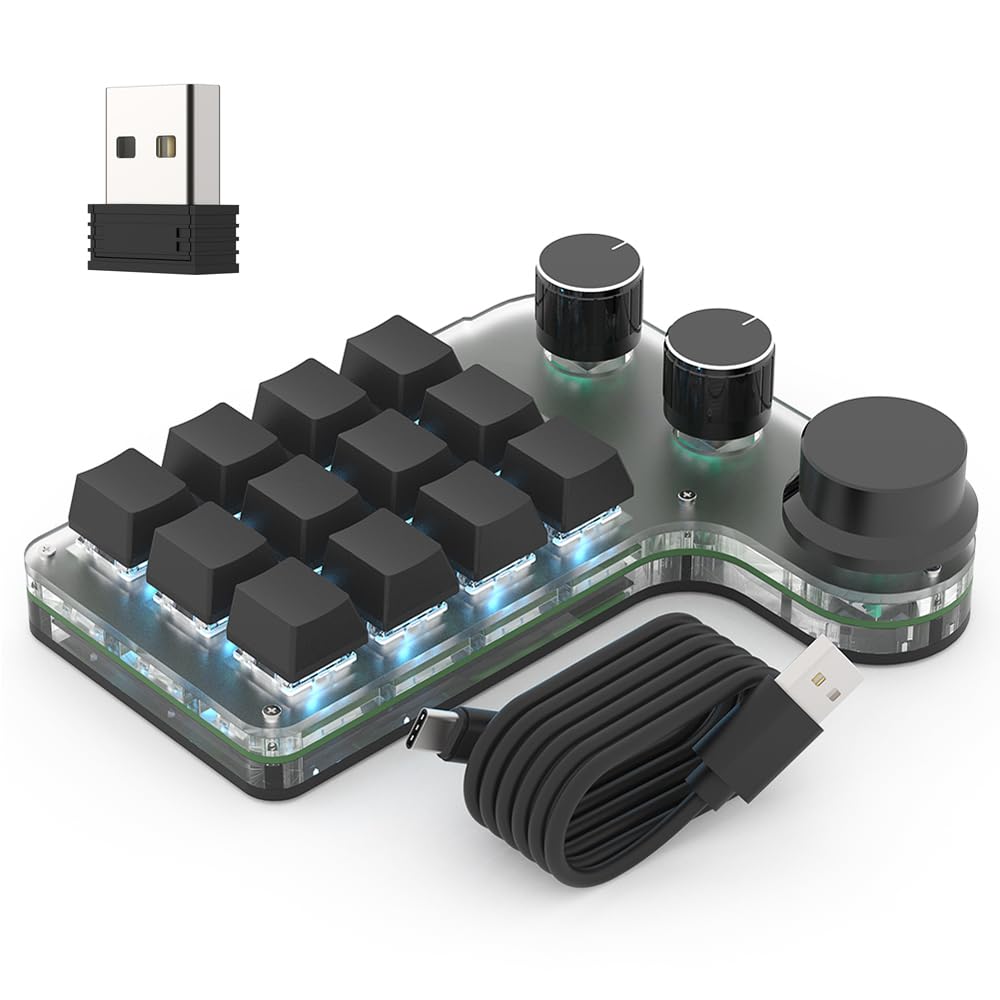
[Left-Hand Device with Freely Assignable Functions & Enhanced Work Efficiency] This product is a left-hand device that allows you to freely assign your preferred functions to the operation of each key and knob (left rotation, right rotation, press). It supports basic key input, compound shortcuts, multimedia operations, and mouse operations. ① Basic Key Input: You can register up to 18 characters combining numbers, letters, and symbols (e.g., 1@2%3&4a5b6c7d8e9*), allowing you to input passwords and standard phrases with a single touch. ② Compound Shortcuts: You can set shortcuts that combine multiple keys, such as "Alt + Tab" or "Win + Shift + S". This helps to streamline the operation of various applications and shorten work time. ③ Multimedia Operations: You can set functions such as mute, previous track, next track, pause, and play, making it easier to control music and videos. ④ Mouse Operations: You can assign functions such as left click, right click, up scroll, and down scroll. Furthermore, by combining it with the delay function, you can set up more complex sequential operations. This convenient left-hand device can improve work efficiency in a wide range of situations, including document creation, video editing, image design, illustration, and gaming.
【3-Way Connection & 3-Layer Function】This shortcut keyboard supports three connection methods: wired, Bluetooth, and 2.4GHz wireless. It can connect to a variety of devices, including desktop PCs, laptops, smartphones, and tablets, providing comfortable, cable-free operation. Furthermore, each key can be assigned one of three layer functions. Simply switch layers to quickly change key functions according to your usage scenario, whether it's work, video editing, design, or gaming. Settings are saved on the keyboard itself, eliminating the need to reconfigure settings every time you connect to a different device.
[7-Color Backlight & Keycap/Switch Replacement Compatible] This left-hand device features 5 lighting modes and 7-color backlighting, allowing you to create your preferred atmosphere around your desk. The lights can also be turned off via the dedicated software. *The backlight only illuminates when connected via wired connection. To conserve power, it does not illuminate when connected via Bluetooth or 2.4GHz wireless connection. Furthermore, both the keycaps and key switches are replaceable, allowing you to customize the color and typing feel to your liking. You can also enjoy the fun of creating your own original left-hand device.
【Light and Smooth Red Switches & Comfortable for Long Sessions】This programmable keyboard features red mechanical switches, known for their smooth and light feel. The keys require minimal force to press, and the relatively quiet operation reduces strain on your fingers during extended use. Its quick and smooth response makes it ideal for a wide range of tasks involving repetitive key presses, including daily office work, gaming, video editing, image design, and illustration. It's comfortable to operate with one hand, compact, and fits easily into a bag, making it convenient for use at home, the office, or on the go.
[Multi-System Compatible & User-Friendly Setup Software] The macro keyboard is compatible with Windows, macOS, Android, and Linux. Setup software is available for both Windows and macOS. When using with devices other than Windows or macOS, please configure the key functions on a Windows PC beforehand before connecting to the device. The software features an intuitive and easy-to-understand interface, making setup smooth even for first-time users. You can download the software via the link or QR code provided on the Japanese page of the instruction manual. The download page also includes detailed setup instructions, usage precautions, frequently asked questions, and troubleshooting information. Please refer to it for more information.
1. You can freely assign your preferred functions to the keys and knobs (left rotation, right rotation, press). Complex functions can be achieved with a single key. ① Basic key functions (maximum 18 characters) Example: Numbers, letters, and symbols like 1@2%3&4a5b6c7d8e9* ② Shortcut functions Example: Alt + Tab, Win + Shift + S, etc. ③ Multimedia functions Example: Mute, previous song, next song, etc. ④ Mouse operation functions Example: Left click, right click, wheel operation, etc. ⑤ Delay function 2. Connection method: Wired, Bluetooth, 2.4GHz wireless 3. Keyboard type: Red switch mechanical keyboard 4. Compatible OS: Compatible with Windows/macOS/Android/Linux 5. Software: Windows version/macOS version is available. When using with an OS other than Windows/macOS, please set the key functions on the Windows device beforehand, and then connect to the other device. The software download link can be obtained from the link or QR code on the Japanese page of the instruction manual. 6.
Backlight: 5 lighting modes x 7 colors (backlight only lights up when wired). It can also be turned off via software. 7. Layer function: You can set up 3 layers for the keyboard.


 Товар из Японии


 Возврат по недоставке