EU LVD Voltage : Low voltage: Below 50Vac or 75Vdc
High-concerned chemical : none
Type : Other
Number of sockets : Not
is_d : No
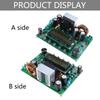
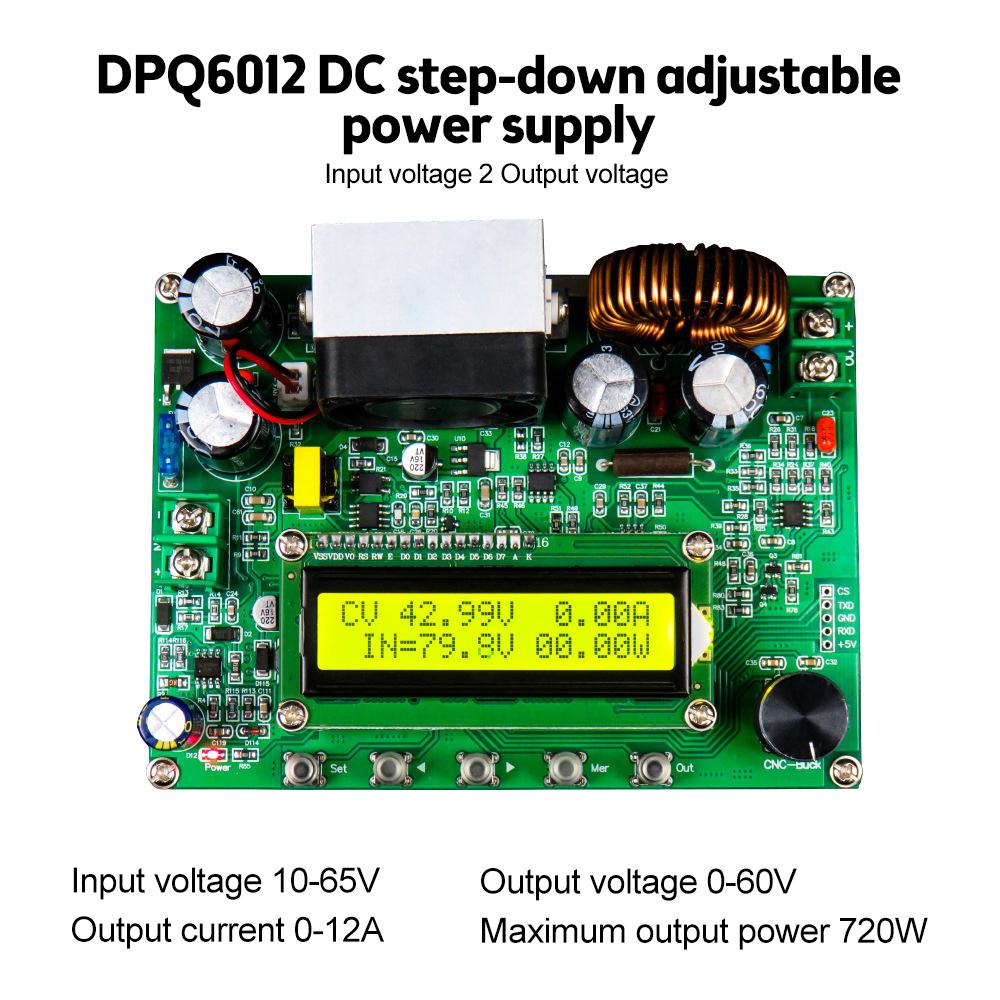
Model Number : DPQ6012 DPQ9010 DC Step Down Power Supply Module
Current Type : DC
Phase : Single-phase
Brand Name : Gaqqee
Origin : Mainland China
Power (W) : from 1 to 5 kW
Certification : CE
Use : SVC
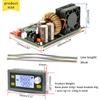
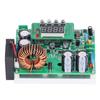
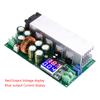
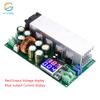
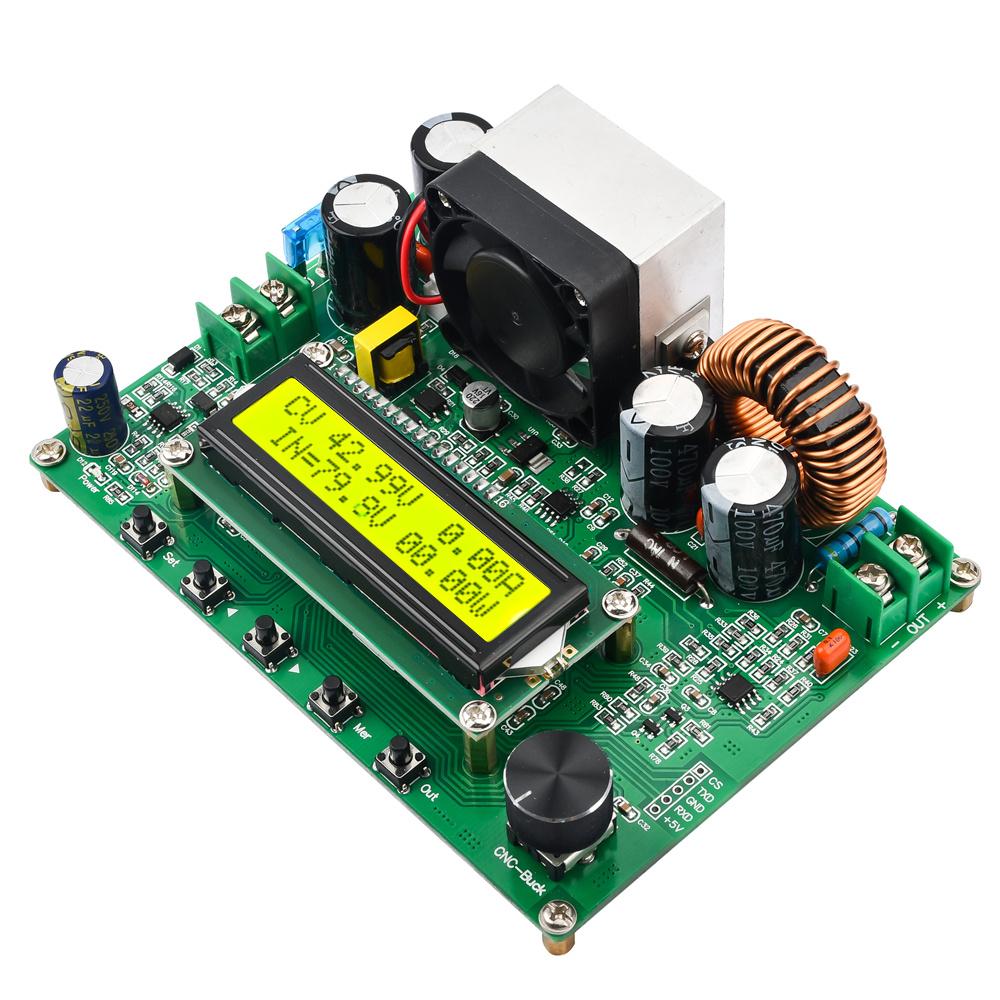
CV CC CNC Adjustable Buck Converter DC10V- 100V to DC0-90V Voltage Regulator Transformer Board Step Down Power Supply Module
Features:
1.Using LCD1602 to display information, buttons and encoder to adjust parameters, making human-machine interaction more convenient;
2.The use of high-quality power devices, combined with peripheral precision operational amplifiers to form CV and CC loops, greatly improves module performance;
3.Equipped with a fan for heat dissipation, with low temperature rise;
4.Full digital display, convenient and easy to use;
5.Capable of constant voltage and constant current output;
6.Adopting advanced microprocessors, buttons can accurately adjust the output voltage and current;
7.Automatic output can be set after power on.
8.Equipped with input undervoltage protection (LVP), output overvoltage protection (OVP), and output overcurrent protection (OCP).
9.With communication function, it is convenient for secondary development.
10.Increase the output of high-power MOS transistor protection circuit, making it safer;
Description:
The DPQ series CNC step-down module is a fully LCD digital display step-down module with small size, high power, high efficiency, stable operation, and can output constant voltage and current. It is controlled by advanced microprocessors and can adjust parameters quickly and conveniently through buttons and encoders. And using LCD1602 LCD display, it can display real-time information such as output voltage, current, power, output capacity and input voltage, working status, etc.
Parameters:
Model: DPQ6012, DPQ9010
Input voltage range: 10V~100V
Output voltage regulation range:
DPQ6012:0~62V
DPQ9010:0~90V
Output current adjustment range:
DPQ6012:0~12A
DPQ9010:0~10A
Input protection method: reverse protection
Output protection methods: (Ovp) overvoltage, (Ocp) overcurrent, (Opp) overvoltage
Output power:
DPQ6012:0~720W
DPQ9010:0~900W
Output voltage setting resolution: 10mV
Output current setting resolution: 10mA
Output ripple:<100mVpp (input 48V, output 24V, current 5A)
100Hz fluctuation transmission ratio:<1/10000
Typical efficiency: 91% (input 50V, output 30V, current 3A)
Voltage and current display accuracy: 10mV
Voltage display error: ± 1%+20mV
Current display error: ± 2%+20mA
Response time:<50ms
Cooling method: onboard radiator and cooling fan
Starting condition of cooling fan: output current greater than 1.5A
Operating environment temperature: 0-60 ℃
Storage environment temperature: -20~70 ℃
Operating environment; Indoor use design with a maximum humidity of 80%
Size (length * wide * High): 135 * ninety-five * 38(mm)
Instructions for use:
1. Wiring:
Correctly connect the input (IN) and output (OUT) to ensure that the input voltage is within the required range, and reverse connection is strictly prohibited.
2. Set the voltage and current value:
(1) Set the voltage value, click the "Set" button as shown in the figure below, switch the "*" sign to the position shown below, click the key or click the key to move the cursor, rotate the coding knob to adjust the parameter size.
(2) Set the current value, as shown in the figure below, click the "Set" button, switch the "*" sign to the position shown below, click the key or click the key to move the cursor, rotate the coding knob to adjust the parameter size.
(3) As shown in the figure above, 17.8V shows the input voltage.
(4) Set the parameters, click the "Out" button to output, if the set parameters. If the system changes, the system will save the set parameters, and the last saved parameters will be output by default when the power is turned off and restarted.
3. Start output:
After setting the output voltage and current value, you can directly press the "Out" button to turn on or off the output, and the display interface after turning on the output is shown in the figure below.
4. Adjust the voltage and current value in the output state:
In the output state, click "Set" to switch to set voltage or current, click the key or click the key to move the cursor, and rotate the coding knob to adjust the parameter size.
5. Display capacity and time function:
As shown in the figure below, in the output state, click the "Mer" button to switch the display function.
6. System parameter setting function:
The instrument has 4 sets of parameters that can be set:
Input undervoltage value (LVP), after turning on the LVP function, when the input voltage value is less than the set LVP voltage value, the instrument will automatically turn off the output:
Output overvoltage value (OVP), after turning on the OVP function, the instrument will automatically turn off the output when the output voltage is higher than the set OVP voltage value:
Output overcurrent value (OCP), after turning on the OCP function, the instrument will automatically turn off the output when the output current value is higher than the set OCP current value:
After restoring the output value (STR), after turning on the STR function, the instrument will automatically turn on the output when the input voltage value is higher than the set STR voltage value when the undervoltage protection (LVP) output is turned off:
Power-on automatic output function (ATO), after turning on the power-on automatic output function, the module will automatically output when powered on, and there is no need to click the "Out" button to turn on the output.
1, LVP, OVP, OCP, STRR setting method is similar, to set LVP as an example, in the output off state, click the "Set" button, when the "*" disappears, as shown in the figure below, rotate the encoder clockwise to enter the parameter setting page.
2. Click the "Out" button to turn on or off the protection function, click the "Set" button cursor display, click the click key or click the key to move the cursor, rotate the coding knob to adjust the parameter size.
3. Click "Set" after the cursor disappears, rotate the encoder clockwise to switch parameter categories, and adjust the exit parameter setting function counterclockwise.
4. Click "Mer" to save the settings.
5. Enter the power-on automatic output ATO function, click the Out button to turn on or off the power-on automatic output function, and then click "Mer" to save the settings;
7. Communication protocol:
Baud rate: 9600Bps; 3.3V TTL level
Write data instructions:
Instruction format: :(English colon) + w+X (command character) + XXXX (data string) + s (end character)
(1) Set output voltage value command
:wu1134S sets the output voltage to 11.34V
:wu0134S sets the output voltage to 1.34V
(2) Set the output current value command
:WI0100S Set the output current value to 1.00A
: WI0050S Set the output current value to 0.50A
(3) Set the status to turn on or off
:wo0001s Turn on the output
:wo0000s turns off the output
(4) Bring up the save parameter command
:wm0s calls up the save address 0 position parameter
:wm5s brings up the save address 5 position parameter
(5) Save parameters
:ws0s saves the set voltage and current values to the 0 address bit
:WS5S saves the set voltage and current values to the 5 address bit
Read data instructions:
Command format: :(colon) + r+X (command character) + s (end character)
(1) Read output voltage value command
:rus Return data: #ru0000800s Actual output voltage 8.00V
(2) Read the output current value command
:ris Return data: #ri0000050s Actual output voltage 0.50A
(3) Read the output AH number instruction
:rcs Return data: #rc0000050s Actual capacity 0.50AH
(4) Read the set voltage value command
:rvs Return data: #rv0000800s The actual set voltage is 8.00V
(5) Read the command to set the electric Liu value
:ras Return data: #ra0000800s The actual set voltage is 8.00A
(6) Read the output status instruction
:ros returns data: #ro0000001s output is on; #ro000000s Output is off
Notes:
The module has input undervoltage protection function (LVP) and recovery output value (STR), if the input undervoltage protection value (LVP) is set, and the LVP function is enabled; In addition, the recovery output value (STR) is set and the STR function is turned on, so that when the input voltage is lower than LVP, the output will be stopped, and when the input voltage is higher than the (STR) value, the module will turn the output back on.
Package include:
1X module(0-60V or 0-90V)
label:yes




 Возврат по недоставке