------------------------------------------------------------------------------------------------------------------
【Voltage Compatibility】
When using electrical appliances, please note that they are designed for Japanese voltage specifications (90-110V), so if you use them with a different voltage, it may cause a malfunction.
【Plug Type】
Our products use Japanese plug types (A or B type).
Please use a conversion adapter if necessary.
【Important Note on Transformers and Adapters】
A transformer adjusts voltage to match your device’s requirements.
A conversion adapter only changes the plug shape and does not adjust voltage.
Using only a conversion adapter without a transformer may result in damage to the product.
【Liability】
We are not responsible for malfunctions or damages caused by improper use, such as operating the product without a transformer.
------------------------------------------------------------------------------------------------------------------
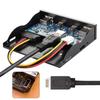
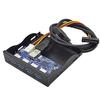
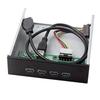
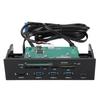
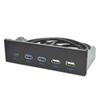
The VL822 chipset supports Multiple IN, a new feature of USB 3.1 Gen2, fully utilizing the available bandwidth of the USB 3.1 Gen2 bus to achieve a 10Gbps data rate and providing a highly integrated, application-specific design.
Compliant with USB-based specifications 3.1/3.0/2.0, USB Type-A interface, and 5.5-inch bays on the front panel of a PC. Compliant with USB 3.1 SuperSpeed (10Gbps, 5Gbps), USB 2.0 High-Speed (480Mbps), and USB 1.1 Low-Speed (1.5Mbps). Supports the new Multi-IN feature of USB 3.1 Gen2, leveraging the available bandwidth of the USB 3.1 Gen2 bus to maximize data rates up to 10Gbps and providing a highly integrated, application-specific design.
It allows you to connect an additional high-speed power supply, providing a maximum throughput of DC 5V 2A when in conjunction with the SATA port power supply. If your device cannot be powered sufficiently from the USB port, our USB power adapter is the solution. This adapter allows power to be supplied from the SATA port, just like the SATA power supply on a PC.
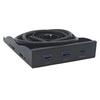
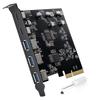
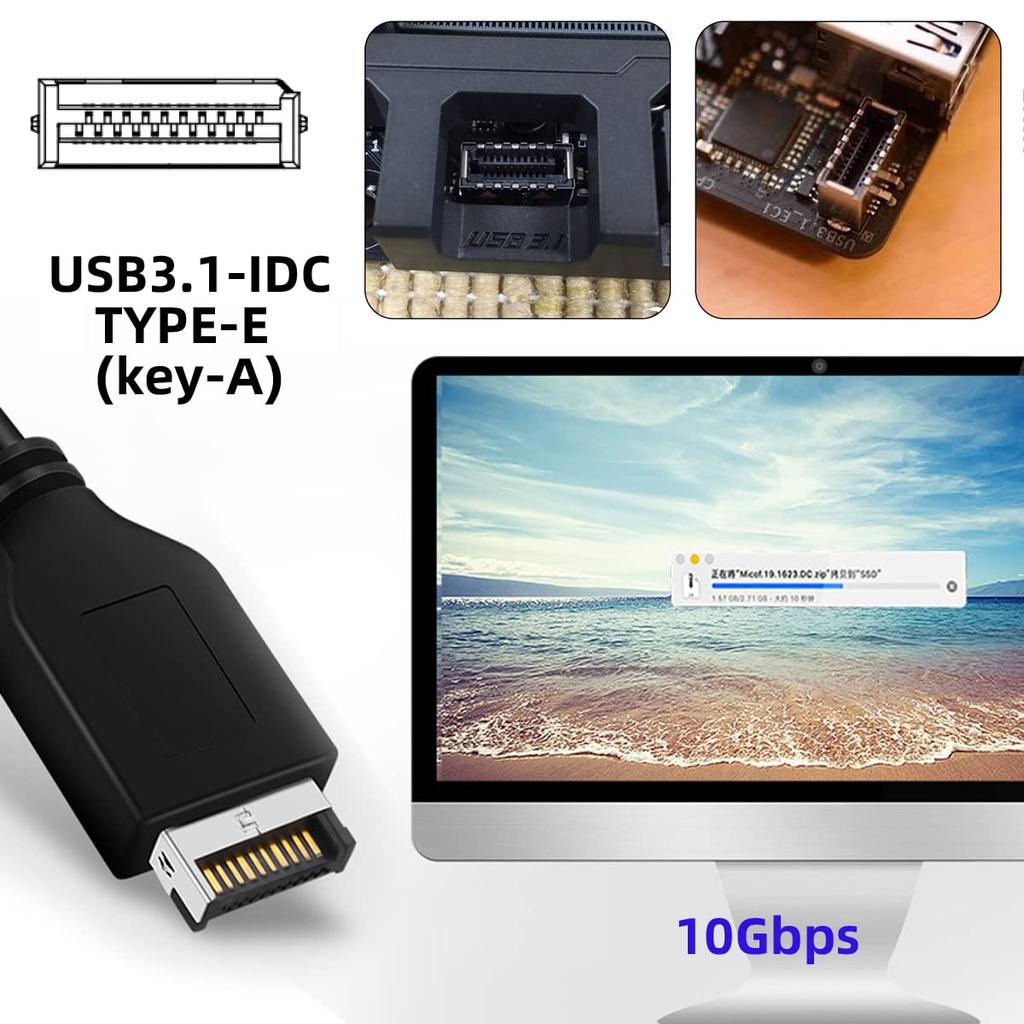
Dramatically expand your PC case with easy installation. Quickly add ports via a 20-pin USB 3.2/USB 3.1 Key-A Type-E header to connect various external USB devices (please ensure your motherboard has a Type-E header before purchasing).
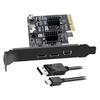
The Type-C female port only transfers USB 3.1/3.0 data and power; it cannot connect to USB-C video/audio/Thunderbolt devices. The Type-C connector is a new design for USB 3.1, and features a reversible design with reversible plug and cable directions.
10Gbps USB 3.1 Type-A & Type-C HUB 4-Port Front Panel to Motherboard Type-E Connector Cable 10Gbps 5.25-inch CD-ROM Bay Tray Chipset: VL822 supports the new USB 3.1 Gen2 feature "Multiple IN," leveraging the available bandwidth of the USB 3.1 Gen2 bus to achieve full utilization of 10Gbps data rates, providing a highly integrated, application-specific design. Compliant with USB Base Spec. 3.1/3.0/2.0, USB Type-A interface, and 5.5-inch bay on the PC front panel. Compliant with USB 3.1 Super-Speed (10Gbps, 5Gbps), USB 2.0 Hi-Speed (480Mbps), and USB 1.1 Low-Speed (1.5Mbps). Supports the new USB 3.1 Gen2 feature "Multiple IN," achieving full utilization of 10Gbps data rates. Leveraging the available bandwidth of the USB 3.1 Gen2 bus to achieve 10Gbps data rates
It operates with and provides a highly integrated, application-specific design. It allows you to connect an additional high-speed power supply, providing up to DC 5V 2A throughput when with a SATA port power supply. If your USB port isn't supplying enough power to your device, our USB power adapter is the solution. Our adapter allows you to draw power from a SATA port, just like a SATA power supply on your PC. You may have external devices such as portable 2.5-inch hard drives, and a standard USB cable may not provide enough power to operate the device. This problem can be easily solved by using this USB 3.0 adapter and an additional SATA power cable. It significantly expands your PC case with easy installation. Quickly add ports via the available 20-pin USB 3.2/USB 3.1 Key-A Type-E header to connect a variety of external USB devices (make sure your motherboard has a Type-E header). The Type-C female port transfers only USB 3.1/3.0 data and power, while the USB-C video/audio port is for data transfer only.
It is not possible to connect to a DI/Thunderbolt device.




 Товар из Японии


 Возврат по недоставке