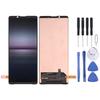
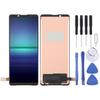
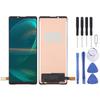
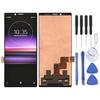
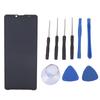
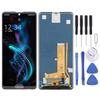
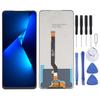
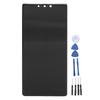
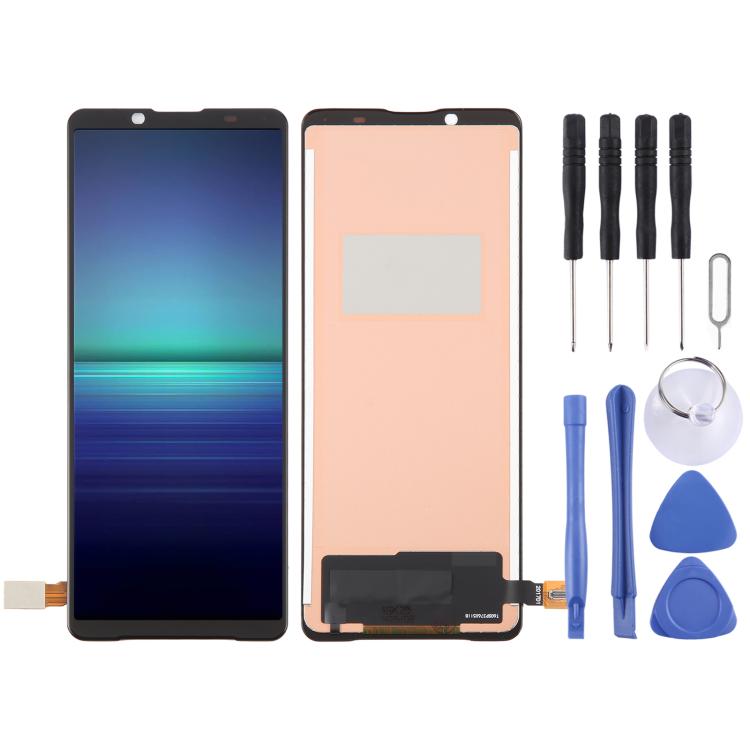
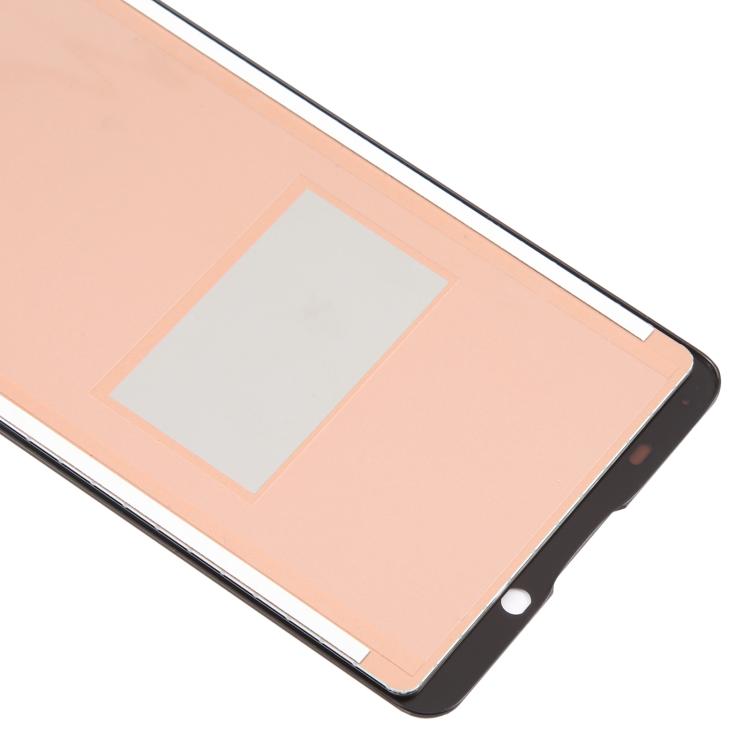
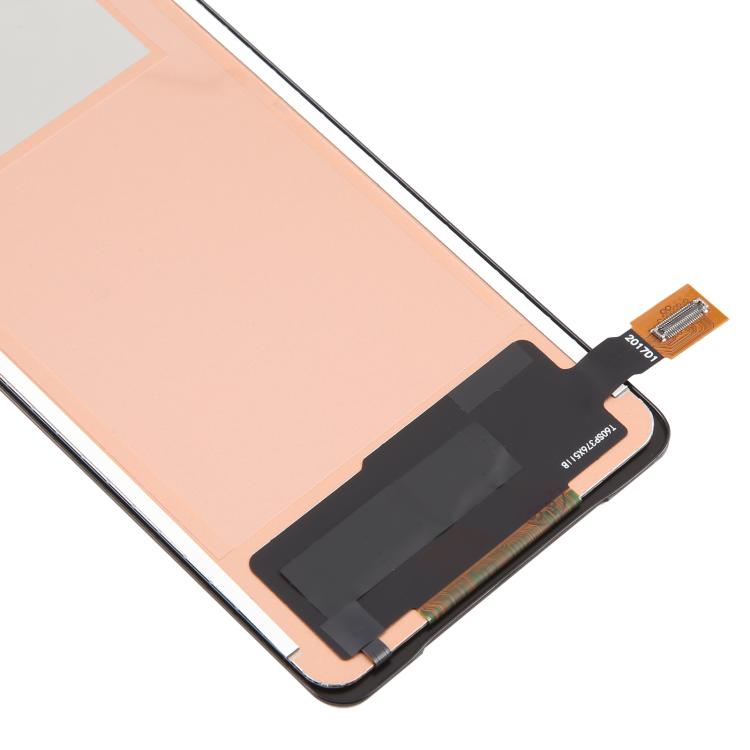
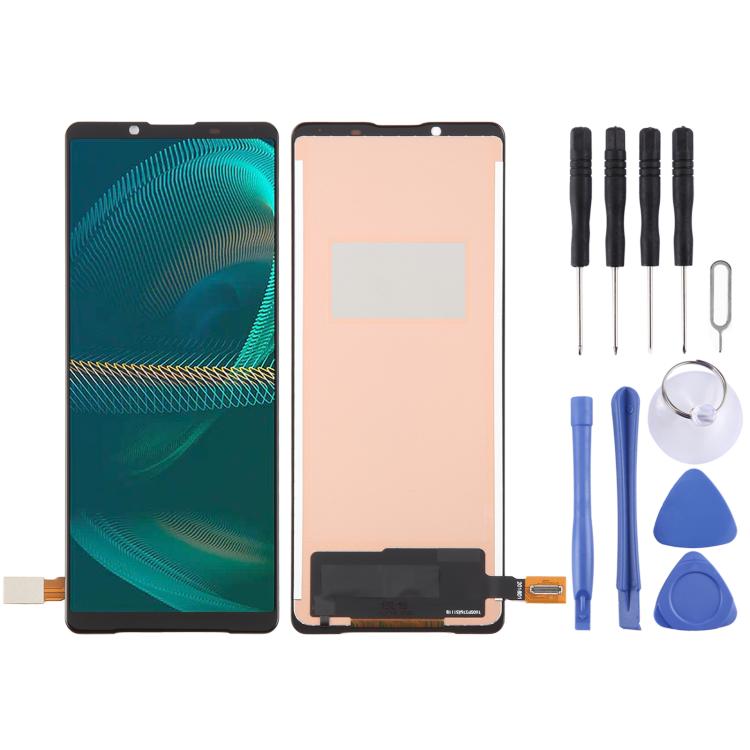
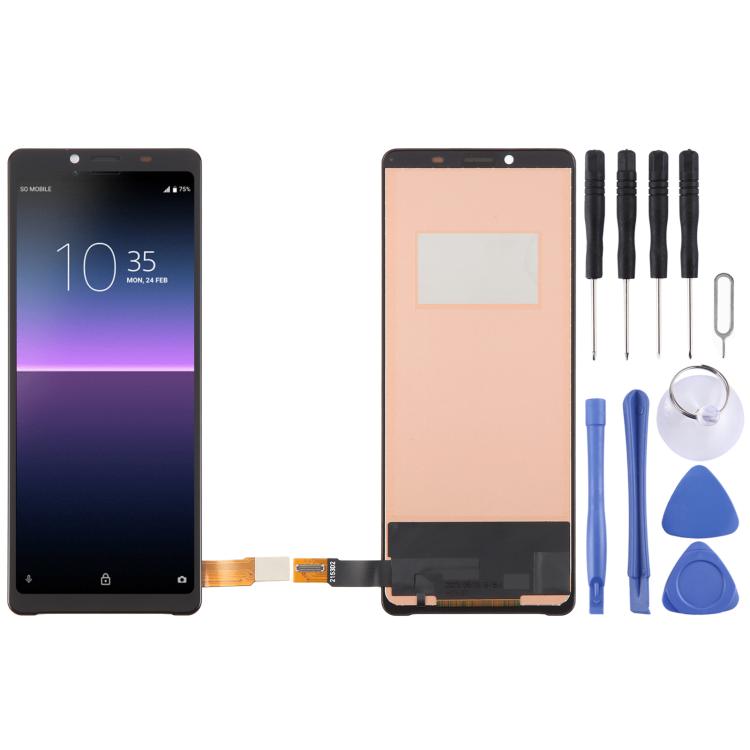
This premium TFT LCD screen with touch digitizer full assembly is a high-quality compatible replacement part tailored for Sony Xperia 10 IV smartphone. It serves as a perfect repair solution for faulty, cracked, shattered, scratched, unresponsive and non-functional phone screens. Installing this brand-new screen assembly restores clear display quality and sensitive touch response, effectively renewing the overall look and daily usage performance of your device.
Adopting fine craftsmanship and precise dimensional standards, this screen assembly features accurate hole alignment and seamless fitting, which matches your Sony Xperia 10 IV perfectly without extra modification. Every unit undergoes rigorous manual inspection and professional functional testing before shipment to ensure stable display output, fluent touch control and complete integrity, free from dead pixels and functional defects.
Professional installation by skilled technicians is strongly recommended to guarantee optimal using effect. We will not be liable for any device or screen damage caused by improper operation, forced installation or private modification after assembly completion.
Before Installation Notes
Tips 1: Test before installation
Do not remove any protective films or labels during pre-installation testing. Please attach great importance to static electricity prevention. Wear a standard ESD electrostatic discharge strap for full grounding before repair work, which effectively protects the precise internal electronic components of the phone from static damage. Please wear eye protection during operation and handle the screen glass carefully to avoid cuts from sharp glass splinters.
Tips 2: Simulate offline testing
Phone screen assemblies are delicate precision accessories. Pre-installation simulation test is mandatory before formal installation. Moderately disassemble the device, stably connect the new screen cable to the phone motherboard and power on to test all display and touch functions. Proceed with official installation only if the test result is fully normal. Please contact us immediately for troubleshooting once functional abnormalities occur. Never force installation on the device, and we take no responsibility for post-installation damage.
Tips 3: Standard cable protection
Avoid excessive bending of the LCD connection cable during installation. Bending the cable over 90 degrees will damage the internal circuit and cause screen blackout and display failure.
HDMI Port: No







 Возврат по недоставке