WAVLINK
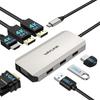
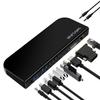
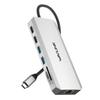
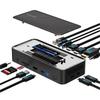
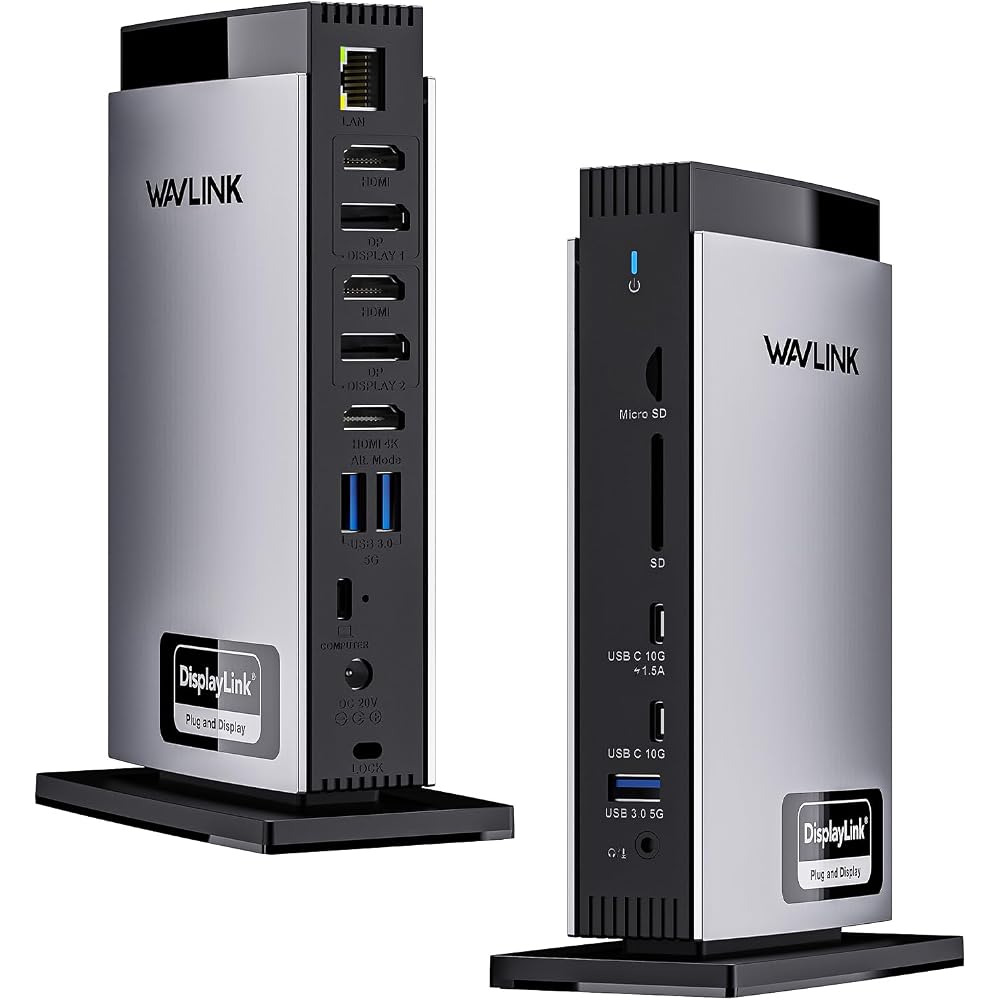
【15-in-1 USB-C Docking Station】 Expands your laptop to 15 ports with a single USB-C cable. Features 3 x HDMI, 2 x DisplayPort, 3 x USB-C, 3 x USB-A, Gigabit LAN, SD/TF card slot, and 3.5mm audio, keeping your desk tidy. Ideal for office work and working from home. *HDMI (Alt Mode) requires the connected PC to support DisplayPort Alt Mode.
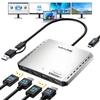
【Up to 3 Screens & 4K UHD Output】 Combines DisplayLink technology and HDMI Alt Mode for simultaneous output to up to three 4K displays. The DisplayLink port supports up to two 4K@60Hz displays, allowing you to create a multi-display environment even with MacBook Air/Pro (M1, M2, M3, M4). Improves work efficiency for document creation, video editing, web conferencing, etc. *Not suitable for gaming.
【Up to 100W PD Fast Charging】 130W power adapter included. The host USB-C port supports up to 100W Power Delivery charging, enabling simultaneous power supply, video output, and data transfer to your laptop. This provides stable power supply even during long work sessions. *The PC must support USB PD.
[High-Speed Data Transfer & Stable Wired LAN] Equipped with two USB-C (10Gbps) ports and three USB-A (5Gbps) ports, it supports high-speed data transfer with external SSDs and USB devices. The SD/TF card reader offers speeds up to 104MB/s, and the Gigabit LAN provides a stable, high-speed network connection, making it ideal for photo and video editing and transferring large files.
[Wide Compatibility & DisplayLink Support] By installing the DisplayLink driver, you can use multi-display with USB-C or Thunderbolt 3/4 equipped PCs. Compatible with Windows 11/10, macOS, ChromeOS, Ubuntu, Android, and HarmonyOS. It can be used with a wide range of models including MacBook Air/Pro, Surface, ThinkPad, Dell, HP, etc. *DisplayLink driver installation is required only the first time. This product is not compatible with Linux distributions other than Ubuntu, iOS, or iPadOS.
*Regarding Video Output Methods (HDMI Alt Mode / DisplayLink) This product supports two types of video output methods: "HDMI (DisplayPort Alt Mode)" and "DisplayLink." Each has different operating conditions and features, so please check before purchasing. ■ HDMI (DisplayPort Alt Mode) Can only be used if the USB-C port you connect to supports DisplayPort Alt Mode. No drivers are required; it can be used immediately after connection. It offers low latency and supports high-quality, high-refresh-rate video output. Suitable for video editing, 4K video playback, gaming, etc. Maximum resolution and refresh rate vary depending on the specifications of the connected PC (DP 1.2/1.4, etc.). ■ DisplayLink Requires installation of a DisplayLink driver. Because it outputs video using USB data communication, it can create a multi-display environment even with USB ports that do not support Alt Mode. Supports extended display of multiple screens even on MacBook Air/Pro (M1, M2, M3, M4). Suitable for office work, web conferencing, document creation, programming, etc. Because it uses USB communication, it is not suitable for applications that require real-time performance, such as high-speed games.


 Товар из Японии


 Возврат по недоставке