【Voltage Compatibility】
When using electrical appliances, please note that they are designed for Japanese voltage specifications (90-110V), so if you use them with a different voltage, it may cause a malfunction.
【Plug Type】
Our products use Japanese plug types (A or B type).
Please use a conversion adapter if necessary.
【Important Note on Transformers and Adapters】
A transformer adjusts voltage to match your device’s requirements.
A conversion adapter only changes the plug shape and does not adjust voltage.
Using only a conversion adapter without a transformer may result in damage to the product.
【Liability】
We are not responsible for malfunctions or damages caused by improper use, such as operating the product without a transformer.
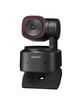
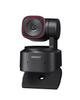
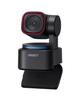
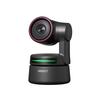
【High-Value Model】The TINY 2 Lite inherits the excellent AI features of the OBSBOT TINY series, offering a balanced combination of price and functionality. Its 2-axis gimbal structure eliminates the need for manual camera positioning due to field-of-view angle limitations, allowing for seamless screen adjustment. For remote meetings, presentations, live streaming, and more, its powerful AI automatically adjusts the field of view, providing an immersive viewing experience.
【Exceptional 4K Image Quality】Equipped with a 1/2-inch CMOS sensor, it delivers smooth and sharp image quality in Ultra HD 4K resolution with 48MP pixels for live streaming. It can stream clear images even in lighting environments with large differences in brightness. Furthermore, it utilizes PDAF, the high-speed autofocus technology most commonly in DSLRs, allowing for quick focusing.
【Highly Flexible Installation】Its compact size, which fits in one hand, and weight of approximately 91 grams make it easy to carry and install. When mounted on a ceiling or placed horizontally, the image width automatically rotates vertically or horizontally. Simply plug it in with a single USB cable and it's ready to use immediately.
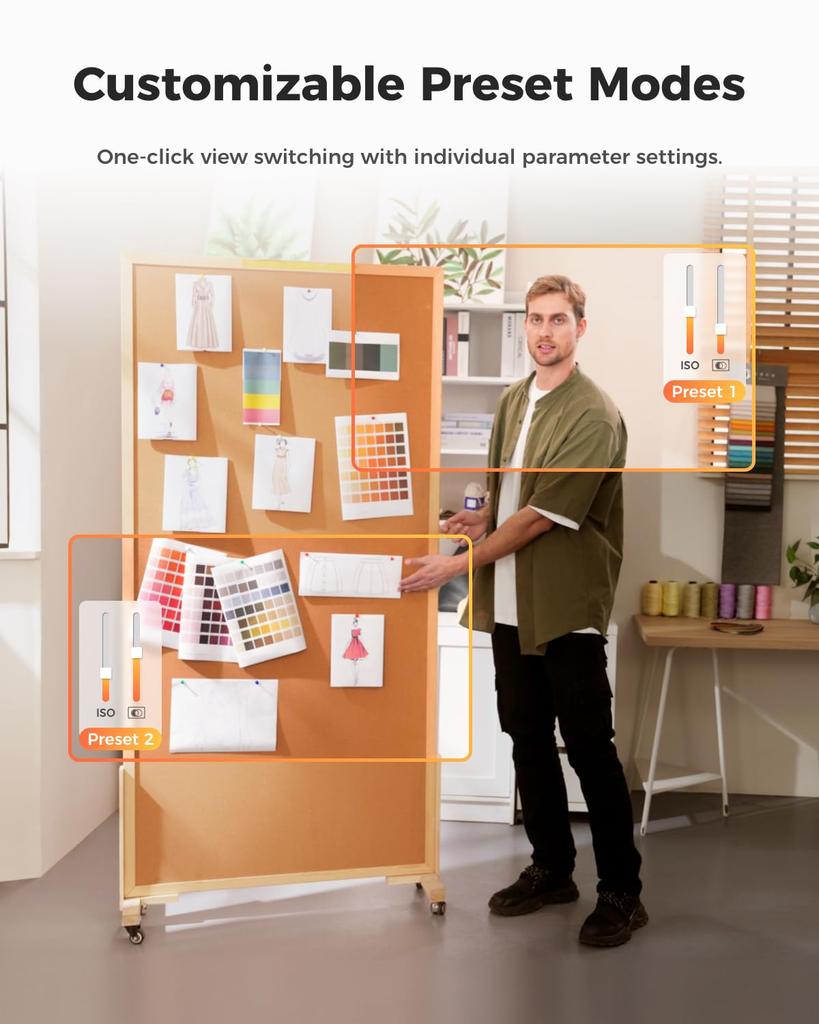
【Dedicated software for enhanced practicality】OBSBOT Center allows you to adjust detailed image quality parameters such as resolution and zoom. You can also customize the notification photos taken when the device is slipping, and it includes background blur, filter processing, and a beauty mode.
[Easy-to-understand intuitive operation] You can turn the slip mode on and off by changing the camera's orientation. When you are away from the camera, such as during a presentation, you can easily register and unregister tracking targets and adjust the zoom by pointing at the camera and making a specific hand gesture.
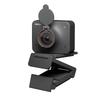
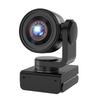
OBSBOT Tiny 2 Lite 4K Webcam with AI, PTZ field of view adjustment, digital zoom, and noise-canceling microphone. Ideal for streaming, calls, and Zoom. Compatible with PC, Mac, Windows, and Windows.




 Товар из Японии


 Возврат по недоставке