Quantity : 1
High-concerned chemical : none
Package : SOP
is_d : Yes
Supply Voltage : DC 5V
Type : Module
Origin : Mainland China
Condition : New
Operating Temperature : 0-50C
Feature 1 : Schumann Wave Signal Generator
Feature 2 : DC 5V Signal Generator
Feature 3 : Adjustable Frequency Signal Generator
Feature 4 : 0.01Hz-9999Hz Signal Generator
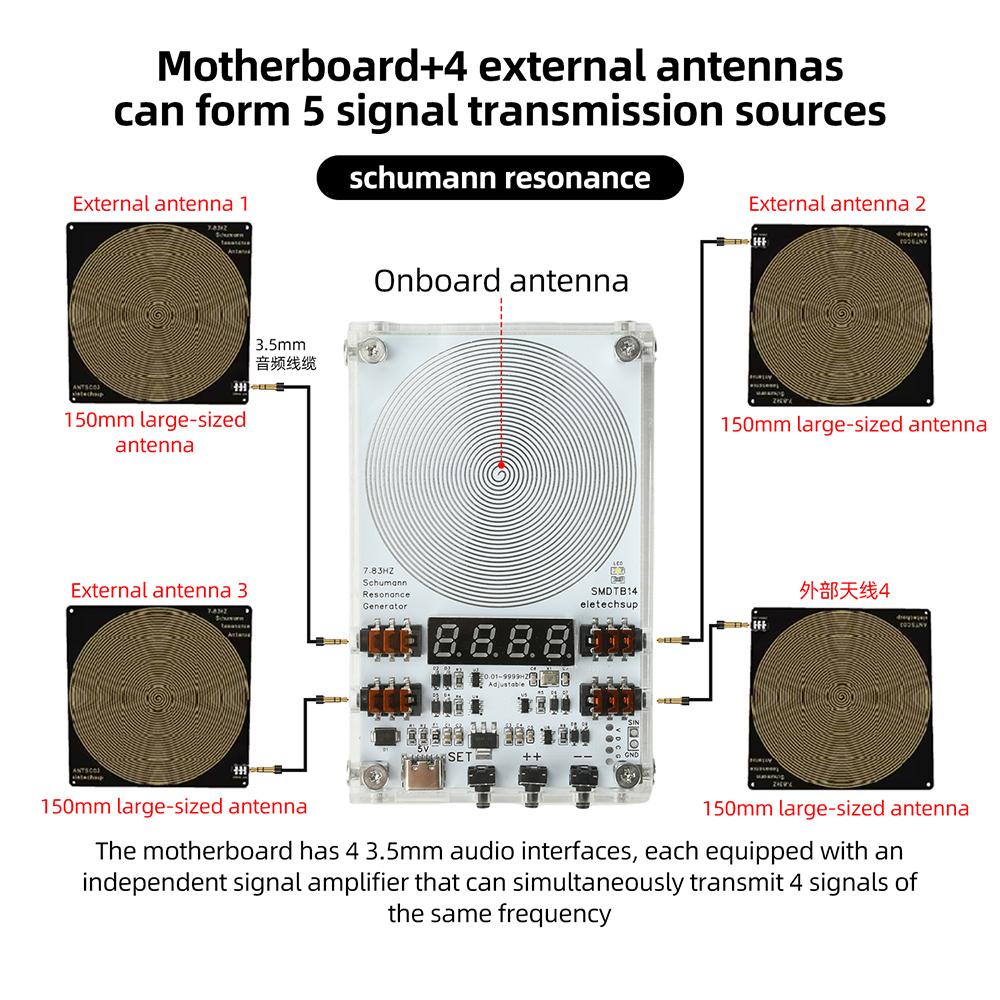
Feature 5 : 4 Channel 3.5mm Audio Output Signal Generator
Feature 6 : 7.83Hz Schumann Resonance Generator
Feature 7 : Digital Display Frequency Generator
Feature 8 : Signal Generator With Case
Feature 9 : Experimental Signal Source
Features:
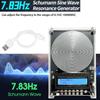
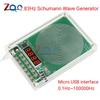
1. DC 5V power supply, 0.01-9999Hz wide frequency adjustable, default output 7.83Hz Schumann wave signal
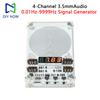
2. Equipped with four 3.5mm audio output channels, capable of external antenna expansion, stable output
3. The digital red display is clear and intuitive, the SET button enters the parameter adjustment, and the plus and minus buttons support fast frequency adjustment by long and short presses
4. Support parameter power-off saving, switch without saving, easy to use
5. Adaptive experimental debugging, Schumann wave simulation, and external antenna can be used for multi scene signal output testing
Parameters:
Working voltage: DC 5V
Power supply interface: Type-C
Default frequency: 7.83Hz
Adjustment range: 0.01Hz~9999Hz
Signal voltage amplitude: 3V
Working current: approximately 15-30mA
4-channel 3.5mm audio output interface (4 output channels)
Product size: 105 * 66 * 18mm
Usage:
Connect the Type C power supply, the digital display shows 7.83Hz, and the circuit board will automatically output 7.83Hz Schumann waves.
If you want to achieve better results, you can connect 14 external antennas (ANTSA01/ANTSB02/ANTSC03) to the audio output port.
Frequency adjustment method:
When connected to the TYPE-C power supply, the digital display screen will show 7.83Hz, and the motherboard will automatically emit a 7.83Hz Schumann wave; The digital display screen will show the frequency.
After pressing the "SET" button, the last decimal point will flash, and the device will enter the setup mode.
Press the "+" or "-" button to increase or decrease the frequency; Long press this button to accelerate the adjustment speed. After setting the desired frequency, press the "SET" button again to exit the settings interface and save the parameters.
Long press the "+" button to switch between the following functions:
S-F: Parameters will not be stored during power outage
S-N ": Parameters will still be saved when the device is turned off; Long press the "-" button to switch between the following functions:
N-P ": In normal mode, the digital display tube will remain illuminated.
S-P ": In energy-saving mode, the digital display screen will automatically turn off after 10 seconds.
Product List:
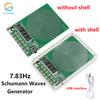
1X Schumann wave signal generator
1X power cord
1X3.5mm AUX audio cable
label:yes




 Возврат по недоставке