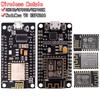
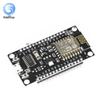
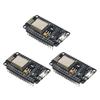
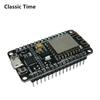
High-concerned chemical : none
Type : Module
Brand Name : diymore
Origin : Mainland China
Condition : New
Features:
1.Stable performance
2.Easy to operate
3.Easy to use
4.Compact appearance
5.Very convenient for debugging
Parameter:
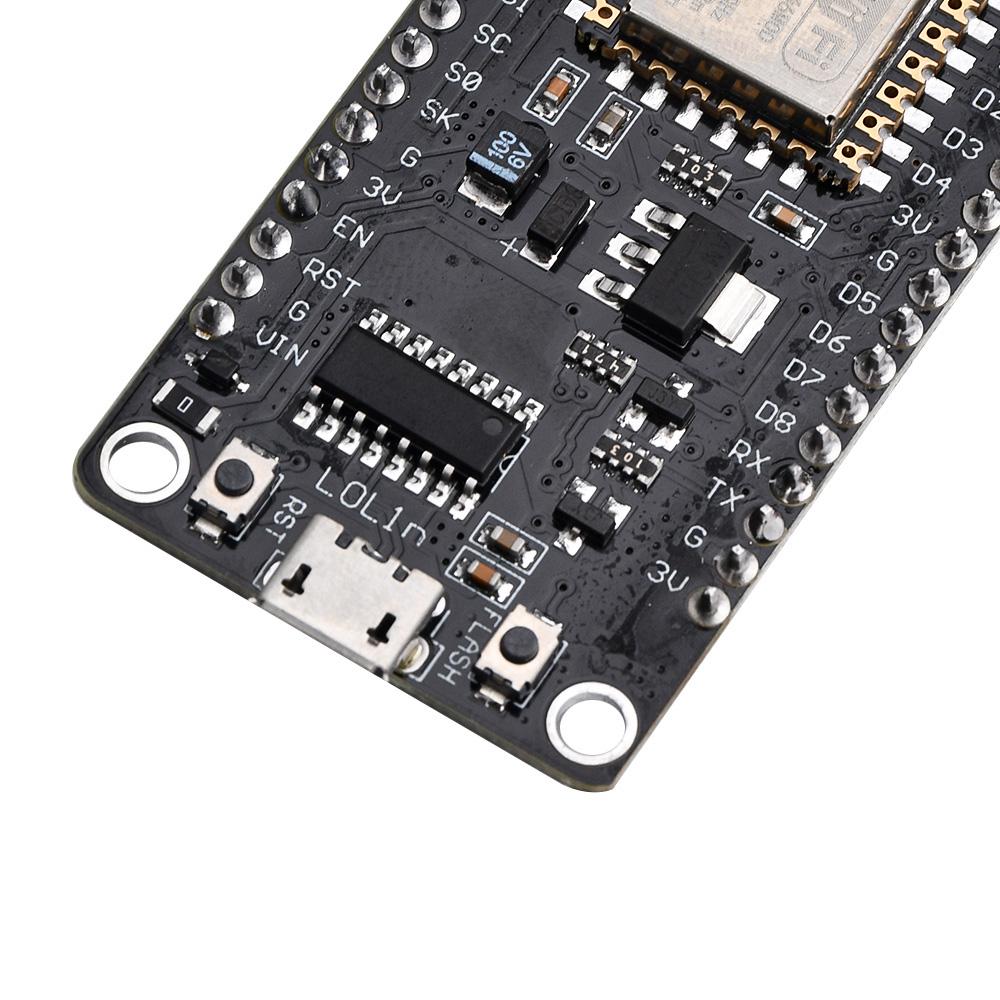
We have added peripheral circuits to it for easy learning and development. The CH340G serial port chip used in the peripheral circuit has stable performance and is very convenient for debugging. Simply connect it to a computer using an mrico USB cable, and you can download programs for debugging. You can also use specialized software to burn firmware.
WiFi module parameters:
802.11 b/g/n
Passed FCC wireless certification
Built in Tensilica L106 ultra low power 32-bit micro MCU, with main frequency support of 80 MHz and 160 MHz, and support for RTOS
Built in 10bit high-precision ADC
Built in TCP/IP protocol stack
Built in TR switch, balun, LNA, power amplifier, and matching network
Built in PLL, voltage regulator, and power management components, with an output power of+20dBm in 802.11b mode
Aggregation of A-MPDU and A-MSDU and protection interval of 0.4s
WiFi @ 2.4GHz, supports WPA/WPA2 security mode
Support for AT remote upgrade and cloud OTA upgrade
Support STA/AP/STA+AP working mode
Support for Smart Config functionality (including Android and iOS devices)
HSPI, UART, I2C, I2S, IR Remote Control, PWM, GPIO
Deep sleep maintains a current of 10uA and a turn off current of less than 5uA
Wake up, connect, and transmit data packets within 2ms
Power consumption in standby mode is less than 1.0mW (DTIM3)
Working temperature range: -40 ℃ -125 ℃
Instructions for use:
The ESP12E WiFi module is a WiFi module developed by Anxin based on Lexin's ESP8266 chip. It has numerous development environments. You can access resources on the official website of Anxinke. We can also use the arduino IDE development environment because it is very simple. Below, we will use it as an example to illustrate its usage. The Arduino IDE software can be downloaded and installed using the Baidu installation method, which is not difficult.
1. Open the software preferences and attach the website address, http://arduino.esp8266.com/stable/package_esp8266com_index.json
2. Add ESP8266 development board resources, search for ESP, find ESP8266 resource installation
3. After installation, select the development board NodeMCU1.0 and configure the development board parameters
4. Select sample program
5. Open the sample program
6. Compile and download programs to the development board
7. Click to open the serial port monitor to view the WiFi connection status
Not connected to WiFi, displaying "point number", connected to WiFi displaying WiFi name and IP address. The above is the usage method of the WiFi module in the arduino development environment.
Package include:
1X module
label:yes




 Возврат по недоставке