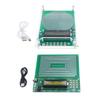
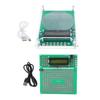
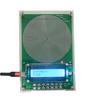
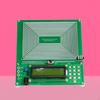
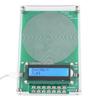
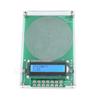
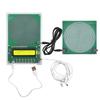
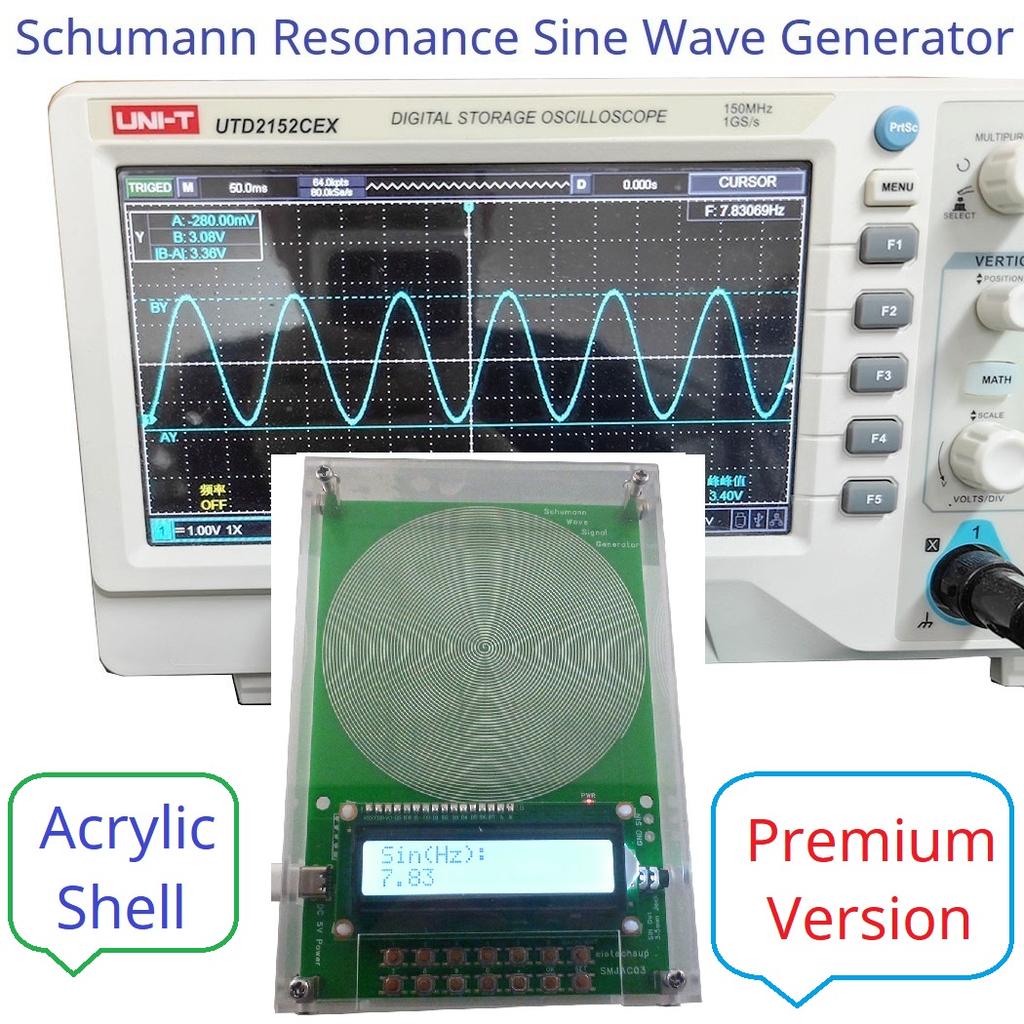
This product is capable of not only outputting the standard 7.83Hz Schumann resonance frequency,
but also supports frequency adjustment across a wide range spanning from 0.01Hz to 100kHz;
It utilizes a digital crystal oscillator as its frequency reference, ensuring a more stable signal output and enhanced resistance to interference;
It features built-in protection functions against reverse polarity, overvoltage, and overcurrent;
The LCD screen backlight can be toggled on or off (short-press the "BACKLIGHT" button to switch);
Supports enabling or disabling the parameter power-down save function.
1. Operating Voltage: DC 5V (Supports a wide input voltage range of DC 4–15V)
2. Operating Current: 9–14mA
3. Power Interface: Type-C port (Supports power supply via Type-C to Type-C cable)
4. Default Frequency: 7.83Hz
5. Adjustment Range: 0.01Hz – 100,000Hz (Pure sine wave output)
6. Signal Voltage Amplitude: 3V
7. Equipped with a 3.5mm audio output jack
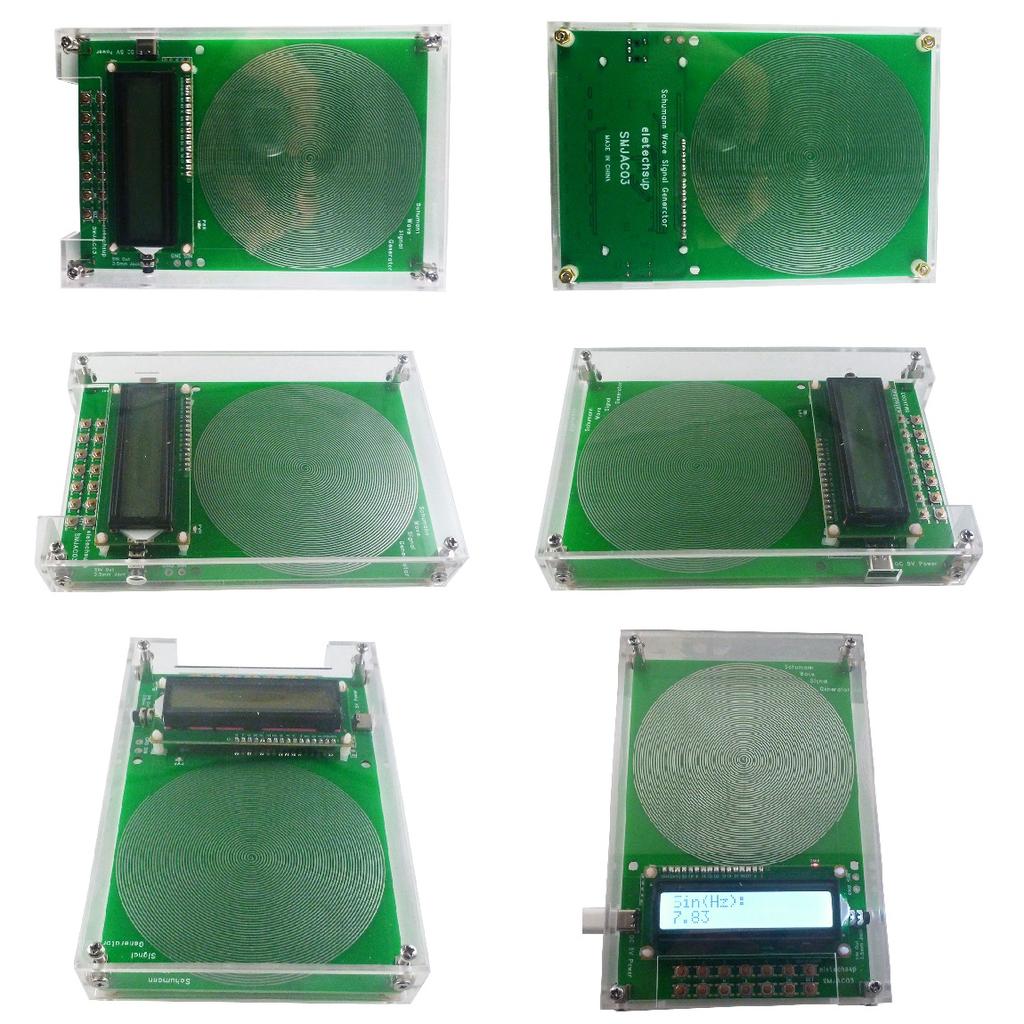
8. Includes a protective acrylic enclosure
9. Dimensions: 155 × 105 × 26mm (including enclosure)
10. Product Weight: 197g (including enclosure)
Q1: How do I change the output frequency?
A1: Press the numeric keys "0–9" and the decimal point key "." to enter the desired value, then press the
"OK" button to confirm. If an input error occurs, press the "SET" button to clear the entry and start over.
Example: Press [7], [.], [8], and [3] in sequence, then press the [OK] button to set the frequency to 7.83Hz.
The device's default output frequency upon power-up is 7.83 Hz, with an adjustable range of 0.01 Hz to 100 kHz.
Q2: Does the device support automatic saving of parameter settings in the event of a power loss? A2: Please press and hold the "SET" button until the LCD screen displays "Data Save ON".
Q3: How can I verify the output waveform?
A3: Please use an oscilloscope to measure the "GND/SIN" port. You should observe a pure sine wave.
Q4: How do I turn off the LCD backlight?
A4: Briefly press the "BACKLIGHT" button to turn off the LCD backlight; briefly press the "BACKLIGHT" button again to turn it back on.
Q5: How do I disable the output signal indicator (PWR LED)?
A5: Press and hold the "BACKLIGHT" button to disable the output signal indicator; press and hold the "BACKLIGHT" button again to enable it.
Q6: The LCD display appears abnormal after powering on?
A6: Please briefly press the "RES" button, then power the device on again.
Brand Name: NONE
DIY Supplies: Electrical
Choice: yes
Origin: Mainland China
High-concerned chemical: none
Battery Included: no
Certification: CE





 Возврат по недоставке