Semi-finishedproduct : No
Data Record : No
High-concerned chemical : none
Shape : others
Electronic : No
Material : Plastic
Size : Motor Controller
Type : Motor Controller
Model Number : Motor Controller
DIY Supplies : Electrical
Brand Name : Aideepen
Origin : Mainland China
Output Voltage : Motor Controller
Style : Motor Controller
Certification : NONE
Features:
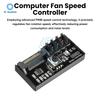
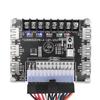
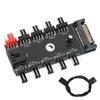
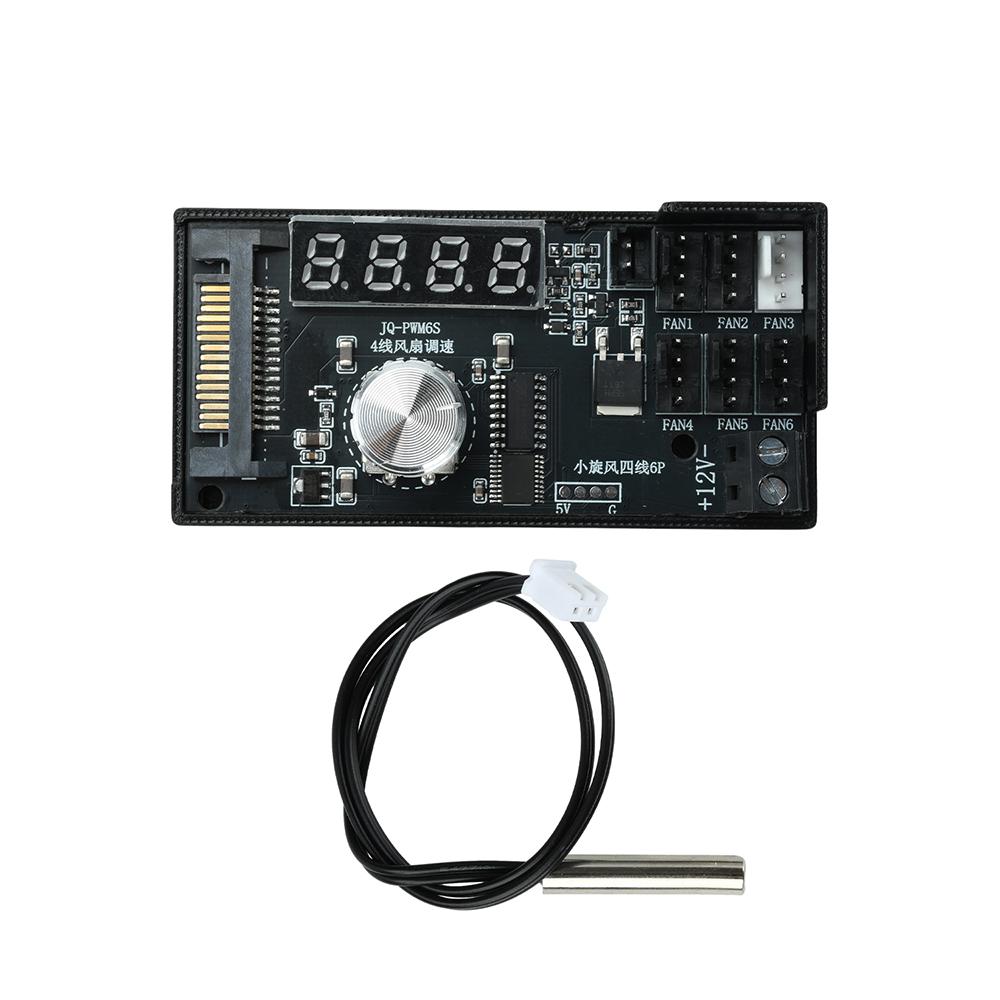
1. Powerful Power Supply: 12V 5A output, capable of simultaneously powering 6 four-wire PWM fans
2. Precise Speed Control: Supports stepless speed control from 1% to 99% via four-wire PWM, balancing quiet operation with effective cooling
3. Dual Control Modes: Intelligent temperature-controlled automatic speed adjustment (with configurable on/off thresholds), or switch to manual mode to adapt to different scenarios
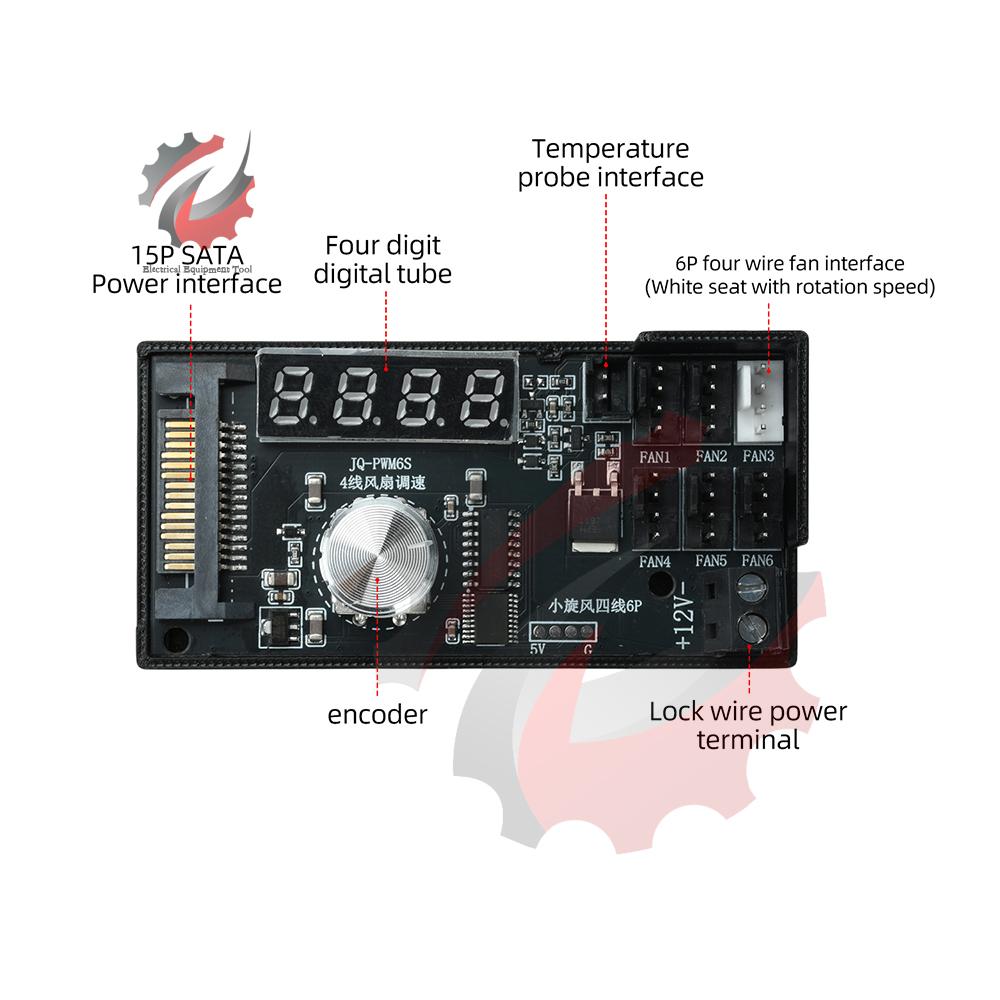
4. Digital Display Monitoring: Real-time display of fan RPM or temperature values, providing a clear overview of operating status
5. Cable-Friendly Design: Direct plug-in via the SATA power connector eliminates the need for adapters, saves space, and keeps case cable management neat and tidy
Product Introduction
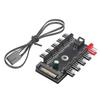
This 6-channel PWM fan controller draws 12V 5A power directly from the SATA interface or the power supply unit, enabling stable operation of 6 four-wire PWM fans. It supports both intelligent temperature control and manual speed control modes, with stepless adjustment from 1% to 99%, balancing cooling performance and quiet operation. The high-definition digital display shows RPM and temperature in real time, making the status immediately clear.
Product Specifications
Operating Voltage: DC 12V
Adjustment Method: Encoder adjustment
Maximum Output Current: 5A
RPM/Temperature Display: Press the knob briefly to toggle between temperature and RPM display
Speed Control Mode: Unplug the temperature probe, power off and restart to enter manual speed control mode
Temperature Probe: NTC 10K 3950B, 30 cm cable length
Operating Instructions
Press and hold the knob for 1 second to enter settings
Press the knob briefly to display “LXX” followed by the initial temperature
Press the knob again briefly to display HXX—the maximum speed temperature
Press the knob again briefly to display -XX, indicating recovery temperature
Press the knob again briefly to display OFF0, indicating screen-off settings: OFF0—screen stays on, OFF1—screen turns off
Press the knob again briefly to display PF0, indicating output polarity settings: 0—non-inverted, 1—inverted
Package Contents
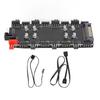
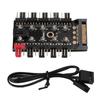
Fan speed controller × 1
Temperature probe × 1
label:yes




 Возврат по недоставке