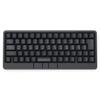
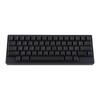
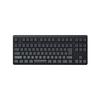
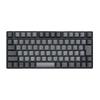
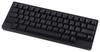
Equipped with four gesture pads, you can adjust analog levels such as volume and switch windows with just a touch of your finger. The functions are customizable, and you can even assign commands for frequently apps to them.
The keyboard features a pointing stick in the center and three mouse buttons below the spacebar. Because mouse functionality is integrated, a touchpad or mouse is unnecessary. Enjoy immersive and comfortable typing anywhere.
The key and gesture pad keymap settings are saved on the HHKB unit itself, so you can use your custom keymaps even if you change the connected device. You can create up to four keymap profiles. You can configure the operation of custom keys and power saving settings using DIP switches.
In addition to USB (Type-C) connection to a PC, it supports Bluetooth connection to PCs, tablets, and smartphones (iPad, iPhone, Android). Up to four devices can be paired simultaneously, allowing for quick switching between connected devices.
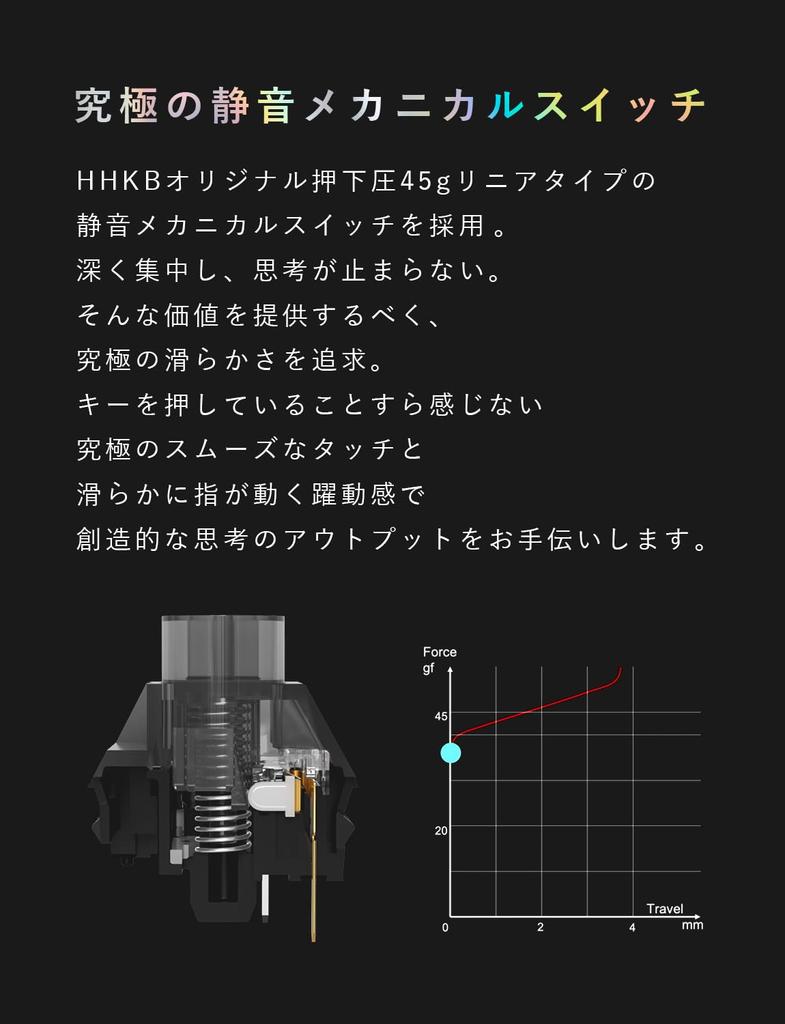
The compact 60-key (English layout) design maximizes efficiency with minimal finger movement. Linear-type silent mechanical switches reduce noise, enabling deep concentration. The keyboard itself features a hot-swappable system, allowing users to replace key switches with their preferred type.
While adhering to the HHKB's core concept of "achieving accurate, high-speed typing with minimal movement," this all-in-one model integrates "mouse functionality" and "gesture functionality" into a single keyboard, allowing you to complete all input operations without disrupting your home position. [Specifications] ■Interface: Bluetooth (Maximum 4 connected devices), USB Type-C ■Customization function: Key map change function (*1) ■Key switch: Input detection method Mechanical switch, Actuation force 45g, Key stroke 3.6mm ■Key switch replacement: Hot swap (*2) ■Number of keys: 63 keys (Main keys: 60, Mouse keys: 3 / Low Profile) ■Pointing: Yes ■Gesture pad: 4 capacitive touch sensors ■Size (mm): W 308 x D 132 x H 41 ■Weight: 840g (excluding batteries) ■Power supply: 4 x AA batteries, powered via USB connector ■Operating time: Estimated 3 months when using alkaline batteries ■Compatibility: Windows, macOS, Android, iOS, iP
adOS, visionOS (*3) ■Included accessories: 4 x AA alkaline batteries, USB Type-C cable (length: 0.9m, connector: USB Type-C (both ends), shape: straight on both ends), 4 x pointing stick caps (*1) Download and use the dedicated software (free, Windows compatible / Mac compatible). Please use via USB connection. (*2) Precautions regarding key switch replacement. Key switch replacement is the customer's responsibility. The key switch may be scratched during replacement. Please replace with care. Key switches from HHKB products other than HHKB Studio (Professional series) cannot be . When replacing with commercially available products, please check carefully beforehand that they are compatible with HHKB Studio. The key switches are compatible with standard profile MX-style 3-pin and 5-pin mechanical switches (Cherry, Gateron, Kailh). When replacing the key switches around the pointing stick (G/B/H keys) with commercially available products, make sure the protruding part of the switch is on the pointing stick.
Please carefully check the shape of the switch beforehand, as it may interfere with the pointing stick. (*3) We have confirmed that the pointing stick and gesture pad work in addition to the key input of the HHKB Studio with visionOS 2 (Beta4). We are currently working on confirming operation with visionOS 2, which was officially released on September 17, 2024. We will notify you separately once the final confirmation is complete. Please note that commands not supported by visionOS will not work.




 Товар из Японии


 Возврат по недоставке