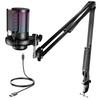
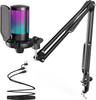
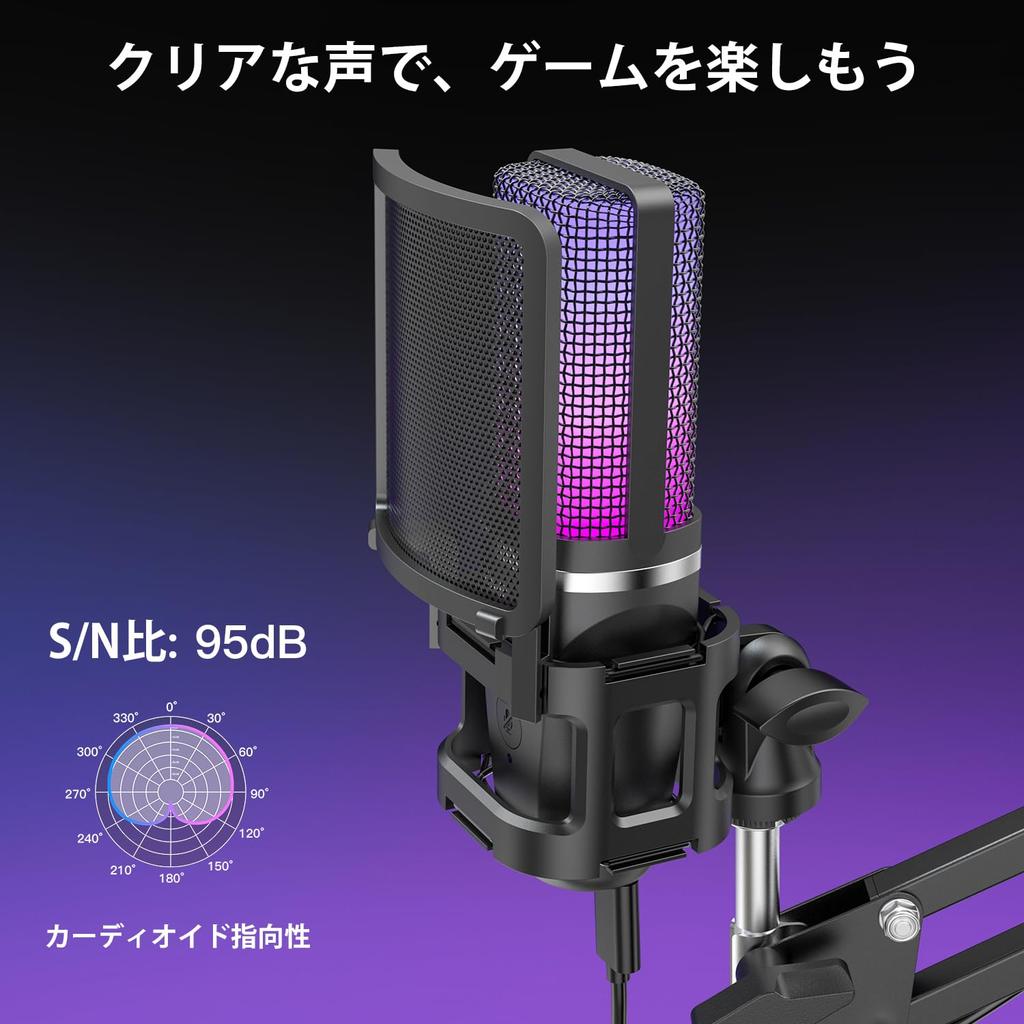
Unidirectional microphone for clear, focused voice pickup: This 96kHz/24bit compatible USB condenser microphone features a cardioid (unidirectional) pattern that primarily captures voices from directly in front of the microphone. It's ideal for applications that require clear voice communication, such as calling out to your team during games, talking during live streams, podcasts, and video narration. By pointing the microphone towards your mouth and adjusting the distance and input volume according to your voice volume, you can create easily understandable audio.
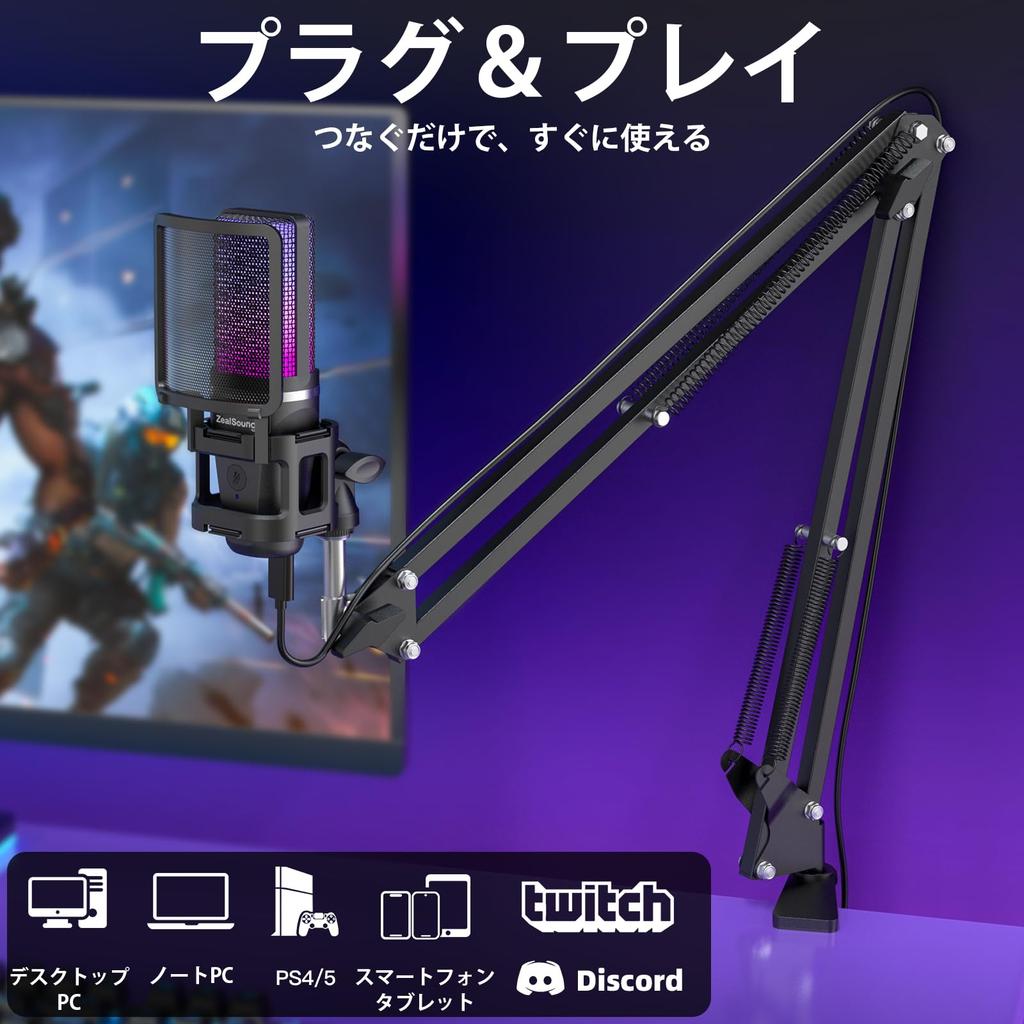
Easy connection to PCs, game consoles, and USB-C equipped devices: Compatible with Windows PCs, Macs, PS4, and PS5. Using the included USB-C adapter, it can also connect to compatible USB-C equipped iPhones, iPads, and Android smartphones and tablets. No special drivers or apps are required, making it easy to use even for first-time external microphone users. Select the input device in your system or application as needed and grant access to the microphone.
Adjust the setup to suit your desk with the included arm and tripod: The boom arm allows you to position the microphone at mouth level, making it easier to free up space for your keyboard and documents. The adjustable angles of each part and 360° rotation of the base allow you to position it in a way that doesn't obstruct your screen or workspace. You can also attach it to the desktop tripod for use on your desk only during meetings or recording sessions. The clamp accommodates tabletops up to approximately 4.5cm thick; please ensure it is secured to a flat edge that can adequately grip both the top and bottom.
Gain adjustment to match your voice volume: The gain knob on the bottom allows you to adjust the microphone input volume. You can adjust it to suit your speaking style, such as keeping it low for exciting game commentary or adjusting it while checking the sound pickup for calmer commentary or readings. Adjusting the volume before recording makes it easier to prevent distortion or recordings where your voice is too quiet. The key is to adjust the gain without raising it too high, and also adjust it in conjunction with the distance from your mouth.
Direct monitoring allows you to check your own voice on the spot: By connecting wired earphones or headphones to the 3.5mm jack on the unit, you can directly monitor the sound picked up by the microphone with zero delay. Before listening back to your recording, you can check the volume of your voice and any noise from breathing, making it convenient for adjusting the gain and microphone position. This is useful in situations where you want to check the sound quality of your voice while speaking, such as podcasts, voiceovers, and live streaming.
Convenient mute button for quick conversations or coughs: Simply press the front button briefly to mute or unmute the microphone input. This allows you to cough during voice chats or talk to people around you during online meetings without opening the software settings screen. When the RGB light is on, the light turns red when muted. The mute function is still available when the RGB light is off, but there is no red light indicator.
Pop filter and vibration damping structure to reduce the effects of breath and vibration: The detachable pop filter reduces the blown-in sound caused by sounds like "p" and "b". The shock mount reduces vibrations transmitted from the desk or arm to the microphone. This supports narration and reading aloud recordings where the voice is recorded at close range, as well as streaming while operating at a desk. It does not eliminate all ambient noise and should be in combination with proper microphone positioning and gain adjustment.
RGB Lights to Enhance the Atmosphere of Live Streams and Videos: The slowly shifting colors of the RGB lights add a touch of color to your streaming desk. They're also great for adding visual flair to videos where your microphone is visible, such as facecam streams, game commentary, and talk shows. Combine them with your room lighting and desk setup to create your own unique streaming space. The lights can be turned off with a long press of the front button, allowing you to switch between a calm atmosphere for video recording and work-related web conferences.
Widely applicable from streaming to work and learning: It can be not only for games and content creation, but also for web conferences for remote work, online classes for students, audio for instructors' teaching materials, and narration for presentations. When combined with voice input software, it's also convenient for drafting documents and taking notes by voice. From those setting up a recording environment for the first time to those who want to use different microphones for work and hobbies, it supports a variety of everyday voice tasks.
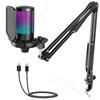
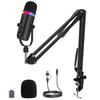
A complete microphone set with all the necessary accessories: Includes microphone body, boom arm, desk clamp, desktop tripod, shock mount, detachable pop filter, 1.8m USB cable, USB-C adapter, and instruction manual. This set reduces the hassle of choosing mounting accessories separately, making it easy to get started with your first streaming or recording session. Choose between arm mounting or desktop mounting to suit your desk environment and application.
A high-quality 96kHz USB condenser microphone. Enhance the immersion of streaming and gaming with 7-color RGB lighting. Compatible with a wide range of devices including PC, PS4/5, iPhone, iPad, and Android, it's plug-and-play for immediate use. Features a mute button, volume knob, and 3.5mm monitor jack for intuitive operation. Includes a boom arm, pop filter, and tripod stand for a complete recording setup. This multi-functional USB microphone is ideal for streaming, ASMR, podcasts, meetings, and live commentary.





 Товар из Японии


 Возврат по недоставке