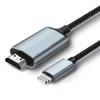
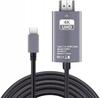
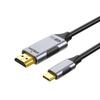
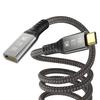
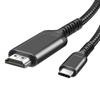
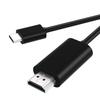
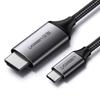
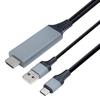
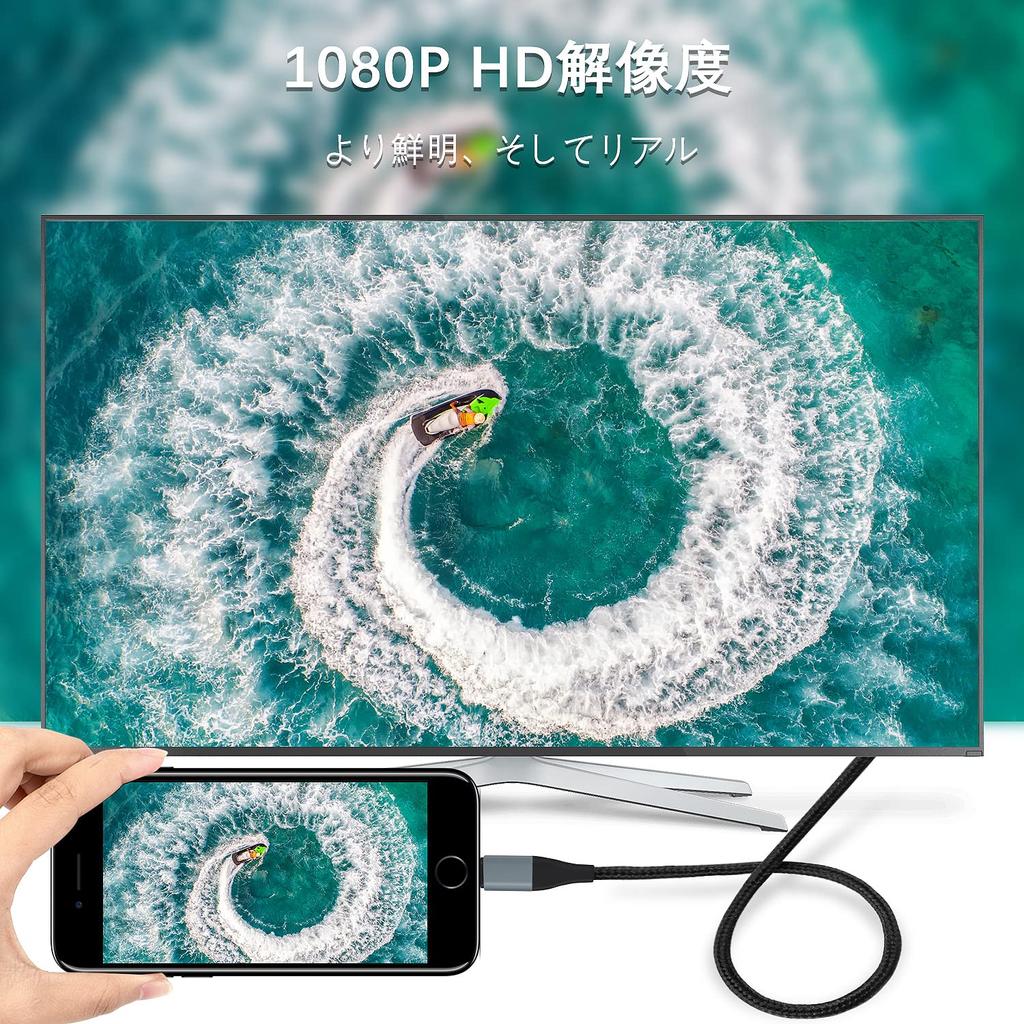
【1080P - High Resolution】Ensures stable operation for extended periods and clear image quality. Supports 1080p high definition, allowing you to connect to a TV or projector for a large-screen experience. This HDMI adapter is recommended for meetings, presentations, parties, gaming, and movie viewing. It also supports FaceTime, Skype video calls, and apps like Facebook, YouTube, and Instagram. 【Note: Due to copyright protection, paid videos, Amazon Video, Netflix, iTunes Store, Hulu, SkyPerfecTV On Demand, NBA app, DAZN, Amazon Prime TV, AbemaTV, Torne Mobile, HBO Go, Honda Motor, Xfinity, Vudu, and DTV may not be viewable.】Using software or videos that require copyright or payment may result in image and audio synchronization issues, or only image with no sound.
[Easy Operation - No Setup Required] This newly created version requires no complicated setup; simply plug it in and use it immediately. No app is needed. [Note: This product's latest electronic design allows for direct use without USB power supply.]
【Wide Compatibility】Compatible with a wide range of devices including iPhone 13/12 Pro/11 Pro Max, iPhone XS/XS Max/XR/X/8 Plus/8/7 Plus/7, 6s/6s Plus/6/6 Plus/, 5/5c/5s, iPhone 100/
【Product Features】: You can record YouTube videos, dramas, photos, and videos from your phone onto TVs, monitors, and projectors with an HDMI interface and enjoy them on a large screen. With 4K (3840×2160 @60Hz) resolution, you can view crisp images with significantly reduced motion blur.
[Caution]: 1. Please confirm that the HDMI mirror function is supported before purchasing. 2. If your phone's battery level is below 20%, there may be screen lag, stuttering, and audio interruptions. Please charge your phone immediately. 3. This product is not compatible with many car systems. There may be sound but no screen. Please buy with caution. 4. If a QR code appears, it is the latest software version, so do not scan the code to upgrade. 5. The charging port on the user's phone itself may be severely worn, resulting in poor contact. Because the Apple connector itself has a tolerance during assembly, if the smartphone charging port is worn, it will be outside the tolerance, causing the connector to loosen after insertion. Unplug the product and first connect your phone. Connect to the TV after a blue connection mark appears on your phone.
1. The cable is connected to the TV, but nothing is displayed.
A: Make sure the HDMI port is connected to your TV.
2. Why is there a QR code requesting an upgrade?
A: After initially plugging it into your smartphone, wait until a blue mark appears in the upper left corner of your smartphone before plugging and unplugging it into the HDMI port on your display.
3. The audio and video are not synchronized. What should I do?
A: Also, if your mobile phone's battery is below 20%, please charge it.
4. The movie cannot be mirrored, or there is sound but no video.
A: Some of you may have tried playing HDCP videos that are not compatible with mirroring due to copy protection, such as Netflix, Amazon Video, DIRECTV, and Hulu, or paid apps.



 Товар из Японии


 Возврат по недоставке