Please note that this link contains a mix of 713 and 726 chips.
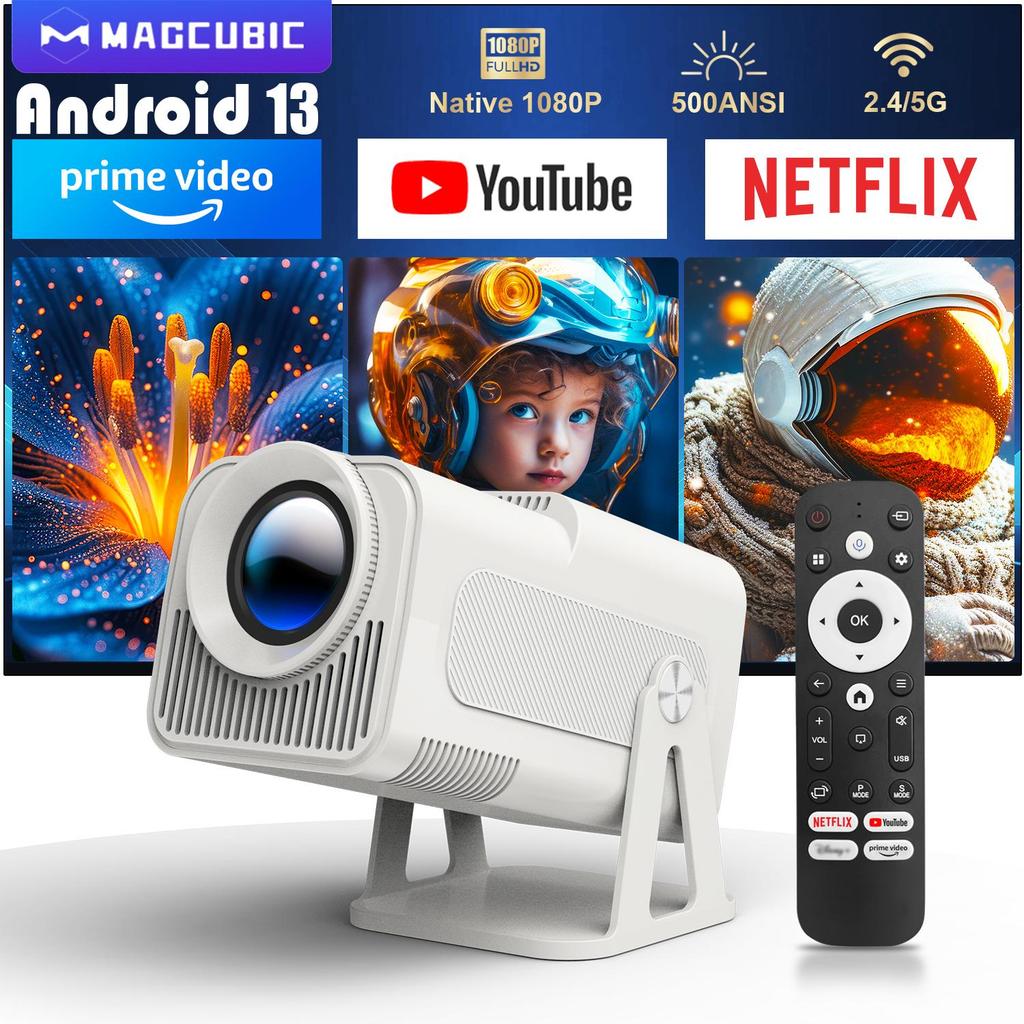
Magcubic 1080P 500ANSI Portable Android 13 Projector
with Officially Certified Streaming Apps
Built-in Officially Certified NETFLIX/Prime Video/YouTube & 1080P
Built in Officially Certified App Store
Enjoy high-definition genuine videos fullest
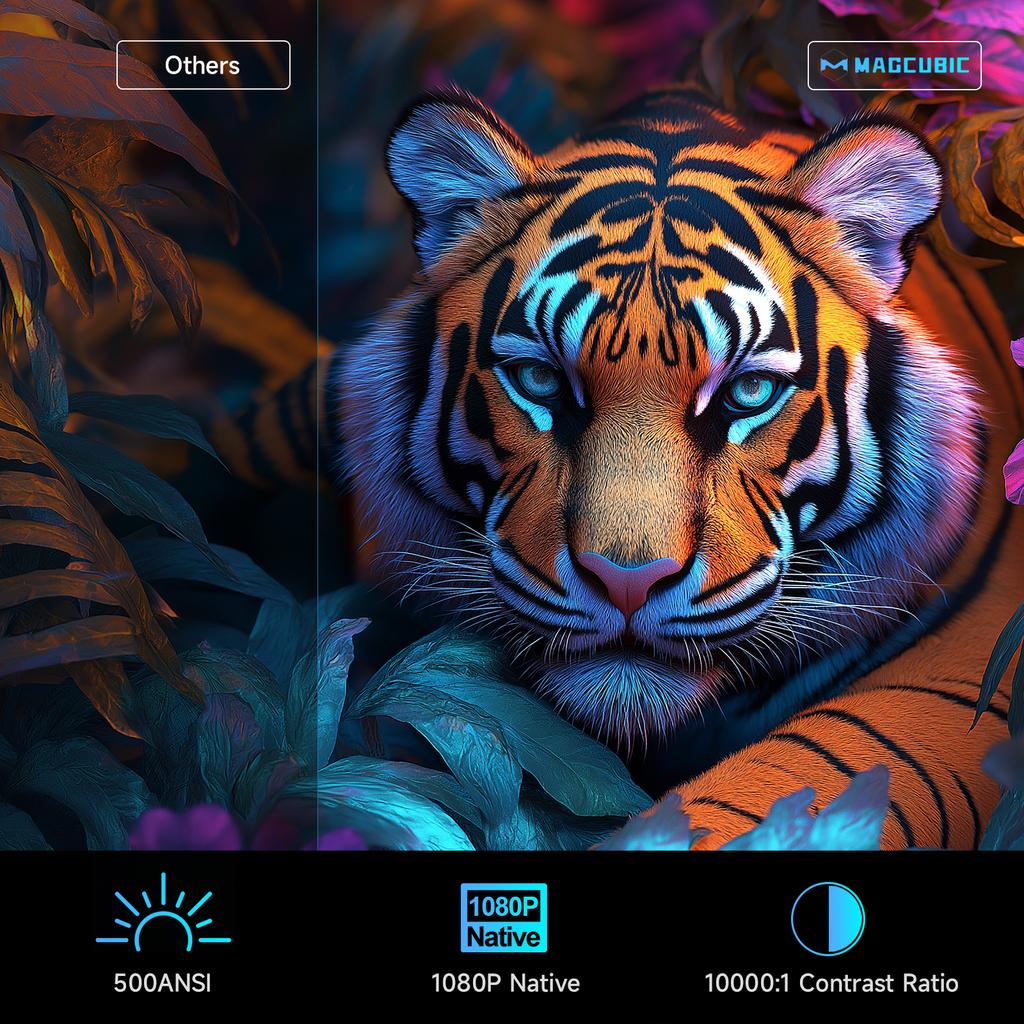
500ANSI & 1080P Native & 10000:1 Contrast Ratio
Intelligent Voice Assistant
Enjoy movies, TV shows, music, and more, all with the power of your voice
Four Point Keystone Correction
Put Your Little Screen On The Big Screen
Recommended projection size 30-150 inches,1.1:1 Projection throw ratio
2.4G+5G WIFi Wireless Connection
Wireless connection, faster and lower latency
Upgraded BT 5.2
Enjoy an auditory feast with your BT device
50%-100% Zoom Function
Easily adjust the image size from 50% -100%, supports 3 installations
Sreen mirroring:Support Miracast ,Airplay ,DLNA
Any Angle, Crystal Clear
Watch Wherever You Want
Cutting-edge Chipset,Amlogic S950D4
Start your smart life faster and smoother
Lower Noise < 25db
Go Any Where You Want
Convenient for Office & Enjoyable Playtime
Indoor Family Day & Outdoor Recreation
Product Interface
Question & Answer
Q1: Is the projector compatible with Google smartphones?
A: Due to mirroring protocol issues of Motorola and Google phones, it prohibits screen mirroring directly from the projector. You need to have a Google Chromecast to connect it.
Q2: How can I access Netflix, Prime Video, and YouTube?
A: The HY320NTV comes with officially licensed Netflix, Prime Video, and YouTube pre-installed. No TV stick is required—simply press a button on the remote control to launch these apps quickly and easily.
Q3: Can I download other apps?
A: The HY320NTV runs on Whale OS, and you can download apps directly from the App store. If you can't find a specific app, please contact our support team for assistance.
Q4: How do I screen-mirror iOS devices to the HY320NTV?
A: 1.Go to Settings > Device Preference > Whale OS Cast > TV casting
2.Use the AirPlay feature on your iOS devices, ensuring both devices are connected to the same WiFi network
3.Copyrighted content from apps like of Disney+ cannot be mirrored or cast
Q5: How to Get a Squared Image?
A: 1. Align the projector properly so the lens faces the screen directly.
2. Go to Settings > Lens > Reset keystone correction data.
3. If needed, manually adjust: Settings > Lens > Keystone Correction > Turn Off Auto Keystone > 4-Corner Correction.
Q6: What Should I Do if the HY320NTV Projector Can't Connect to Wi-Fi?
A : 1. Verify the time zone under Settings > Device Preferences > Date & Time.
2. Switch to another Wi-Fi network or use a mobile hotspot.
3. Test both 2.4GHz and 5GHz bands.
4. Reset via Settings > Other Settings > Restore factory settings.
Q7: How Can I Customize the Picture Settings (Brightness, Contrast, etc.) on the HY320NTV Projector?
A: Press the "P MODE" button to customize your picture settings via Picture Mode > User > Personalized Picture Settings.
Brand Name: Magcubic
Battery: no
Weight: 1.260
Projection Technology: LCD
Inbox adaptor: Yes
Optical Resolution: 1920x1080dpi
Power (W): 60W
Category: Projectors
Built-in Speaker: Yes
Home Theater Projector: yes
Light source operating life: 30000 Hrs
Control Method: Others
Projected Dimension: 30-200 inches
Light Source: LED
Choice: yes
Function: Video Playback
Display Size: ≤13.5
Power Source: DC
Bluetooth-compatible: Yes
Brightness: 18000Lumens
Screen Scale: 16:09
System: Android
Voltage range: High voltage (50-1000V DC, 75-1000V AC)
High-concerned chemical: none
Portable: Yes
Ansi Lumens: 500
Keystone Correction: Auto Correction
Origin: Mainland China
Structure: Without display device
Zoom: Focus
Use: Cinema Projector
Remote controller included: Yes
Type: Digital Projector
Projective Mode: T4






 Возврат по недоставке