


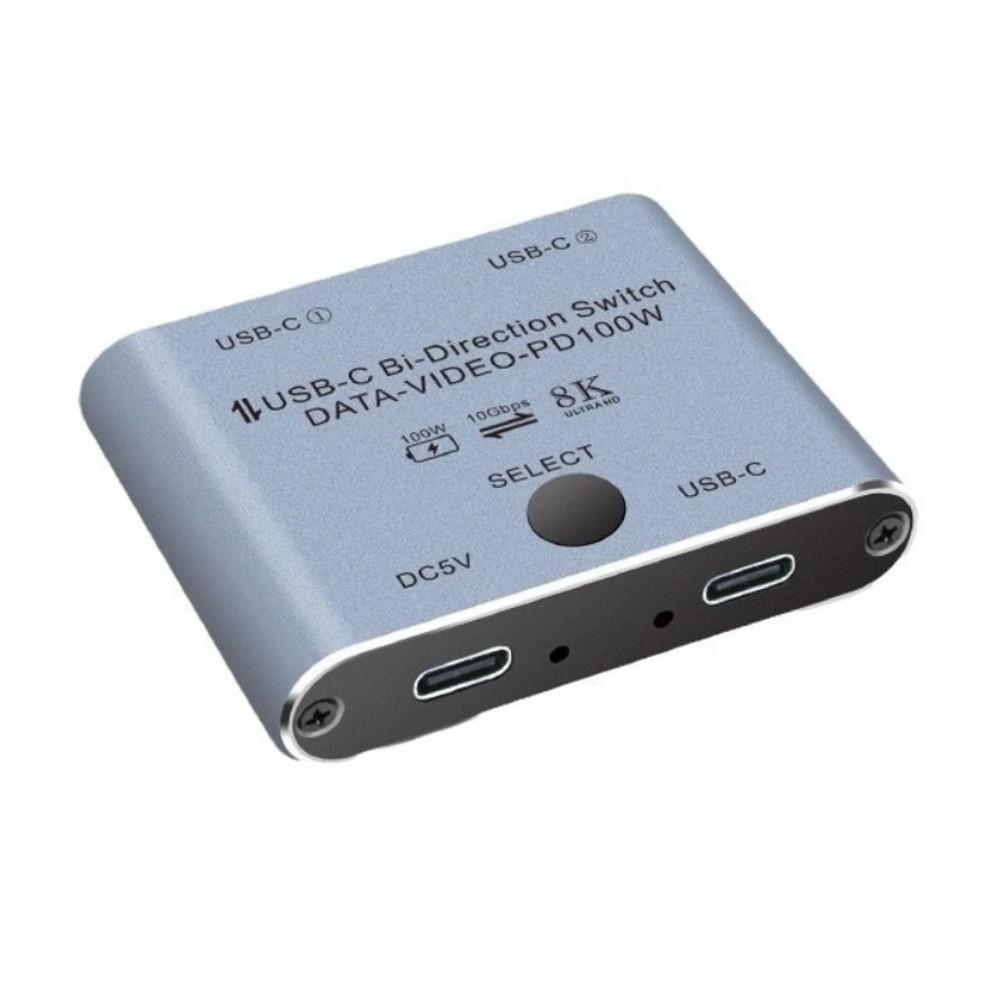


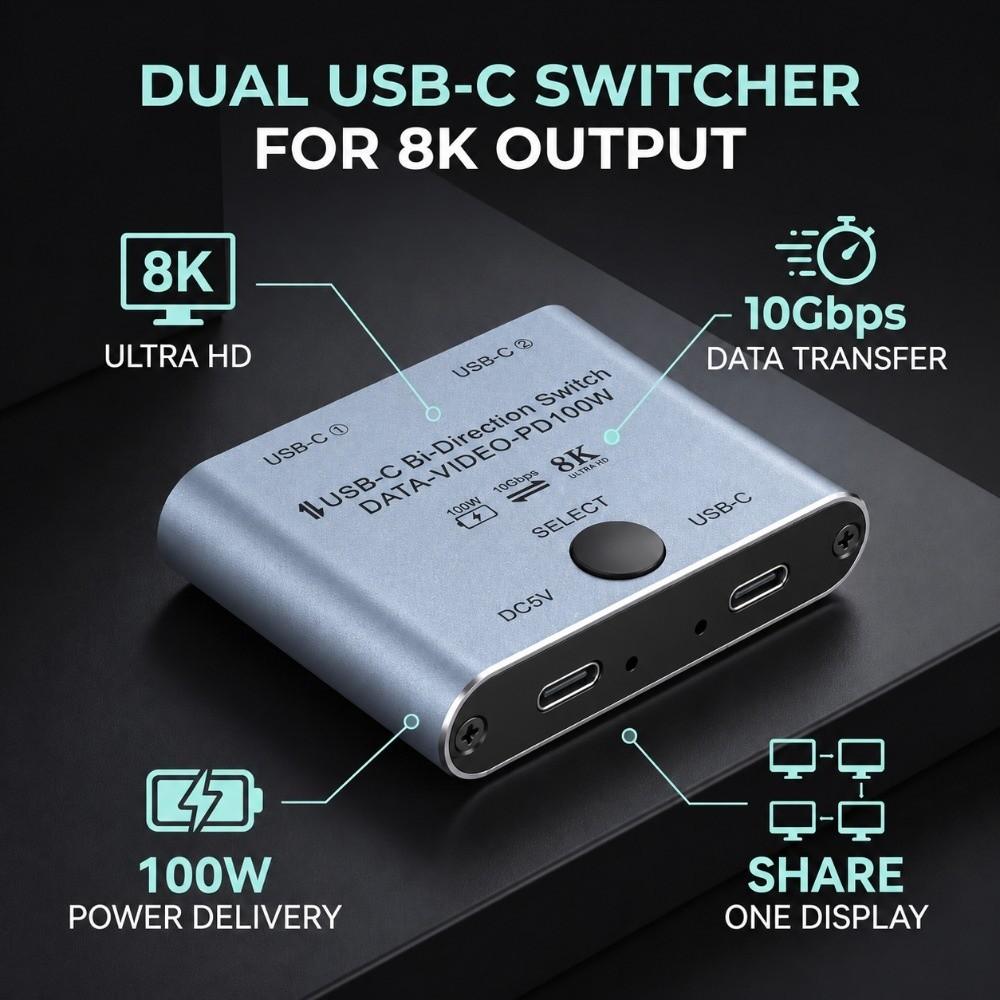
8K@60Hz USB C Splitter 10Gbps Data Transfer Type C Switcher Splitter Hard Drive Sharing


 Возврат по недоставкеГарантия по качествуНадежная логистикаЗащита конфиденциальности
Описание


Отзывы
Доставка и упаковка: срок доставки до Москвы 24 дня (01.02 оформила, 24.02 получила). Упакована посылка в простой плёночный пакет. Что Примечательно, цена товара на упаковке указана 0.99 долларов, что соответствует 69 рублям. Товар. Формы очень мягкие, что может привести к деформации формы при использовании прищепок для их фиксации и, как следствие, к неверной форме застывания полигеля. Возможны неудобства в работе с формами из-за повышенной мягкости. Формы сильно арочные, при малой длинее потребуется сильно приподнимать край, убирая натуральный ноготь снизу, либо сильно опиливать. Прилегающий к кутикуле край у номеров с 9 по 5 скорее квадрат, у номеров с 6 по 11 - овал. У номеров с 0 по 8 прилегающий к кутикуле край Формы сильно поднят вверх при постановке на плоскую поверхность, с 9 по 11 прилегающий к кутикуле край спущен вниз, форма более выпуклая. Комплектация. Формы запакованы в запаянный пакет на зип-засжке (удобно для хранения - пакет многоразовый, Формы не вылетают из него, занимает мало места). В комплекте 12 номеров с 0 по 11 по 5 штук каждого. Одна форма была без номера у меня. В работе: пока не пробовала. Дополню отзыв в этой части позднее.
💅💅💅💅💅💅ФОРМЫ ДЛЯ ПОЛИГЕЛЯ💅💅💅💅💅💅 Заказала 7.10-пришли 22.11,но получила 28.11,т.к. полигель пока не приехал(опять три посылки в потеряшках с сентября,вот жду🤷♀️)Формы ,естественно, не пробовала в работе,есть полигель,но я хотела с новым попробовать.На вид все норм,для каждого пальчика можно подобрать!😻Рекомендую 👍Спасибо Джум и продавцу 🥰 ❤❤❤ВСЕХ ЛЮБЛЮ,ВСЕМ ДОБРА❤❤❤ P.S.Может попробую сделать на формы ногти к своему Дню Рождения-2 декабря🤗🤗🤗😍Тогда добавлю фото))) ДОБАВЛЯЮ: СТРОГО НЕ СУДИТЕ!🤷♀️На этих формах решила попробовать ПЕРВЫЙ РАЗ,на мизинце,выложила на всю форму, поэтому длинный))(До этого наращивание сама делала на бумажные формы,обычным гелем-намного труднее)На верхние пробовала-но формы были прямоугольные и лампа слабая-думаю,поэтому не получилось) ✅РЕЗУЛЬТАТ: Мне верхние формы очень понравились,хотя делала только один пальчик и с полигелем,который был,но не умела им пользоваться)))Сейчас купила (не тут),новую,проф.лампу и все ок)))Жлу полигель новый))Формы оооочень хорошие,снимаются легко,подобрать можно под любой ноготок💅Супер!👍Рекомендую!!!!
Формы приехали в Москву за месяц с небольшим в составе сборной посылки. Формы упакованы в пакет, так что искать нужный размер не очень удобно, да и циферки маленькие и очень блеклые. Зато в остальном формы отличные! Ровные, без зазубрин и помутнений. 📍Подойдут на широкие ногти! Для меня все верхние формы, попадавшие в руки были маловаты (на большом пальце неизменно приходилось подставлять нижнюю форму или достраивать параллели), а эти формы заметно больше, 0 оказался велик даже на ноготь с покрытием. В общем, все здорово, наращивать ими пока не пробовала, но уверена, что формы отличные!
Наконец-то я получила этот разделитель. Заказ шёл больше месяца, хотя Хабаровский край граничит с Китаем. Сам разделитель мягкий, но все же не очень удобный, узковат. Но что понравилось, это то что резинка держится за пятку. Не сползает. Крепление тугое, наверно для маленькой стопы. Пришлось распороть и добавить по длине резинку. Лишь бы второй палец не ложился на первый. От этого сильно болит первый палец в районе ногтя. Походим, посмотрим.
До Москвы заказ шел почти два месяца, в сборной посылке, отслеживался. Верхние формы хорошего качества, описанию и фото продавца соответствуют (по размеру тоже). Запах пластика едва заметный и быстро выветрился. Пакетик - не самая удобная упаковка, конечно, но на всех типсах есть размер, так что не критично. Пока полноценное наращивание не делала, но донарастить один ноготок удалось без проблем. Товар и продавца рекомендую!
Доставка заняла около 1,5 месяца, ровно 60 штук, все пронумерованы с 0 по 11.... каждого номера по 5 штук, правда каких-то было 4 штуки, а каких-то 6 штук но да это фигня, главное, что формы не одинаковые, это оч хорошо 👍 потому как можно подобрать форму именно под свои пальчики. Формы в меру изогнуты, не выглядят как когти коршуна.
Пока всё нравится. Размеры разные, даже на мой большой палец подходит нулевка. Как проверю в деле, дополню P. S со своей задачей справляются. Единственное что, непривычно, это то, что мягкие, к ним надо приноровиться. Так как я наращиваю жидким гелем или базой. Для акрила или полигеля хорошо подходят.
Всё отлично, полный комплект. Быстрая доставка.Разложила для удобства по номерам в контейнеры. После использования дополню отзыв. Дополняю. Верхние формы-огонь! Только ими теперь и пользуюсь. Заказала ещё вкладыши к ним для френча. Неимоверно облегчают процесс наращивания, сокращают время.


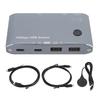
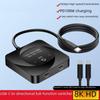

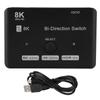
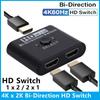
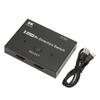

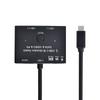
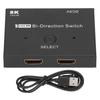


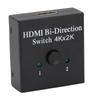
8K@60Hz USB C Splitter 10Gbps Data Transfer Type C Switcher Splitter Hard Drive Sharing — купить товар онлайн с бесплатной доставкой по всему миру!
Доступные цвета:
Качественные материалы:
Реальные фото и отзывы покупателей.
Большой размерный ряд:
Отзывы о похожих товарах
Доставка по России
Международный ассортимент
Возврат средств за заказы, соответствующие условиям, и круглосуточная поддержка клиентов
Скидка на первую покупку для новых клиентов