We provide only 100% genuine products through a Japanese purchasing agency service. If a product is not genuine, we promise compensation equivalent to 500% of the purchase value.
[Brand Introduction]
Brand: サンワダイレクト
Manufacturer: サンワダイレクト
[Product Description]
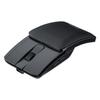
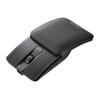
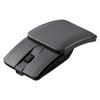
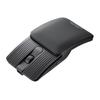
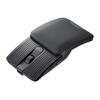
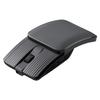
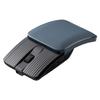
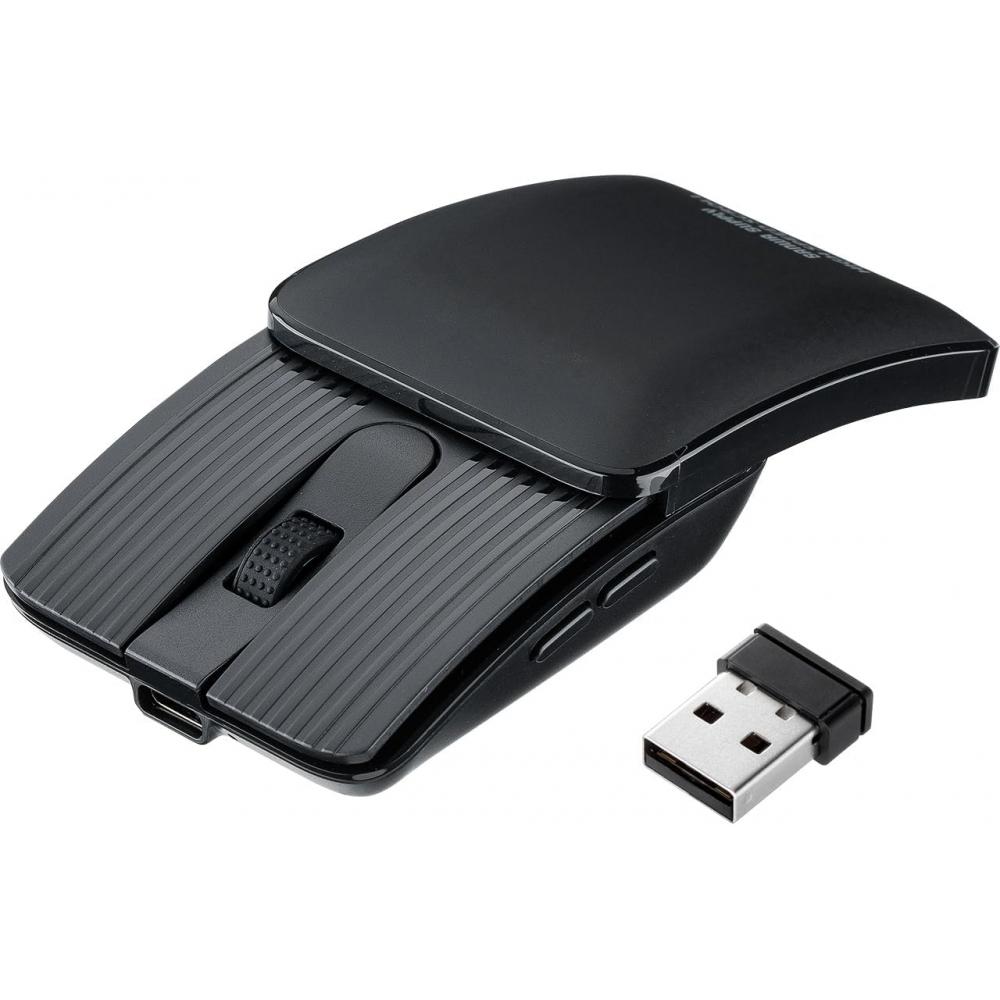
Sanwa 다이렉트 마우스 슬림 블루투스 2.4GHz 접이식 5 버튼 저소음 충전식 블랙 400-MAWB236BK 블랙 파워 슬라이드 링키지 타입 is a compact wireless mouse with a slide-type cover.
When the cover is opened, it forms a shape that allows the hand to rest comfortably during operation. When the cover is closed, the mouse can be stored in a compact form. Opening the cover turns the power on, and closing it turns the power off, reducing the need to operate a separate power switch.
When the cover is closed, the depth is reduced from approximately 11 cm to approximately 7 cm, making it convenient to carry in a bag or pouch. Although the body is compact, it supports resting the hand on the mouse and can be operated using three grip styles: palm grip, claw grip, and fingertip grip.
It supports Bluetooth and 2.4GHz wireless connections and features left and right click buttons, a wheel, back and forward buttons, and a count switching and pairing button. The color is ブラック.
The resolution can be switched between 800, 1200, 1600, 2400, and 4000 count/inch. Charging takes approximately 50 minutes and may vary depending on the connected device. The maximum operating period is approximately two months on a full charge. This operating period is based on eight hours of computer work per day, with mouse operation accounting for 5% of that time.
The applicable standard is Bluetooth 5.2 Class 2, and the profile is HOGP (HID over GATT Profile). The radio frequency is the 2.4GHz band. The communication range is approximately 10 m in radius on non-magnetic surfaces such as a wooden desk and approximately 2 m in radius on magnetic surfaces such as a steel desk. The range may vary depending on the operating environment.
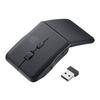
The interface complies with USB HID specification version 1.1 and also operates with USB 10Gbps, 5Gbps, and 2.0. The connector is a USB A connector, and the wireless method is 2.4GHz RF radio transmission.
Compatible devices include Windows 11 and 10, macOS 26, 15, 14, 13, 12, and 11, Chrome OS, Android 14 and 15, iOS 17, 18, and 26, and iPadOS 17, 18, and 26. It can be used with Windows computers and tablets, Apple Mac series, Chrome OS computers, Android smartphones and tablets, iPad series, and iPhone series. It is compatible with devices that support Bluetooth 5.2 HOGP or have a USB A port.
A Japanese instruction manual is provided online only. The country of origin is Japan, and the production location is China.
[Composition/Material]
No information provided
[Size/Specifications]
Color: ブラック
Depth when folded: Approximately 7 cm
Depth when open: Approximately 11 cm
Resolution (DPI): 800, 1200, 1600, 2400, and 4000 count/inch
Charging time: Approximately 50 minutes
Operating period: Up to approximately 2 months
Bluetooth standard: Bluetooth 5.2 Class 2
Profile: HOGP (HID over GATT Profile)
Radio frequency: 2.4GHz band
Communication range: Approximately 10 m radius on non-magnetic surfaces such as wooden desks; approximately 2 m radius on magnetic surfaces such as steel desks
Interface: Compliant with USB HID specification version 1.1
Connector: USB A connector
Wireless method: 2.4GHz RF radio transmission
Buttons: Left and right click, wheel, back and forward, count switching and pairing buttons
Supported operating systems: Windows 11 and 10, macOS 26, 15, 14, 13, 12, and 11, Chrome OS, Android 14 and 15, iOS 17, 18, and 26, iPadOS 17, 18, and 26
[How to Use]
1. Slide the cover open before use. Opening the cover turns the power on.
2. Connect the mouse to a compatible device via Bluetooth or 2.4GHz wireless.
3. Use the count switching and pairing button when necessary.
4. Close the cover after use. Closing the cover turns the power off.
5. Charge the mouse when the battery is low. Charging takes approximately 50 minutes and may vary depending on the connected device.
[Precautions]
The communication range may vary depending on the operating environment.
The back and forward buttons cannot be used with Apple Mac series devices.
If the device has only a USB Type-C port, the mouse may not operate when connected through a conversion adapter.
Compatibility may vary depending on the device model.
The mouse must be used with a device that supports Bluetooth 5.2 HOGP or has a USB A port.
The Japanese instruction manual is available online only.
The operating period is based on a full charge under the condition of eight hours of computer work per day with mouse operation accounting for 5% of that time, and may vary depending on the actual usage environment.
To request a return or exchange, please note that it is mandatory to provide a video of the unpacking of the package.


 Товар из Японии


 Возврат по недоставке