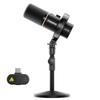
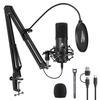
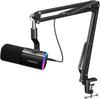
The PD200W Hybrid, the world's first hybrid microphone, integrates three connection methods—XLR, USB, and 2.4GHz wireless—into a single hybrid dynamic microphone. It offers maximum freedom as a wireless microphone, easy plug-and-play connectivity with smartphones, tablets, and PCs as a USB microphone, and a stable, professional setup when paired with mixers and audio interfaces as an XLR microphone. Whether at your desk, outdoors, alone, or in a discussion, simply switch between modes depending on the situation, creating an environment where you're not tied to specific equipment.
[Pro Studio-Grade Sound Quality Made More Accessible] This dynamic microphone features a premium 30mm dynamic capsule and cardioid polar pattern to reproduce vocals naturally and powerfully. With an 82dB signal-to-noise ratio, it delivers clear and crisp sound with minimal noise that won't get lost in ambient noise, and an SPL of up to 128dB ensures that even loud voices won't distort.
[Seven Features Including Pro Noise Cancelling] Equipped with three noise reduction modes (low -5dB, medium -10dB, high -30dB), it can eliminate bothersome noises such as air conditioner and keyboard sounds during streaming. It also features a unidirectional design that actively suppresses noise from the sides and rear, an 8mm thick high-density windscreen that blocks breathing and wind noise, heavy electromagnetic shielding and all-metal construction to reduce electromagnetic interference and low noise, an 8-point shock mount that effectively absorbs physical shock and vibration noise, and a suspension structure that reduces contact noise when holding it.
【Customize your sound freely with MaonoLink】No need to know the parameters. With the MaonoLink app, you can easily apply the optimal sound settings by simply selecting a scene. You can intuitively adjust the EQ curve and reverb, and with one tap you can achieve studio-quality sound like a dedicated podcast. You can adjust volume, EQ, reverb, and more from your smartphone without a PC. Your smartphone functions as a mixer.
[Making Dual Recording Simpler] Normally, using two PC microphones simultaneously requires multiple pieces of streaming equipment such as audio interfaces and XLR cables, making setup difficult. The PD200W Hybrid podcast microphone allows you to connect two wireless microphones simultaneously with a single receiver. Because it records the voices of two people as separate audio tracks, it greatly reduces the burden of wiring and post-editing. It is ideal for podcasts, interviews, discussions, collaborative recordings, and gaming. The PD200W Hybrid also supports direct connection to a camera, allowing you to input microphone audio directly into the camera and synchronize audio and video at the time of recording. *A camera with a Type-C port is required to use this function.
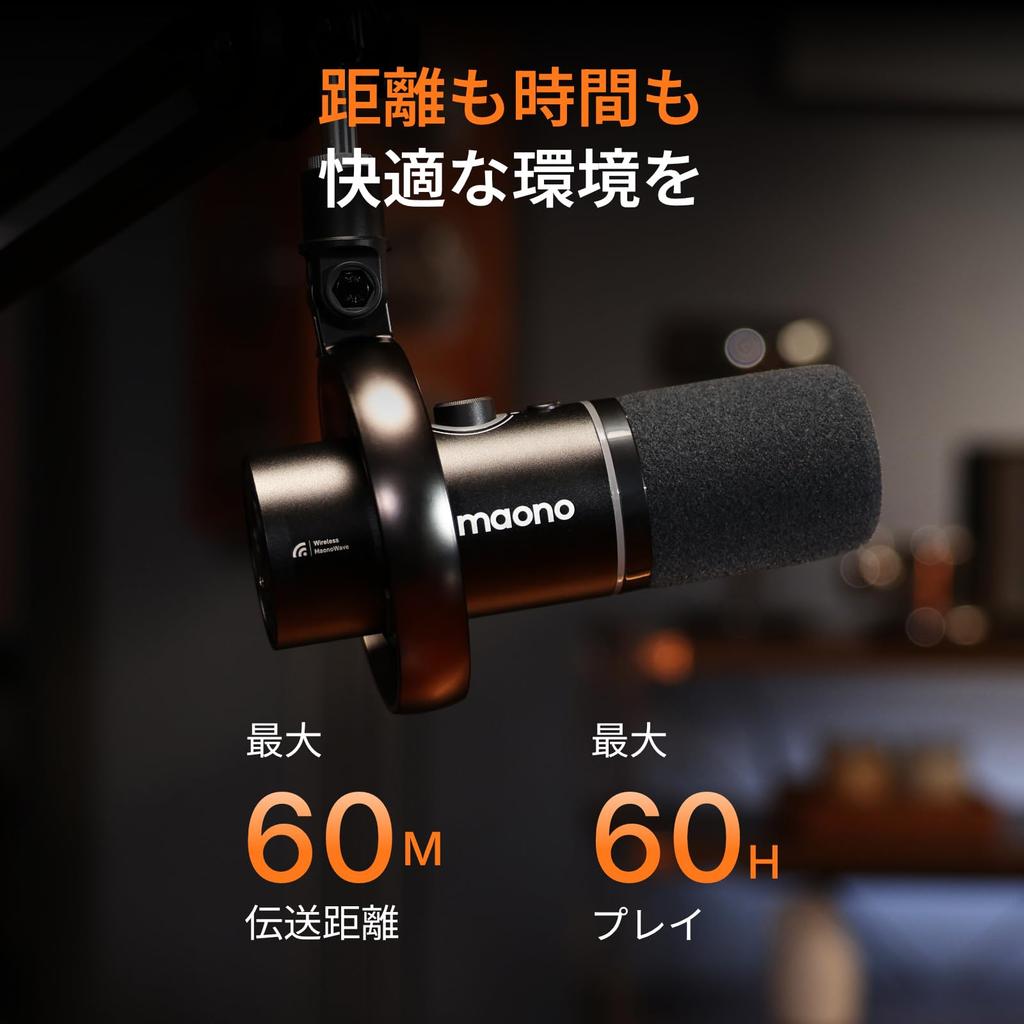
[Frequently Used Operations at Your Fingertips] Independent physical buttons allow for intuitive control of volume, gain, mute, and RGB settings. Equipped with a 3.5mm headphone jack for real-time monitoring. With up to approximately 60 hours of continuous use and stable 2.4GHz wireless signal transmission up to approximately 60m, you can concentrate on your work with peace of mind, whether in indoor environments or large spaces, even during long hours of streaming or video recording.
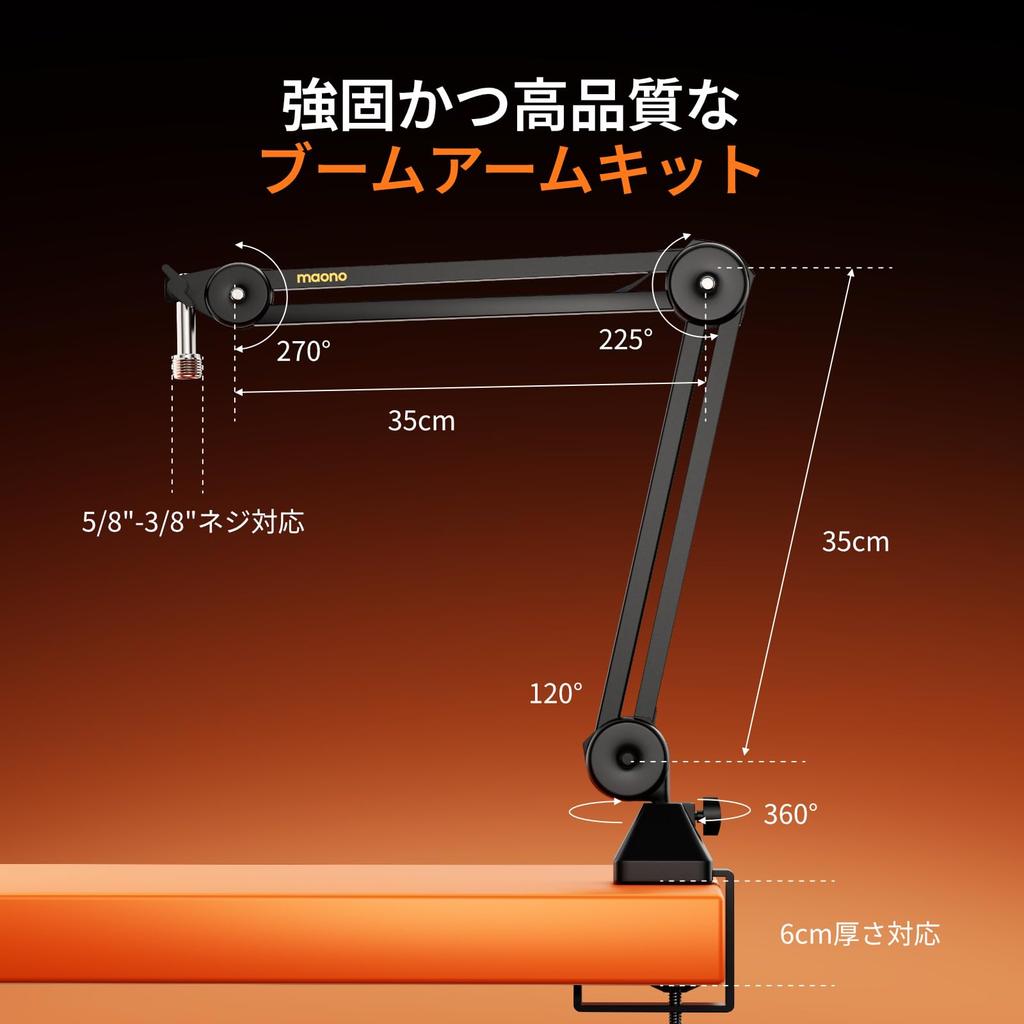
[Ready-to-Use Creator Kit - Perfect for Gifts] The kit includes: Wireless/USB/XLR compatible dynamic microphone x1, BA37 microphone arm set x1, USB C to USB A & C cable x1, Type-C receiver x1, Type-C conversion cable x1, and instruction manual x1. This complete USB microphone set allows you to start recording for streaming, podcasts, and more immediately upon arrival, making it ideal for beginners and as a gift. If you have any questions or problems using the kit, please contact Amazon.
Product Description
Today, a new generation of creators and podcasters are facing various challenges related to their equipment.
The cables and connection methods are complex, and setup takes a long time.
It's not possible to output to multiple devices simultaneously, requiring a restart after each recording.
When recording with two or more people, the audio overlaps, making the editing process complicated.
Without a soundproof environment, it is difficult to avoid noise and ambient sounds.
These inconveniences stifle the creative drive of many creators and restrict their freedom in their production environment. "Wouldn't it be great if we could record more freely, more simply, and yet with high-quality sound?"
To solve this problem, MAONO developed the PD200W Hybrid.
Hybrid is not just about the connection method, but also about the creative style.
Creators don't need to adapt to their equipment. The microphone adapts to your production style. It creates an environment where you can concentrate on the creative process itself, supporting a freer and more comfortable recording experience while focusing on the act of "speaking."
Simply switch settings depending on the situation. At your desk or outdoors. Alone or in a discussion. Create an environment where you're not tied down by equipment.
Product specifications:
Product name: PD200W Hybrid
Brand: MAONO
Microphone type: Dynamic
Directionality: Cardioid
Sensitivity: USB: -7.0dBFS / XLR: -53.0dBV
Frequency response: 50~16000Hz
Maximum SPL: 128dB (0.5m minimum gain & maximum volume THD 10%)
Adjustable gain range: 0 to +36 dB
Monitoring headphone jack: 3.5mm
Digital output: USB-C
Analog output: XLR
Noise reduction: 3 levels (weak, medium, strong)
Power supply: Power cord type
Voltage: 5 volts
: 2600mAh, 3.7V (9.62Wh)
Charging power: USB-C, 5V-1A max
Usage time: Approximately 38 hours with RGB on, approximately 60 hours with RGB off.
Wireless operating range: Up to 60m (without obstacles)
Recommended recording distance: 5-15cm
Compatible devices: PC, smartphone, laptop, camera, PS4/5, audio interface/mixer
Please note: The lighting receiver and camera receiver must be purchased separately.
Package contents: USB-C receiver, dynamic microphone, desktop microphone stand, USB-C adapter, USB-C cable, Japanese instruction manual
Product Features
① Dynamic microphone compatible with wireless/USB/XLR
② Supports simultaneous recording from three devices: smartphone, camera, and PC, using a single microphone.
③ Supports independent 2-track recording with dual microphones, reducing the burden of editing.
④ The 30mm dynamic capsule and cardioid polar pattern allow for clear recording of human voices and suppression of ambient noise.
⑤ Equipped with noise countermeasures at the structural design level and a 3-stage noise reduction mode.
⑥ Professional studio-quality sound made more accessible
⑦ One device for all creative styles: Podcasts/interviews/mobile recording, live streaming/game commentary, remote work/online classes, dual podcasts/video shooting/live streaming
⑧ Direct connection to the camera makes audio synchronization even easier.
⑨ Zero-latency monitoring
⑩ Supports stable wireless transmission up to approximately 60m and long battery life of up to approximately 60 hours.
⑪ Zero-latency monitoring
⑫ Complete all necessary creative tasks at your fingertips: mute, power on/off, volume control, RGB adjustment.
⑬ Equipped with cool RGB lighting effects, creating vibrant light effects.
Frequently Asked Questions (FAQ)
Question: What is the difference between USB mode and XLR mode?
Answer: ① USB mode
Connection method: Simply connect it directly to your PC or smartphone to use it (plug and play).
Main uses: live streaming, voice chat, basic recording, etc.
Features: Volume adjustment and monitoring can be controlled via software. All functions of the microphone itself can be used.
② XLR mode connection method: Connection to an audio interface or mixer is required.
Main uses: Professional recording environments, podcast recording, performances, etc.
Features: Supports more stable audio transmission and a high-quality recording environment.
*When using in XLR mode, USB power is not supplied, so the RGB lights and buttons on the microphone body will not function. This is normal behavior.
Question: How do I connect to my computer wirelessly?
Answer: a. Connect the Type-C wireless receiver included with the microphone to a USB port on your PC.
b. Press and hold the microphone's power button for approximately 2 seconds to turn it on. The blue light around the microphone knob will blink, and wireless pairing will begin. The blue light will stop blinking when pairing is complete.
c. In your PC's audio settings, select "Maono Wireless Mic RX" as the input/output device.
d. If you are monitoring, connect headphones to the microphone.
Question: What are the system compatibility requirements for the PC version of the Maono Link software?
Answer: Windows: Windows 10 (Version 1803 / Build 17134) or later, Windows 11 (32-bit / 64-bit)
macOS: macOS 10.13 or later
Question: Is there a guarantee?
Answer: You will receive a one-year manufacturer's warranty from the date of delivery. If you have any questions about how to use the product or if you have any problems using it, please contact us via the Amazon/maono support email address.




 Товар из Японии


 Возврат по недоставке