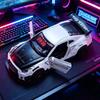
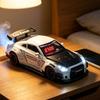
High-concerned chemical : None
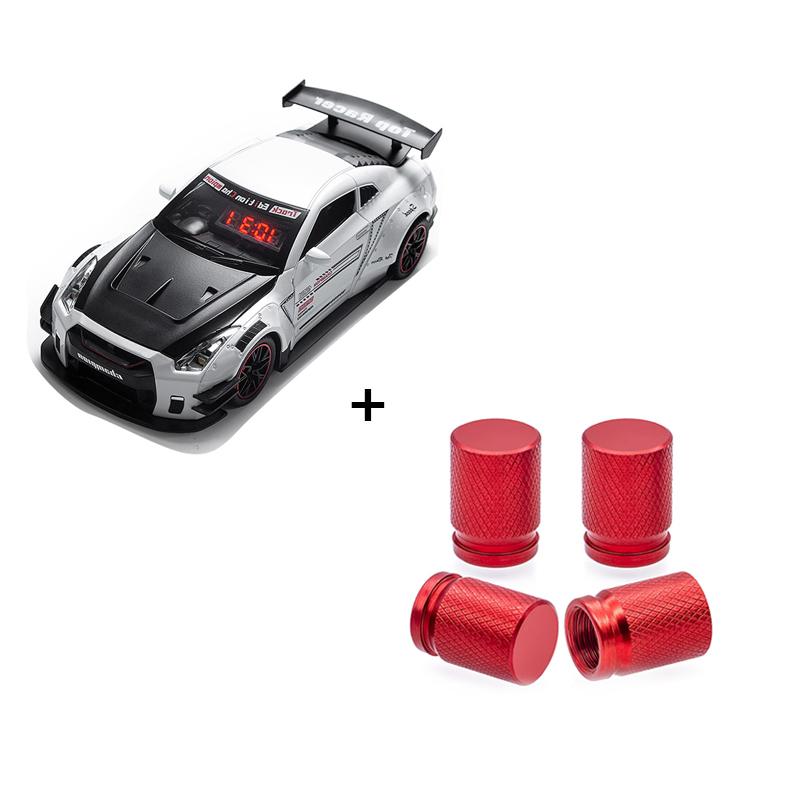
Model Number : A04419+C02368
Material : Plastic
Origin : Mainland China
package:
1SET*Car Model Alarm ClockCar Model Alarm Clock User Manual
Specifications:
- Power Supply (Receiver/Clock Unit): 3.7V Lithium-ion Battery (rechargeable)
- Power Supply (Transmitter/Remote Control): 4.5V (3 button batteries, not included)
- Display: LCD Screen (4×8), LED Digital Time Display
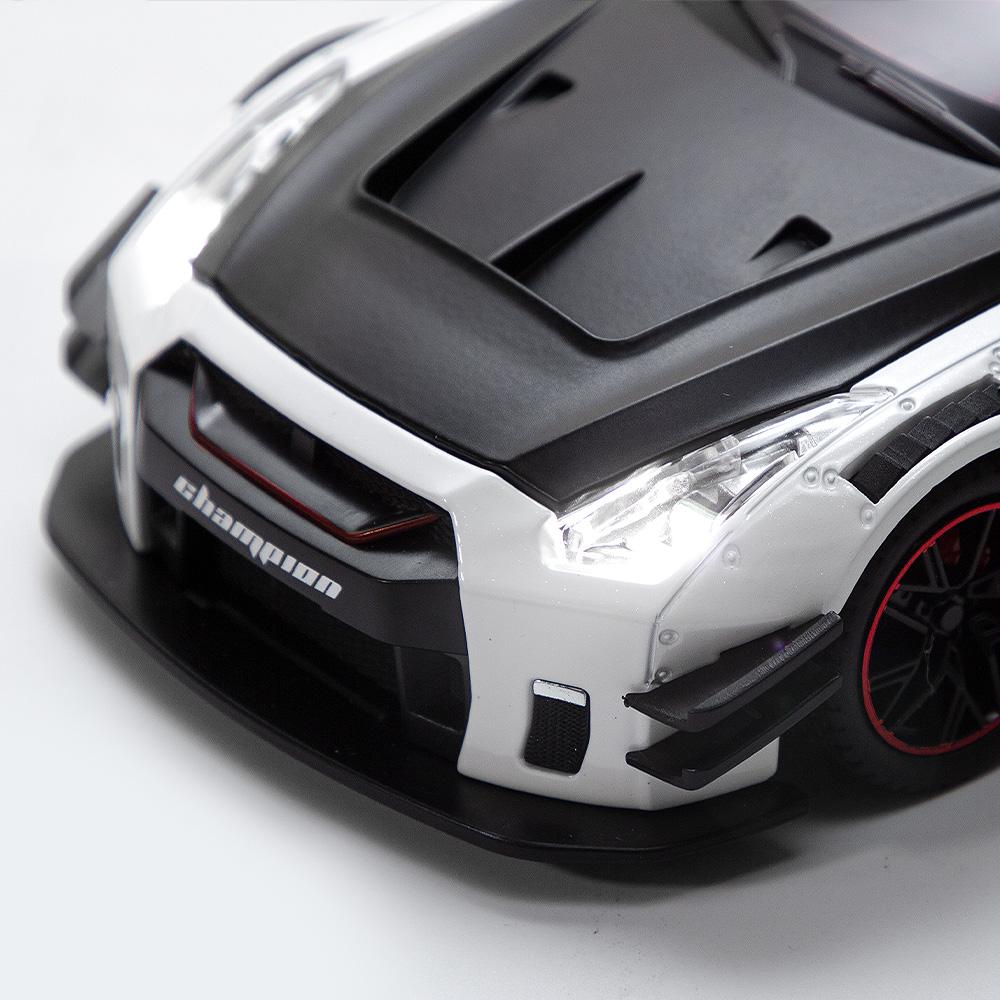
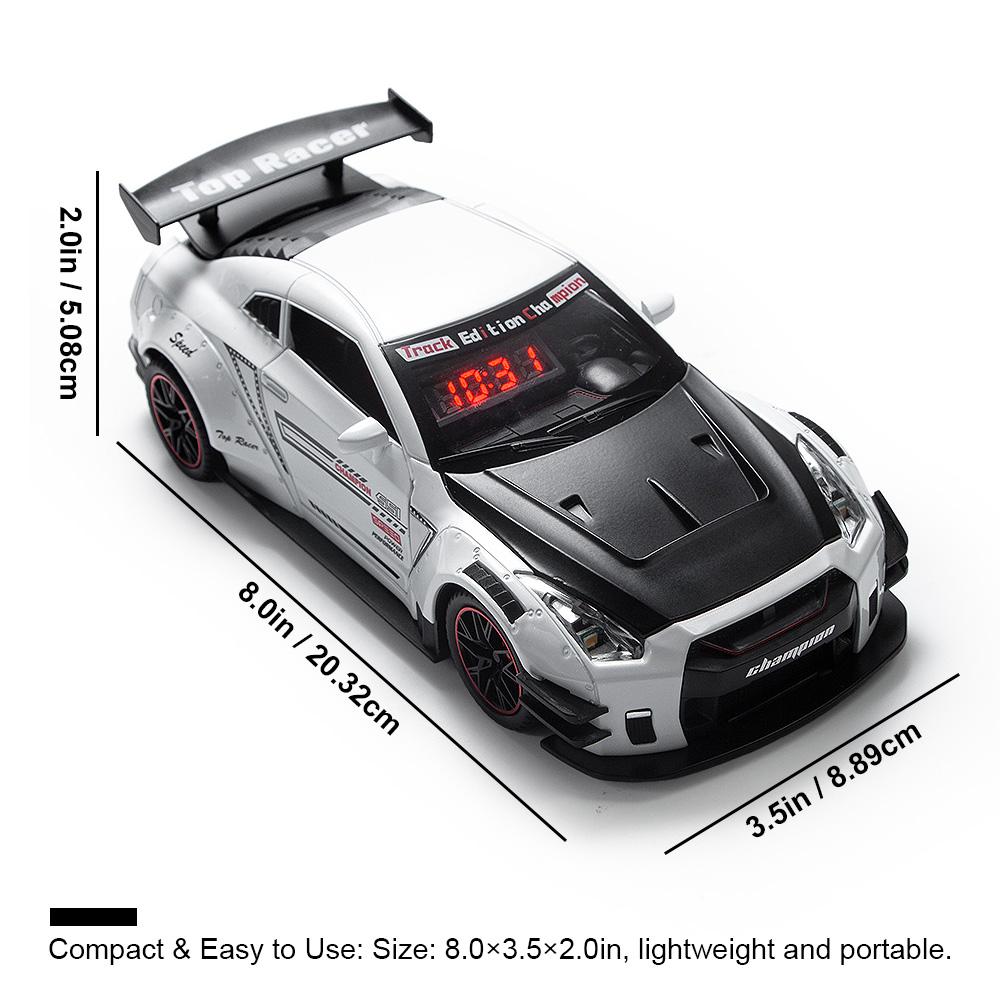
- Light Effects: 5 Monochrome LEDs: 2 White (Headlights), 2 Red (Taillights), 1 Blue (Spray/Exhaust Light)
- Spray/Exhaust Function: Water-Addable Atomizing Sheet (simulates exhaust smoke effects)
- Control Method: 2.4G Wireless Receiver (Clock Unit) + Infrared Remote Control (Transmitter)
- Speaker: Built-in speaker with 3 selectable ringtones
- Volume Levels: 6 adjustable levels
- Working Modes: Time Mode, Alarm Mode
1. Receiver End (Car Model Clock Unit)
1.1 Button Definition
Buttons:
- STEERING WHEEL: Switch ringtones.
- WHEEL: Trigger light, spray, and sound effects.
1.2 Function Description
1.2.1 Power On/Off
- Slide the toggle switch to POWER ON. The device will make a "beep" sound, then turn off the lights and display the current time in Time Mode. By default, the alarm will not trigger automatically when powered on.
Slide the toggle switch to SHUT DOWN to turn off the power directly.
Note: After the car loses power, you must reset the time and alarm settings.
1.2.2 STEERING WHEEL Button (Ringtone Selection)
- In Time Mode, short press the STEERING WHEEL button to cycle through 3 ringtones: Ringtone 1, Ringtone 2, Ringtone 3.
The car lights will flash when switching sounds, but the fog lamp and spray function will not activate.
After selecting a ringtone, pressing the WHEEL button or triggering the alarm will play the currently selected sound.
1.2.3 WHEEL Button (Light & Spray Effects)
- In Time Mode, short press the WHEEL button briefly to activate:
The selected ringtone.
- All 5 LEDs (headlights, taillights, and spray light).
- The spray/exhaust effect (ensure the atomizing sheet has water added).
- Press the key again to stop the sound, turn off the lights, and end the spray demonstration.
1.2.4 Alarm Clock Function
- Alarm Trigger: If the alarm is enabled in Time Mode, when the time reaches the set alarm time:
- The clock will play the selected ringtone.
- The spray function and spray light will activate.
- All car lights will turn on.
- The time on the screen will flash to indicate the alarm is active.
Alarm Stop:
- If no operation is performed for about 1 minute, the alarm will stop automatically.
- Press any button during the alarm to pause it.
- To fully stop the alarm: turn off the sound, stop the spray, and turn off the lights to return to Time Mode.
Note: The alarm function will not work if the device is not in Time Mode.
1.2.5 Charging
- The built-in lithium battery supports use while charging.
- If there is a power outage, the time will need to be reset.
- When charging, the CHARGE indicator will flash, showing charging is in progress.
- When the indicator stays on, the battery is fully charged. If it does not light up, the device is not connected to power.



 Возврат по недоставке