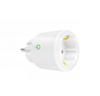
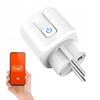
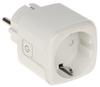
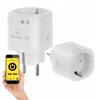
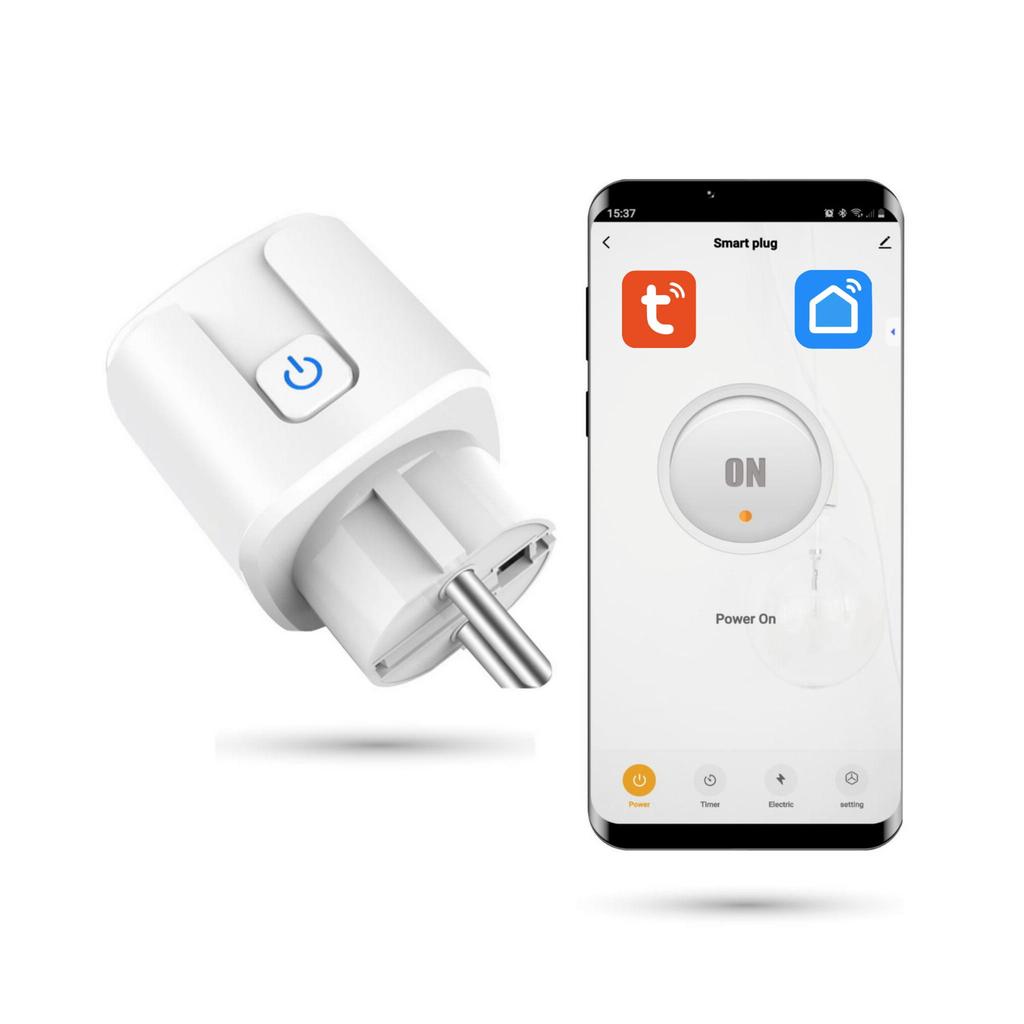
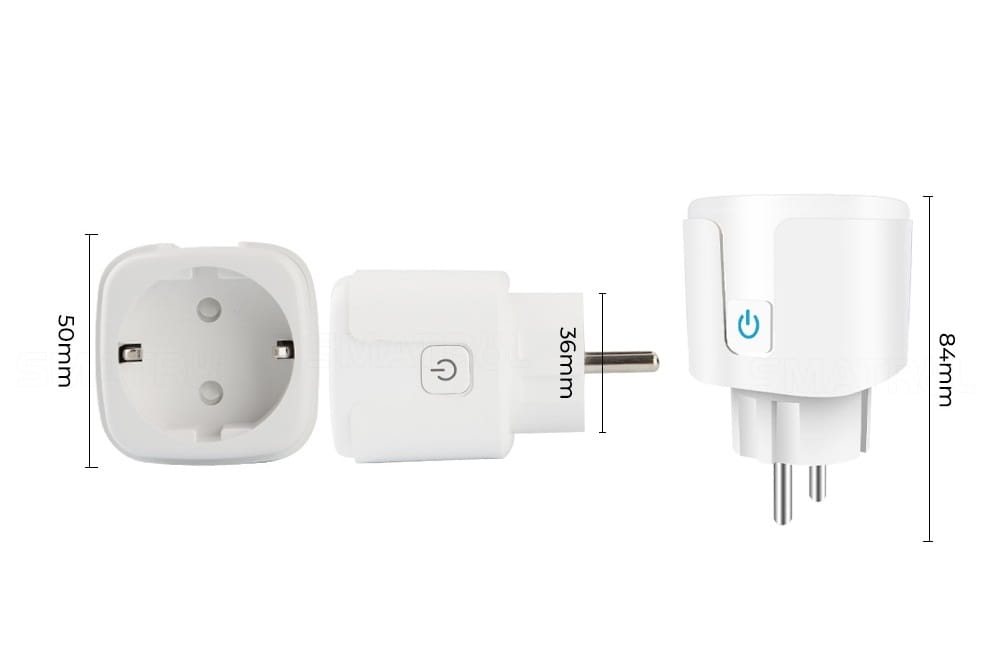
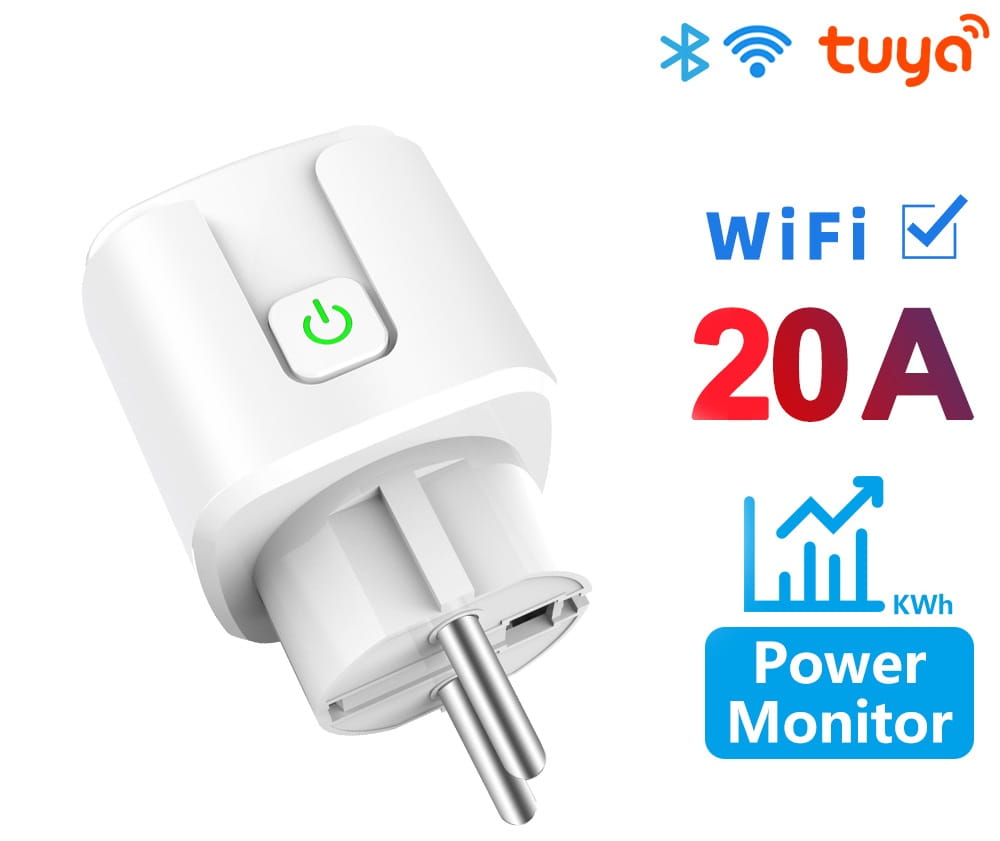
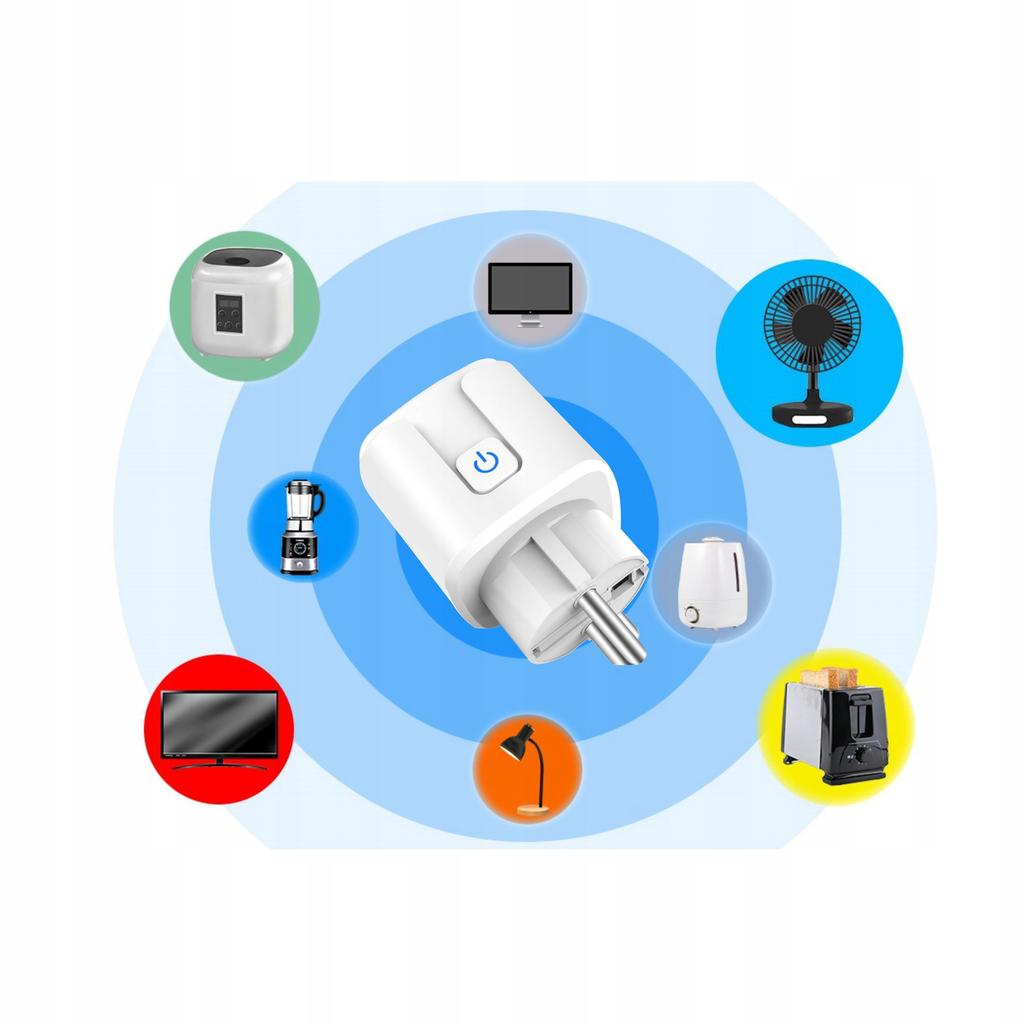
Tuya SmartLife 20A Wi-Fi Smart SocketThe Tuya or Smart Life Wi-Fi Smart Socket allows you to remotely control connected electrical devices. It uses Wi-Fi to communicate between devices. The Smart Wi-Fi Socket is easy to install, and once connected, you can control it using the Tuya or Smart Life apps, available for iOS and Android devices. An innovative addition to your smart home, the Wi-Fi Socket offers many useful features, such as energy measurement, scheduling, and integration with other devices. 20A is the instantaneous current, while the socket's constant current is approximately 10A. The most important advantages of the Garage Door Controller: • Built-in WiFi module - to connect to a Wi-Fi network, the socket does not require an additional Zigbee gateway • Remote control - you can control your device using the app • Child Lock function • Can be operated by multiple users • Create smart scenes that turn the device off/on according to a set schedule or depending on the status of another device • Voice control using external assistants, such as Google Home or Amazon Alexa • Very easy pairing with the app • Small size and modern design • Monitoring power consumption: Real-time report available in the app, which can monitor how much energy connected devices consume. • Intuitive and simple operation • Easy installation • Compatible with IOS/Android operating systems thanks to the free Tuya or Smart Life app Technical parameters Color: White Nominal current: 20A Wi-Fi frequency: 2.4 GHz Operating temperature: -20°C to 50°C Power supply: mains Standard: Standard socket adapter (EU) Input frequency: 50/60Hz Dimensions: 84x30x30mm Monitor your devices' energy consumption in the TUYA/SmartLife app. The Smart Wi-Fi Socket is not only convenient but also energy-efficient. It can monitor and report your devices' energy consumption, saving you money on your electricity bills. You can set schedules and timers to automatically turn devices on and off, ensuring they aren't left on unnecessarily. The 20A Smart Wi-Fi Socket features a Child Lock function, which allows you to block manual control of devices connected to the socket, thus protecting your child from dangerous situations. The Child Lock function can be easily managed through the app or via Google Assistant or Amazon Alexa. If your child's safety is important to you, it's worth choosing a Wi-Fi socket with a Child Lock function. Schedule your devices. The schedule and timer feature allows you to customize your devices to your needs. Choose from the following modes: Countdown - a one-time shutdown after a specified time. Schedule - turns the connected device on or off at specific times on selected days. Circulate - allows you to set a loop to turn the device on and off in a specific pattern, e.g., on for 2 minutes, off for 1 minute (in a continuous loop), at specific times and days. Random On and Off - randomly generated on and off events apply to any connected device at a random time and day. Ideal for vacations or absences, to create the impression of being home. Inching - a scheduled option; for example, after each switch-on, the relay will turn off after a set time. A solution for people who forget to turn off the lights or fall asleep in front of the TV. Simply set this function to automatically turn the lights off 20 minutes after switching them on. A common option in TVs. Astronomical - On/Off triggers based on sunrise and/or sunset times. The app uses the user's location to determine the appropriate time for turning on or off. Shared Management of a WiFi Smart Socket: The WiFi smart socket also features a Family Share feature, which allows you to share the socket with family or friends. This feature allows you to assign individual or shared accounts to each user, allowing you to control access to devices in your home. Each user can have their own account, allowing them to remotely manage devices after they are connected to the socket. For example, a parent can set a schedule to block children's internet access during the evening. Sharing functions with family or friends is very simple and requires no additional cost. However, it requires access to an app that allows remote device management, such as Google Assistant or Amazon Alexa. SMART HOME IN ONE APP. The Smart Wifi Socket works with the free Tuya or SmartLife apps, which are also used to control key smart home devices, including outlets, lighting, monitoring, air conditioning, heating, and garden irrigation. This allows you to control your smart home using a single app.




 Товар из Польши


 Возврат по недоставке