We operate a Japanese purchasing agency service that handles 100% genuine products only. If a product is not genuine, we promise compensation equivalent to 500% of the purchase amount.
[브랜드소개]
Brand: KODAK
[제품설명]
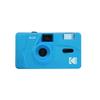
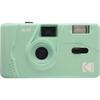
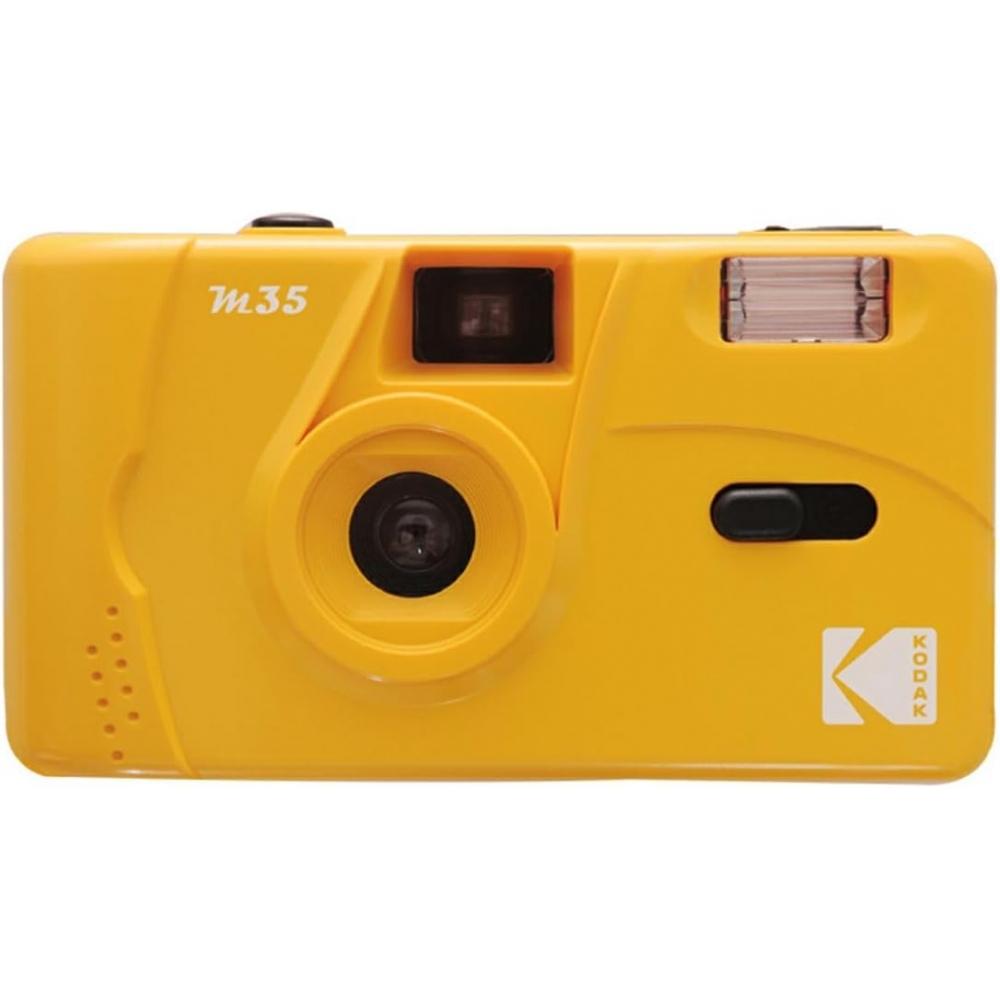
Product name: 코닥 [국내정품/보증서 포함] 코닥 필름 카메라 M35 옐로우 옐로우
This reusable film camera allows you to easily enjoy photographs with a different character from digital cameras. Its simple operation does not require separate aperture or focus adjustments, making it suitable for first-time film camera users. The built-in flash can also be used for indoor photography.
This camera uses 135 film (35mm film), and the set includes the camera body and a hand strap. This product is described as including domestic genuine product status and a warranty certificate. The color is yellow.
Product Q&A
Q. What is needed after purchase before taking photos?
A. You will need 135mm film and one alkaline AAA battery. Film and battery are sold separately.
Q. The film cannot be advanced.
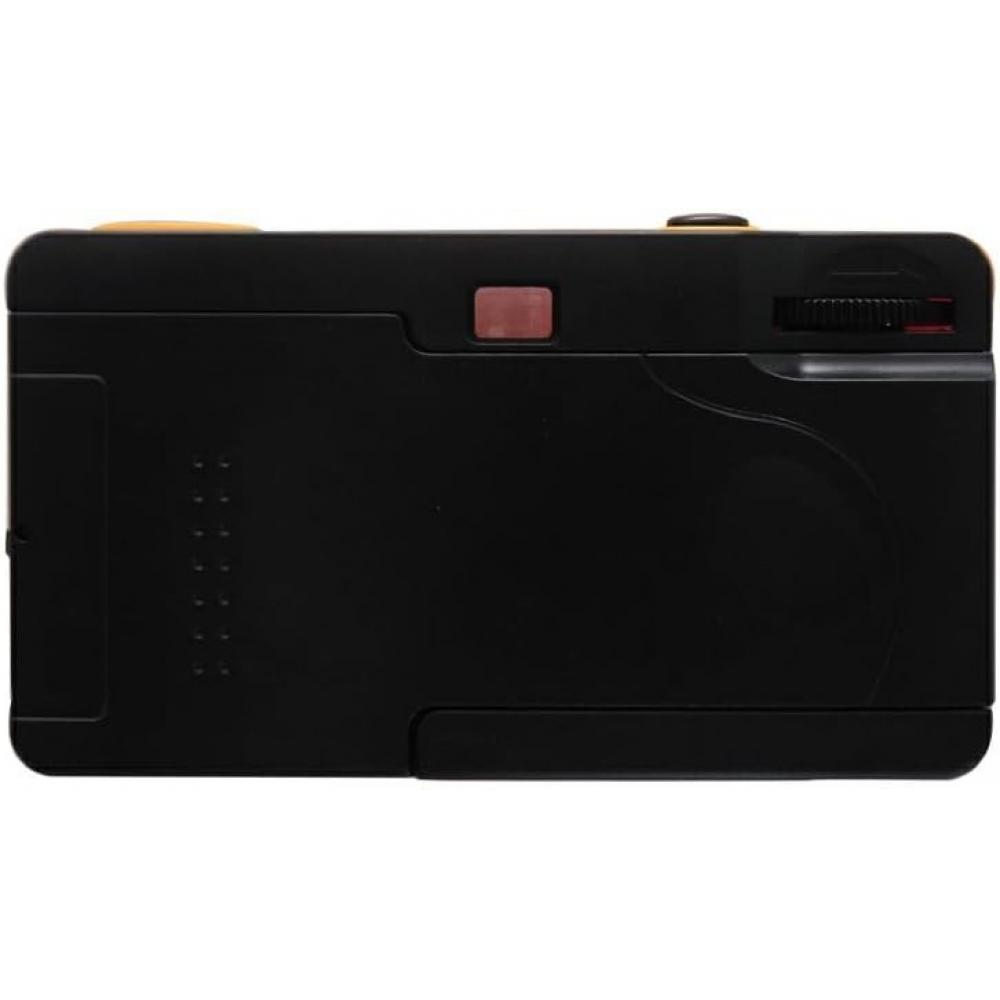
A. Check whether the film has been loaded correctly. If no number is displayed on the counter, reload the film. When the back cover is opened, make sure that the lower protrusion of the camera’s film take-up shaft on the right side and the wheel below the viewfinder are securely aligned with the film perforations, meaning the holes along the top and bottom of the film, and then close the back cover.
Q. The shutter does not operate.
A. After loading the film, turn the film advance dial on the right side when looking through the viewfinder until it stops. If the dial does not stop, the film may not have been advanced. Reload the film.
Q. The flash does not fire.
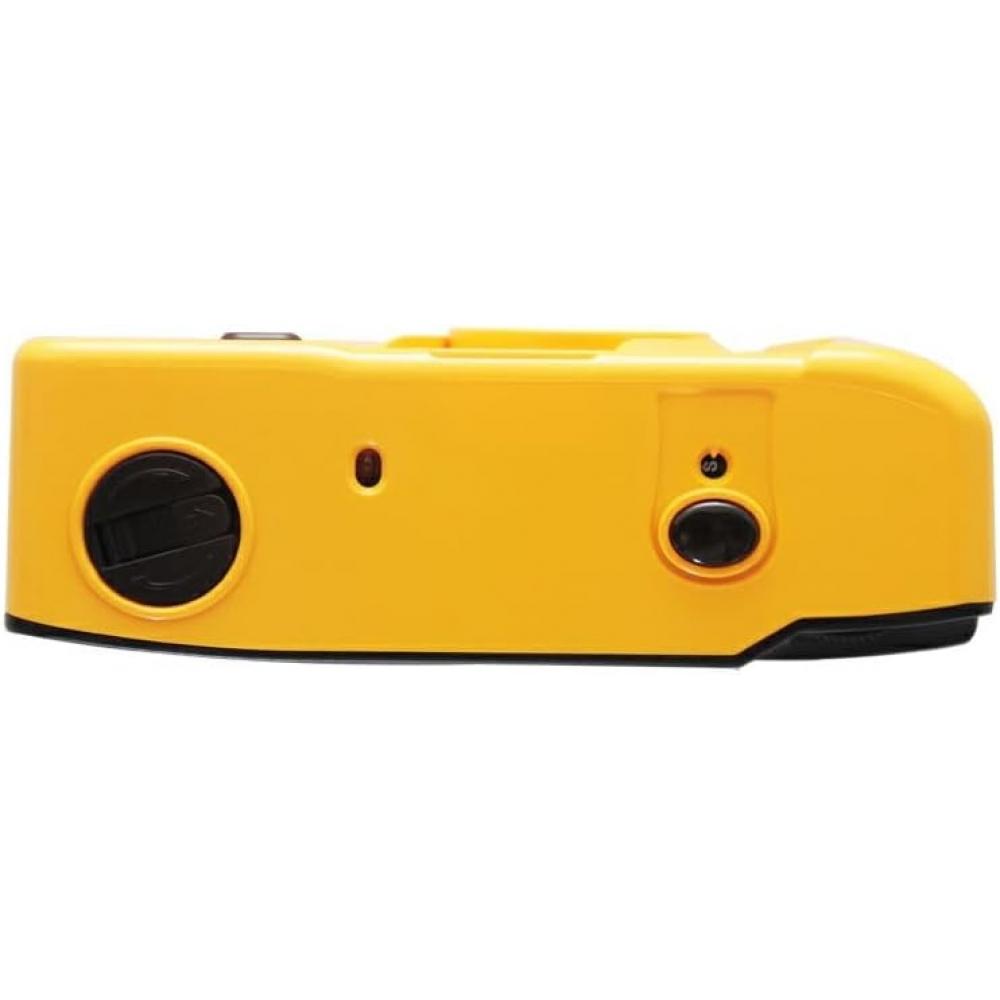
A. Check whether the battery is installed and whether the positive and negative ends are positioned correctly. Flash photography is available when the orange charge lamp turns on. Leaving the flash switch on consumes battery power, so turn it off when the camera is not in use. If charging takes a long time, replacing the battery is recommended.
Q. The photo is not clear even though the flash was used.
A. The effective flash range varies depending on the film used. For the M35, the reference range is approximately 1.0–1.5 m with ISO 200 film and approximately 1.8–2.1 m with ISO 400 film. These are reference values based on condenser capacity. If the image is dark, the subject may be too far away or the flash may not be charged. If the image is white, the subject may be too close.
Q. Several small and large white spots appear in the image when using the flash.
A. Small particles floating directly in front of the lens, including dust, raindrops, or snow, may have been photographed out of focus. Because this product has a wide focusing range, small particles in front of the lens may reflect the flash and appear as white spots of different sizes.
Q. The actual image is wider than the area visible through the viewfinder.
A. The viewfinder coverage is 70%. Based on the central portion of the entire 100% image, the outer 30% area is included in the photograph. For example, this helps reduce situations in which people at both sides of a group photo are captured only partially.
Q. Nothing appears on the negative after developing the film.
A. If information such as frame numbers can be seen in the perforated areas on both sides of the film, there may not have been a problem with the developing process. Depending on the condition of the image area, the following causes are possible.
① If a faint image can be seen: The photo may have been taken at night or indoors in a dark location without using the flash, or from a distance beyond the flash range.
② If no image can be seen at all: An unexposed film may have been sent for development by mistake, the shutter or another part may have malfunctioned due to an external impact such as hitting or dropping the camera, or soil or sand may have entered the camera and become lodged in an operating part.
③ Film handling: The film emulsion may have changed due to heat after the film was left in a hot location, such as on the dashboard of a closed vehicle or near a heater. The film may also have been exposed to light if the back cover was opened and the film rewound after shooting. A light-exposed film cannot reproduce images even after development.
Q. The edges on both sides of the image appear curved. Is this a malfunction?
A. This is an image distortion caused by the characteristics of the lens. The center of the image is rarely curved, while distortion may appear around the edges. This is an optical characteristic caused by distortion aberration.
Q. A reddish, blurred shadow appears in a corner of the photo.
A. It may be a finger appearing in the photo. Because this product is compact and the lens does not project far forward, a finger may enter the area in front of the lens.
[조성/재질]
Material: Not specified
[사이즈/규격]
Film type: 135 film (35mm film)
Built-in function: Flash
Required battery: One alkaline AAA battery (battery not included)
Weight: Approximately 100 g (excluding film and battery)
Color: イエロー
Contents: Camera body, hand strap
[사용방법]
How to load the film
1. Lower the lever on the side of the camera to open the back cover.
2. Pull up the rewind crank and load the film.
3. Place the film in the film chamber.
4. After loading the film, return the rewind crank to its lower position.
5. Pull the film from the left toward the right and attach the end of the film to the protrusion on the right-side take-up spool.
6. Check that the film perforations are engaged with the camera gear.
7. Turn the film advance dial to advance the film, make sure the film is flat, and close the cover.
8. Repeat turning the advance dial until it stops and pressing the shutter. When the counter reaches “1,” the camera is ready to shoot.
How to remove the film
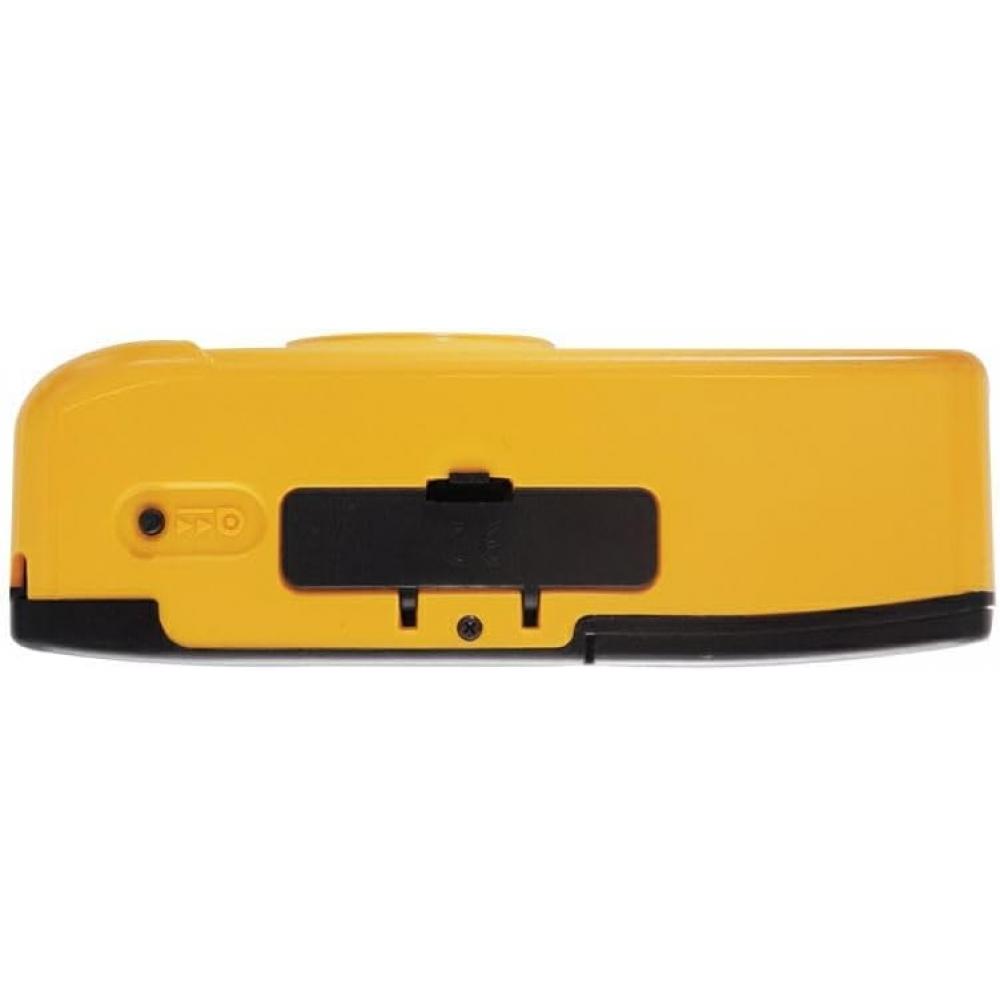
1. Press the rewind button on the bottom of the camera.
2. Turn the film rewind handle clockwise.
3. Open the back cover, raise the rewind crank, and remove the film.
4. Take the film to a developing shop.
[주의사항]
Leaving the flash switch on consumes battery power, so turn it off when the camera is not in use. Before using the flash, check that the charge lamp is illuminated. When loading the film, make sure the film perforations are correctly engaged with the camera gear. After shooting, fully rewind the film before opening the back cover. Do not leave the film in hot locations, on the dashboard of a closed vehicle, or near a heater. Avoid subjecting the camera to impact and prevent soil or sand from entering the camera. During flash photography, dust, raindrops, snow, or a finger in front of the lens may appear in the photo. When using the flash, make sure that the subject is within the flash range appropriate for the film speed.
{'isProductSummaryAvailable': false, 'device': 'desktop'}
135 film (35mm film) camera
built-in flash
Set includes: camera body, hand strap
Batteries used: 1 x AAA alkaline battery (batteries not included)
Weight: Approx. 100g (film and batteries not included)
To request a return or exchange, please note that it is mandatory to provide a video of the unpacking of the package.


 Товар из Японии


 Возврат по недоставке