Label:Yes
4. Durable Materials:Constructed with a stainless steel spoon and reinforced ABS plastic, this scale is sturdy, break-resistance, and built for long-term reliability.
1. Auto-Lock Feature:This scale automatically locks the reading once the weight stabilizes, ensuring precise measurements for ingredients like flour, sugar, and spicery.
2. Multi-Unit Conversion:Easily switch between multiple weight units-including grams (g), carats (ct), pennyweights (dwt), ounces (oz), and grains (gn)-to suit various cooking, baking, or crafting needs.
3. Long Battery Life:Designed for energy efficiency, the scale can operate for 1-2 months or longer on a single battery, even with regular use.
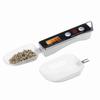
5. Clear LCD Display & Versatile Use:Features a large, easy-to-read LCD screen with a low-power alarm. Ideal for weighing baking ingredients, butter, cream, tea, spicery, and more-a handy tool for any kitchen.
Specifications:
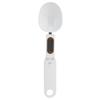
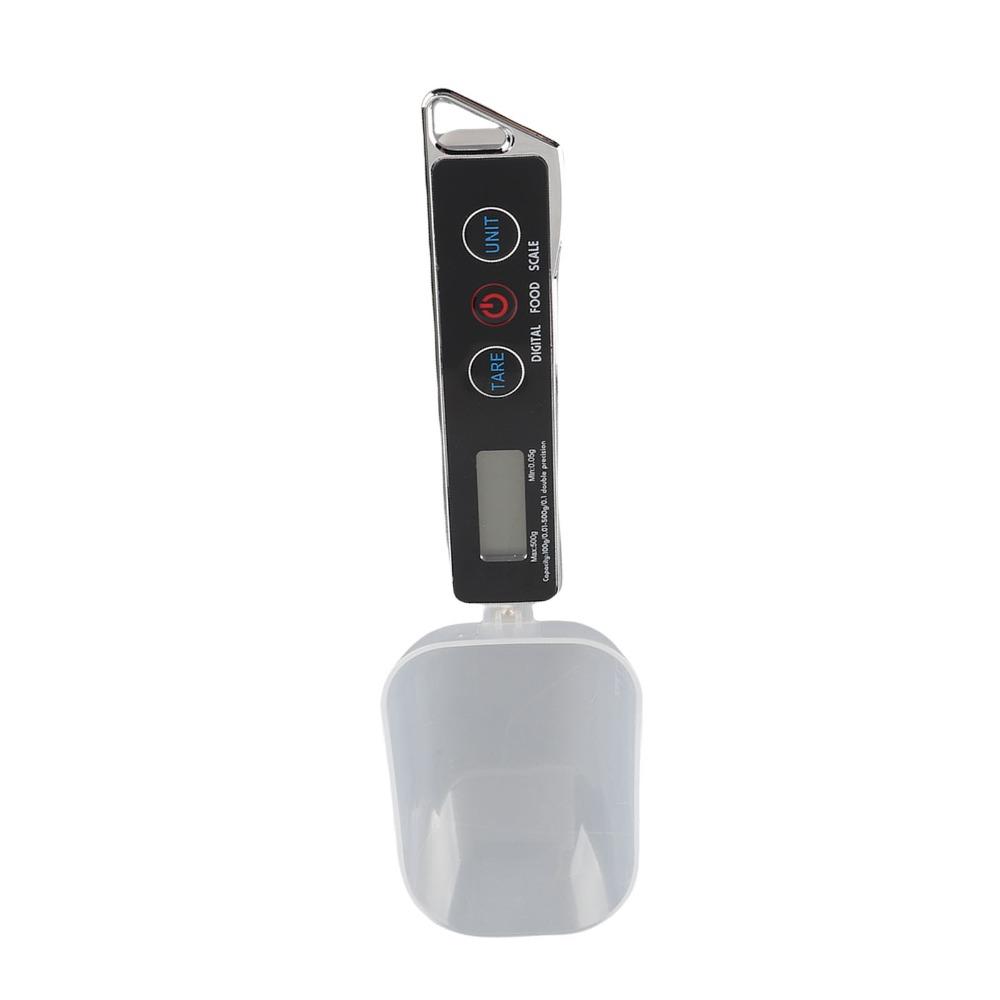
Item Type: Digital Spoon Scale
Material: Stainless Steel+ABS Plastic
Color: Black/Red
Host Size: Approx. 13 x 2.3cm / 5.1 x 0.9in
Unit: G, ct, dwt, ozt, gn, t, oz
Measurement range: 100g/0.01-500g/0.1g; 0.01g graduation value below 100g; 0.1g graduation value above 100g; 500.9g shows FULL overload; minimum weight: 0.05g;
Battery: 2 x AAA batteries (Not Included)
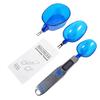
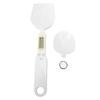
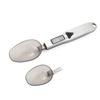
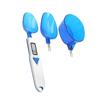
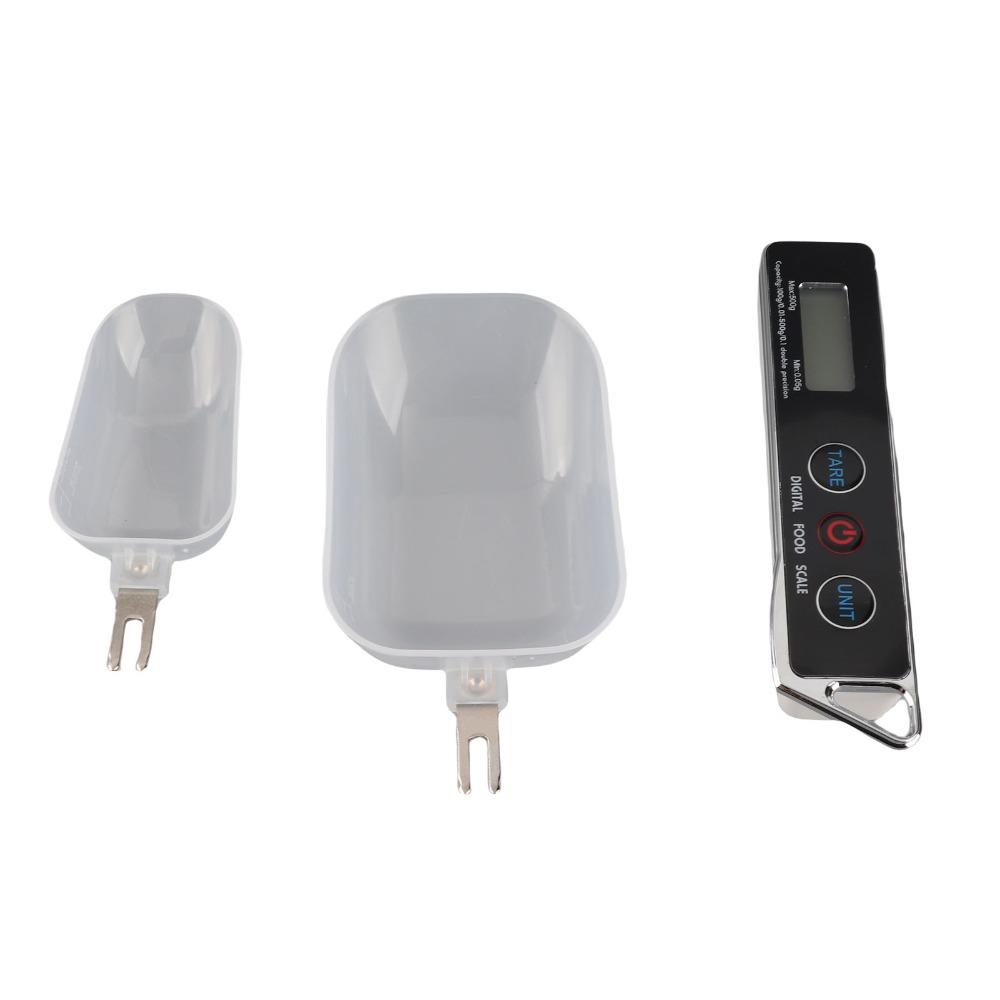
Product Accessories: Measuring spoon 30ML x 1+80ML x 1+main body
Weight: 115g / 4.1oz(approx.)
How to Use:
1. Open the battery cover, insert the battery as shown in the figure, close the battery cover, select the appropriate measuring spoon and insert it into the scale body, pull out the measuring spoon when it needs to be replaced, and reinsert it. After placing the scale on a windless platform, press the key to display 88888.
2. Unit blanking function
After selecting and long pressing the unit conversion key for 4 seconds will light up all the units, the CT unit will flash, press TARE to select retention or blanking, and press the UNIT key to shifts to select the unit that needs to be blanked. Long press the UNIT key for 4 seconds to return to the normal weighing mode. Press the UNIT key again to confirm the blanking success.
This function is for guests from different countries to choose common units, so as not to often need to choose. The g unit cannot be concealed.
3. TARE (Tare key)
Press this key in weighing mode to force reset to zero. Usage scenario: LCD does not display 0.00 after power on, press this key at this time to force reset to zero.
4. There are items in the measuring spoon, ingredients need to be added, and the weight of the added items needs to be known. At this time, press the TARE button to reset to zero. Then add the item, the weight of the newly added item is displayed at this time.
5. UNIT (Unit Conversion Key)
After turning on to zero, you can press the UNIT key to select the unit to be used (G, CT, DWT, OZT, GN, T, OZ), and you can also select the display of different units during the weighing process.
Package List:
1 x Large Spoon
1 x Small Spoon
1 x Host (Battery Is Not Included)
1 x English Manual
Note:
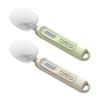
1. Due to the difference between different monitors, the picture may not reflect the actual color of the item.
2. Please allow slight dimension difference due to different manual measurements. Thank you for your understanding.




 Возврат по недоставке