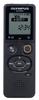
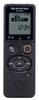
1. Никогда не пропустите момент, который хотите записать - «Прямая запись одним касанием»
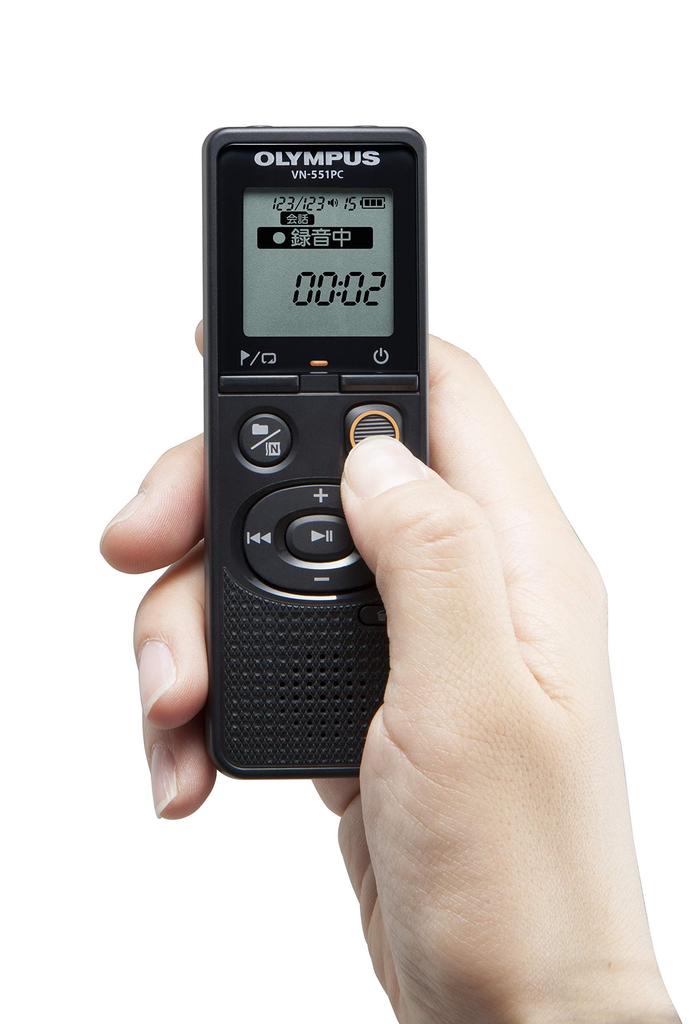
Даже при выключенном питании просто сдвиньте переключатель записи, чтобы начать запись.. Вам не нужно несколько раз включать устройство перед записью; Вы можете начать запись в любой момент.
Кроме того, положение переключателя наглядно показывает, включена запись или выключена, что облегчает понимание статуса записи.
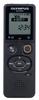
2. Оставьте подробные настройки устройству - «Настройки автоматической записи»
Просто выберите одну из четырех сцен, подходящую для вашей среды записи, и настройки записи будут завершены.. Устройство автоматически переключается на соответствующую настройку для вашей среды, устраняя необходимость в подробной записи настроек.
Переключение сцен так же просто, как нажатие одной кнопки. Сцены включают: Заметка, Разговор, Музыка и LP (Длинная запись).
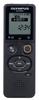
3. Помощь в поиске файлов – «Функция папки по сценам» + «Подключение к ПК»
Записи автоматически сортируются в четыре папки в зависимости от сцены записи.. Запоминание сцены, использованной для записи, сократит время поиска файла.
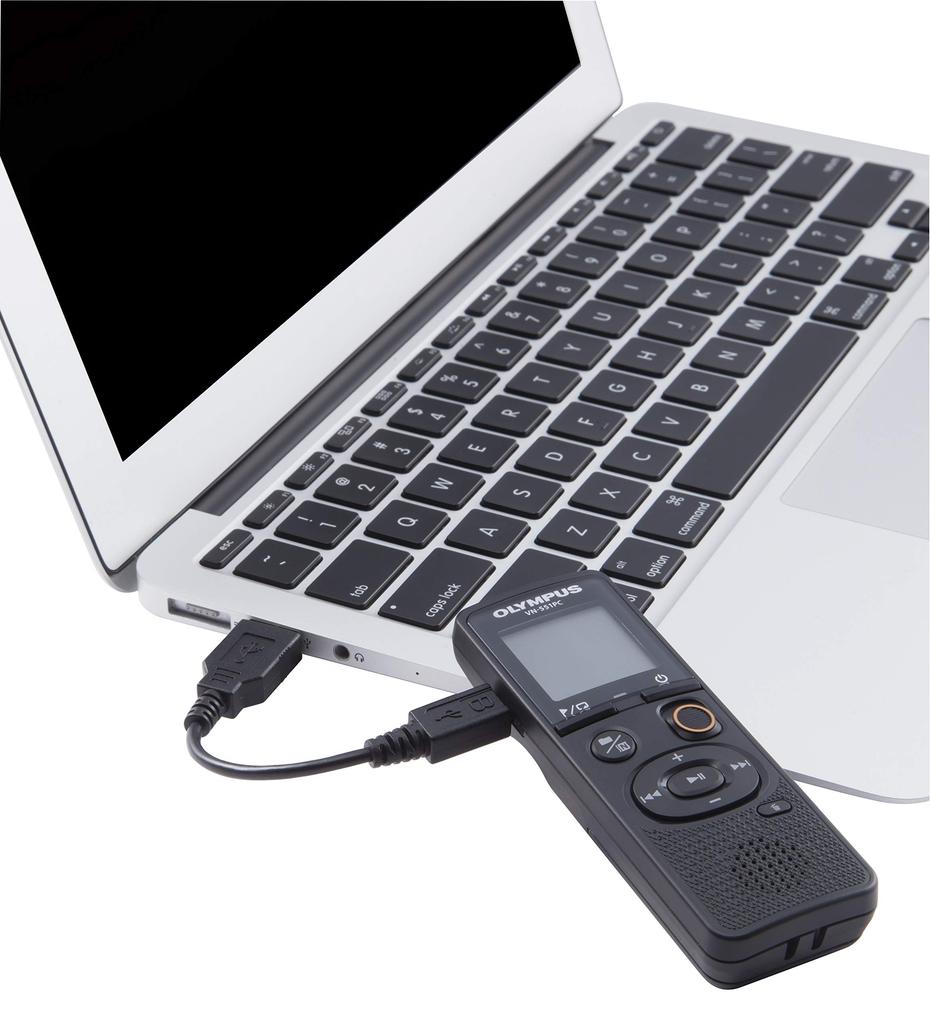
Подключив устройство к ПК с помощью прилагаемого microUSB-кабеля, вы можете легко управлять своими данными, так как на компьютере будут отображаться папки для каждой сцены.
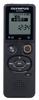
4. Упрощенное воспроизведение: «Воспроизведение со скоростью 3x» + «Пропуск по индексу»
"""3-кратная скорость воспроизведения"""
Теперь воспроизведение возможно со скоростью до 3x, что позволяет эффективно просмотреть 60-минутную лекцию за 20 минут.. Конечно, также поддерживается замедленное воспроизведение 0,5x. Вы также можете прослушать части, которые трудно расслышать, в более медленном темпе.
"Пропустить индекс"
Функция отметки индекса позволяет легко перейти к началу части, которую вы хотите прослушать.. Вы можете отмечать важные части записи и воспроизведения индексной меткой.
Установив интервал пропуска на «Пропуск файла», вы можете одним касанием во время воспроизведения перейти к разделу, отмеченному закладкой, что устраняет необходимость перемотки и позволяет слушать эффективно.
Интервал пропуска можно выбрать из «10 секунд», «30 секунд», «60 секунд» и «Пропуск файла».
Никогда не пропускайте момент, который хотите записать: """Прямая запись в одно касание"""
Оставьте подробные настройки устройству: "Настройки автоматической записи"
Помощь в поиске файлов: """Функция папки на основе сцены""" + """Подключение к ПК"""
Оптимизировать воспроизведение: «Воспроизведение со скоростью 3x» + «Пропуск по индексу»

 Товар из Японии


 Возврат по недоставке