―🔹―🔹―🔹―🔹―🔹―🔹―🔹―🔹―🔹―🔹―🔹―🔹―
🛫【Certified Store on JOOM】
A Japanese seller delivering high-quality products across borders!
📦【Shipped from Japan】
We pack carefully and deliver promptly and securely.
🔍【Strict Inspection Based on Japanese Quality Standards】
Only carefully selected products of excellent quality are delivered.
📒【Japanese Instruction Manual May Be Included】
We recommend using a text recognition app for translation.
🛍️【Some items may be based on international specifications】
Thank you for your kind understanding in advance.
👍【If you are satisfied with the product, please "Follow" our store and leave a review!】
Your support means a lot to us 💖
―🔹―🔹―🔹―🔹―🔹―🔹―🔹―🔹―🔹―🔹―🔹―🔹―
⚠️【Attention! Please be sure to read before purchasing】⚠️
Does this product match the conditions below?
Please check carefully before placing your order.
🔌【Voltage Compatibility】
This product is designed for use in Japan and operates on 90–110V.
Using it with a different voltage may cause malfunction or damage.
🔌【Plug Type】
The plug type is Type A or Type B, which is standard in Japan.
You may need a plug adapter for use in other countries.
💡【Important Notes on Transformers and Adapters】
🔻 A transformer adjusts the voltage to match your device's requirements.
🔻 A plug adapter only changes the plug shape and does not convert voltage.
👉 Using only a plug adapter without a transformer may damage the product.
🚫【Disclaimer】
We are not responsible for any damage or malfunction caused by
improper use without a transformer.
―🔹―🔹―🔹―🔹―🔹―🔹―🔹―🔹―🔹―🔹―🔹―🔹―
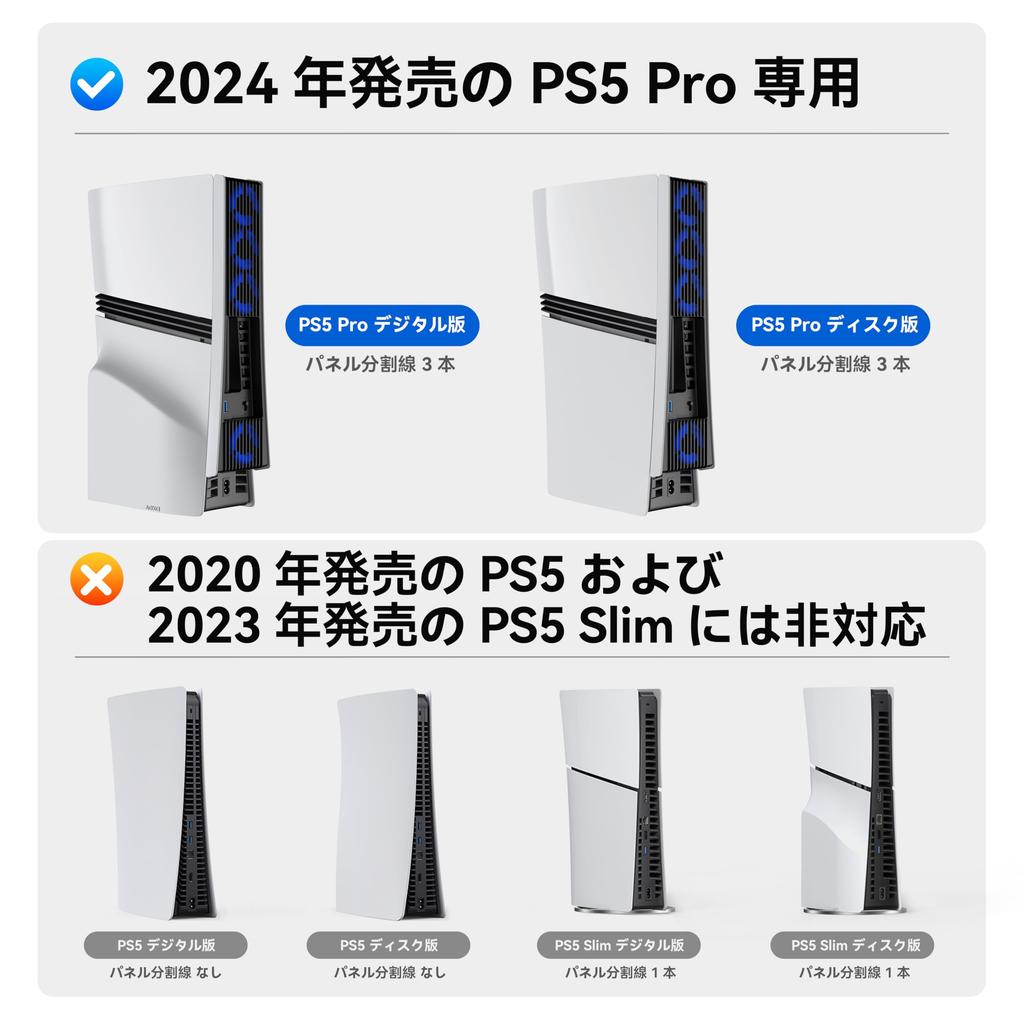
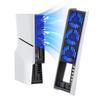
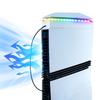
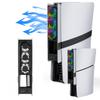
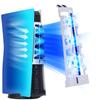
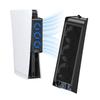
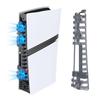
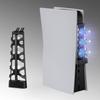
[Compatibility Notice] Please check your console model before ordering. The PS5 Pro cooling fan is designed for the PS5 Pro Disc & Digital Edition (both portrait and landscape orientations). It is not compatible with the 2020 PS5 Disc & Digital model or the 2023 PS5 Slim.
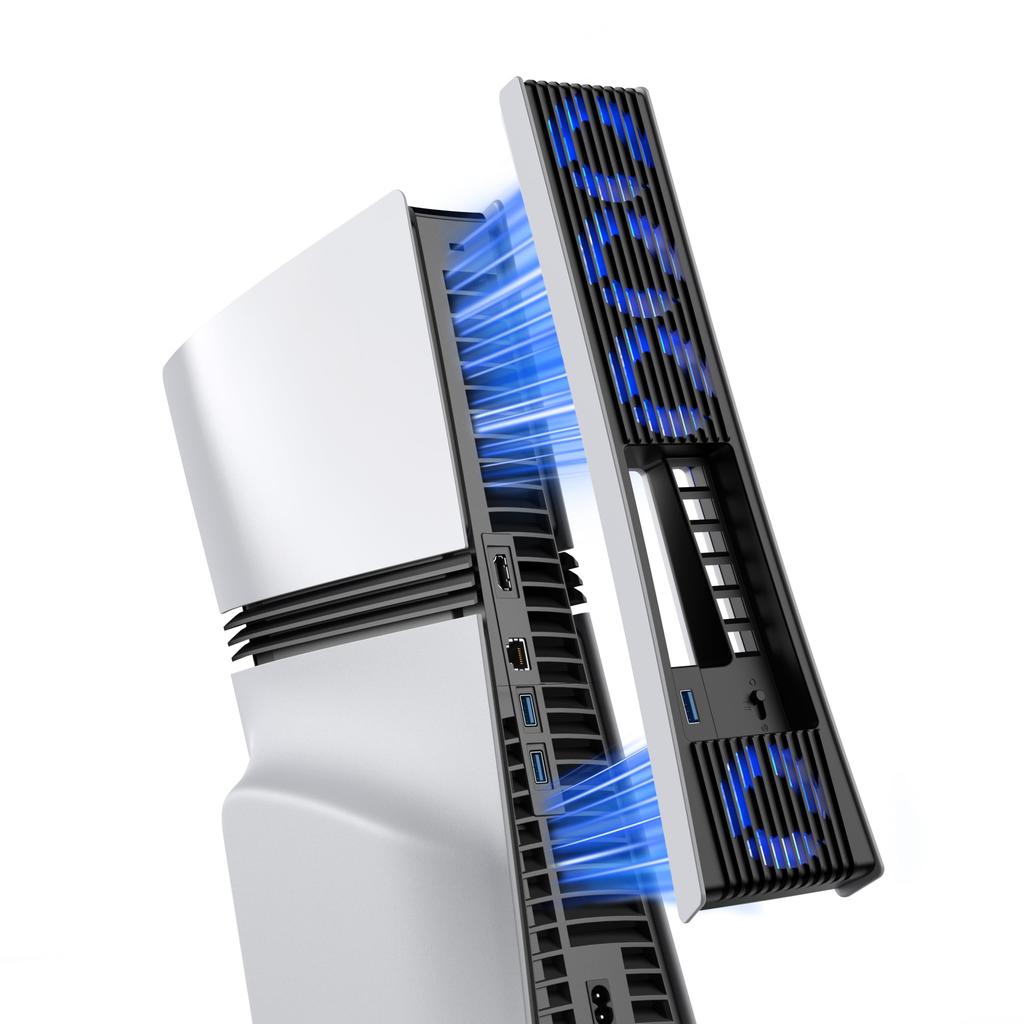
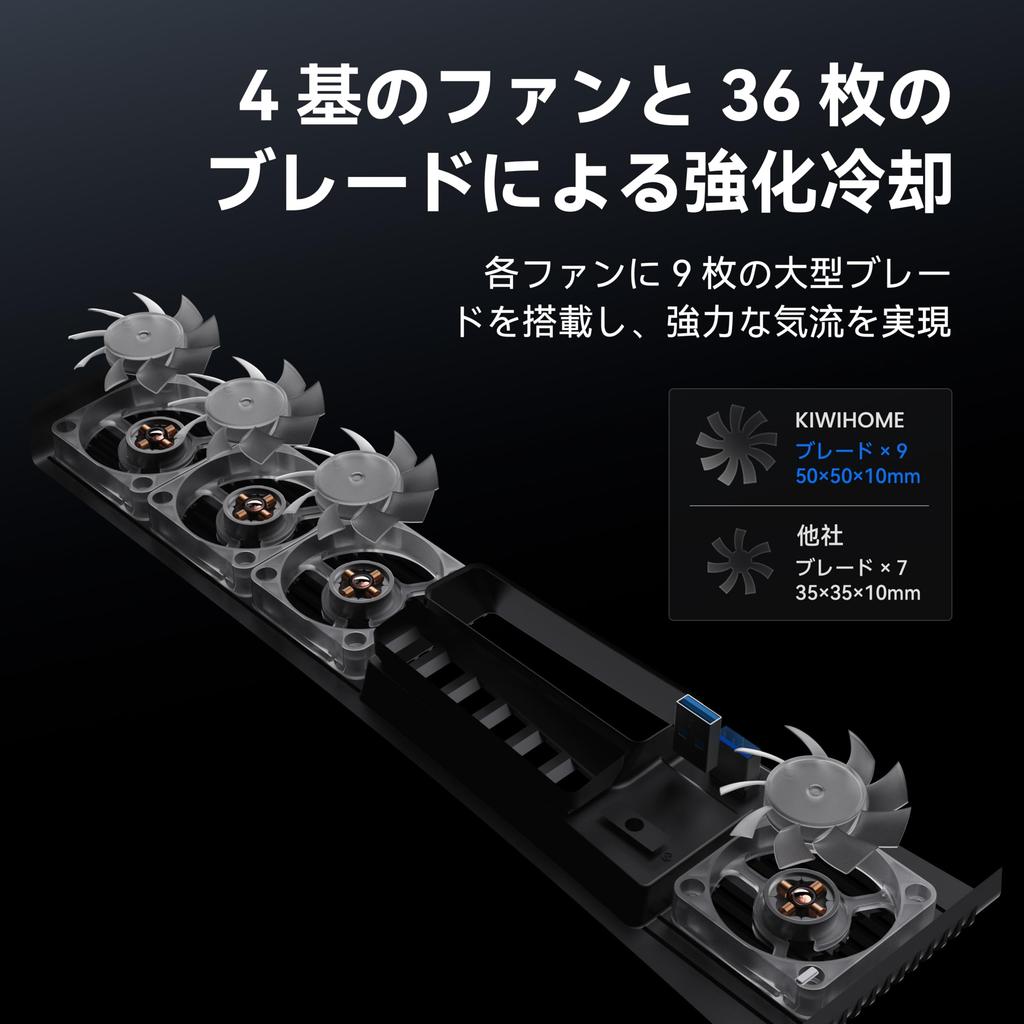
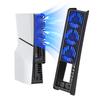
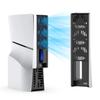
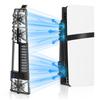
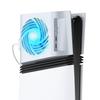
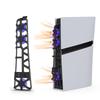
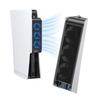
[High Cooling Efficiency] Equipped with four high-quality cooling fans and nine aerodynamically optimized fan blades, the MacBook Pro 1000 features a larger airflow, generating higher wind pressure and effectively removing heat compared to traditional fan blade designs. This significantly reduces the thermal load on the main unit and extends its service life, ensuring your equipment runs efficiently and stably for extended periods of time.
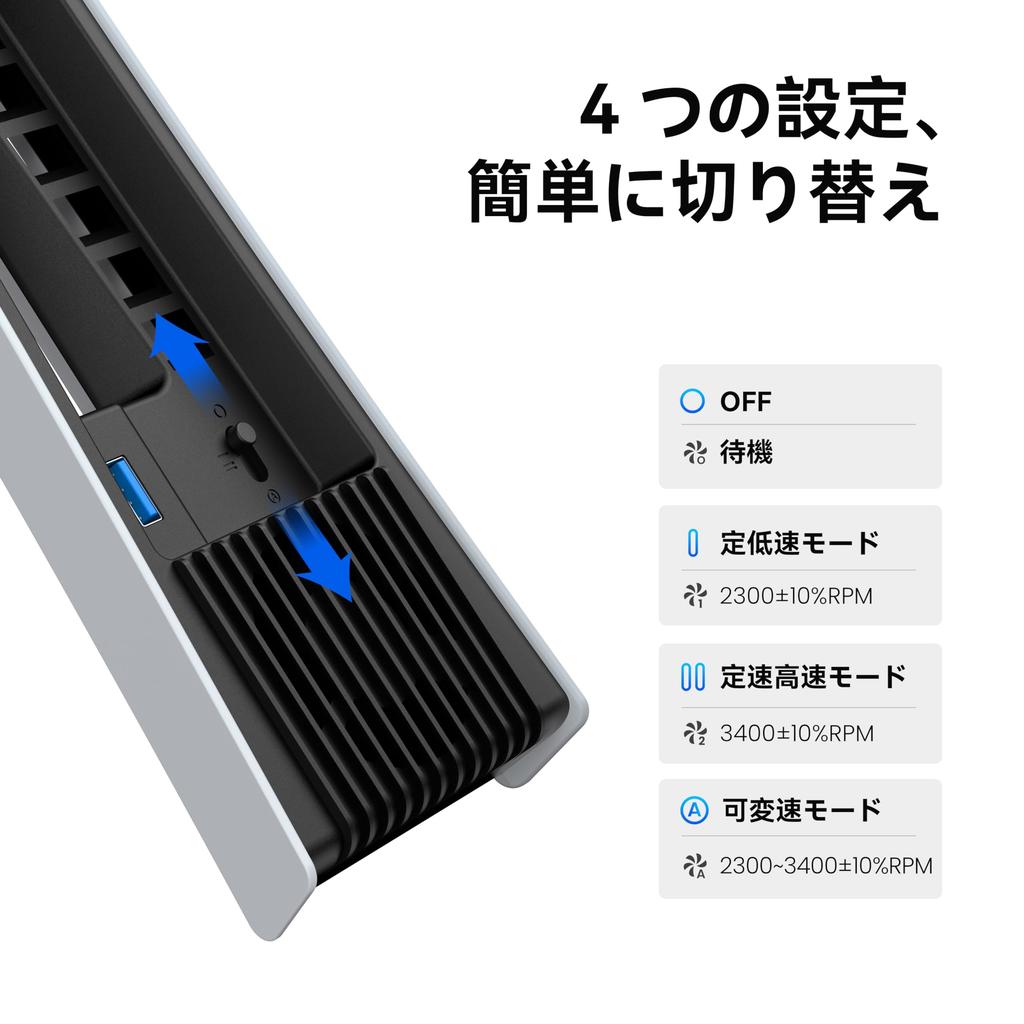
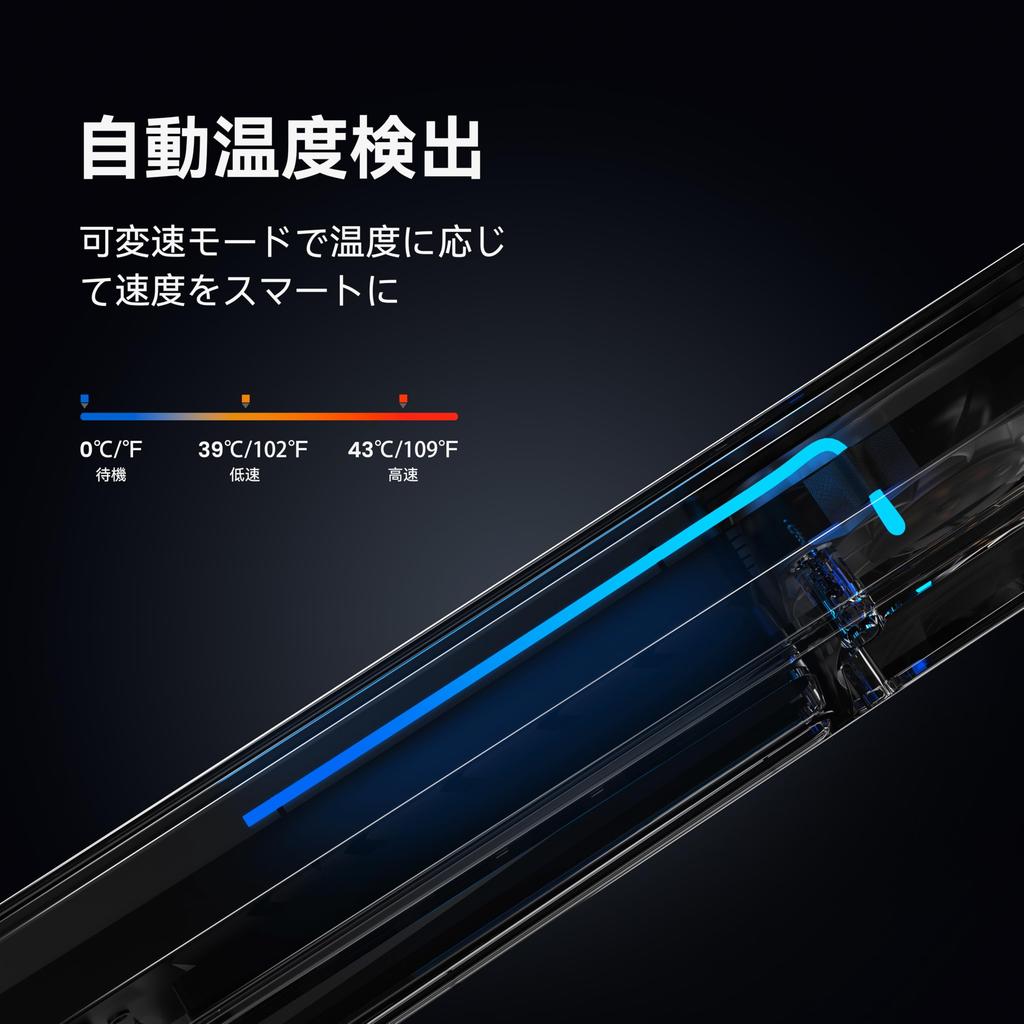
[4-Level Fan Speed Adjustment, Smart Adjustment] While other cooling products only offer a single fan speed adjustment mode, the KIWIHOME PS5 Pro cooling fan offers 4 levels of fan speed adjustment. Four button settings—OFF, Uniform Low Speed, Uniform High Speed, and Variable Speed (Auto)—make operation easy and meet the cooling needs of your PS5 Pro console. In Auto mode, the fan automatically adjusts its rotation speed based on the PS5 Pro's temperature to maintain optimal operating conditions. When set to "I," "II," or "Auto" mode, the PS5 Pro cooling fan will automatically turn on/off according to the PS5 Pro's console's status, eliminating the need to manually turn it on and off each time.
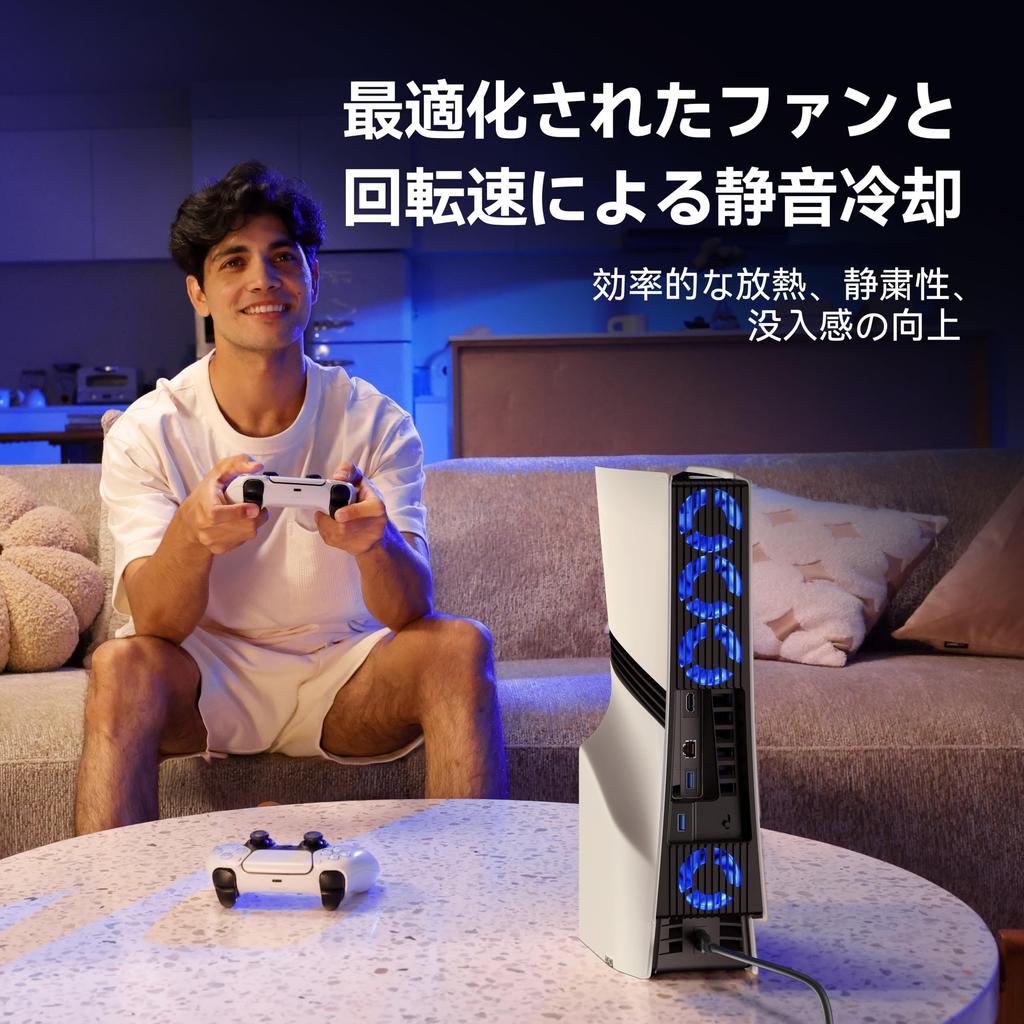
【Quiet and High-Efficiency Cooling System】This PS5 Pro cooling fan combines a hydraulic fan and a DC motor to provide powerful cooling performance with large blades for quiet operation while significantly reducing noise. It effectively dissipates heat from the PlayStation 5 Pro, improving your gaming experience and allowing for longer, more immersive gaming sessions.
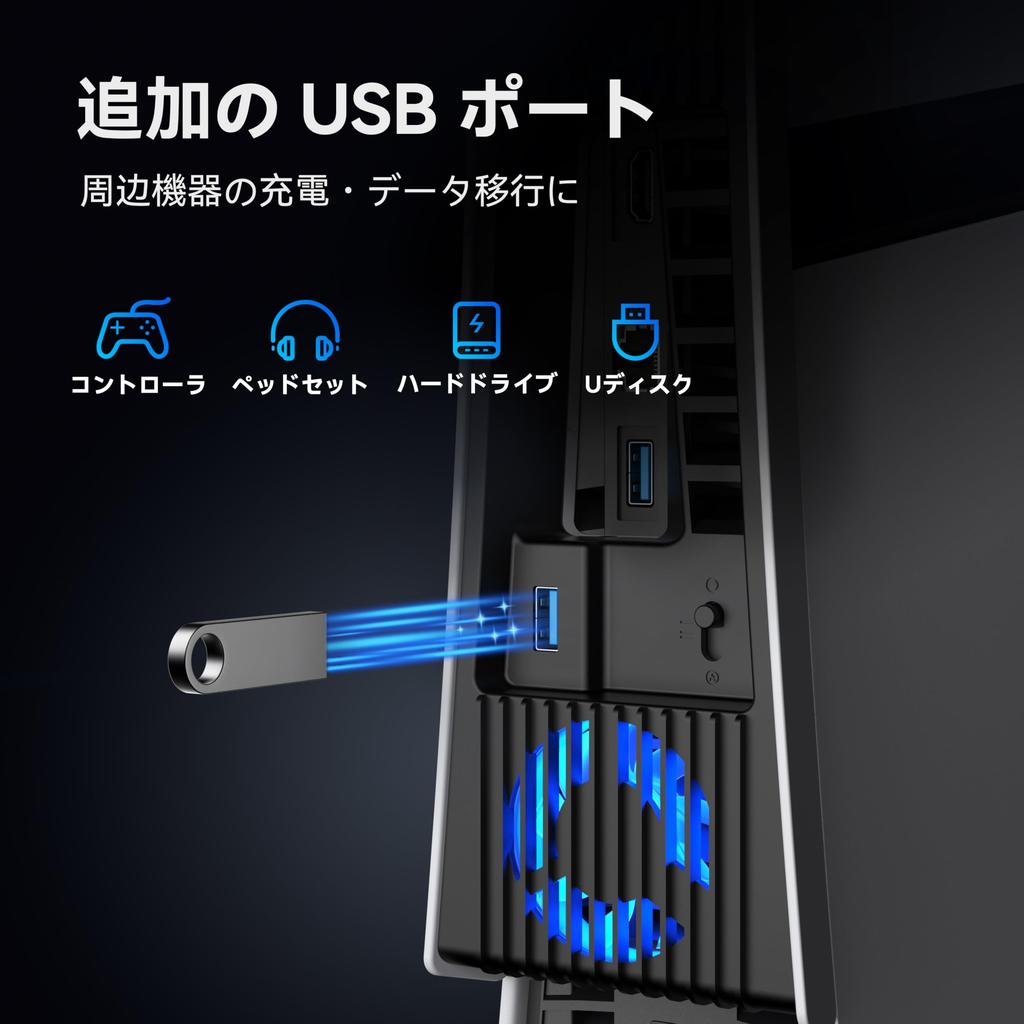
[Equipped with an additional USB 3.0 port] Powered directly from the PS5 Pro host's USB 3.0 port, no additional power is required. It does not occupy the original USB port of the PS5 Pro, and is equipped with an additional USB 3.0 port that can charge and connect PS5 Pro peripherals such as controllers, headphones, and USB flash drives.
KIWIHOME PS5 Pro cooling fan has an optimized structural design and improved fan quietness, allowing your PS5 Pro console to run quietly even during intense gaming sessions.
Product specifications:
Compatible with: PS5 Pro Digital & Physical Edition
Fan Speed: Maximum 3400 ± 10% RPM, Minimum 2300 ± 10% RPM
Input: DC 5V 3A
Output: DC 5V 1.5A
Material: ABS
Dimensions: 34.10 x 8.94 x 4.02 cm
Weight: 200.5g
Color: Black/White
How to use:
(1) Installing the fan
Align the USB plug and elastic lock with the PS5 Pro's USB-A port and security hole respectively, and insert them parallel.
(2) Use of a fan
When you power on the PS5 Pro, the fan's power indicator will light up, indicating the fan is powered on. The USB female port functions normally. The fan speed switch can be adjusted from OFF to uniform speed or variable speed (auto). When set to auto mode, the fan will adjust its speed based on the PS5 Pro's temperature: standby below 39°C, low speed between 39-43°C, and high speed above 43°C.
To achieve the automatic fan start function, do not set the fan to OFF before turning off the console, otherwise the fan will turn ON/OFF in conjunction with the console switch.
(3) Removing the fan
Gently hold the bottom of the product to ensure an optimal grip. Slowly unplug the USB plug and elastic lock, then pull the product parallel to the PS5 Pro.
Usage tips
Please make sure the input voltage is stable and standard DC 5V and this product is properly installed on your PS5 Pro.
If debris gets into the fan while in use, discontinue use.
When not using the product for an extended period of time, please turn the fan switch to the OFF position or remove it from the console for storage.
Do not store or use this product in a humid location.
If the product is exposed to rain or water or is damaged, stop using it and send it to a professional maintenance department for disposal. Do not disassemble it yourself.
Do not wipe the product with chemicals, and do not press or drop the product.