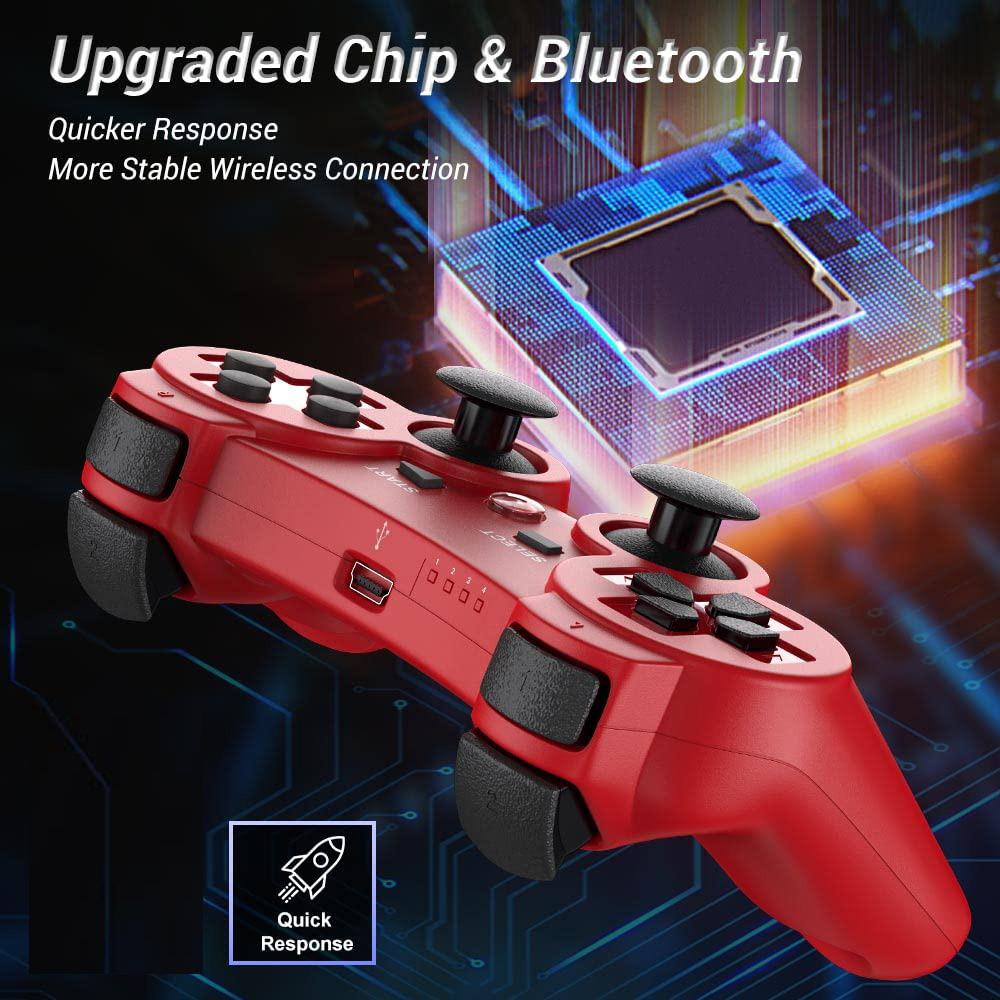
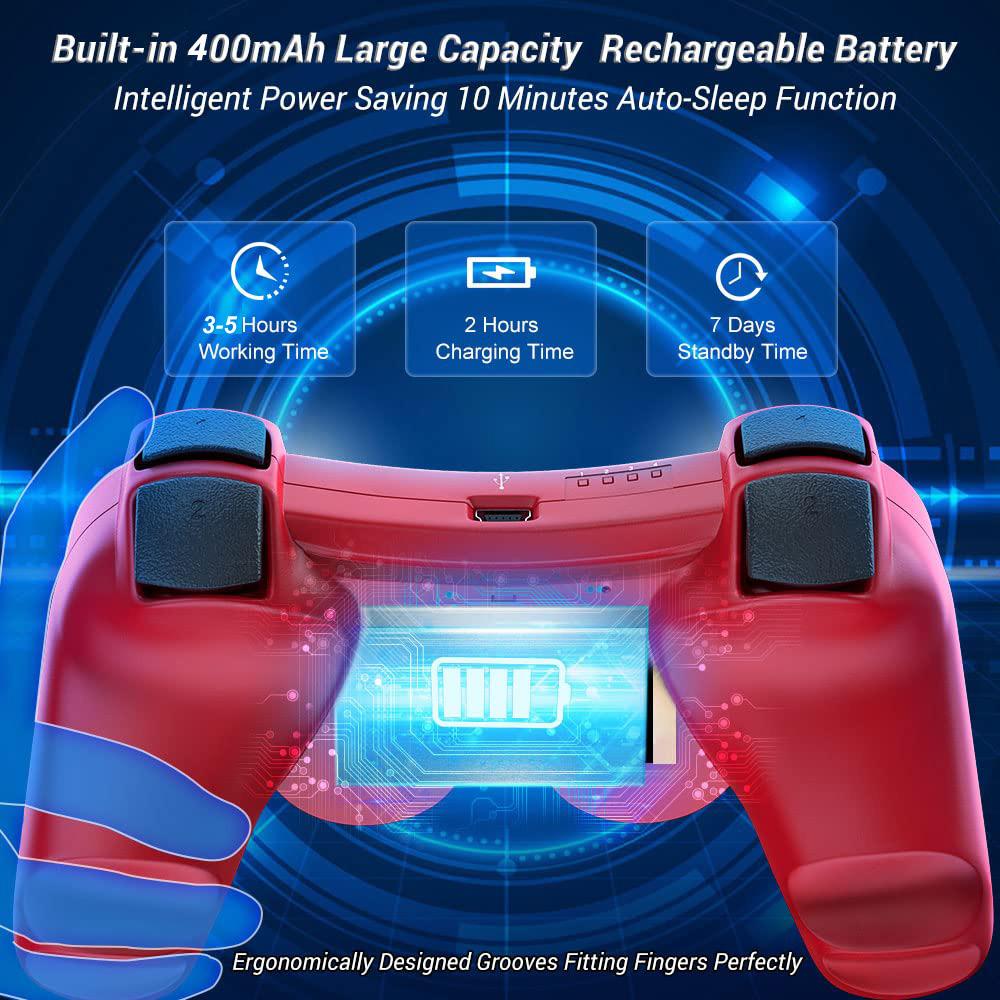
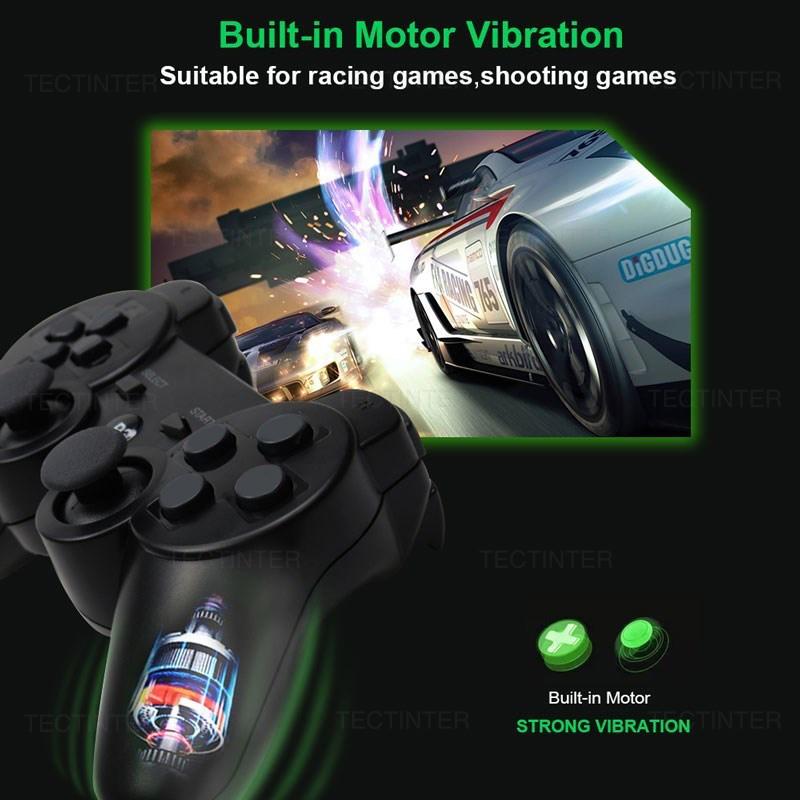
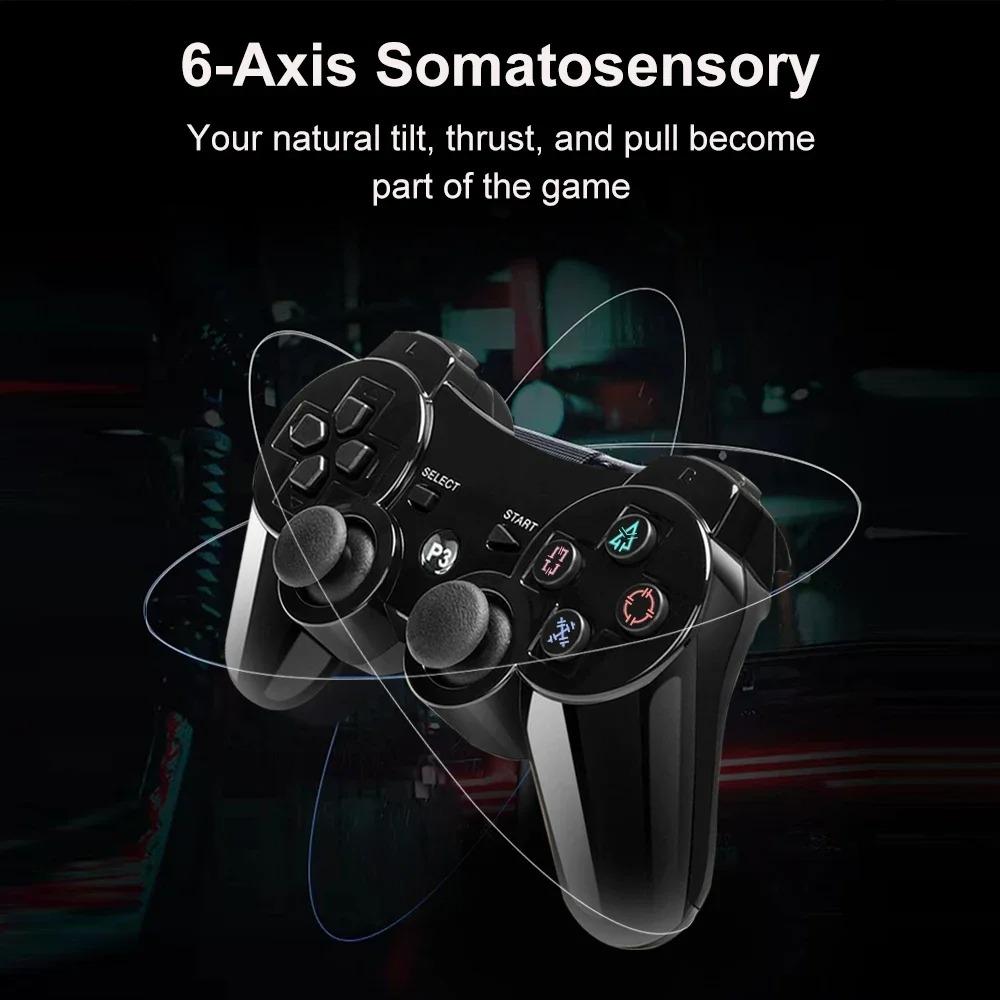
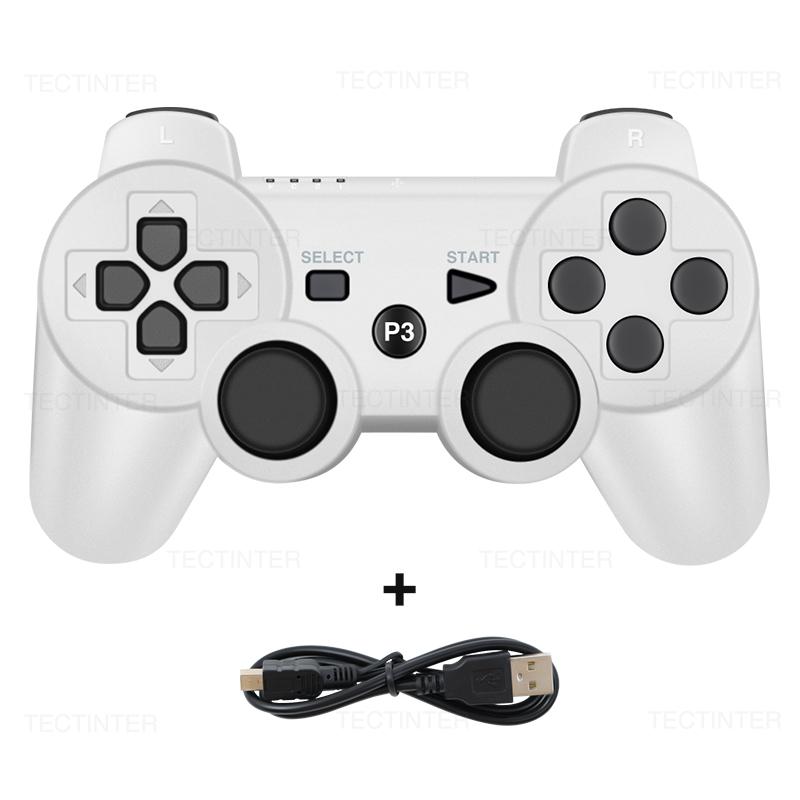
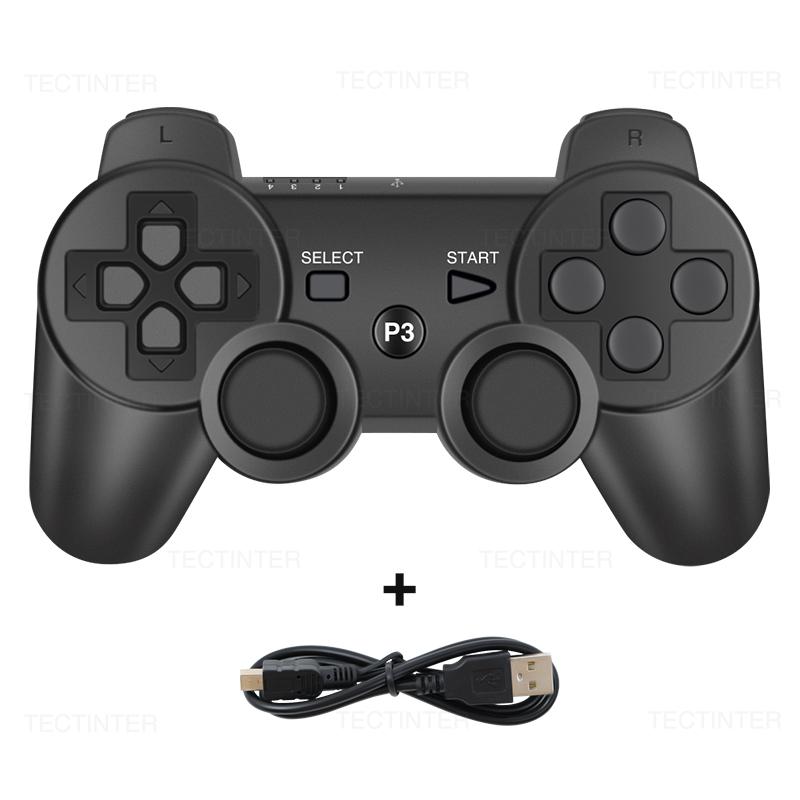
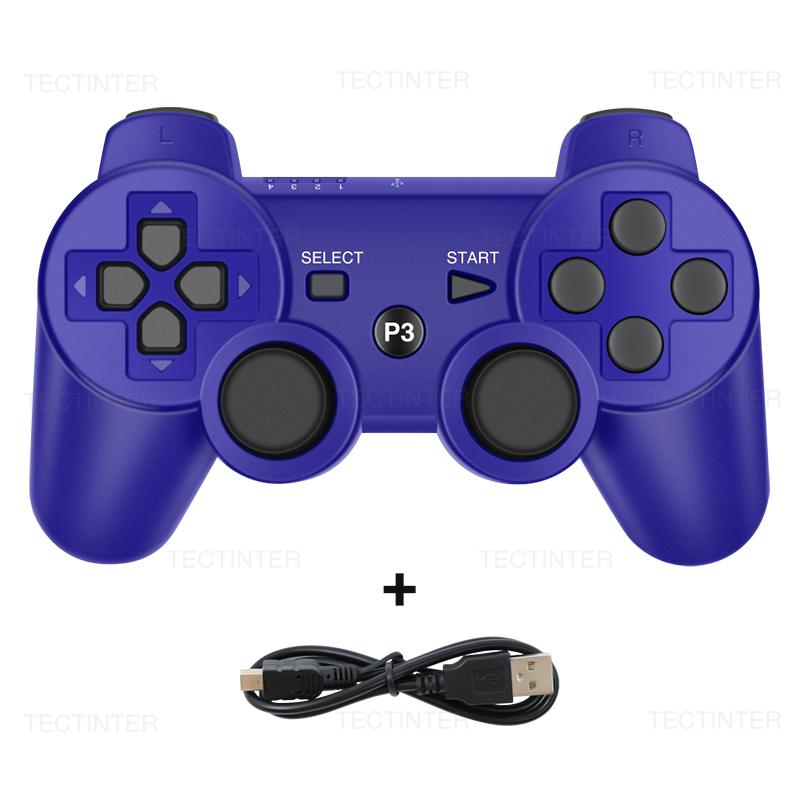
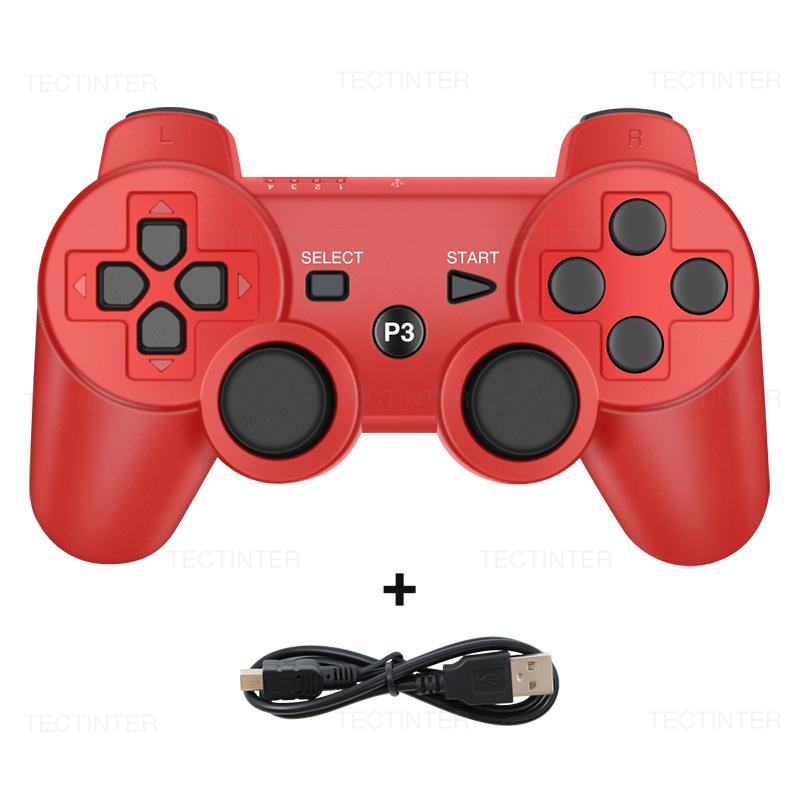
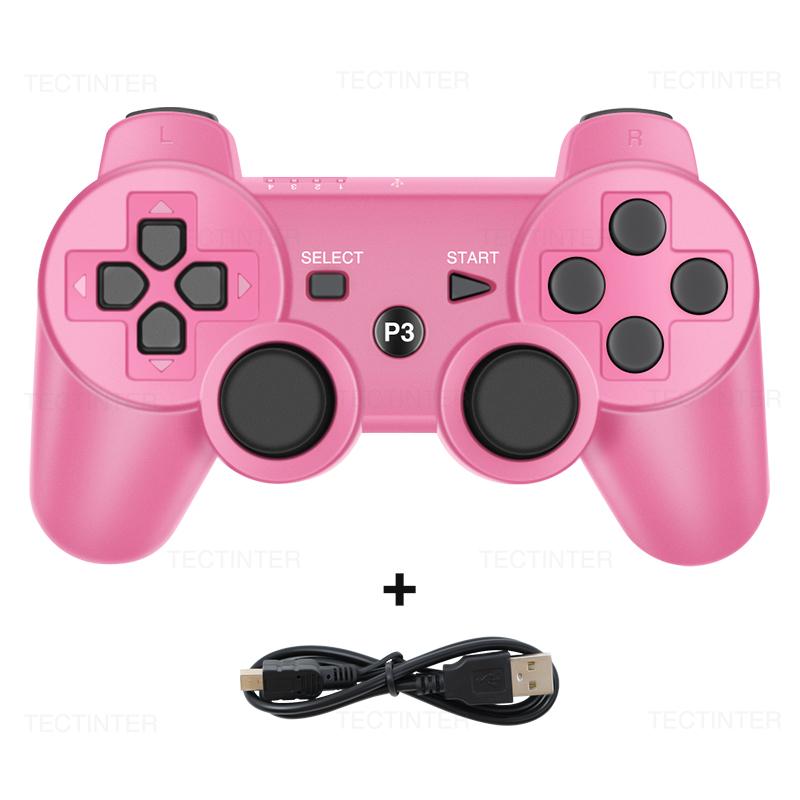
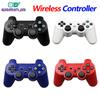
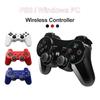
Item description
FAQ
If these problems cannot solve your question, please contact us.
Q:The controller can't connect to my for PS3
A:1. turn on the game host, please make sure controller has enough power
2. use data cable(use original one if has) to connect controller with game host, then press "P3" button for 3-5 seconds, remove the cable when controller is synchronize with game host.
3. connect the host with bluetooth. (make sure controller is synchronize with game host)
Q:Why is the Controller flashing ,can't connect or no signal?
A:If the battery power is low, this situation will occur, it is recommended to charge the controller.
Q:What should i do if the light keeps flashing?
A:If the host is connected to the data cable and reconnected, press the P3 button in the middle when connecting to connect to the host by wire, and then unplug the data cable to connect to the host wirelessly.
Q:Why the gamepad buttons cannot be used normally?
A:Dear friends, we have always used the best packaging to protect the products. If your product is still unable to be used normally due to rough express delivery during transportation, such as springs or buttons that cannot work normally, please contact our customer service immediately. We will do Free Ruturn or a better way for you.
Q:Why the gamepad can not be charged?
A:Hello friend,is you charge the gamepad by Interface on the host computer?In this way, the current is too small and the charging is slow,and maybe the handle is completely out of power. Use the phone to quickly charge for 20 minutes.This is fast charging with the mobile phone, the host charging is slow
How Do You Sync with For PS3?
1:You can use mini USB cable to activate the controller when it is put into use for the first time. 2: Connect the controller with your console, press the Home button and pull out the cable. Then you can use it wirelessly. 3:If it still does not work, you restart it or charge it. 4:If above methods failed, put a needle into the mini hole at the back of the controller and press the button to reset it.
How to turn on/off?
The for PS3 controller will start when you press the round button or connect with computer by date cable. It will turn off when it takes 5 minutes after it is disconnected. If it can not stop working after a long time, please plug the data cable in computer then pull it out, thus it will be power off.
How To Charge the For PS3 Controller?
1:Connect the console to the for PS3 by the USB cable. 2:The red light on for ps3 controller will be flashing when charging;the red light will turns off when fully charged.