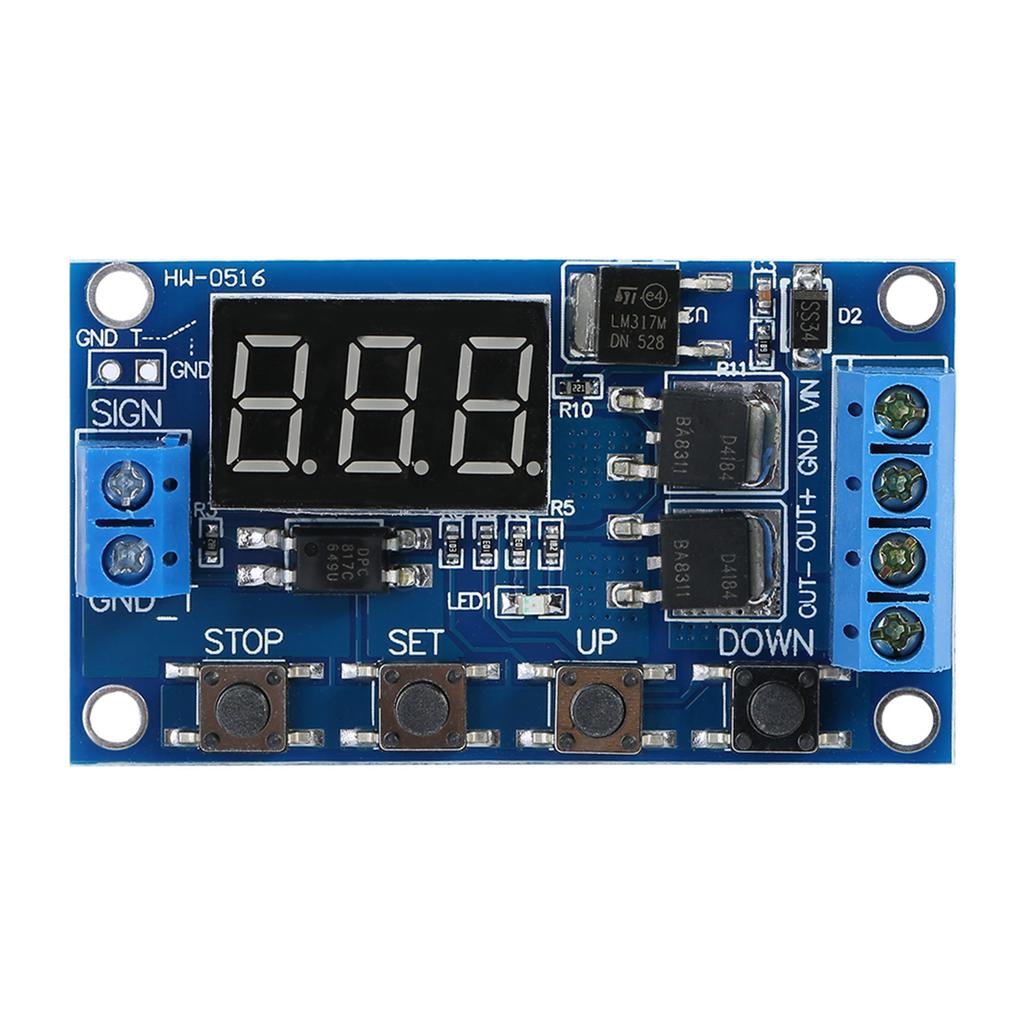
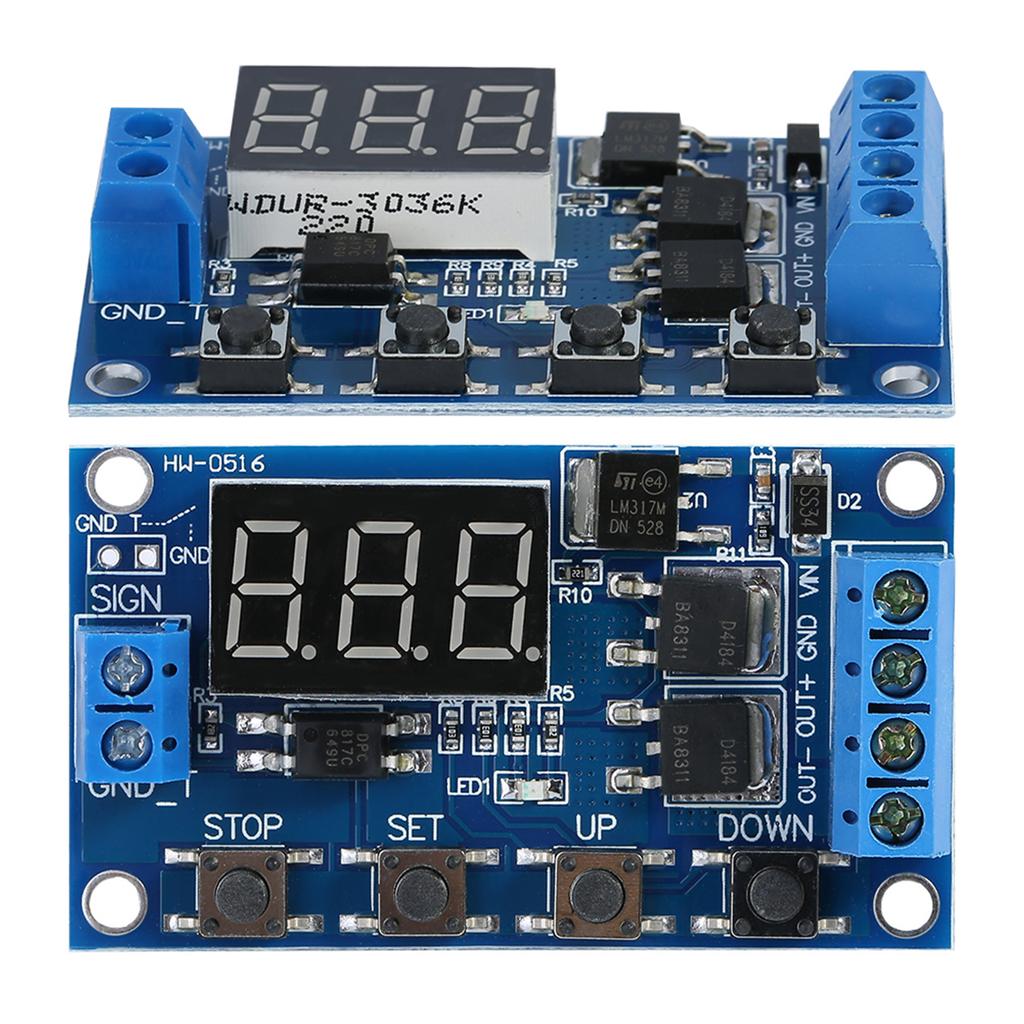
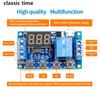
Features:
To achieve fast high frequency turn on and
off circuit, an unlimited number of switching times.
No noise was made during turning on off, no
spark, and no electromagnetic interference.
Compared to normal electromagnetic relay
modules, it has a longer service life.
Dual MOS in parallel active output, lower inner
resistance, larger current, strong power; at room temperature, operating
current is up to 15A, power up to 400W, that can be used for most equipment.
Wide voltage input from 5V to 36V, normally
used for controlling DC motors, lights, LED strips, micro pumps, solenoid
valves, etc., very convenient.
It has an emergency stop function ( STOP button)
and reverse input protection.
Automatically enter sleep mode and shut off
display if no operation in 5 minutes, and will be wake up by pressing any
button.
You can set different OP, CL, LOP
parameters, which are independent of each other, and are saved separately;
All parameter settings will be saved
automatically if there is a power failure.
Specifications:
Voltage: DC 5V 36V.
Trigger Signal Source: High voltage level
trigger (3.0V 24V), signal ground and system ground are not on common ground to
improve the system s anti jamming capability (you can also connect them on
common ground).
Output Capacity: DC 5V 36V, at room
temperature, continuous current is 15A, power 400W. With enhanced heat
dissipation, the current can be up to 30A.
Quiescent Current: 20mA
Operating Current:
50mA
Working Temperature: 40
celsius
85
celsius
Clocking (Time Delay) Range: 0.1seconds to
999minutes
Size: 60*34*12mm 2.36*1.33*0.47
Instruction:
Operating Mode:
P1: trigger signal, the relay is on
OP time, and then disconnect; in the OP time, as
follows:
P1.1: signal is triggered again, invalid
P1.2: signal is triggered again, the clocking
is reset
P1.3: Signal is trigger again reset, relay
off, and stop the clocking;
P 2: trigger signal, the relay off
CL of time, the relay on OP time, and then disconnect
relay after clocking;
P3.1: trigger signal, the relay is turned
on after the OP time, the relay off CL time, then the
operation cycles; if trigger signal again during the cycle, the relay off, stop
clocking; the number of cycles times ( LOP ) can be set.
P3.2: without triggering signal after power
on, the relay is on OP time, the relay off CL time, then
the operation cycles; the number of cycles times ( LOP ) can be
set.
P 4: signal holding function. If there is trigger
signal, clocking is reset, the relay remains on; when the signal disappears,
after clocking OP time, the relay is off; if another signal is
triggered during clocking, clocking will be reset.
How to Set Clocking Range:
After setting the parameter value at mode
selection, press STOP button to set the clocking range;
XXX. The last decimal point lights up,
range: 1 second to 999 seconds.
XX. X The second last decimal point lights
up, range: 0.1 seconds to 99.9 seconds
X. X. X. all 3 decimal points light up,
range: 1 minute to 999 minutes.
For example, if you want to set
OP as 3.2 seconds, light up the second last decimal point, and set
digit display as 03.2
Parameter Description:
OP on
time, CL off time, LOP number of cycle times (1 999
times, represents infinite loop).
These parameters are independent of each other,
but are shared by each mode. For example, in P1.1 mode, set the on time
OP is 5 seconds, if you switch to P1.2 mode, its OP
will also be 5 seconds.
In the main interface (display 000), press
SET button will display OP ( CL ,
LOP ) and the corresponding time XXX;
If the mode (such as the mode P1.1, P1.2,
P1.3) only has OP time, press the SET key to display
only the OP and the corresponding time;
Some models (such as the mode P3.1, P3.2)
have parameters OP , CL , LOP , press
SET button will display OP and the corresponding time, CL and the corresponding time, LOP and the corresponding number of times;
After setting mode, in the main interface press
SET key to see information about the parameters of the current
mode, very convenient.
How to Set Parameters:
1. First, read the instructions to
determine the required operating mode.
2. The module is powered up, the display at
the current work mode (P1.1 default mode), then enter the main interface; press
and hold SET button for 2 seconds to enter mode selection
interface; then press UP , DOWN button to select the
mode (P1.1 P 4).
3. Select the mode (such as P3.2), then
press the SET button, the parameter to be set flashes (
OP on time, CL off time, LOP cycles (
represents infinite loop)), press(or press and hold)
UP , DOWN button to adjust the parameter value; then
press the STOP key to set the decimal point position to select the clocking
range (0.1 seconds to 999 minutes); press the SET button to set the
next parameters of the current mode, method is same as above.
4. After the parameters are set, press and
hold SET button for 2 seconds, then the current mode will flash
once, and then return to the main interface, which means the parameters are successfully
set.
The main interface: If the relay is not in work state, it
display 000 with no decimal point), if it is in work state, it has decimal
point.
Mode selection screen: Press and hold the
SET button to enter; after setting, press and hold the
SET button to exit back to the main interface.
Relays Enable Mode:
1. ON: Relay allows conduction in the
OP on time;
2. OFF: Relay prohibits conduction and is
always closed;
In the main interface, press the
STOP button to switch between ON and OFF, the current state will
flash, and then return to the main interface. (This feature is an emergency
stop function, press on button to disconnect relay)
Sleep Mode:
1. C P Sleep mode: five minutes
without any operation, the digital display automatically turns off, the program
running as usual;
2. O d Normal mode: digital
display turns on always;
Press hand hold the STOP button
for two seconds to switch C P and O d state, the
current state flashes and then return to the main interface.
Note:
1. The module is an active output, the
output voltage equal to the input voltage.
2. DC + and load + are internally shorted(connected), but DC and load cannot be
shorted, otherwise the load cannot be controlled on and off, which is
equivalent to load being powered on always.
Package Includes:
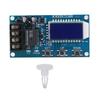
1 x
Timer
Switch
Module