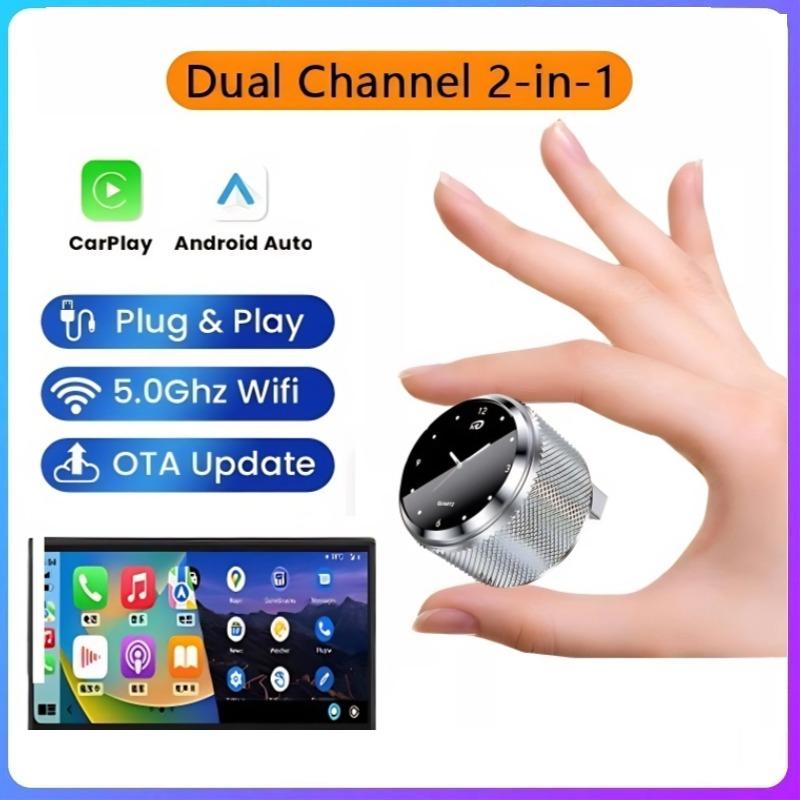
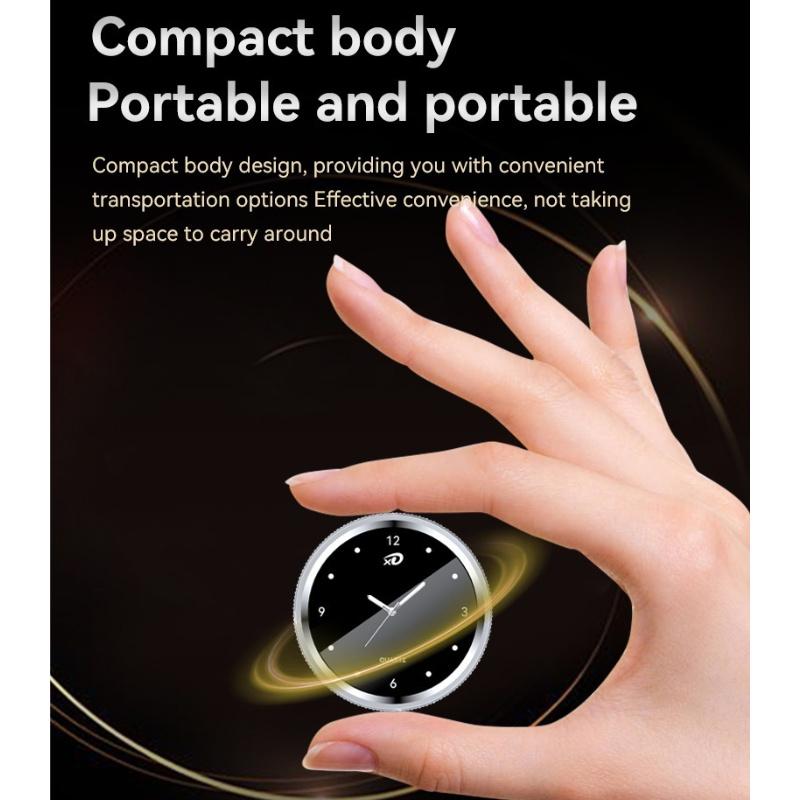
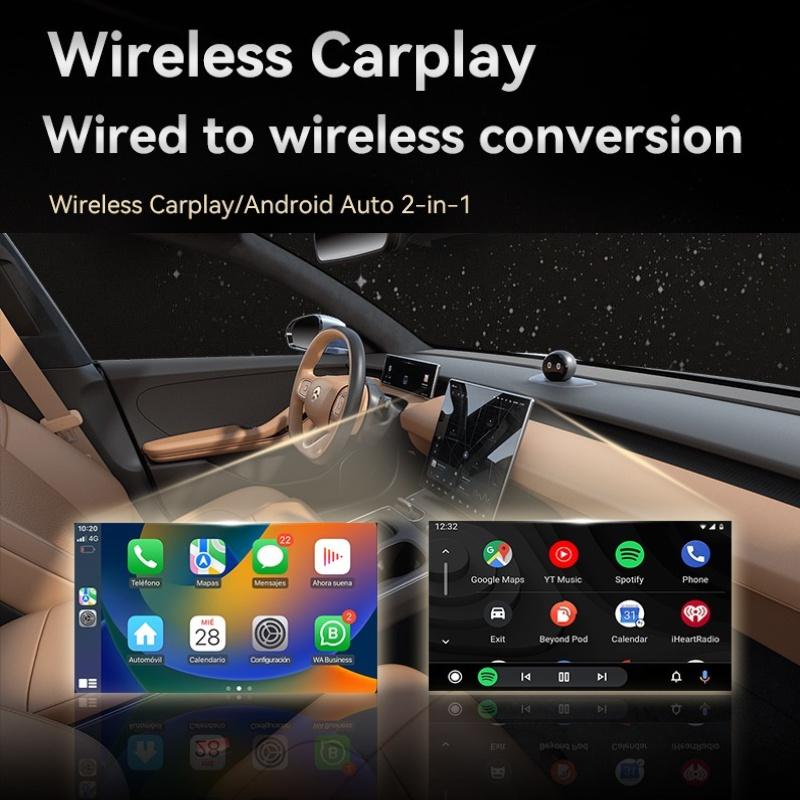
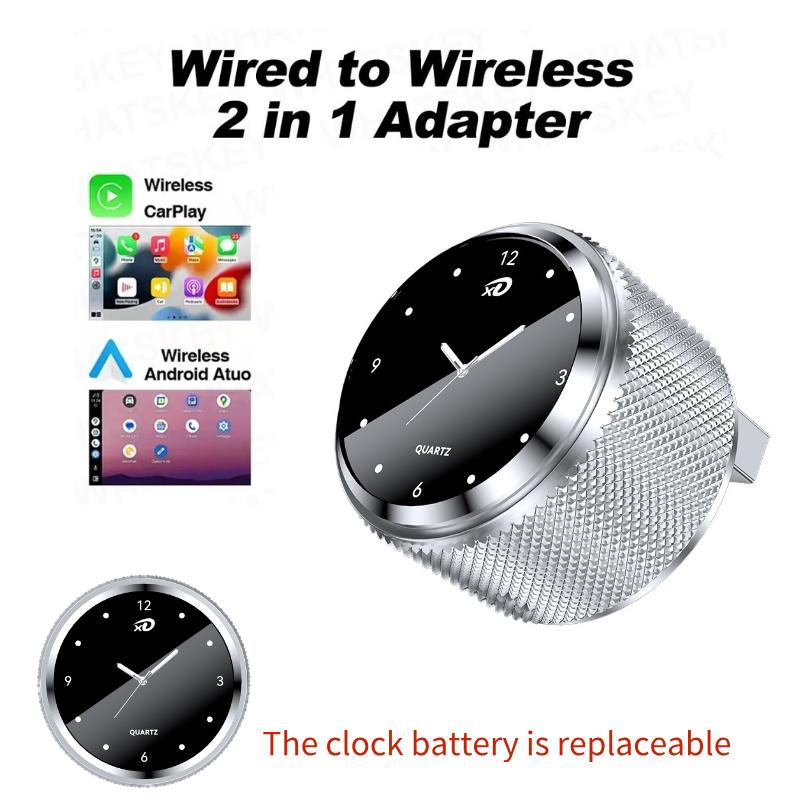
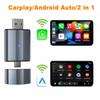
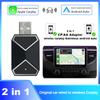
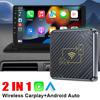
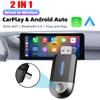
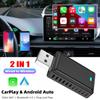
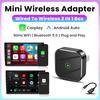
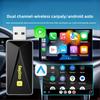
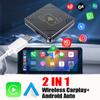
2 in 1 Wired to Wireless CarPlay & Android Auto AdapterCompatibility Note
Supported car models: Cars with factory original wired CarPlay or Android Auto function;
Supported iPhone models: Support iPhone 6 and above model, IOS 10 and above version;
Supported Android Phones models: support Android 11 or above version with latest Android Auto function (No support HUAWEI EMUI)
Note: If your car is not equipped with factory OEM wired CarPlay or Android Auto, you cannot use the wireless CarPlay or Android Auto function even if you purchase our product, please note! !!Before placing the order, you can scan the code for checking whether your car support the carplay or not:
How to confirm if your car has wired Apple CarPlay or Android Auto function?
Connect your iPhone or Android smartphone to your car by USB cable and see lf connection interface logo on your car is displayed.
Product main functions:
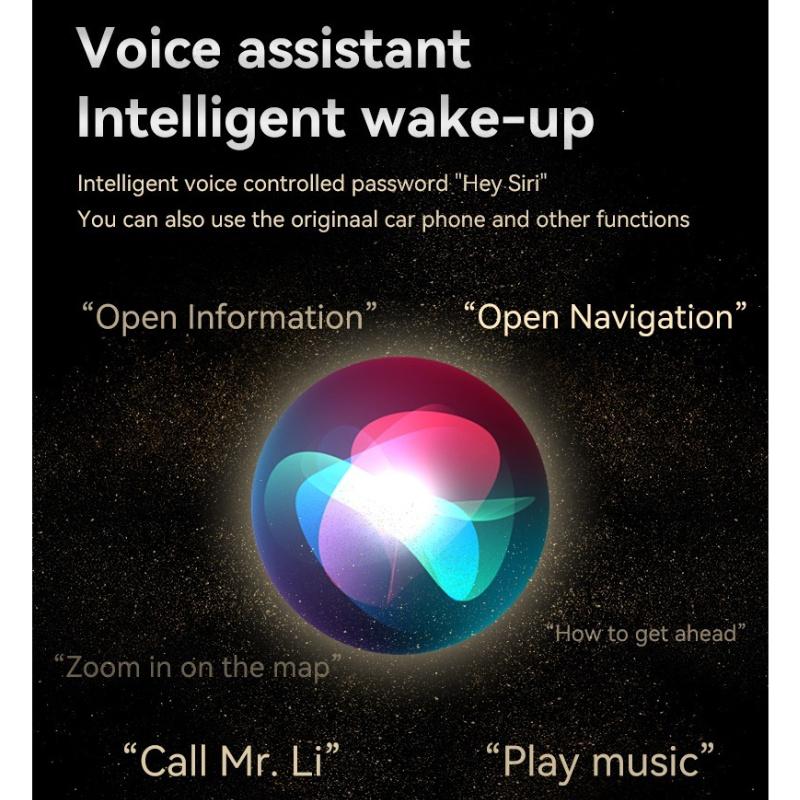
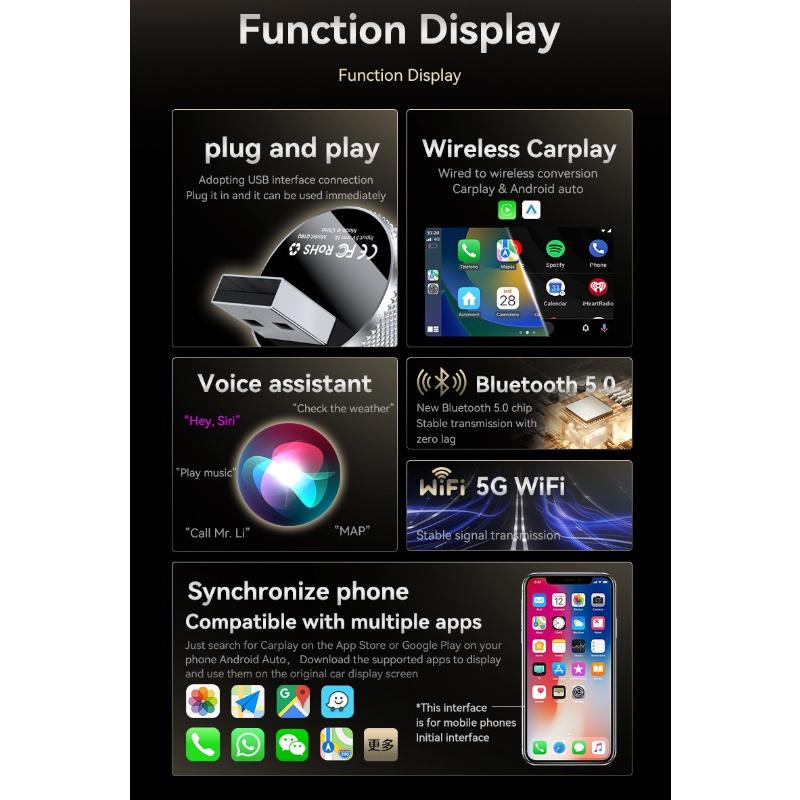
1.Wired Carplay to Wireless CarPlay For Apple Phones2.Wired Auto to Wireless Auto For Android Phones
How to use wireless Carplay?
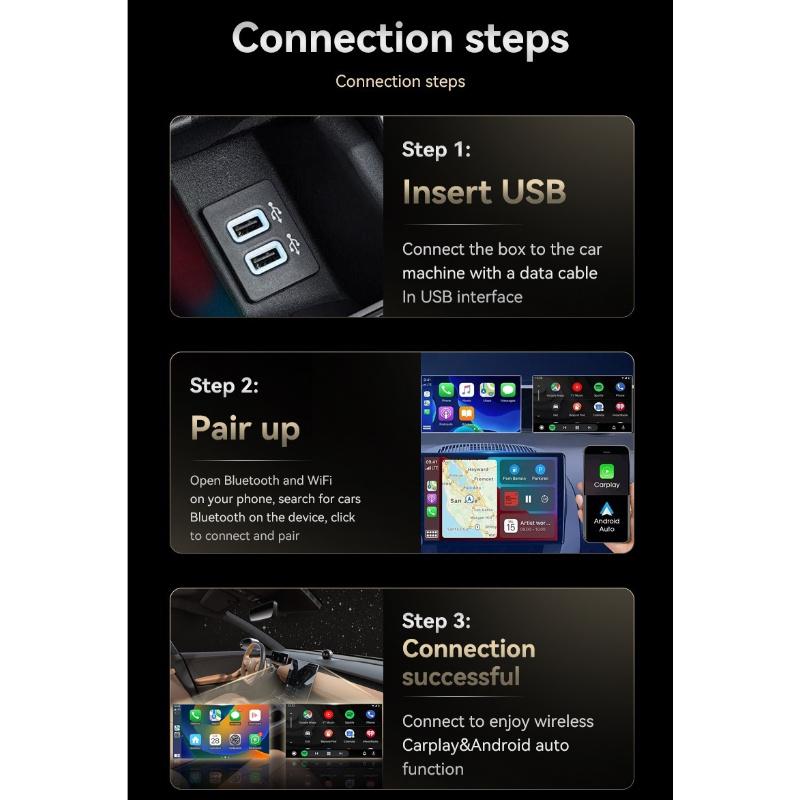
1. Connect the USB box to the car USB2. Check the Bluetooth name ''Smart Dongle-XXXX'' that appears on the car3. Turn on your phone's WIFI and Bluetooth, and use Bluetooth to pair the device name.
How to use wireless Android Auto?
1. Connect the USB box to the car USB2. Check the Bluetooth name ''Smart Dongle-XXXX'' that appears on the car3. Turn on your phone's WIFI and Bluetooth, and use Bluetooth to pair the device name.
About OTA upgrade:
In order to bring you a better experience, this product supports OTA online upgrade function. When the Wireless Carplay Adapter cannot be used normally or performance problems occur after upgrading the system of the mobile phone, it is recommended to upgrade the Wireless Carplay Adapter to the latest version. If the Wireless Carplay Adapter is working properly, it is usually not recommended to upgrade the firmware.
How to upgrade for iphone online?
For iphone access backend page1. Please use your mobile phone to connect to the device Wifi: ''Smart Dongle'' and enter the password: ''12345678''.2. Open the Safari browser on your iPhone and enter the IP address: ''192.168.1.101,3. Click ''Visit'' or ''Go'' to enter the online upgrade background interface. (If you cannot enter, please check whether your phone's Wifi is correctly connected to the device)
How to upgrade for Andorid phone online?
Android phone accessing the background page1. Please use your mobile phone to connect to the device Wifi: ''Smart Dongle'' and enter the password: ''12345678''2. Open the Chrome browser on your iPhone and enter the IP address: ''192.168.1.1013. Click ''Visit'' or ''Go'' to enter the online upgrade background interface. (If you cannot enter, please check whether the Wifi of your mobile phone is correctly connected to the device)
If the original car has wired Carplay/Android, why can't it be connected?
1. Please use your mobile phone to delete the Bluetooth device name of the original car2. Restore factory equipment(Because the device is Bluetooth-only, if the Bluetooth of the original car is connected to the mobile phone, the mobile phone cannot connect to the Bluetooth of the device)
After pairing the Android Auto adapter, the Android Auto feature cannot be launched or the USB is not compatible/recognized.
1.Please check if the iphone/Android smartphone's Bluetooth connect toother devices such as Earphone, watch.....lf so, please disconnect otherauto-connected Bluetooth devices,and android smartphone alsoneed toconnect to the vehicle Bluetooth for android auto.2.When on a call, check that your ''Audio'' output option is Carplay/AndroicAuto.
Can the phone use other network wifi when using wireless android auto adapter?
When enjoying the wireless android auto adapter function, the phone's WiFi will be occupied by the adapter, So you can not use other internet at thesame time, You only can use your phone SIM card internet.
Package includes:
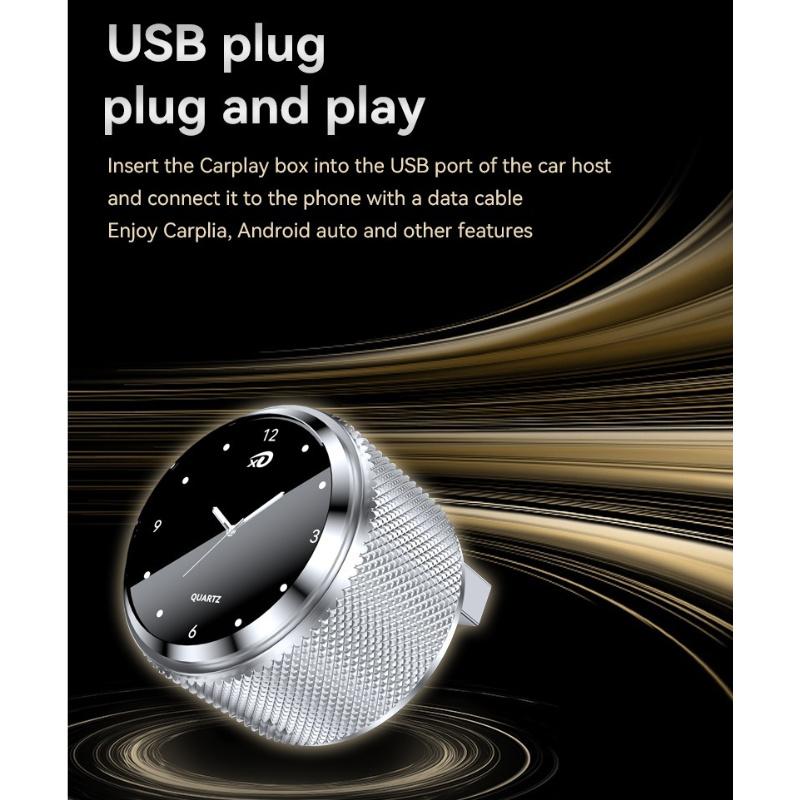
1* Wireless Carplay Adapter
1* Manual
1* Packing box