------------------------------------------------------------------------------------------------------------------
【Voltage Compatibility】
When using electrical appliances, please note that they are designed for Japanese voltage specifications (90-110V), so if you use them with a different voltage, it may cause a malfunction.
【Plug Type】
Our products use Japanese plug types (A or B type).
Please use a conversion adapter if necessary.
【Important Note on Transformers and Adapters】
A transformer adjusts voltage to match your device’s requirements.
A conversion adapter only changes the plug shape and does not adjust voltage.
Using only a conversion adapter without a transformer may result in damage to the product.
【Liability】
We are not responsible for malfunctions or damages caused by improper use, such as operating the product without a transformer.
------------------------------------------------------------------------------------------------------------------
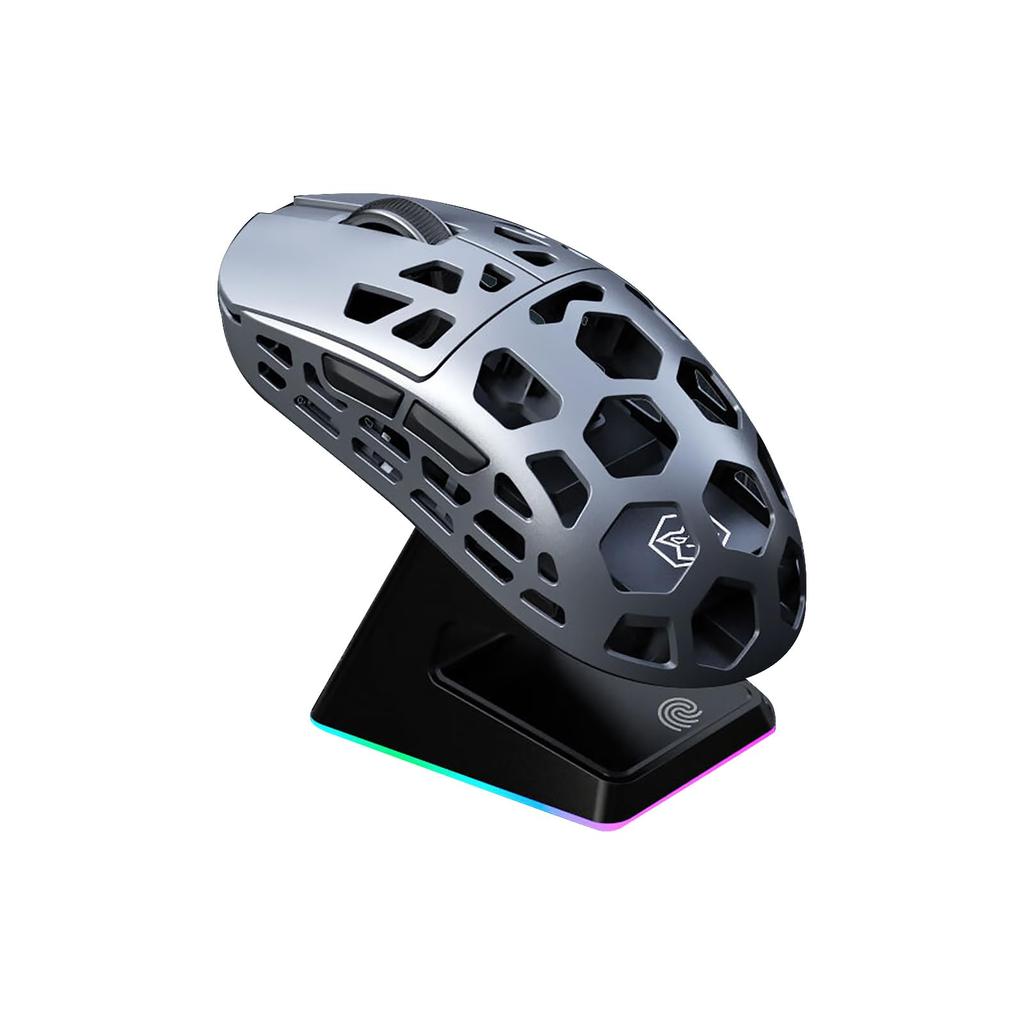
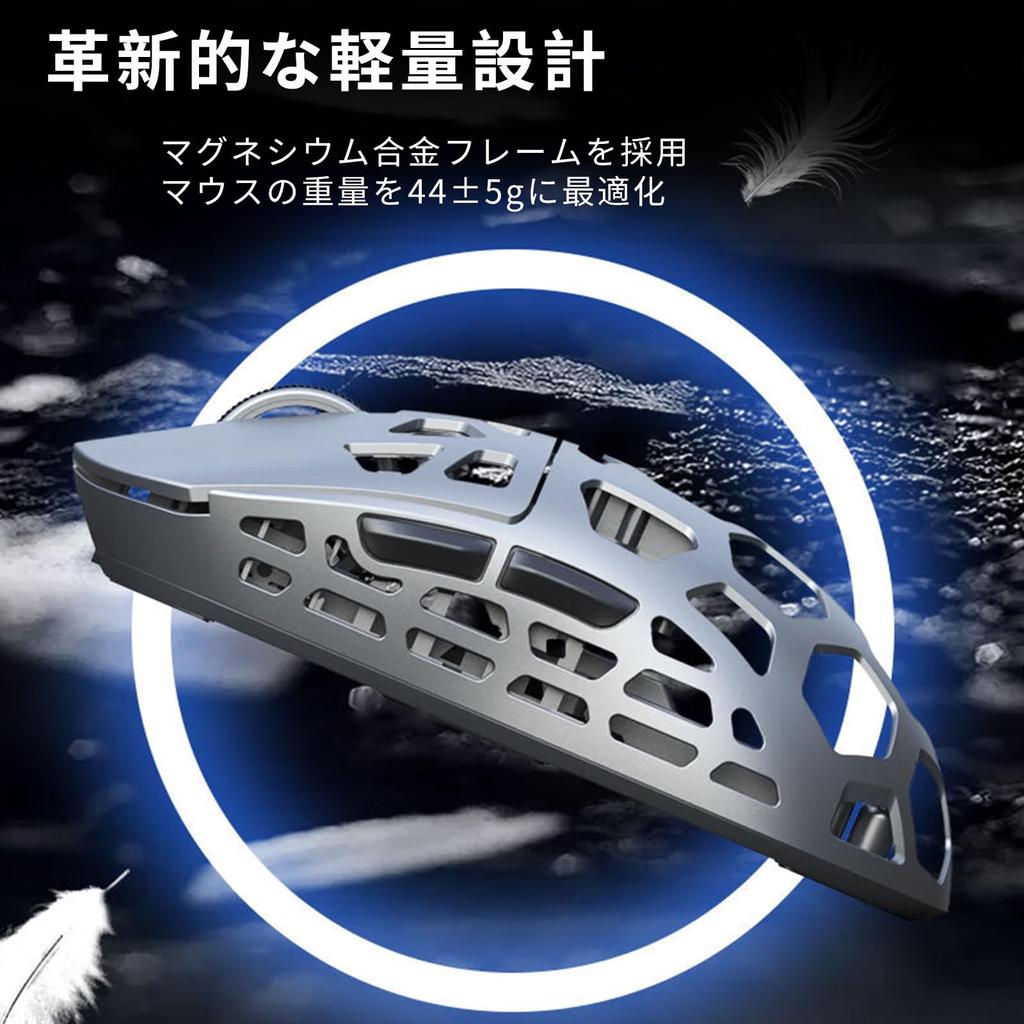
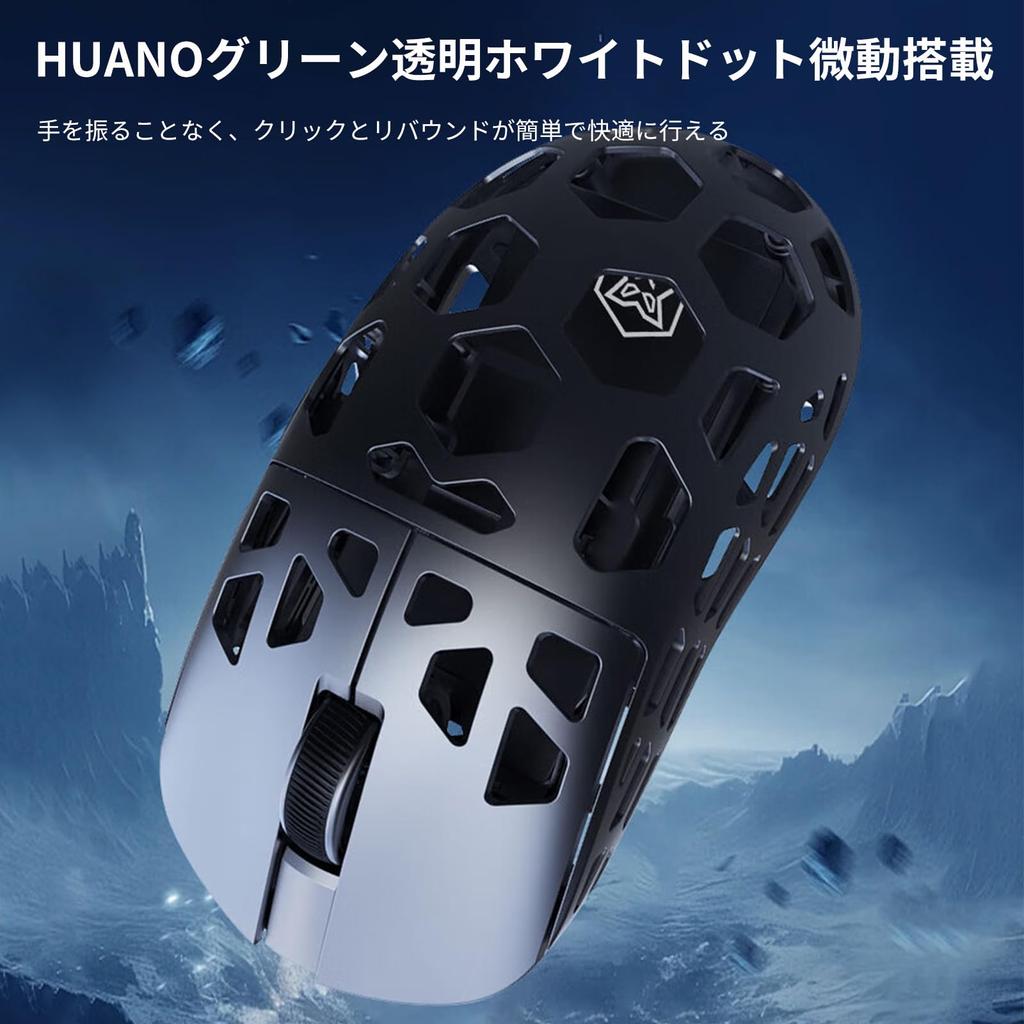
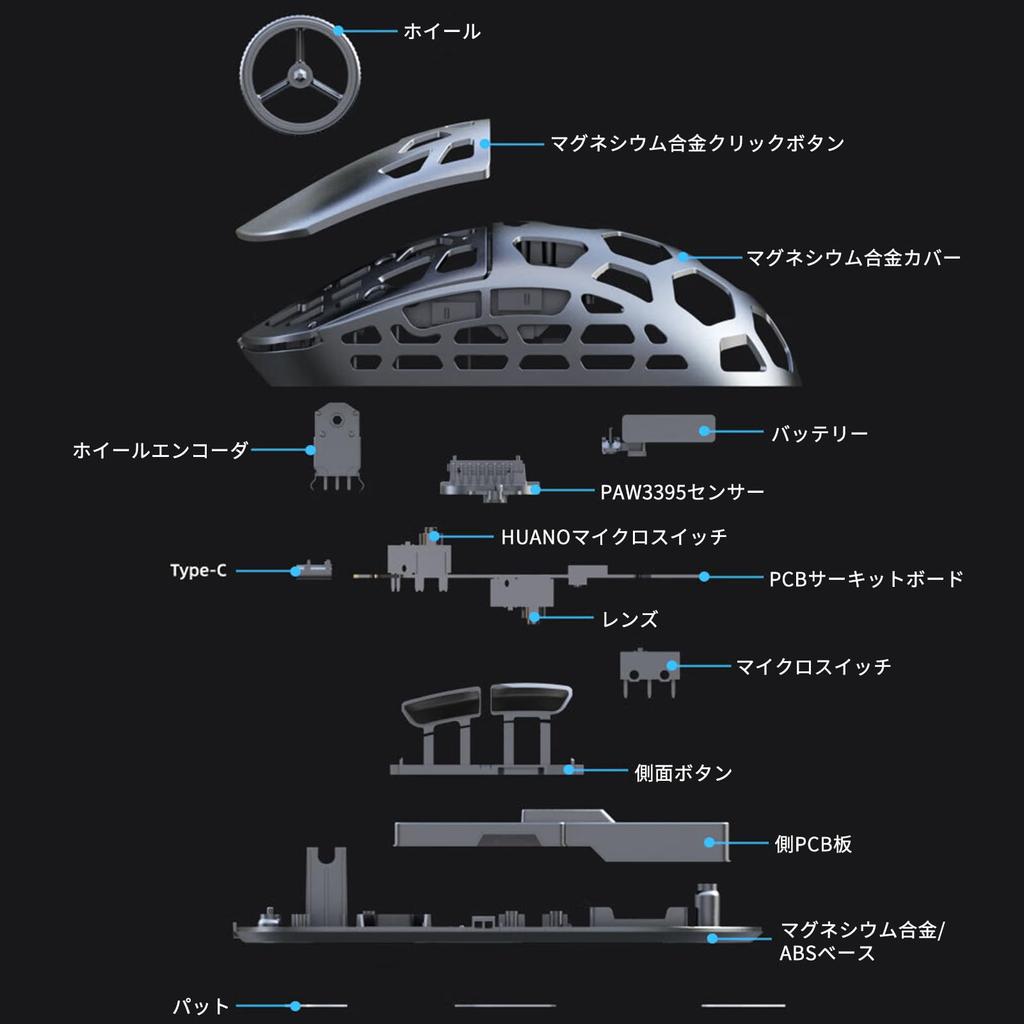
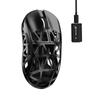
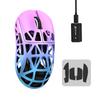
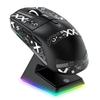
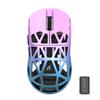
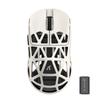
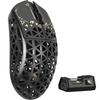
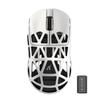
[Further advanced magnesium alloy] The L1 magnesium alloy mouse adopts lightweight molding technology, and through CNC cavity processing and deep processing, it ensures both size and weight at the same time, and the large area cavity processing ensures the high strength performance of magnesium alloy. Following extreme enhancement, mechanical grinding, polishing and passivation treatment, ensuring the corrosion resistance of the material and stability of the surface treatment, assembly and functional testing.
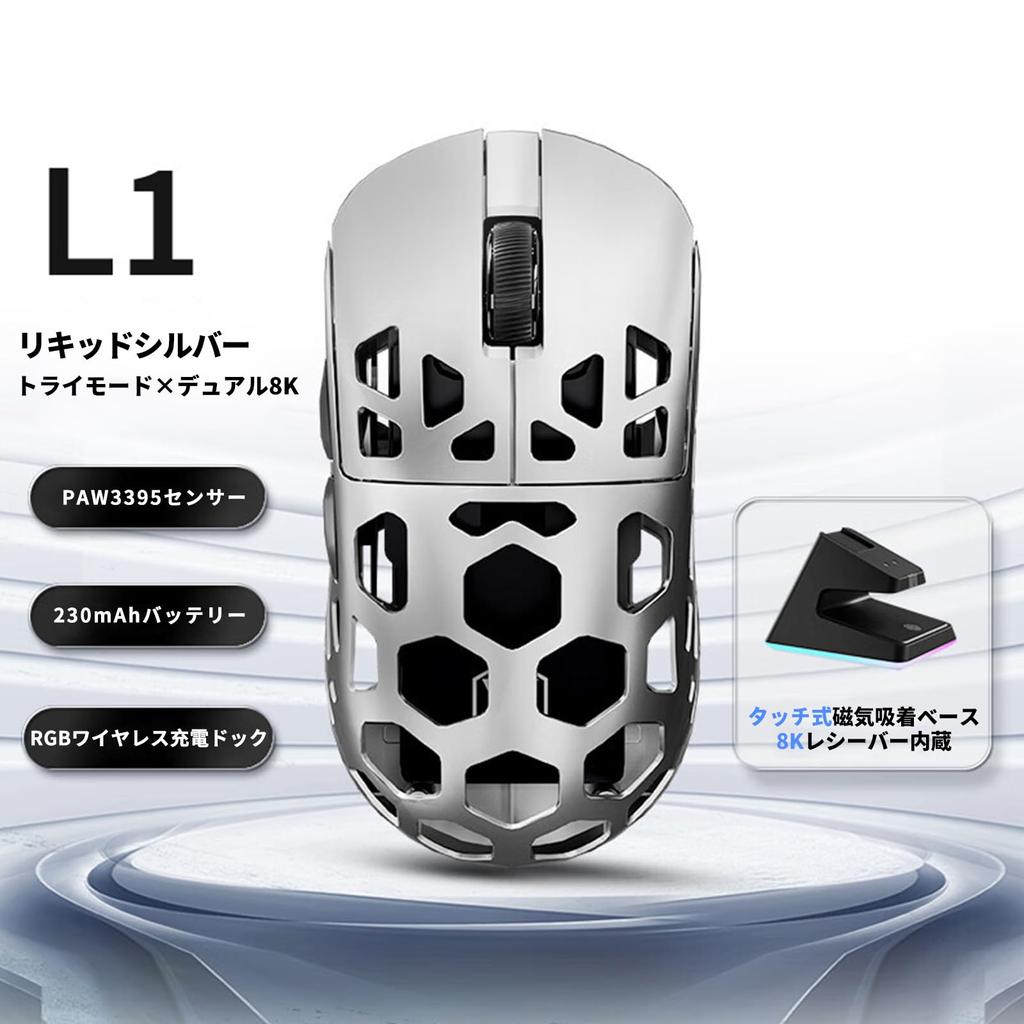
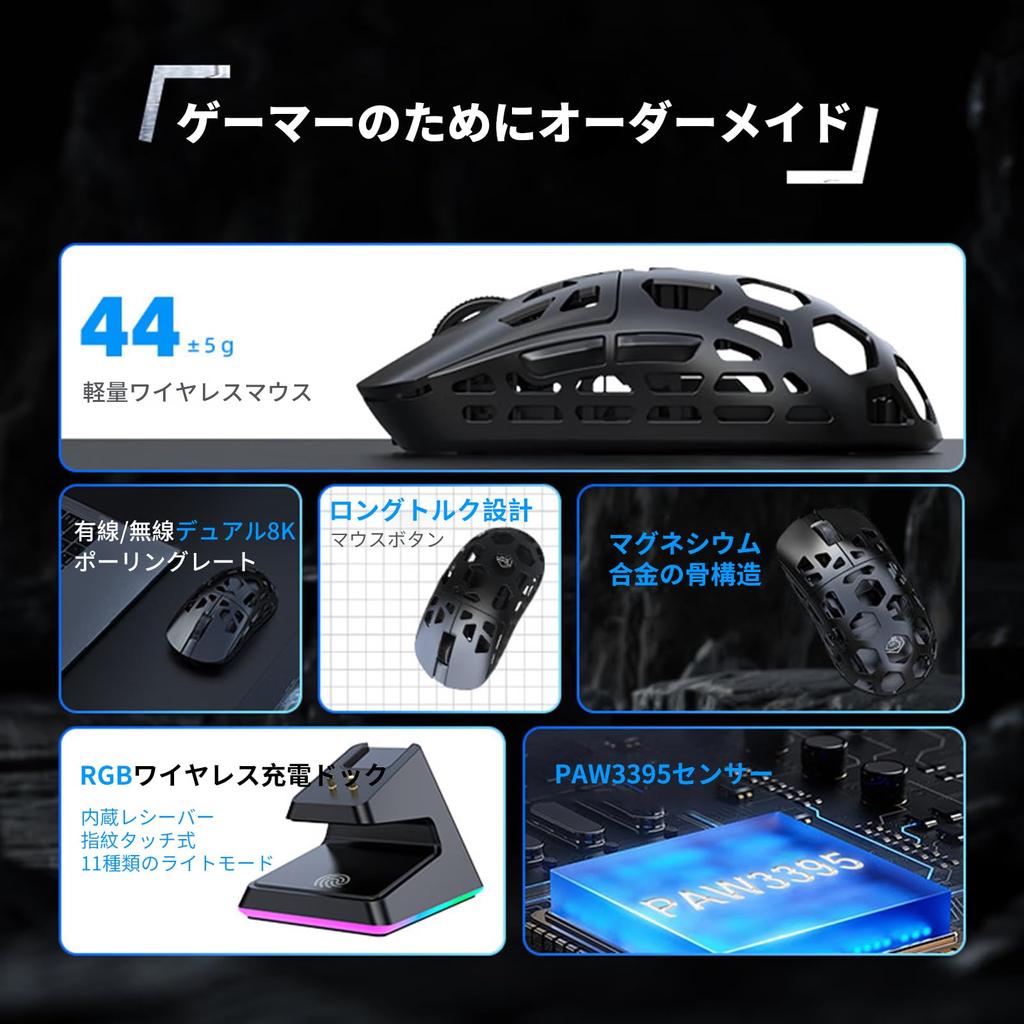
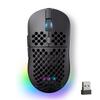
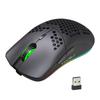
【8000hz Polling Rate】EWEADN L1 ultra-light mouse supports 3 types of connection modes: wireless 2.4GHz/Bluetooth/USB-C wired, with plug-and-play wireless and stable USB-C wired connection, more extensive Provides wireless/wired usage scenarios. L1 magnesium alloy mouse is equipped with 8K hyperspeed wireless technology. 8K's uniquely developed wireless technology provides faster transmission speed with lower latency.
[PAW3395 Sensor] Equipped with the advanced optical sensor PAW3395, which reaches 26000DPI resolution, 650IPS tracking speed, and 50G acceleration, and can capture the minute movements of the mouse with excellent accuracy. Greatly improve your efficiency whether you're at the office or playing games. L1 is equipped with fast charging technology and can be fully charged in 2-3 hours.
[Ultra-lightweight 44g] By using magnesium alloy for the skeleton frame and mouse material, the L1 mouse is extremely lightweight and incredibly durable. The weight of the L1 mouse is a whopping 44g (±5 float). It keeps the mouse light and has long battery life. L1 can last up to 30 hours in actual use.
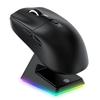
【With Magnetic Charging Base】Equipped with 230mAh, this gaming mouse will free you from frequent charging. The wireless mouse comes with a charging stand and can be charged quickly, ensuring that you won't have any trouble while gaming or working. You can also check the remaining power of the L1 mouse in real time, so you don't have to worry about it suddenly turning off while playing games or working.
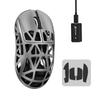
1. ① Close other mouse drivers: When using a wireless mouse, close as many other device drivers as possible. This is to avoid possible interference. ② Check other wireless receivers: Make sure that no other wireless receivers are connected. This is to avoid conflicts between drivers for different devices. 2.① If you apply excessive force to the mouse or use it on an uneven surface, the center button of the mouse may malfunction or make abnormal noises. ② When using the product, please follow the operating instructions described in the instruction manual, especially the mouse clicks and movements, and use the product in a standard manner. 3. When using a wireless mouse, please prepare the usage environment and use it in a place with little noise. Please note that radio wave disturbances may affect the stability and accuracy of your wireless mouse. 4.This product includes the following items: mouse body, data cable, mouse foot pad, non-slip pad, etc. Please note the following when using the mouse foot pad: Please stick the mouse foot pad on a clean and flat surface. child
This ensures optimal movement and sliding. Check the mouse foot pad regularly for wear and replace if necessary. This keeps the mouse running smoothly.