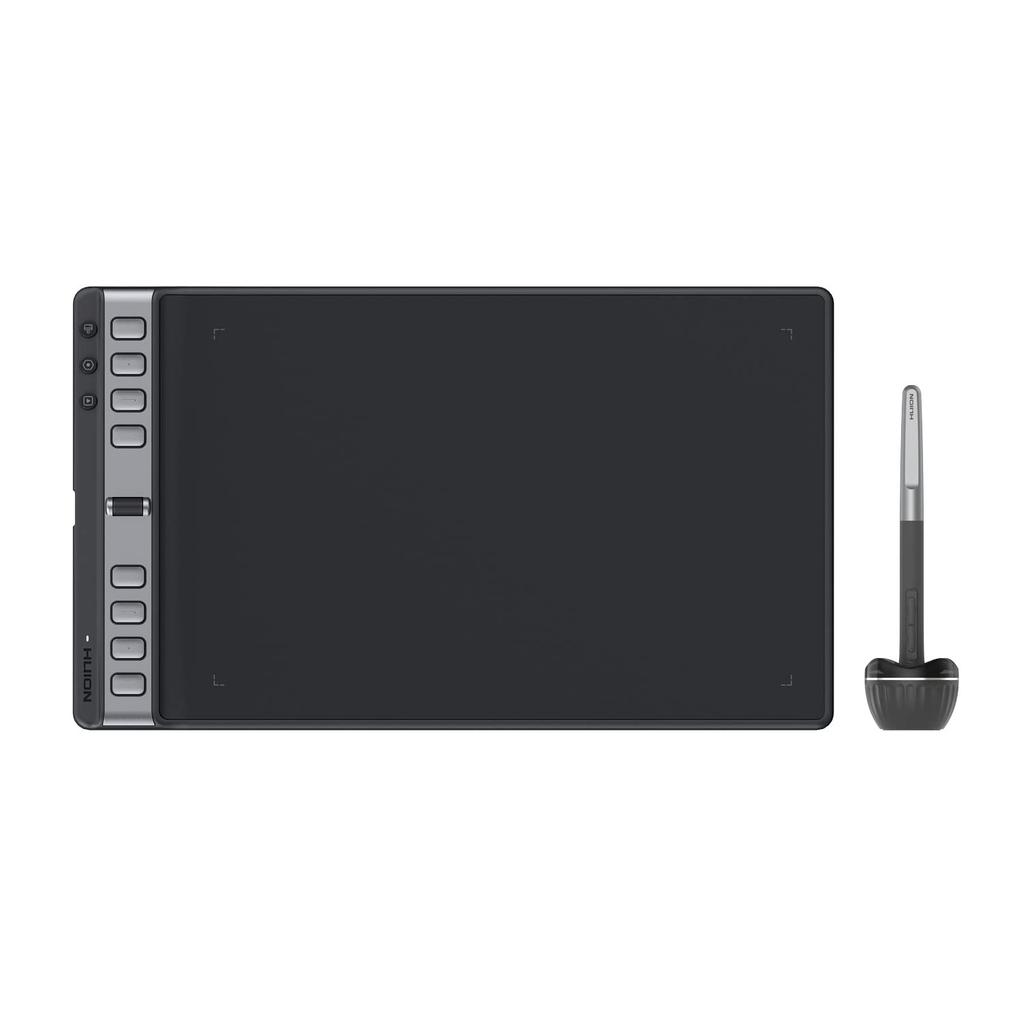
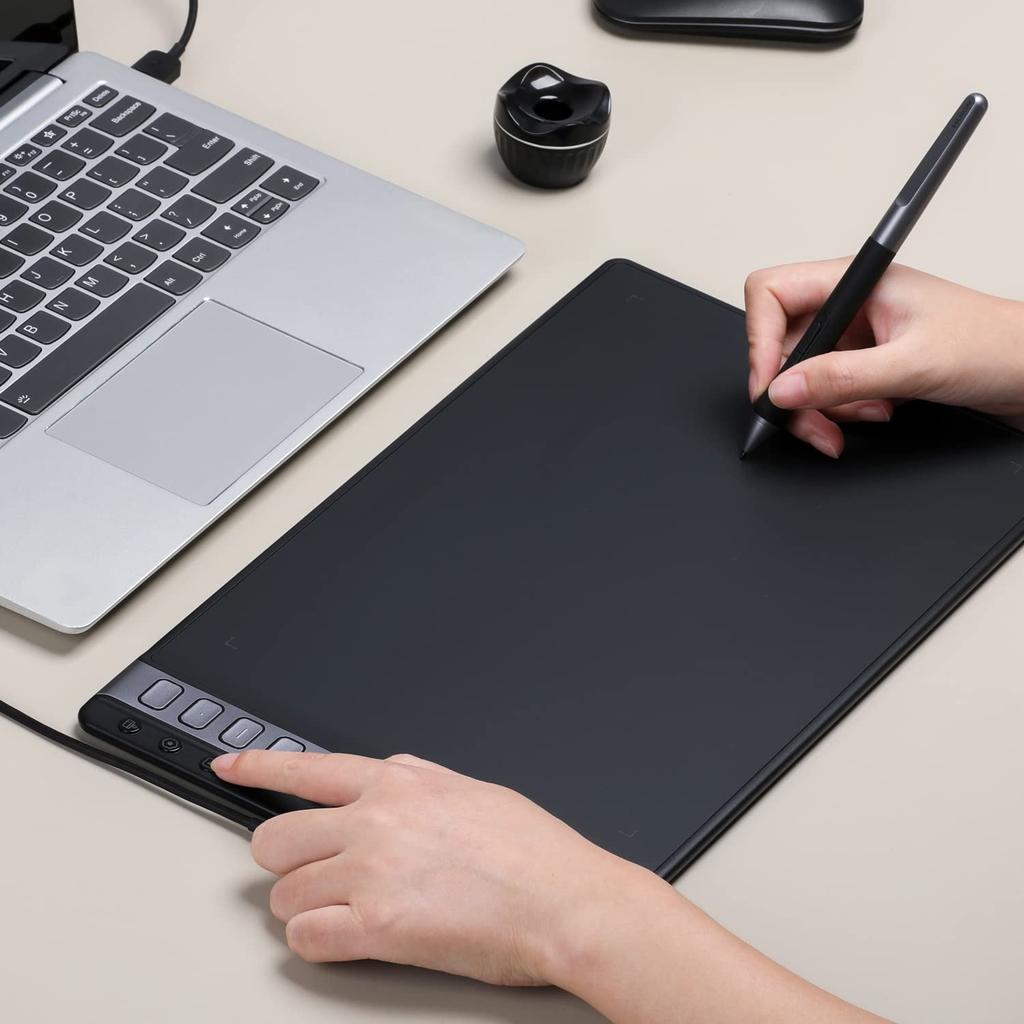
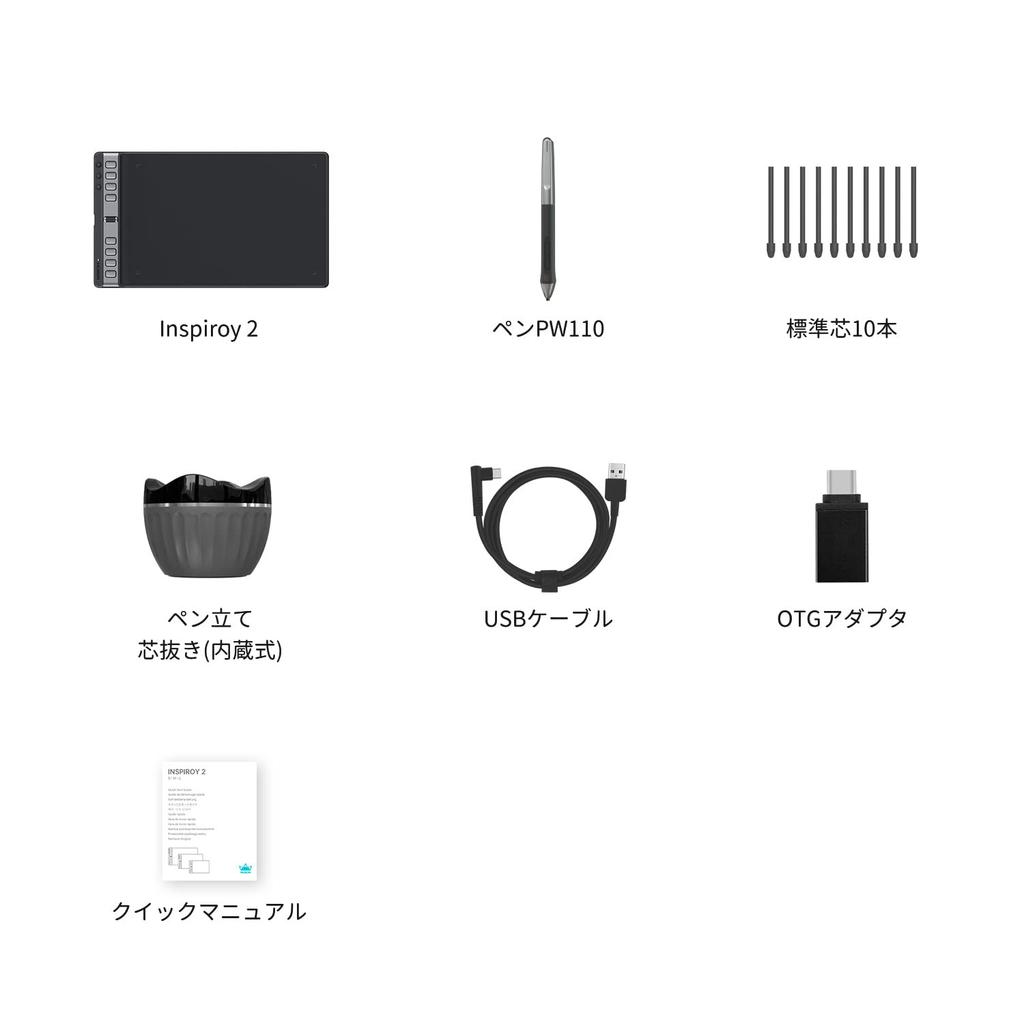
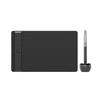
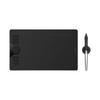
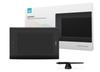
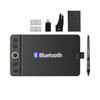
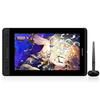
Product Specifications: Size: 352.5 x 208.7 x 7.5-9.5mm; Reading Area: 266.7 x 166.7mm (10.5 x 6.56 inches); Smartphone Working Area: 166.7 x 83.35mm (18:9); Weight: 600g. For detailed product instructions, please visit the official website. You can switch from English to Japanese (by scrolling to the bottom) to obtain the driver and manual.
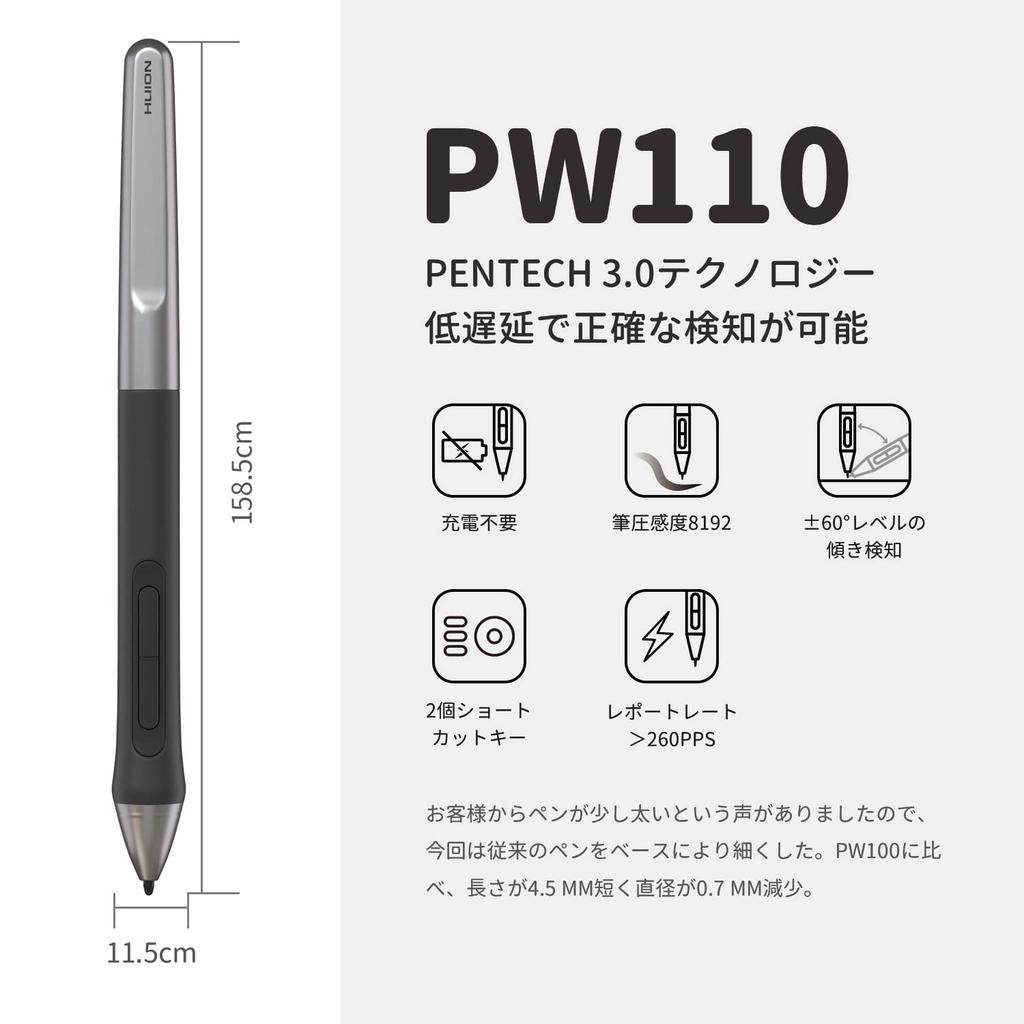
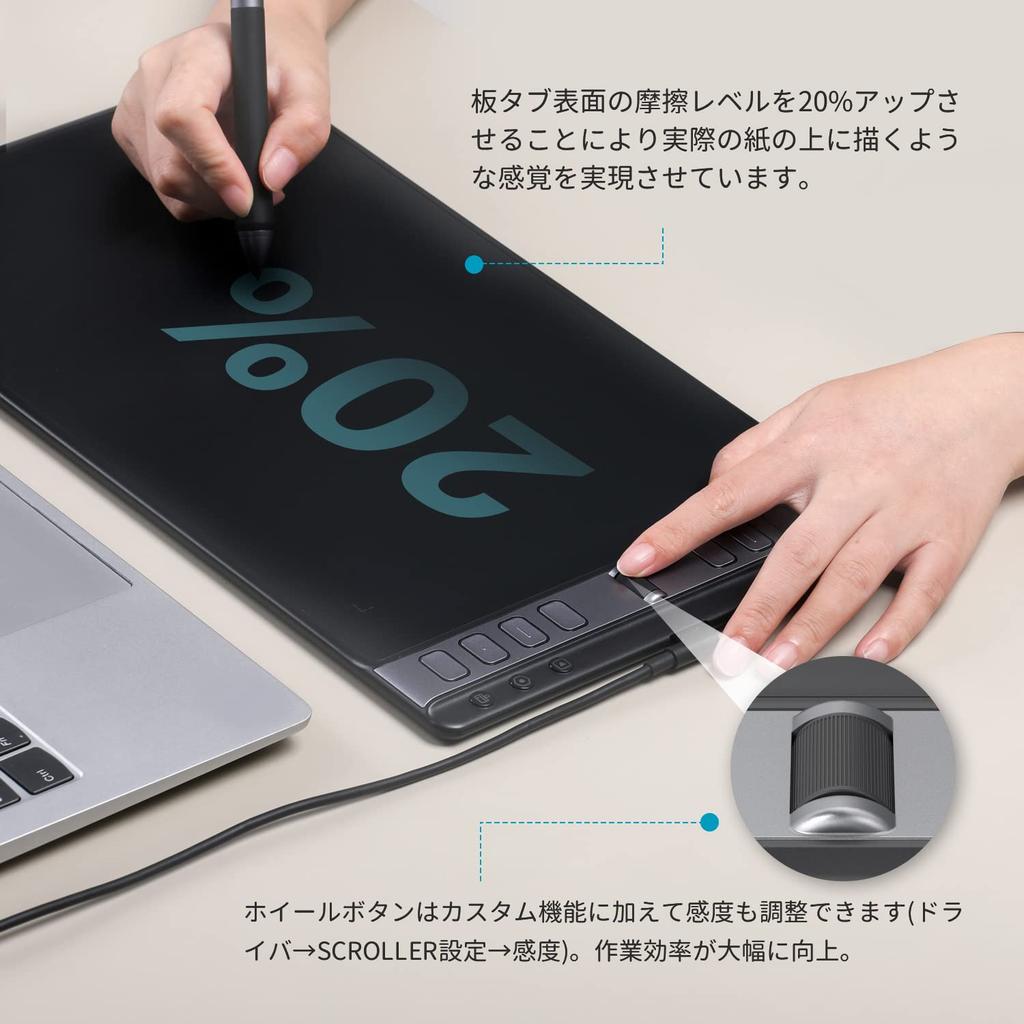
[Completely Upgraded Pen PW110] No charging required, 8192° pressure sensitivity, ±60° tilt detection, two physical shortcut keys, and a report rate of >260 PPS. In response to customer feedback that the pen was a little too thick, we have released the new PW110, a thinner version of our previous pen. The silicone handgrip has been extended, and the shortcut keys and pen body are essentially on the same horizontal plane, making it easier to grip and reducing the effort required when drawing. Compared to the PW100, it is 4.5 mm shorter in length and 0.7 mm thinner in diameter. The pen holder has also been completely redesigned, with four pen slots, allowing the pen to be placed in two different orientations, and an anti-slip pad added to the bottom of the pen holder for improved stability. The friction level on the tablet surface has been increased by 20%, providing a more realistic feel than drawing on real paper.
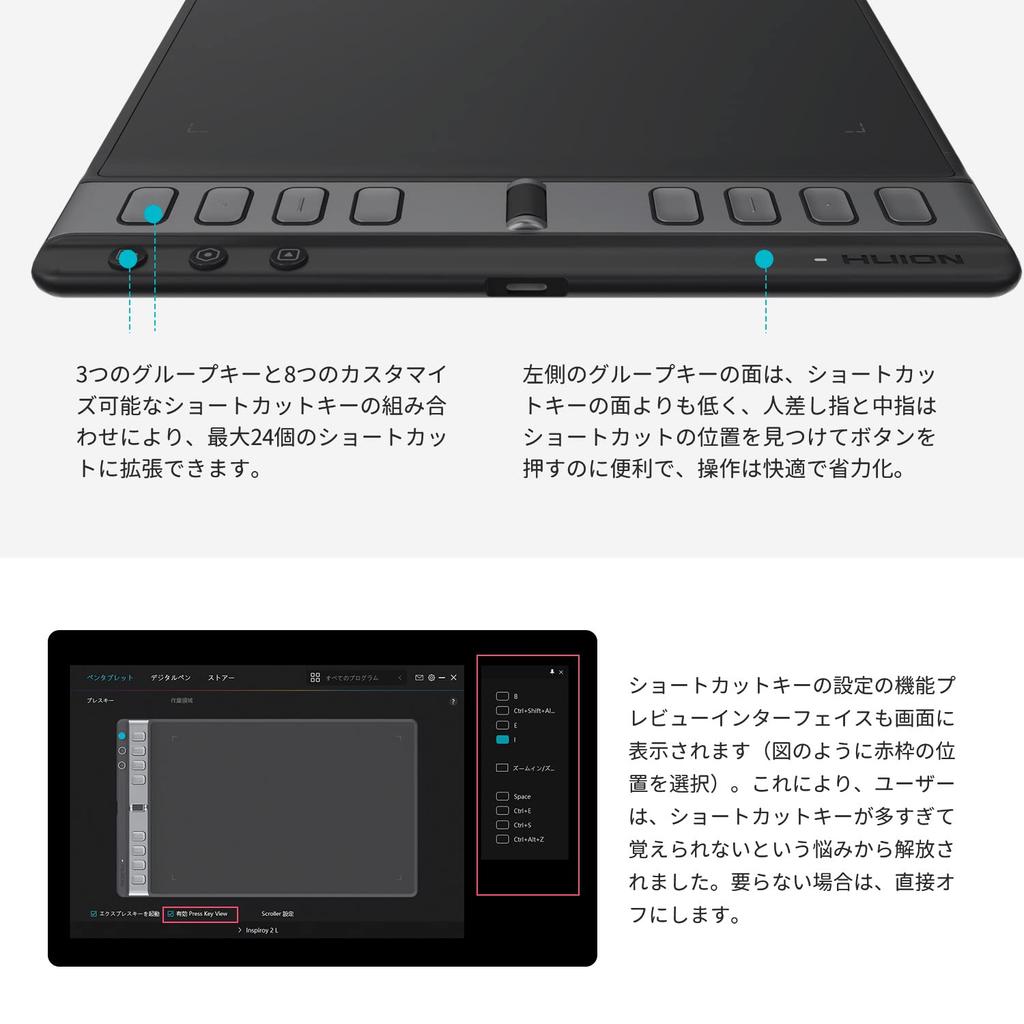
[Configurable up to 24 shortcut keys and one wheel button] The combination of three group keys and eight customizable shortcut keys allows for up to 24 shortcuts. Not only does the current group key indicator light up, but a function preview interface for the current key setting also appears on the screen the moment you press a shortcut key. This eliminates the need to remember too many shortcut keys. If the preview screen interferes with drawing, you can turn it off directly. In addition to customizing the wheel button's functions, you can also adjust its sensitivity (Driver → Scroller Settings → Sensitivity), greatly improving work efficiency. The surface of the left group key is lower than the surface of the shortcut keys, making it easier for your index and middle fingers to find and press the shortcuts, resulting in comfortable and effortless operation.
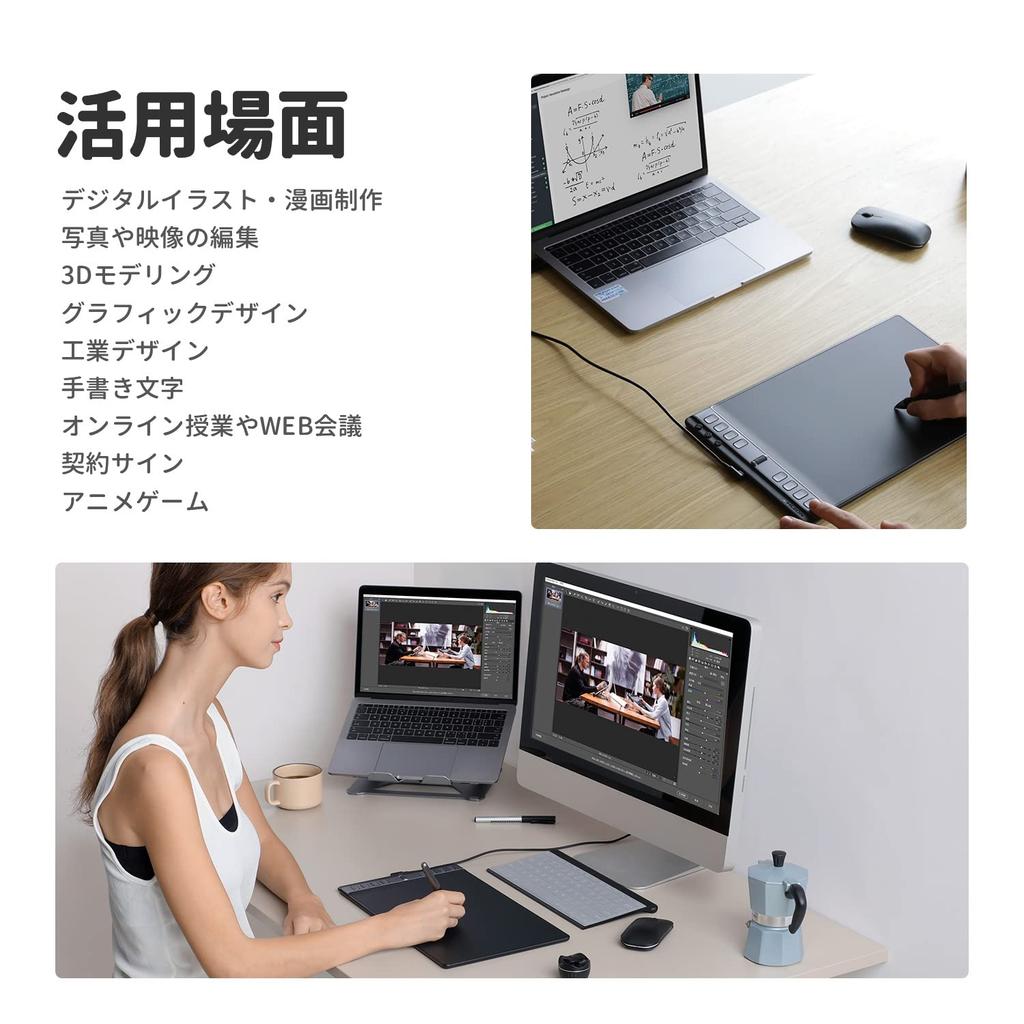
[Usage Scenarios] It is used in a variety of situations, including digital illustration and manga production, photo and video editing, 3D modeling, graphic design, industrial design, handwritten lettering, online classes and web conferences, contract signing, and anime games.
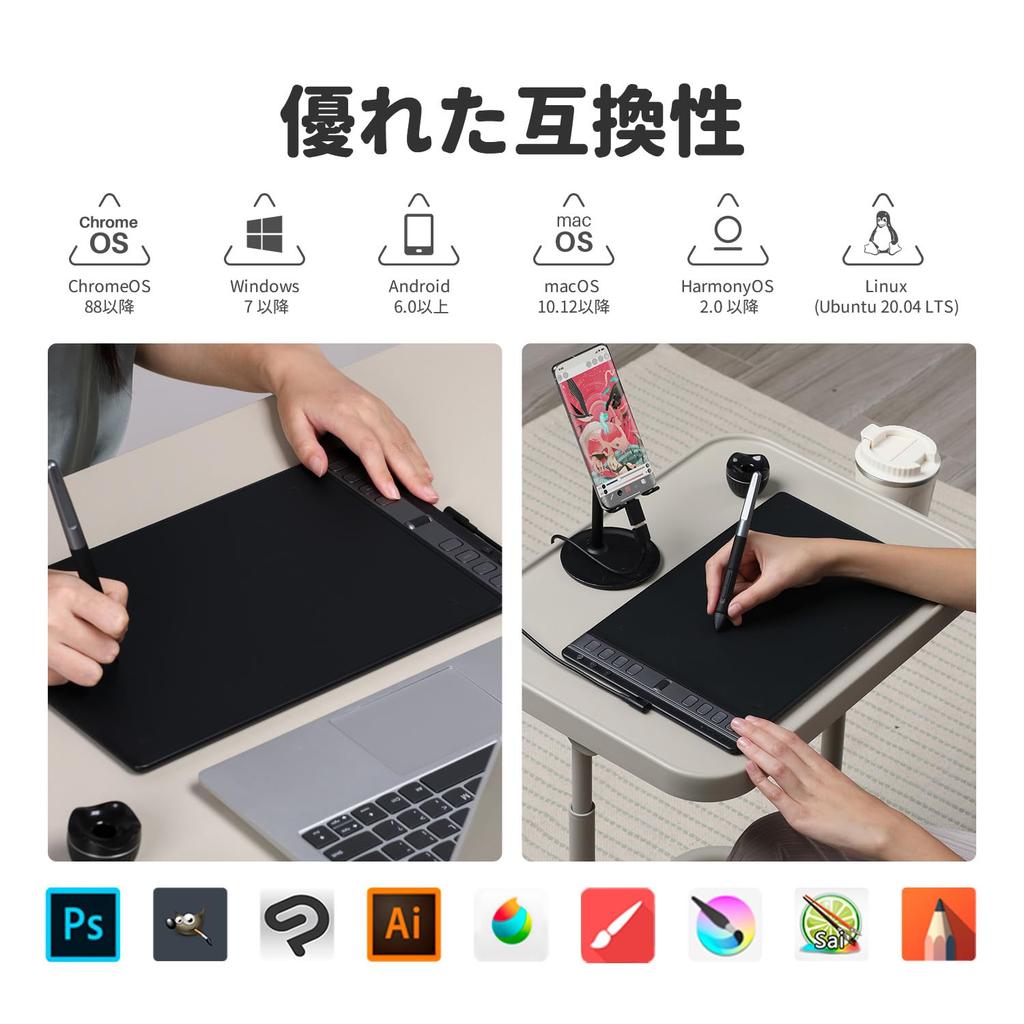
[Excellent Compatibility & Warranty] Compatible with Android 6.0 and later, Windows 7 and later, macOS 10.12 and later, ChromeOS 8.8 and later, HarmonyOS 2.0 and later, and Linux (Ubuntu 20.04 LTS). Compatible with a variety of painting software, including Clip Studio Paint, MediBang Paint Pro, ibis Paint, Adobe Photoshop, Sai, Krita, Blender, Adobe Illustrator, Zoom, GIMP, Cinema 4D, Live 2D Cubism, 3D MAX, and InDesign. Your product comes with a two-year warranty from the date of purchase. Please contact us via our official website or via Amazon message. We also offer email and phone support, so please feel free to contact us at any time. Contacting us may result in a quicker resolution.
Drawing tablet